
I thought that maybe the reason the game couldn’t handle the number of dots on screen is because of the code in the dots but I’ve removed all the code from the dots and even when they are not moving. a large number of dots on screen causes major slowdown. next step will probably be to use an optimized image like the rest of the game does but it’s a freaking dot. to draw your creation hold down r1 and the right analog stick. press square and let go. for some reason it takes a second or so to register the command. the room is set to 5 fps but the hand used for the mouse moves quick. to move your creation. hold r1 and the left analog stick to move an onscreen dot. then press square. your creation will unravel as it moves toward the dot and finally come back into shape. the game can not handle more than around 40 dots so short stick men are about all you can draw if you want to play the movie sequences. however, you can always get them to continue by moving the onscreen dot off the screen that will delete your creation and allow you to recreate it again. I really should put a youtube video of it up but I am tired.
9 years ago
single player gamepad drawing mode
Next up
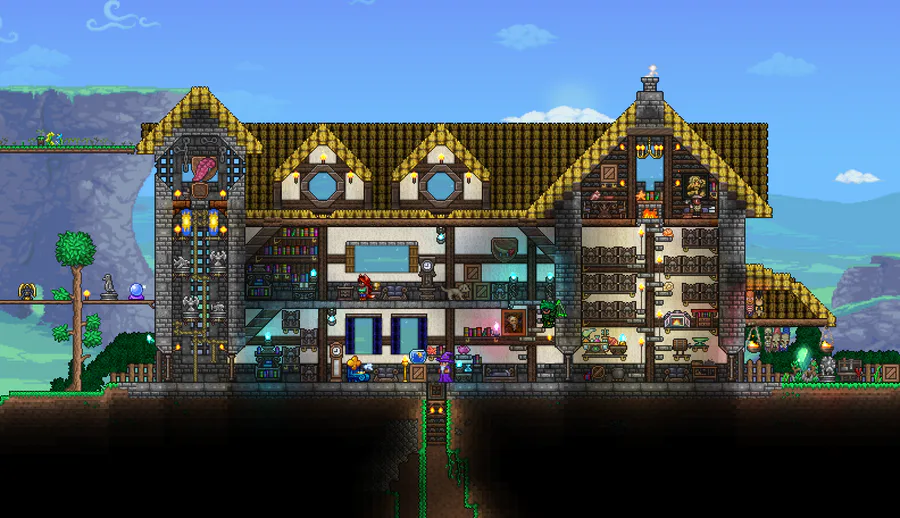
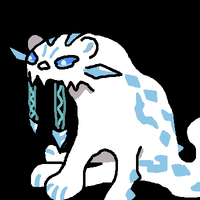
Another house i made long time ago.
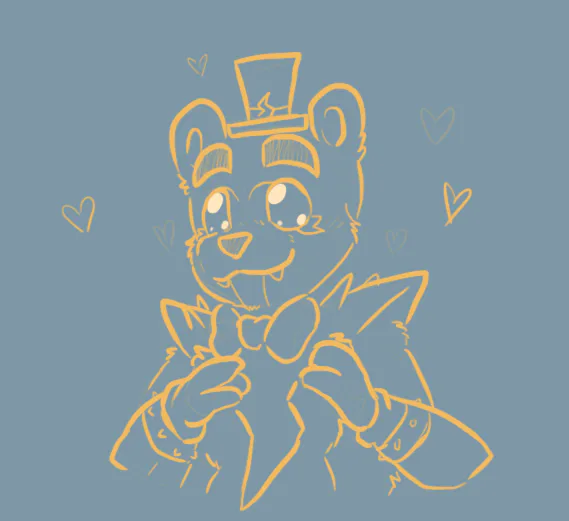
Have a good Boi
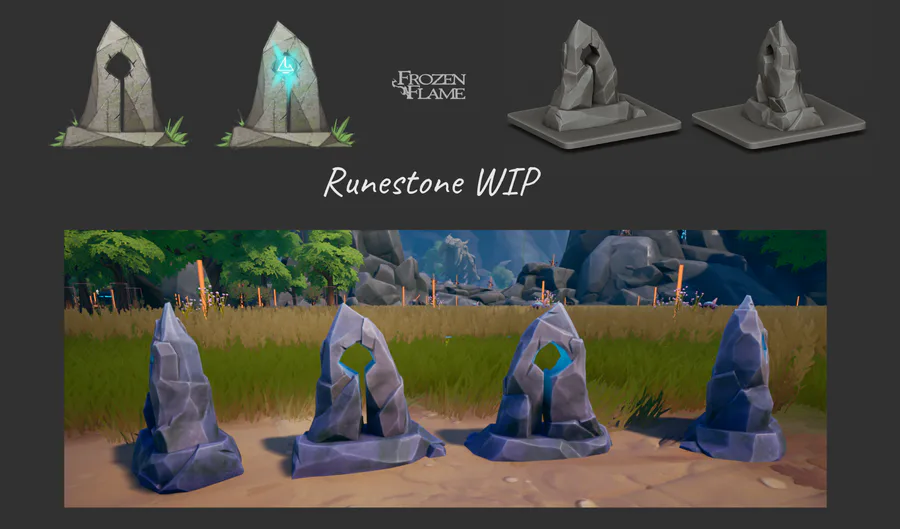

Runestones: from concept to in-game model🗿
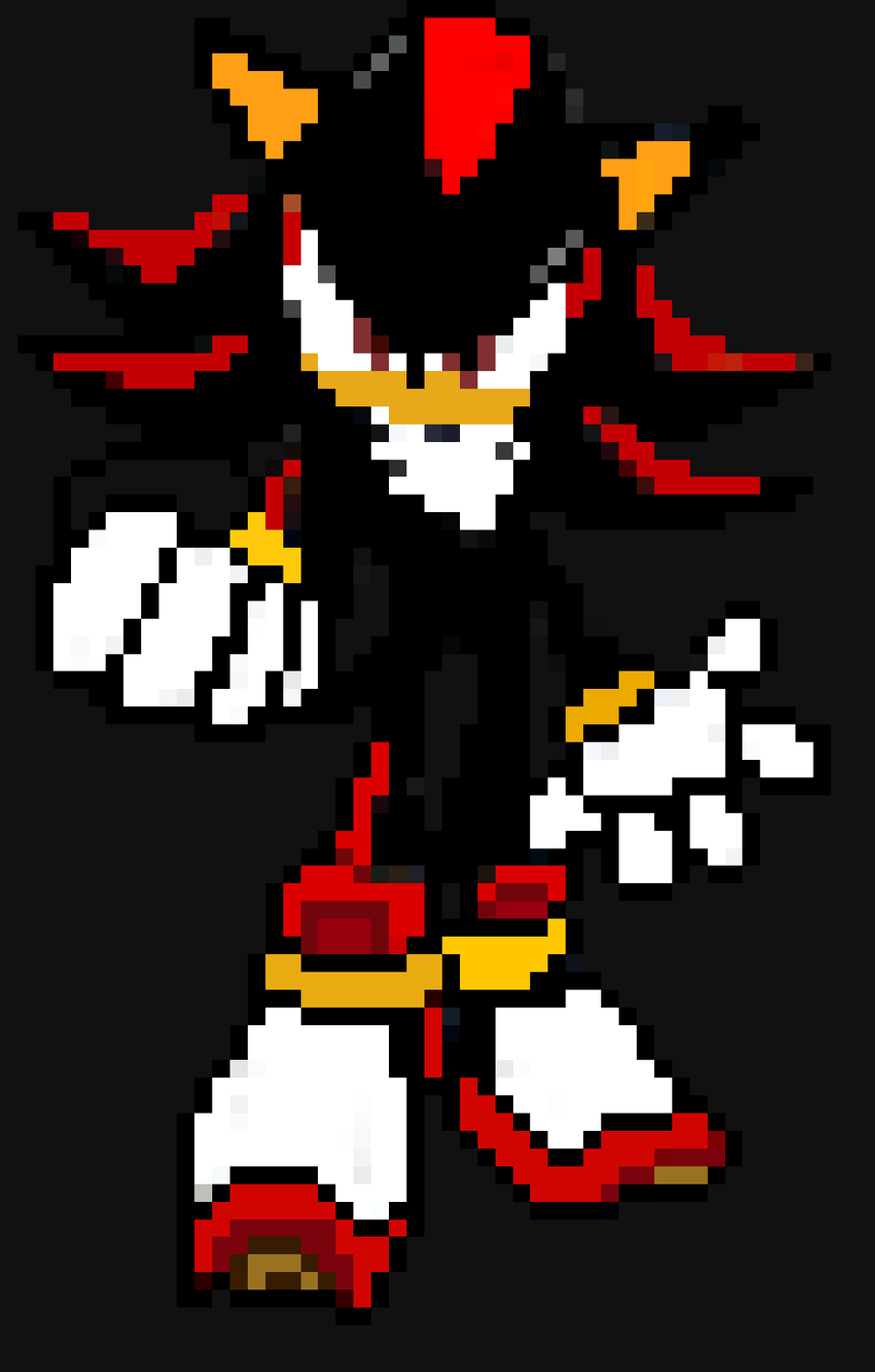
Shadow The Hedgehog X pixel art
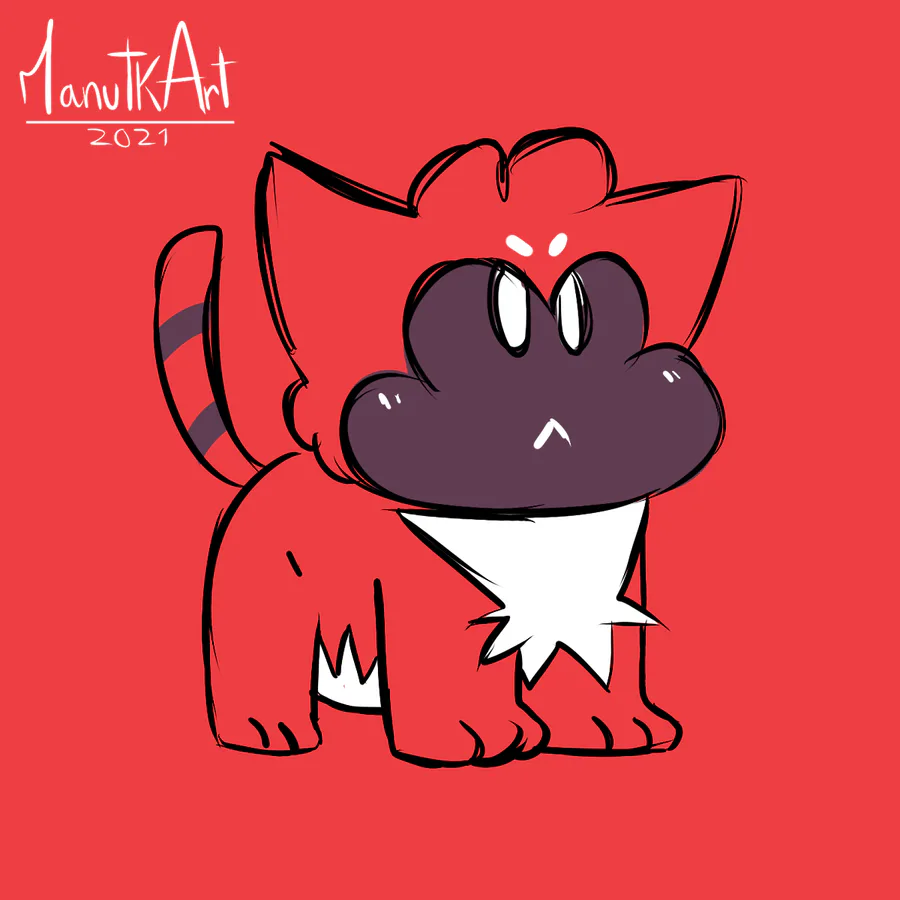
I was bored, so... ManutKat.
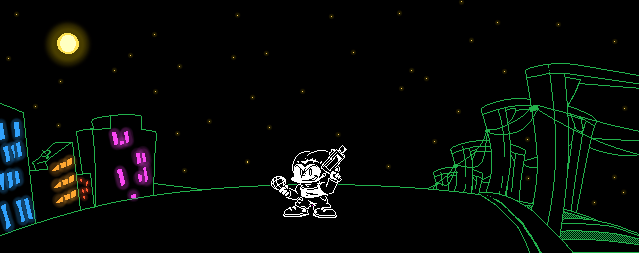
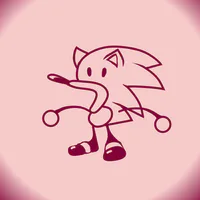
Just a Pico sprite
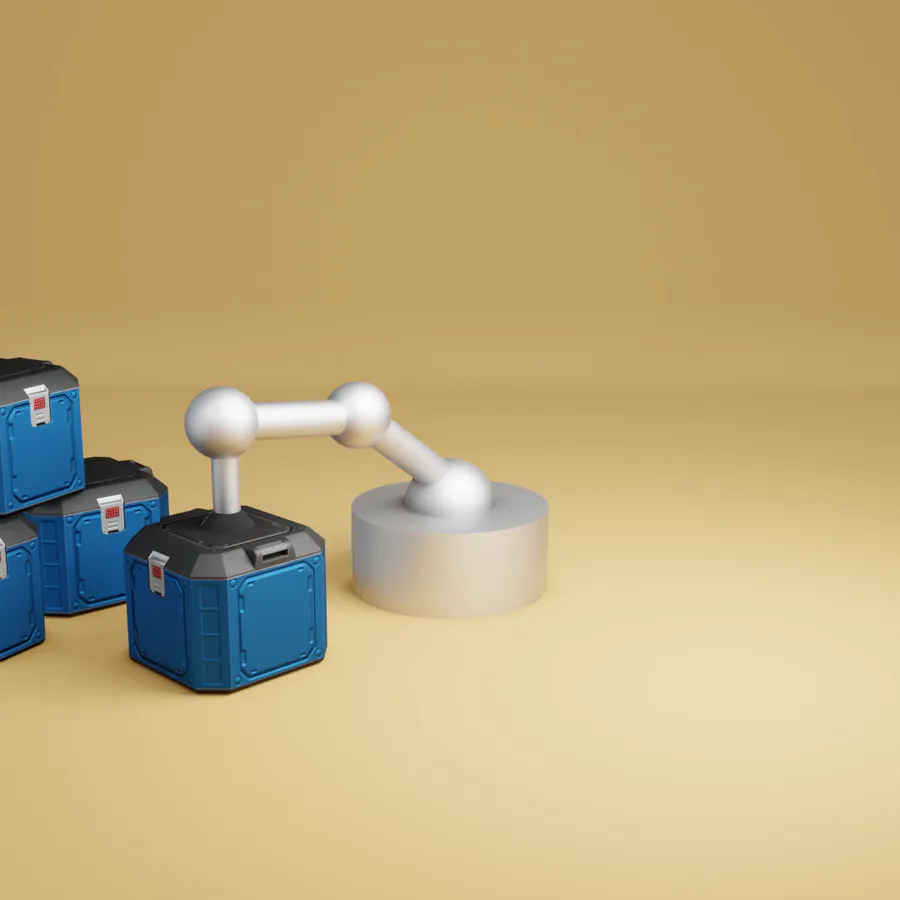
Sometimes the suction cup get sticky. Small animation I made in Blender after doing my tutorial on picking up/dropping objects in animations. Crate model by jQueary (https://sketchfab.com/3d-models/game-ready-sci-fi-crate-d98deca6…).
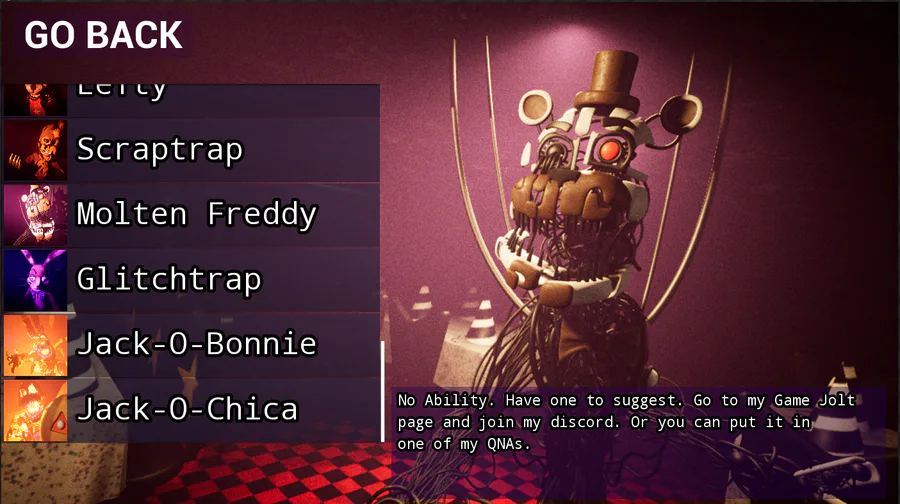
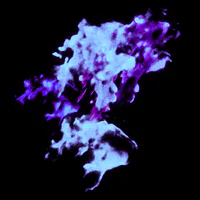
What you all think
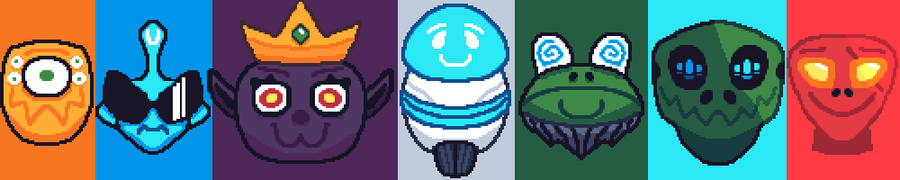

The whole squad is here!
Interested? Follow me!
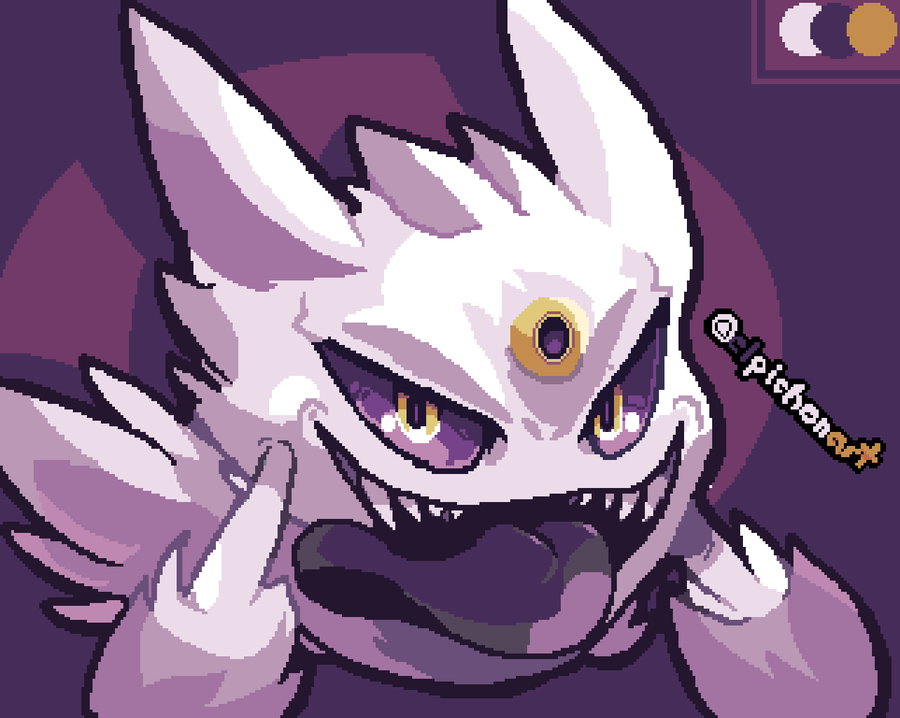

A Shiny Mega Gengar 🌟 For @ManutkArt 
 's #ThreeColorsChallenge!
0 comments