Next up
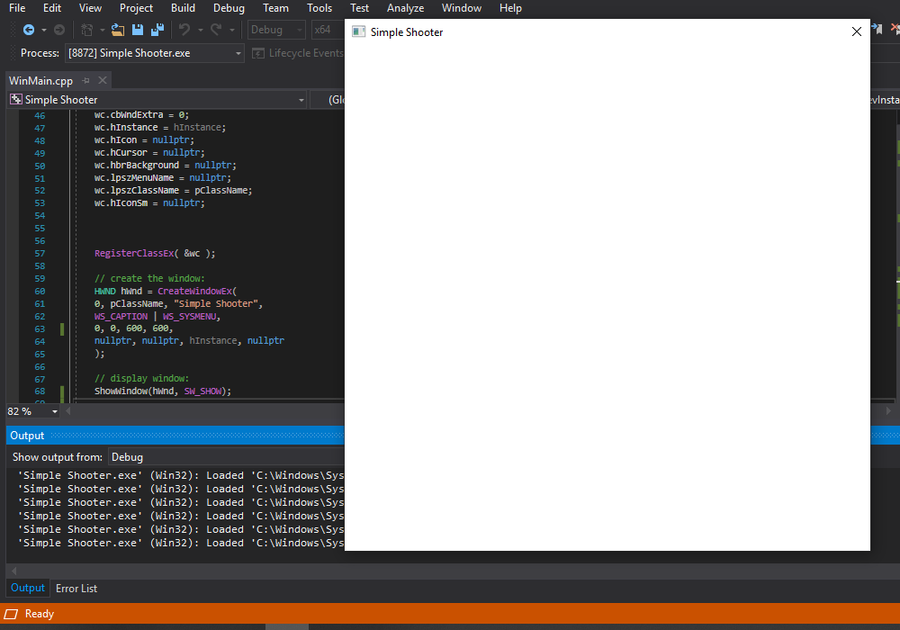
So I managed to get a window running... Aaand now I'll need to get the actual game working.
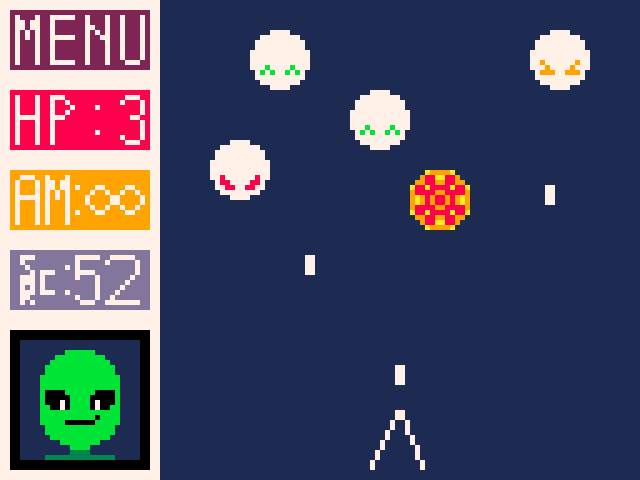
This is a very very rough draft of how I envision SimpleShooter to look like. The colours and sprites will definitely change in the future though. The main idea behind this is, the screen will be split into 2, the actual shooter window and a UI window.
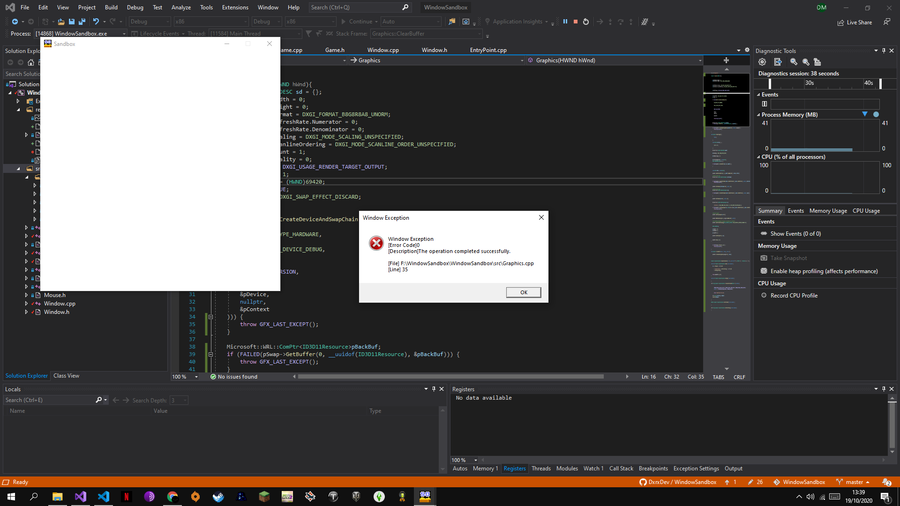
Hate it when my program works successfully >:(
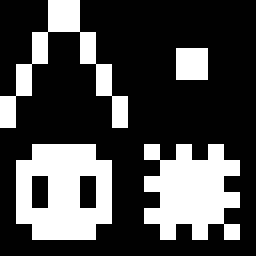
So far you can only move left and right and shoot, but obviously there is going to be more to do in the game as time passes. I attached all the sprites that the game uses plus some enemy ones.
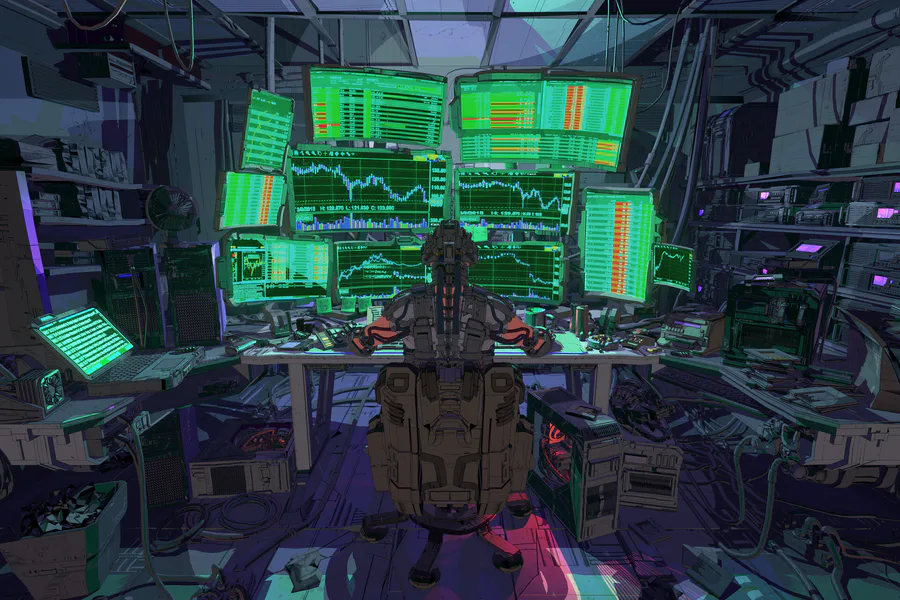
Check out this scifi scene by Jason Kwak!
https://www.artstation.com/artwork/681R05
#3dart #npbr #scifi #cyberpunk #environment #office #computers
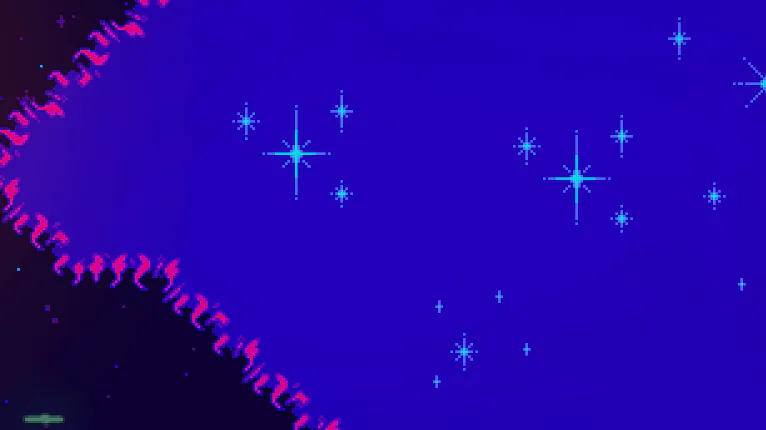

Update 2.627
New challenges & new effects!
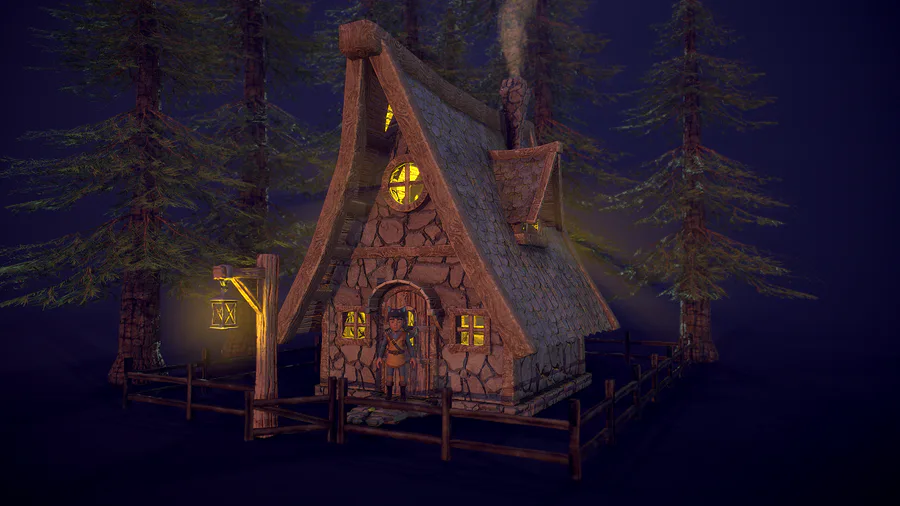
Hi everyone! I started to create some environment props for my new video game, here is a cozy house in the forest. I'm planning to switch from Unity to Unreal... Let's see what new challenges I have to face. Made in Blender and Substance Painter.
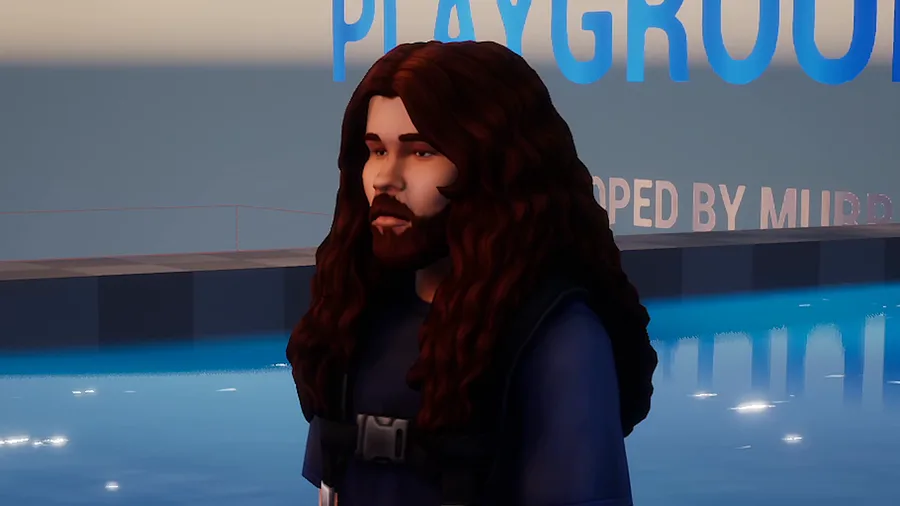
it happens
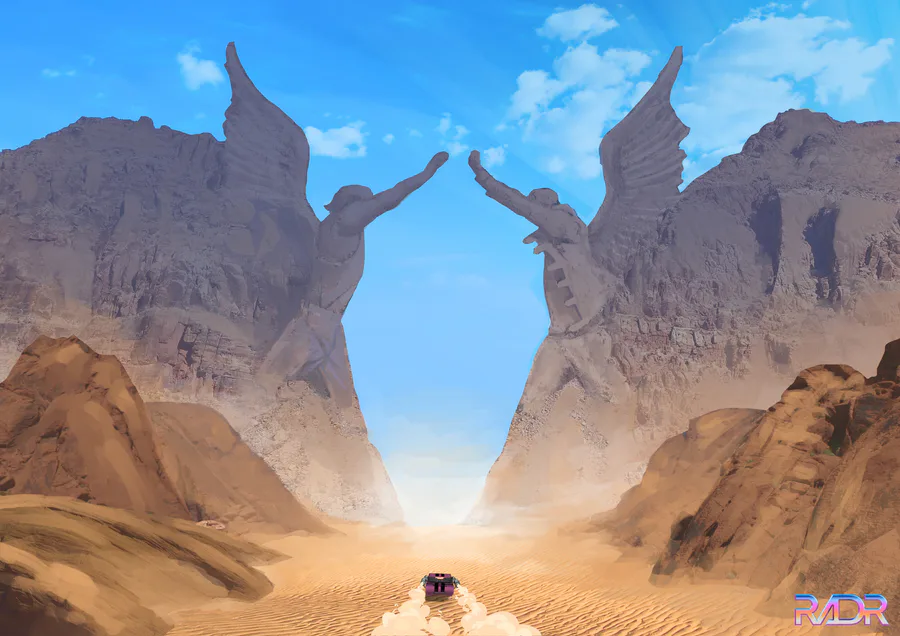

Only true badasses may pass! #conceptart #art #gamedesign

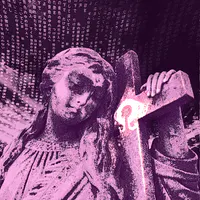
blender animation experimentation, getting the hang of things fast. arms, rig, & gun models by me ofc
0 comments