




Next up
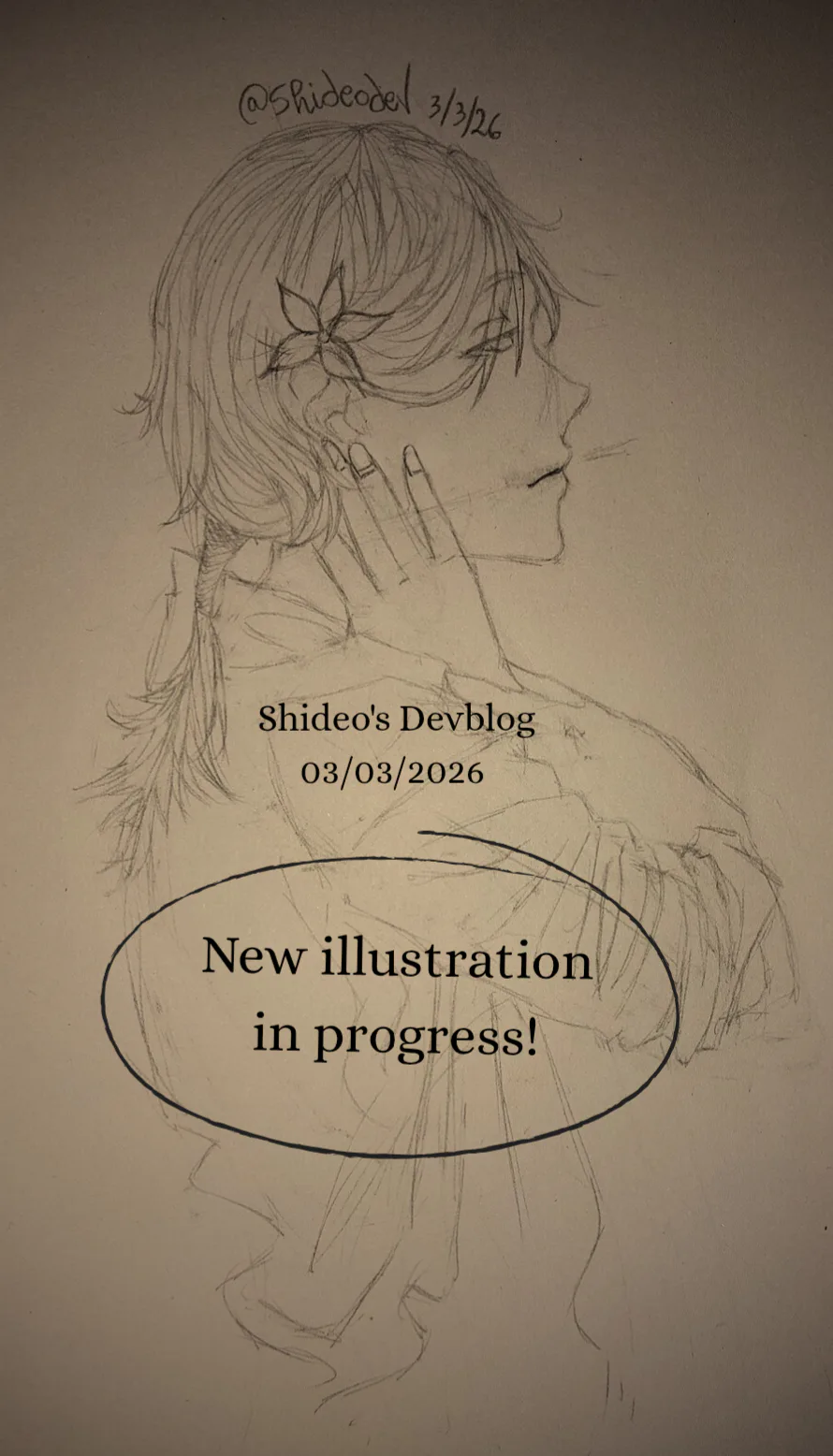

 Hello! Today I was hit by my fantasy (in the head with a baseball bat) and instead of telling myself that "no I can't" I told myself that "yes I can do it."
So I'm making an ILLUSTRATION about San! You know him, yes. The one with the flower.
Stay tuned.
 Hello!
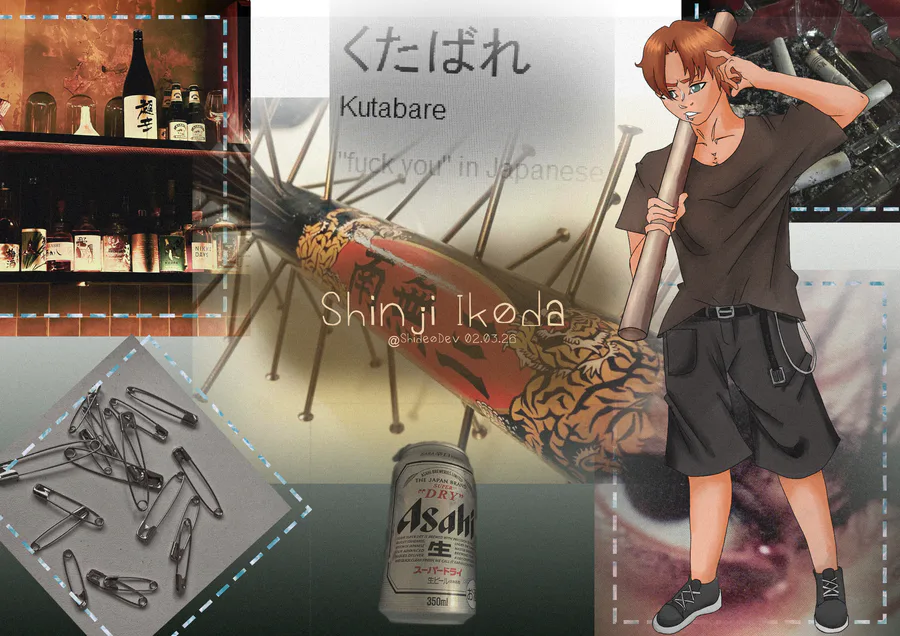
Time's up, so I'll tell you who he is, instead!
He's Shinji, oh my! The angry one!
But don't get fooled... he's a real hero. He just doesn't know it yet.
He's saying "Are you out of your mind? You can't win against me! I have a pipe!"
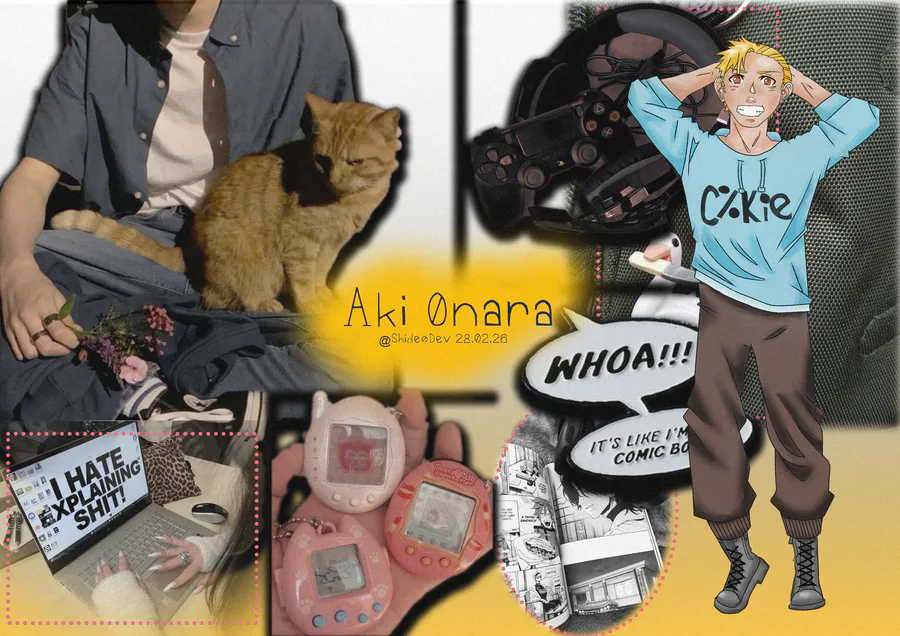
Hi!
Today I finished  Aki's moodboard!
What vibes does he give to you? You can tell me in the comments!
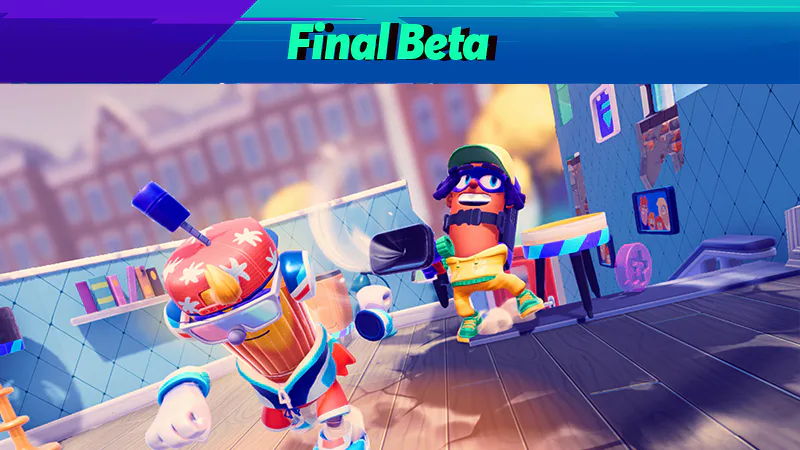

Play @pm-studios  ' Bandit Trap Open Beta!
Grab your rocket chairs, vacuums, and toilet tornadoes! Report one more time for our final beta! Live through March 23rd 6 am CET.
Complete quests based on the game!
Play the beta: https://bit.ly/BanditTrapBeta
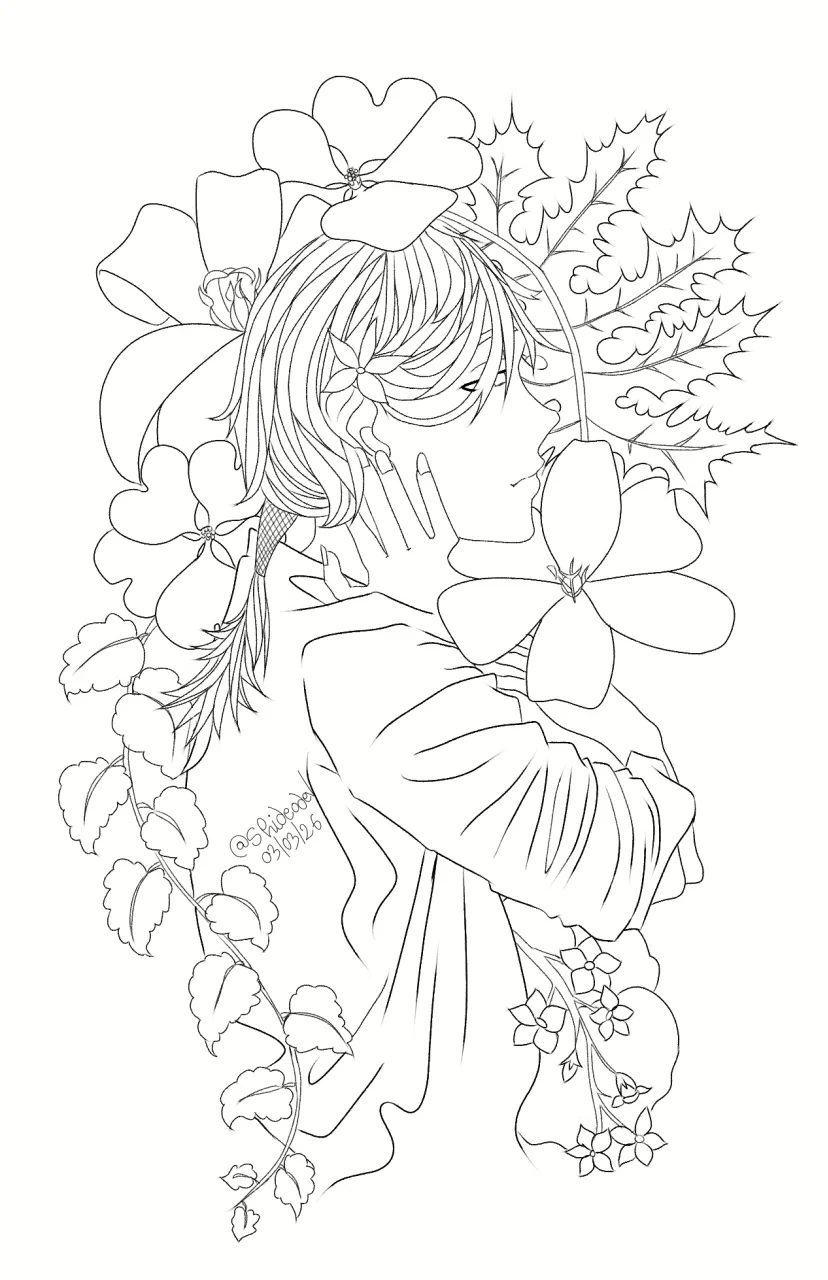
Hello!
Some progresses on the illustration I was talking about five hours ago.
What do you think? I was making it digital when I decided to make a timelapse.
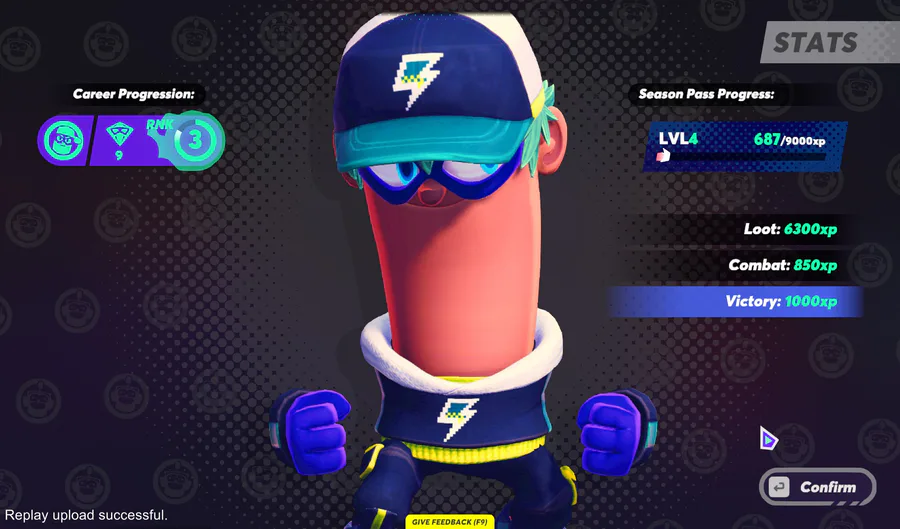
BIG NEWS: Your Bandit can wear a Game Jolt hat and shirt in Bandit Trap!
Defend your home or steal treasure in the open beta: https://bit.ly/BanditTrapBeta
It ends on March 23rd at 6 am CET!
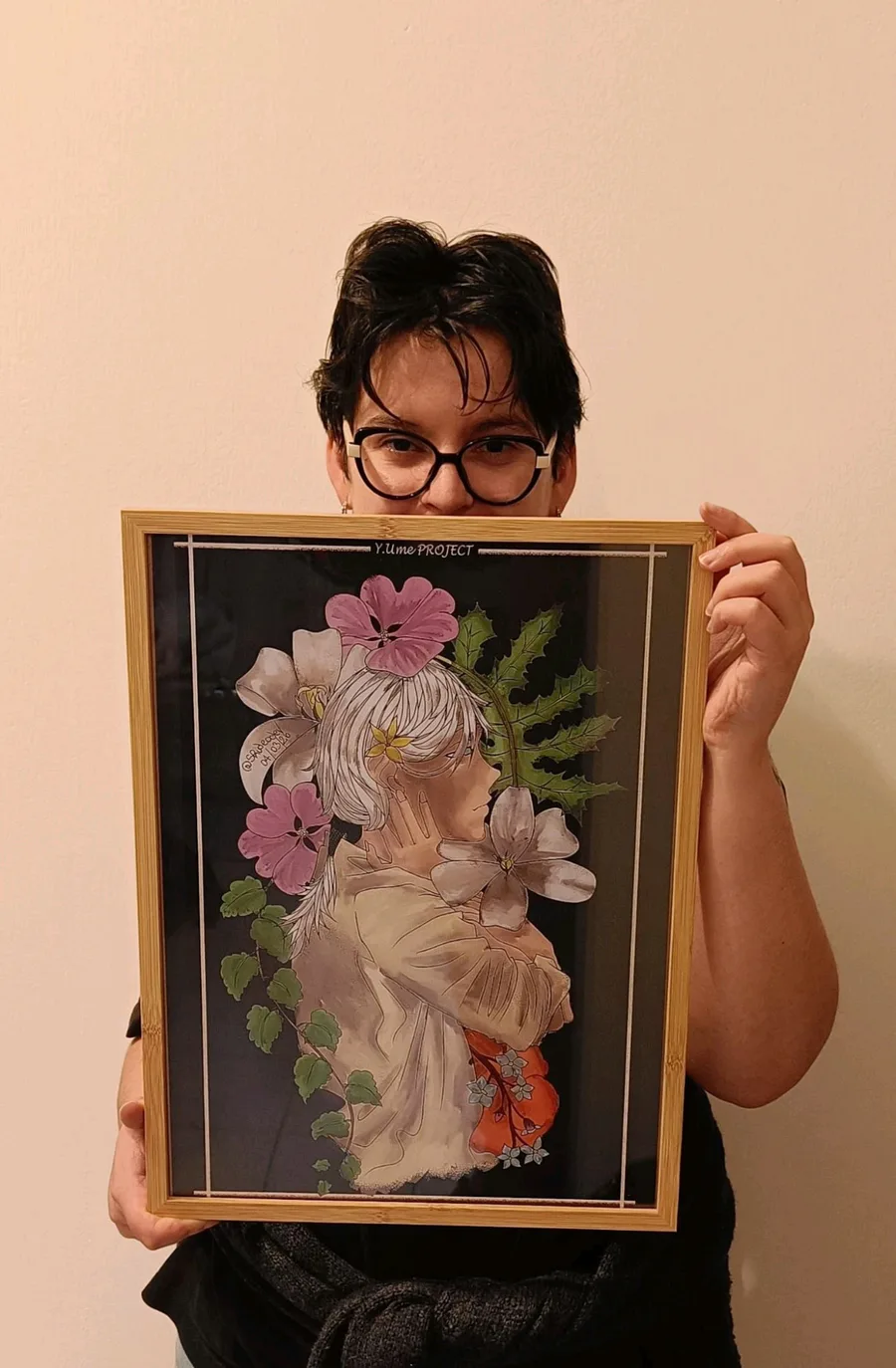
Someone I know asked me to print the illustration and hang it in their house!
I'm so happy 
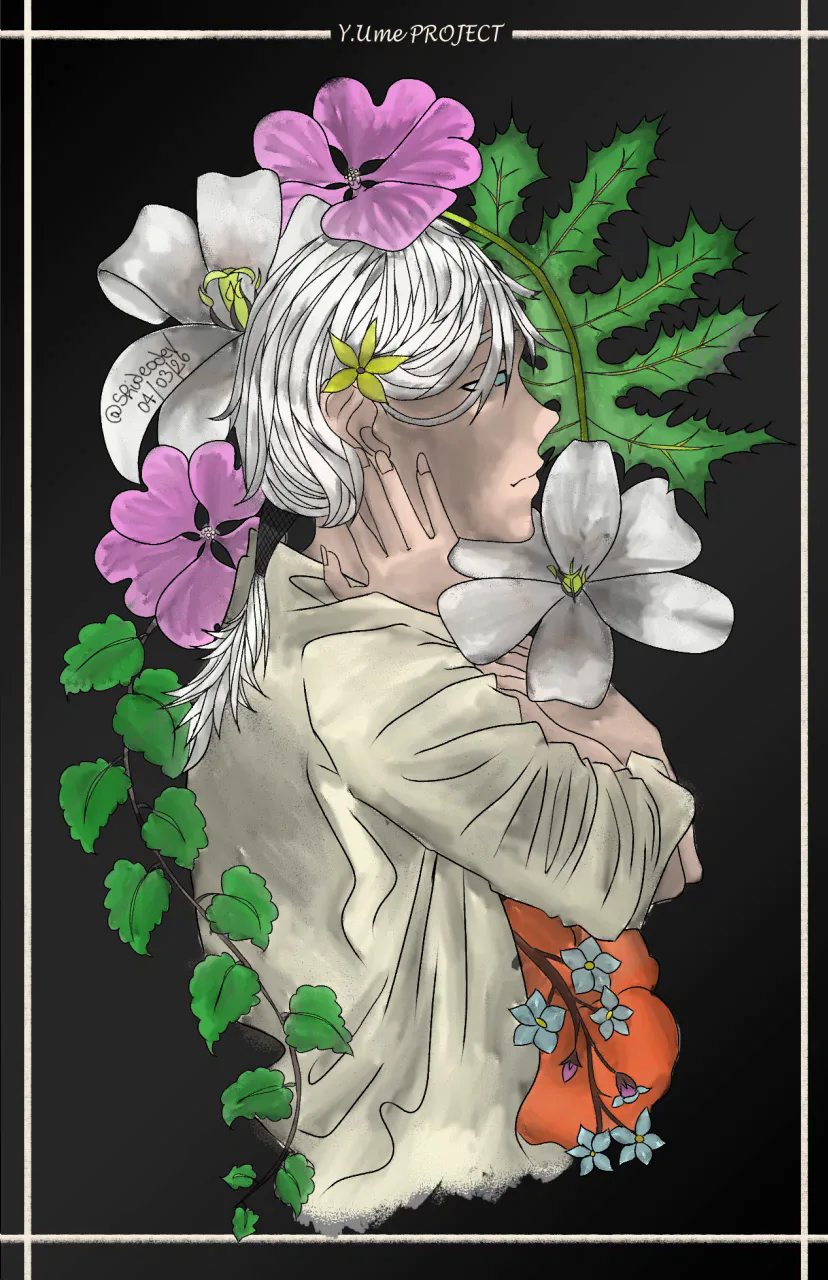
Hi! Finally finished with San's illustration! What do you think?
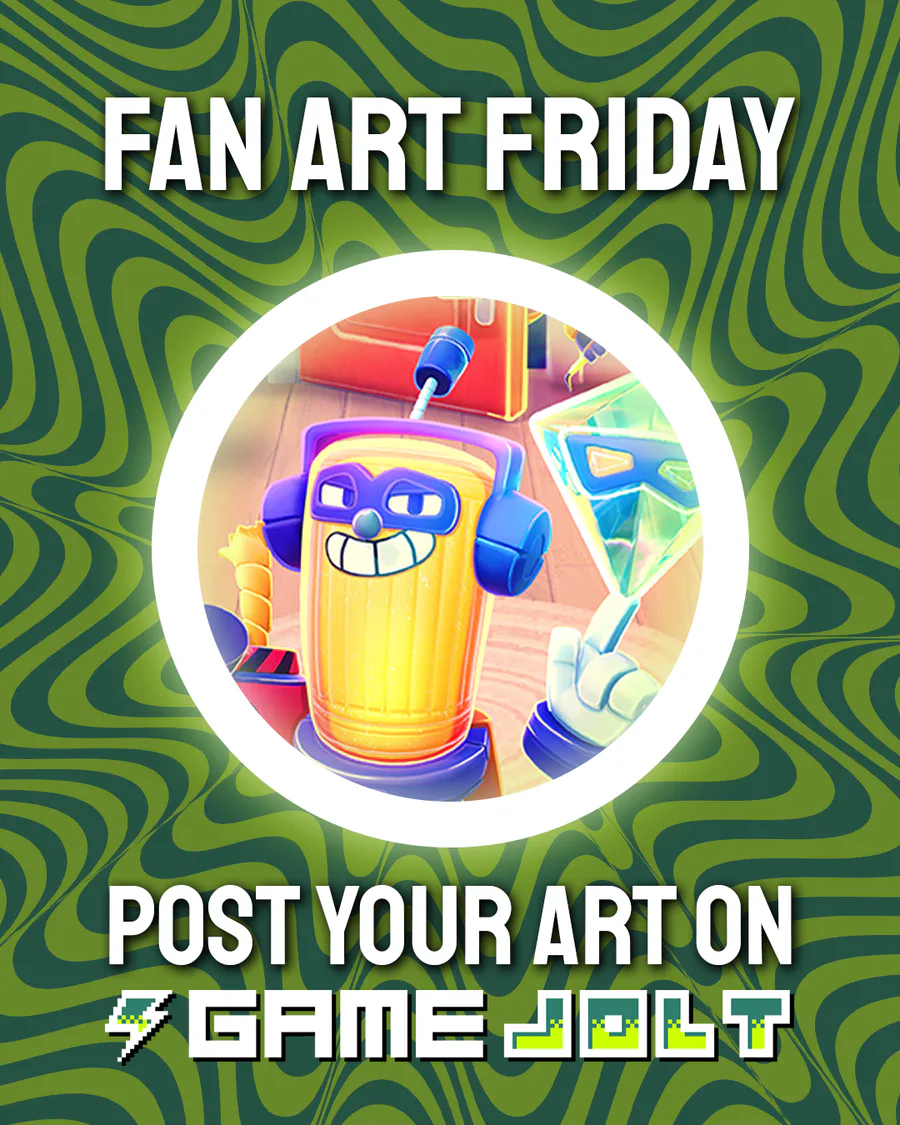
This week's Fan Art Friday celebrates Bandit Trap! Accept the quest in your quest log to get started.
Defend your home or steal treasure in the open beta: https://bit.ly/BanditTrapBeta
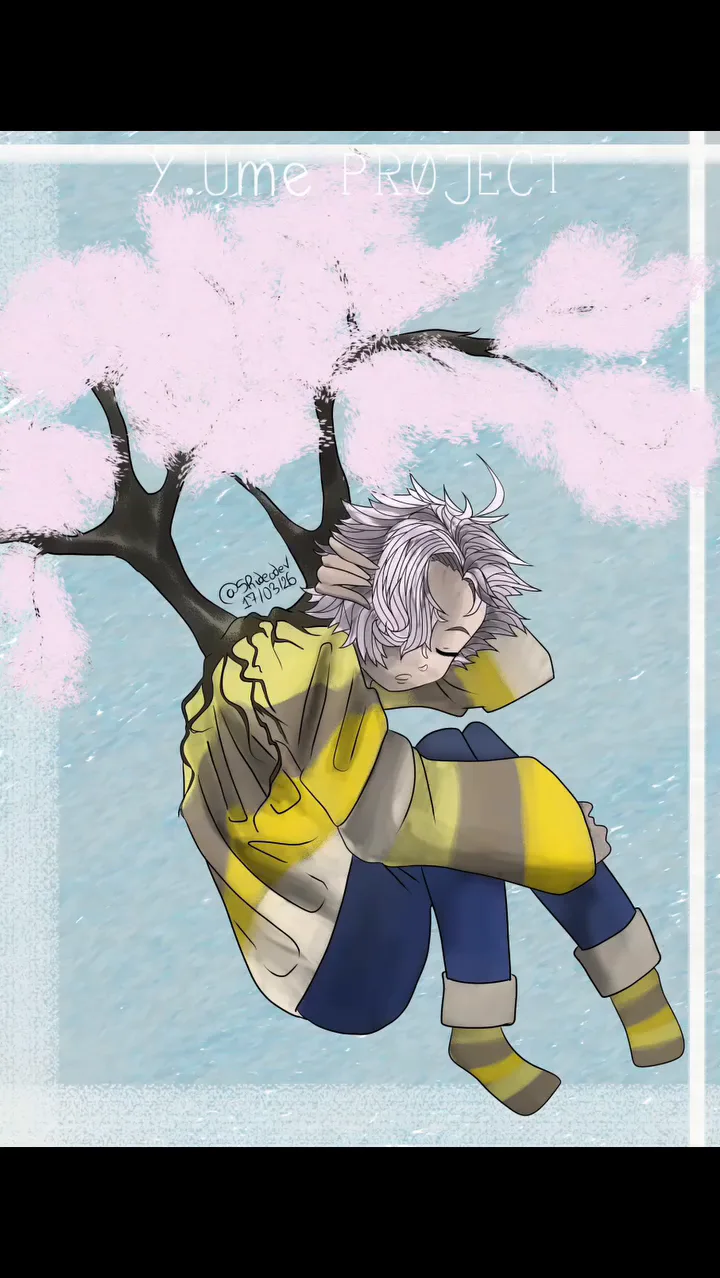
Today's Ni Day! Finally finished this illustration. I took me a lot of effort 
This one is more dreamy and less dramatic.
0 comments