
Game
MDTToolsâ„¢
3 months ago

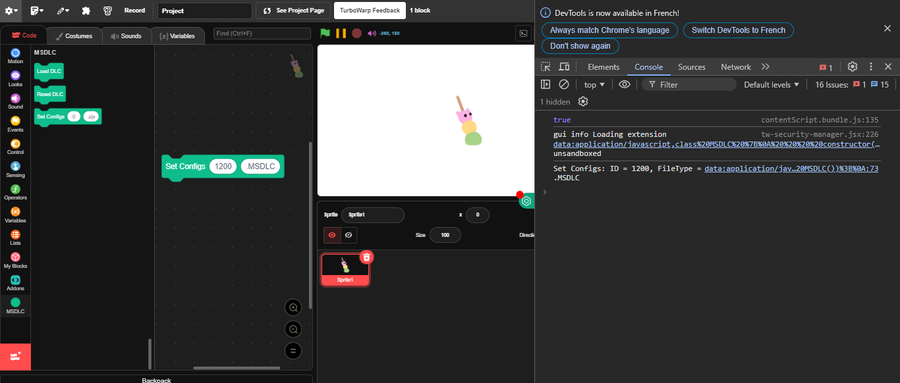
Tired of the complexe and boring MSDLC DELUXE? heres MSDLC Mini! Optimised, not complicated AND has the minimum required Features

Check it out!

smol tutorial in article VVV


image.png

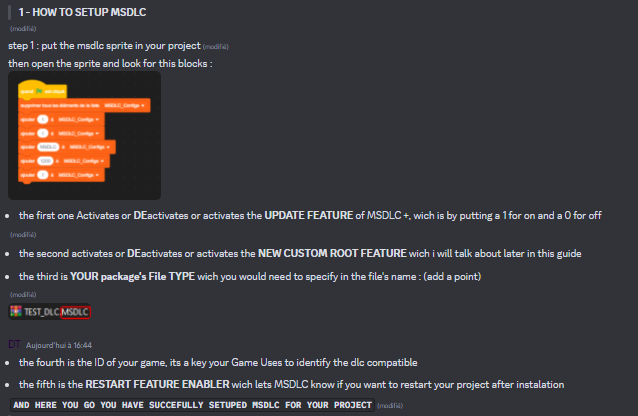
Use The Providen Sample DLC to follow along.

- in DLC.txt make a list of the dlcs in the file by just adding their names in a specific order :
YourDLC;YourOtherDLC;... etc

use ";" between each dlc name

- in packageInformations.txt change the default MSDLC Mini EDI value (1200) to something unique to specify to your game what to load and what to not

- and to add sprites, just drop the dlcs into the "Sprites folder"

Then Archive all of this into a zip and then change the file type name to ".MSDLCMini" so msdlc mini shows only these files when loading a dlc

Alrighty Thats All! This version is easy to get used to!

-MrMDT



0 comments

Loading...

Next up

On The Way!!!! hopefully will be done by 2027/6

Well Well Well! Spark Initiative Never Gave Up! Go Check Out This Game By @SlothCubeStudios on itch! it looks so good! alrighty then! have a great day!

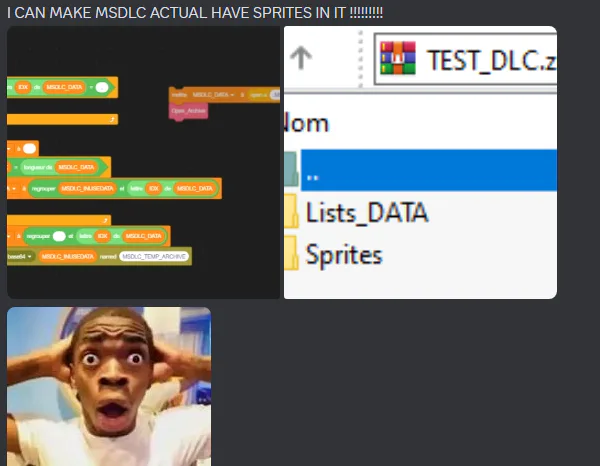
Talking About The Sprite Version Of MSDLC, i think the creators of the "ZIP" And "File" extensions noticed me

Roaring Knight: Crossover (Tentative Title)

[WIP 01]

Introducing : MOON

A Exrension That Allows It's User To Save The Project's current status JSON and edit it, or get some values out of it or Load A Project using Another's Project JSON

MOON Works Very Well With The JSON extension by skyhigh173 and Mio

Small Ver 2.2.2 Update with some small fixes

WE ARE SO CLOSE!!!! also... hampter brush!

Games Library lookin' good! :D

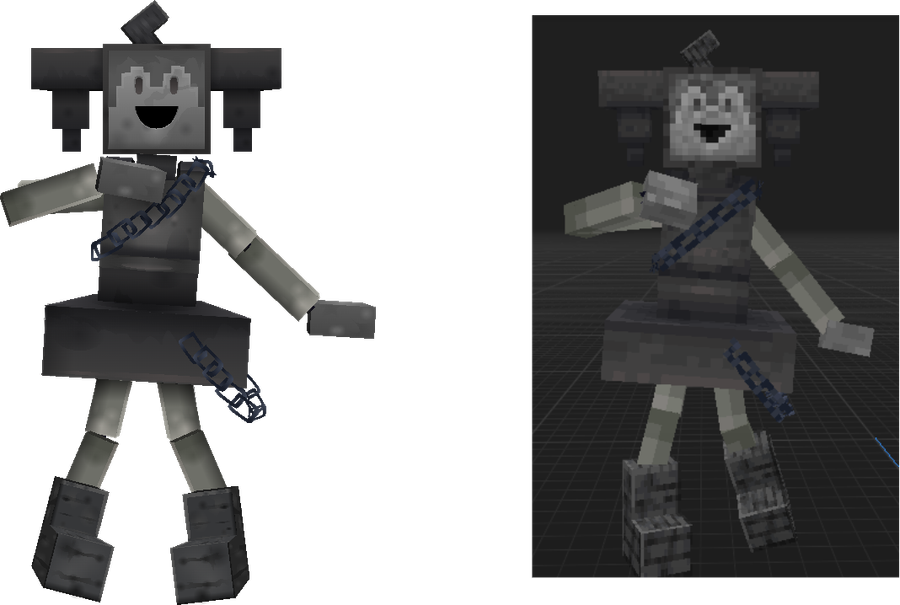
PUPPET THEATRE, my FNAF fangame set in the late 1930's is officially back from hiatus. Stay tuned for more updates... View the teaser video here: https://www.youtube.com/watch?v=-jCUE48V6GA

HOLD UP! Let Him Die Sparkatron