Game
Hunter
12 years ago

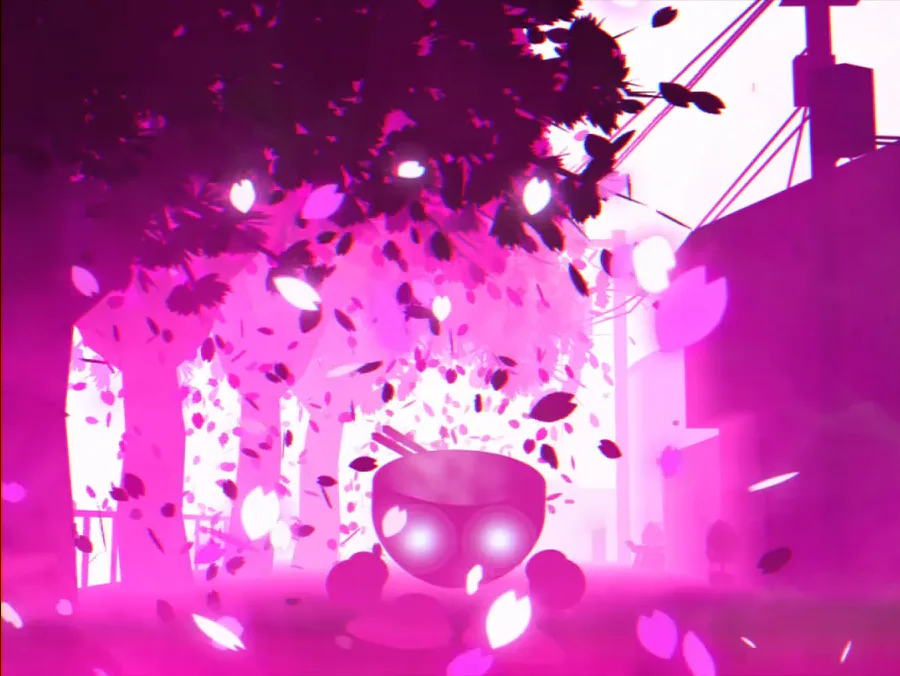
UPDATE - Hold E to see target!


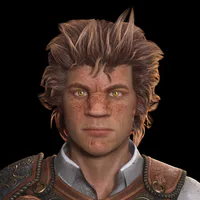
A short but important update. A lot of you said it would help to be able to see how your target looks, everywhere and everytime. So Now you can just hold the E key down to check your targetdisplay. : )

I will try to update the game a bit more at a later date.

Full Updatelist:

  • The objective an instructions will be shown again after a reset.

  • Hold E to see the targetdisplay everywhere in the game.


1 comment

Loading...

Next up

Something tasty this way comes...

Episode 1 is almost ready and will release VERY soon!

Sorry for slagging off with the devlogs, I will try to do better in the future! :)

Shoobies leave a sticky trail of mucus in their wake, which can impede movement for any creature that steps in it.

Shadow The Hedgehog X pixel art

Sometimes the suction cup get sticky. Small animation I made in Blender after doing my tutorial on picking up/dropping objects in animations. Crate model by jQueary (https://sketchfab.com/3d-models/game-ready-sci-fi-crate-d98deca6…).

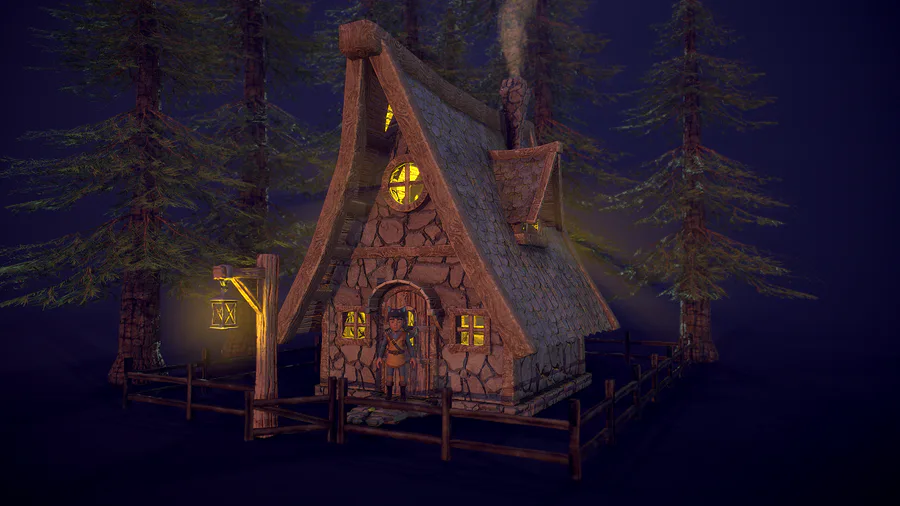
Hi everyone! I started to create some environment props for my new video game, here is a cozy house in the forest. I'm planning to switch from Unity to Unreal... Let's see what new challenges I have to face. Made in Blender and Substance Painter.

My D&D art for my family so far (WIP if you couldn't tell)

Some Shadow boss fight gameplay 👾

A few screenshots of the places you'll cross in the Demo of Blu. You can play it today on #gamejolt !

Here's a Fredbear sprite i made in Aseprite! I'm pretty proud of this!

(Btw, sorry for the double post! I'll try to post less)