
Comments

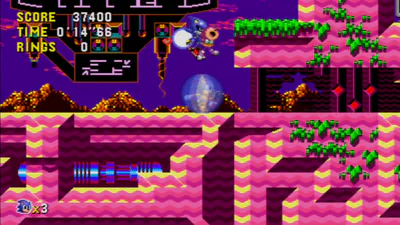
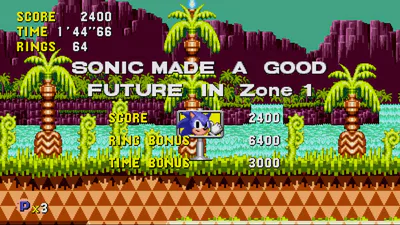
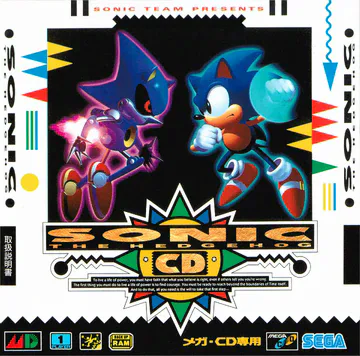
Sonic CD Miracle Edition
Sonic CD Miracle Edition
"Ask not what others can do for you, but what you can do for others."
I’ve already done plenty for you by getting this setup ready and the files organized. Now, what you can do for me is actually read the instructions so I don't have to repeat myself.
The Requirements
YOU NEED AN RSDK FILE. * For PC: You need the Origins RSDK (v5u). I haven't tried the 2011 Steam version for PC, though, so you're free to try it and see if it works.
For Android: Only the 2011 Steam version (v3) works. Don't try anything else or it'll break.
I’ve handled the folders and the configuration, but I am not giving you the game assets. You need to pull the Data.rsdk from your legal copy. If you don't have it, the game isn't going to run, and I'm not going to care.
Regarding Game Videos
The game videos for me don't count as game assets. If you come in here trying to argue that they do, I'll just remove them. Don't ruin the experience for everyone else with technicalities.
PC Installation (v5u)
Open the folder named Sonic CD Miracle Edition.
Find your legal Sonic Origins installation on your computer. (Or try your Steam 2011 version—at your own risk).
Locate the Data.rsdk file specifically for Sonic CD.
Drop that Data.rsdk directly into the Sonic CD Miracle Edition folder where the executable is.
Launch the game.
Android Installation (v3)
I have provided a separate zip for Android. Inside, you will find:
The RSDK folder: Inside this is a folder named v3.
The .apk file: The actual app to install on your phone.
The instruction file: "PLACE RSDK ON ROOT OF DEVICE!"
Steps:
Place your legal Data.rsdk (specifically from the 2011 Steam version) inside the v3 folder located within the RSDK folder.
Move that entire RSDK folder to the root of your device storage.
Install the APK and run it.
Save Files
You are free to add your complete save file from GameBanana or any other site. Just don't go to some sketchy North Korean website or Kim will be in your walls.
Credits (Read closely before you talk)
Massive respect to the creators of this overhaul: peter4432, CheatFreak, and the rest of the Miracle Edition Team.
Huge thanks to plumbers_helper for doing the actual work on the cutscenes—they look incredible.
Also, a shoutout to MegAmi for the MegAmis Additions mod included here. I am only the one providing the organized file structure and setup to make it easier for you to play.
The Law
This is a reupload and compiled by me. Respect the rules or go away:
Piracy: Don't ask me for the data file and don't post links to it. That’s an instant not me liking you.
Bad Advice: Don't link some random video guide in the comments. Those things are usually full of misinformation and I’m not helping you fix a broken install because you listened to a YouTuber instead of me.
No AI Slop: This is clear. Keep the comments human. If I see AI-generated junk or low-effort spam, I will destroy an ai data center. (I'm kidding.)