Game
A Day In The Life

5 years ago

Character customization: How and why bother? (expand)


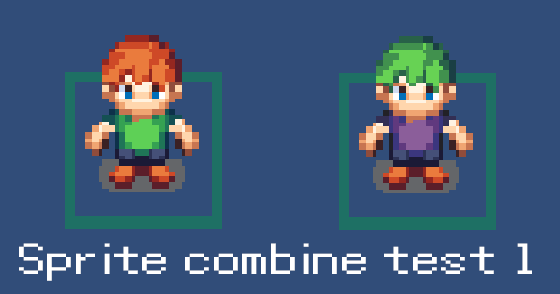
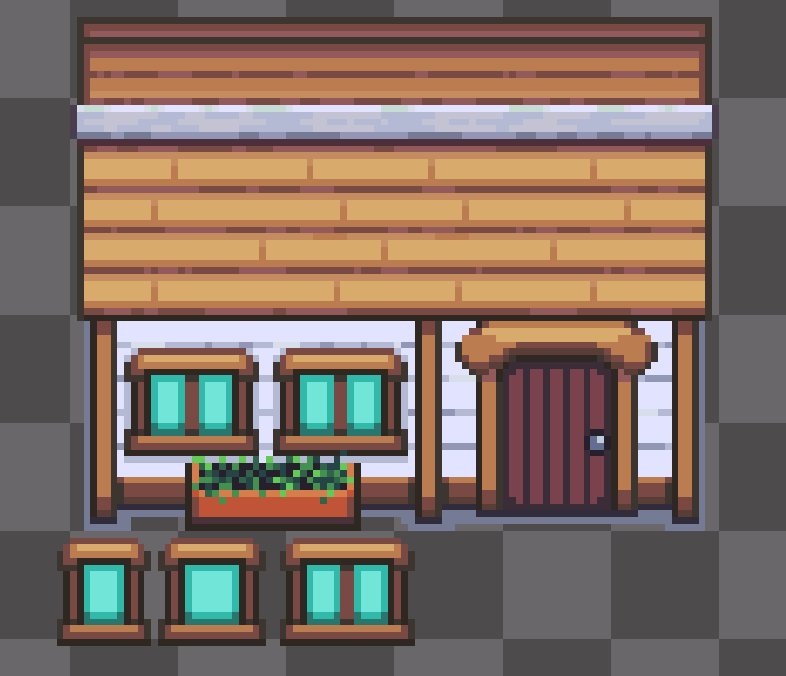
While we may be busy rewriting the game from the ground up (that's going wonderfully BTW) we have been looking into character customization but weren't really sure how to go about it until now. Either we would have to make tons of sprite sheets and give them each sets of animations which is just tedious.

Instead, we're going with a single set. All our character animations in one place. What we can do however is layer different character pieces on top of each other by overriding the base sprite sheet with pixel information from each set.

Further, in the week we will throw together a proper look at the concept but rest assured we're doing all we can to make a good game :P
0 comments

Loading...

Next up

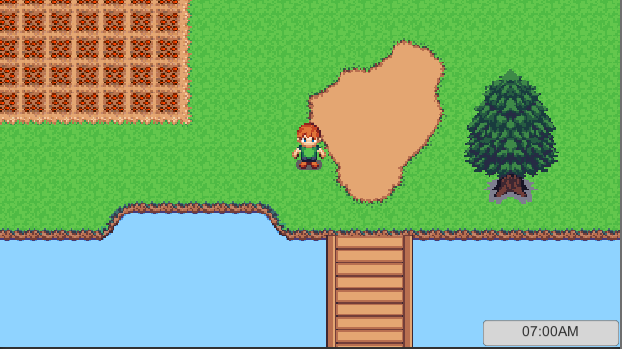
Finally, I've had some time to do some more work on the recode. There is hardly anything to see except for this utilitarian clock which can be swapped to 12 and 24 hours in settings. The lighting again changes through the day too.

Asking the big questions today. We won't support changing your characters outfit or gender but you can give our beloved testguy a name. Character customization will come later, as it will take planning to get it as versatile as we want at the moment.

Finally, you can sell the fruits/veg of your labour. :)

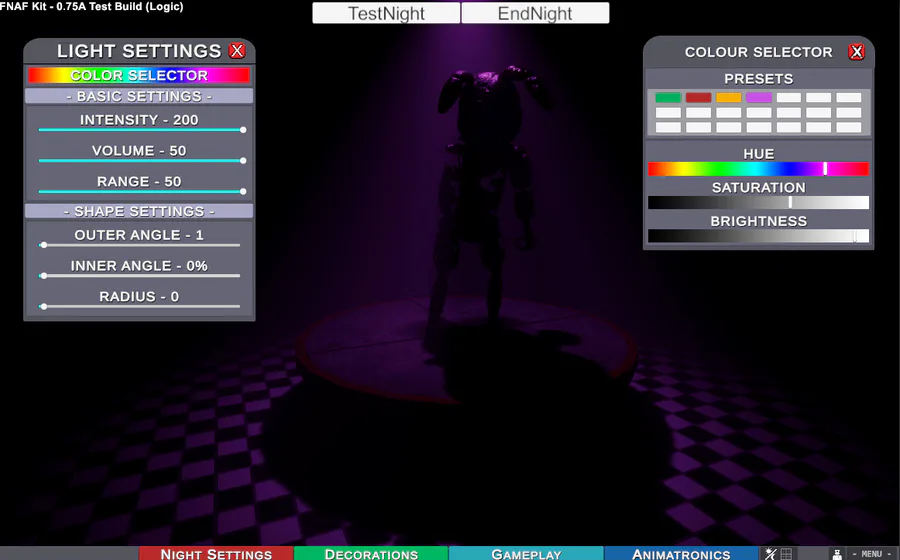
Light menu is still undergoing it's refit, some behind the scenes code changes making it easier to edit multiple lights. A light will also toggle on/off depending on its intensity. So custom events don't need to be loaded with two different commands.

Wall height is being adjusted to accommodate things such as stages and lighting while also giving animatronics more breathing space.

Our latest efforts have been rewriting our scene change code and with that comes some lovely transitions made using a greyscale image and a new shader.

Character bits! We're currently throwing together the character animation pieces for the new customization system :P

VERY early test of very basic systems in my new project. Do your work, keep the lights on, and everything will be fine. I really want to gush about some of the things not seen here, but will save that until they can be shown off. FnafKit who?

Buttons ver 2- jumpscare Test

Lightweight object recoloring test. This test is looking at coloring defined areas with as little excess data as possible and uses NO mask maps, alternate materials and does not break object batching (won't melt the PC when you have hundreds of swatches!)