Devlogs 8#
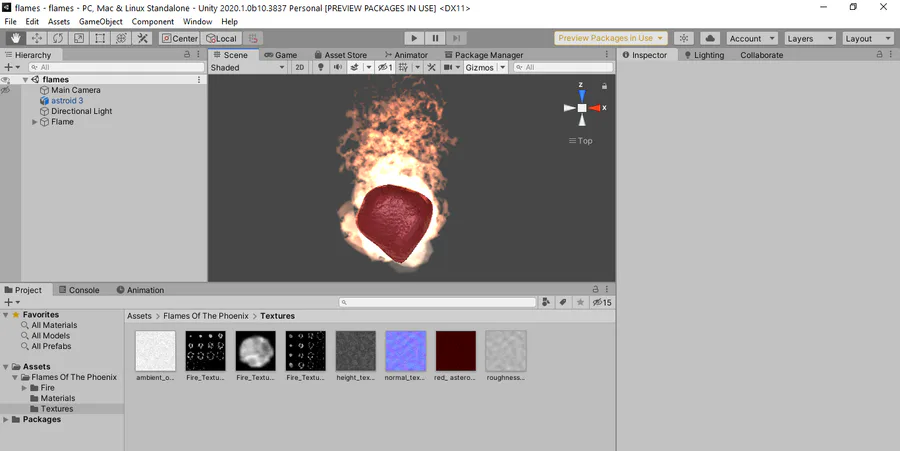
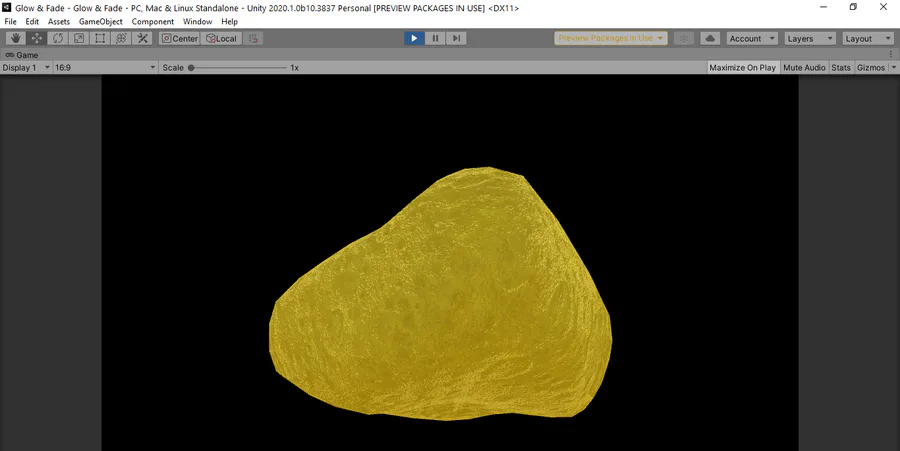
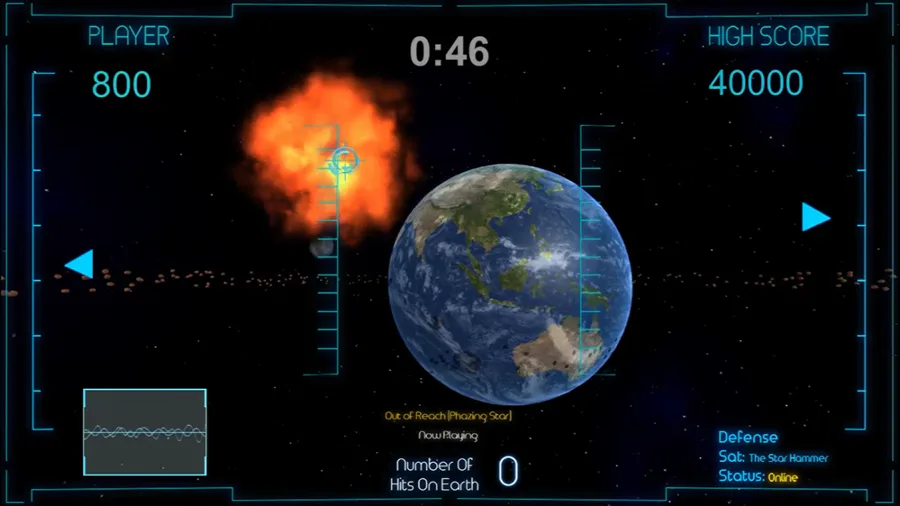
Update the red and yellow asteroid with polish effect and highly detail texture, and the debut of the radio station HUD that display the name of the background tracks of three choice.
 1
1 1
1Next up
Devlog 22#
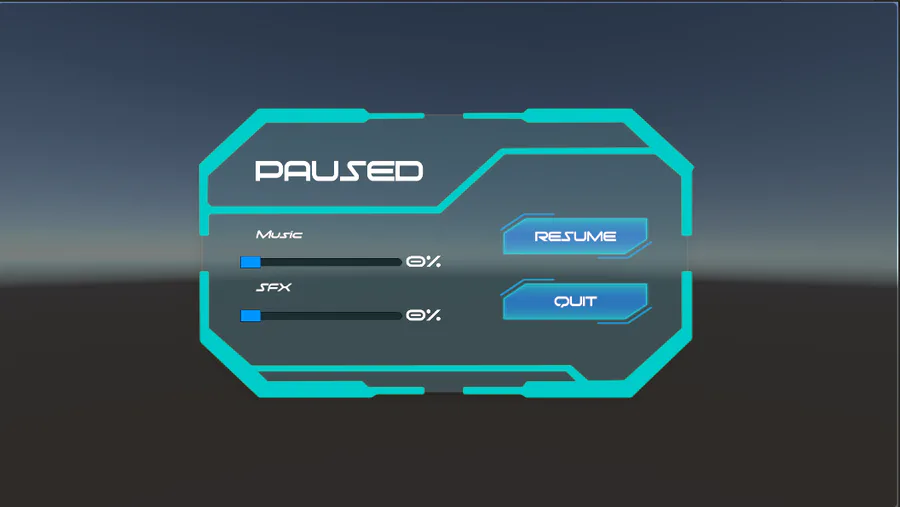
Redesign the paused menu to appear more sci-fi aesthetic and easy to read and navigate. Originally, we wanted the "Paused" font to flicker, but it was slowing the render of the game.
Devlogs 18#
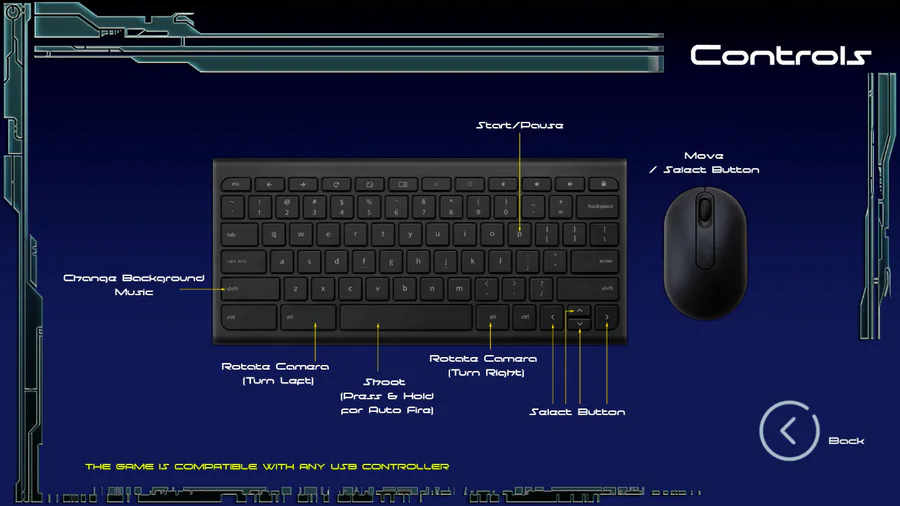
Remove the selection controller between the mouse and keyboard in the Options Menu. Adjust the control of the game to where the mouse is solely for movement and the space bar to the keyboard is for fire for a free flow gameplay.
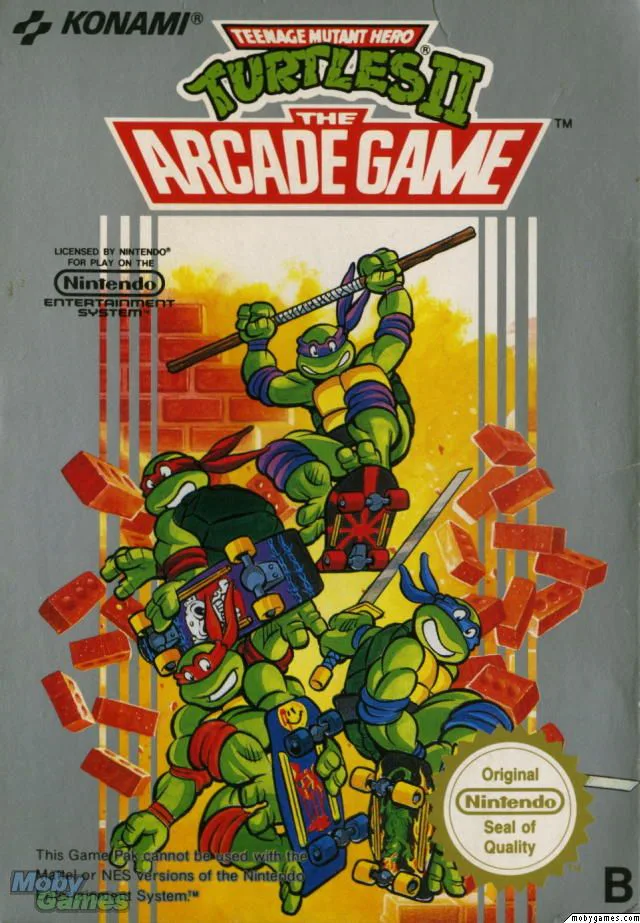
#GJAsks what game does a lot with a simple idea is Teenage Mutant Ninja Turtles 2 for the NES. Unlike the first game which is an RPG, TMNT2 is more a 2D scroller Beat 'em up. The game play is enhanced of each turtle display a different fighting ability.
Devlog 35#
We are finally back with update to Star Blitz X. There were a few adjustment to the laser beam and spread shot, and so far so good. We now working on the attract mode to give it that arcade classic gameplay. The latest demo is out now.
Devlogs 21#
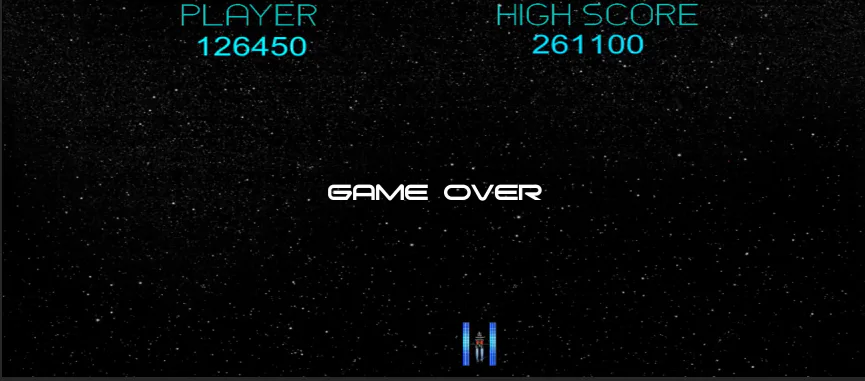
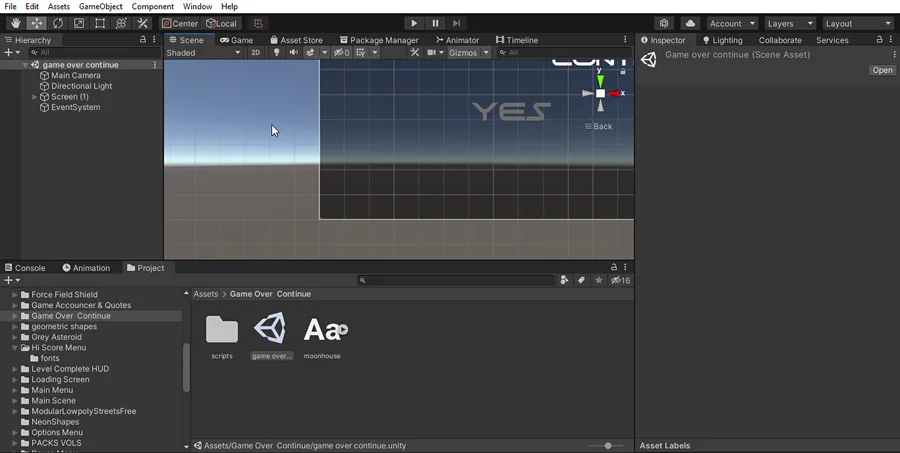
The game over menu is install with the flickering script as the game over font flicker which is similar found in classic arcade when reaching game over.
Devlogs 16#
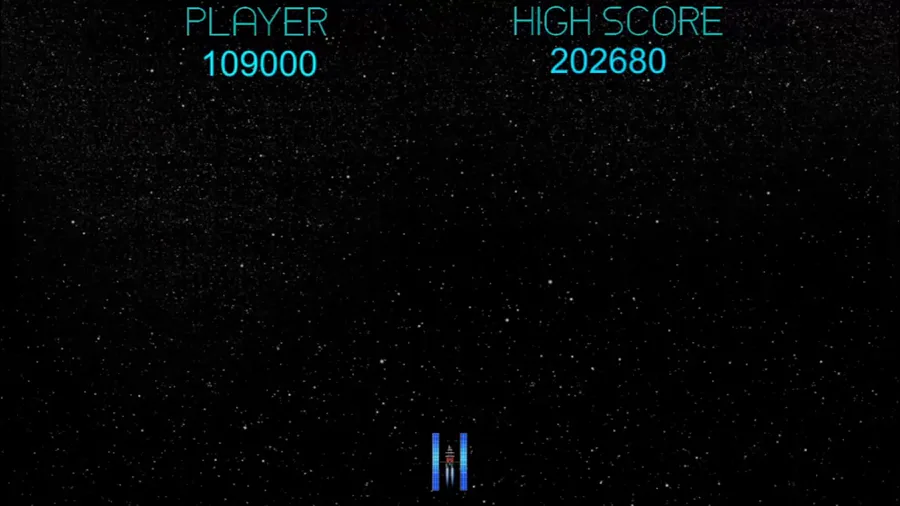
Showcase the bonus round that is inspire from the classic arcade game called Galaga, which appears after level 10. The second bonus round is included in the full version right after the 30th level.
Devlog 34# We're back, with update on the demo of Star Blitz X. Showcasing the two laser weapon the laser beam and spread shot. Both are in the early stage and still being updated.
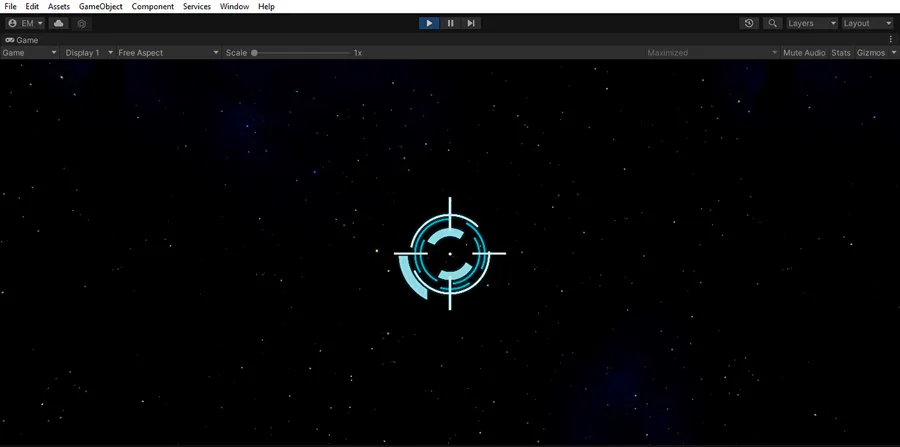
Devlog 28#
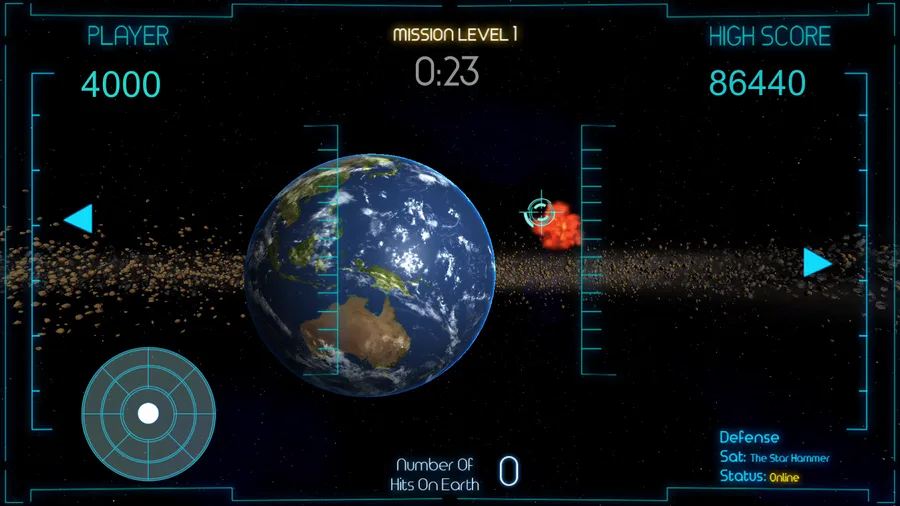
Installed the latest feature to the crosshair to where the reticles would open and close at the same time as you press the fire button. We are looking for feedback to the game and see if the crosshair is the right size or too small.
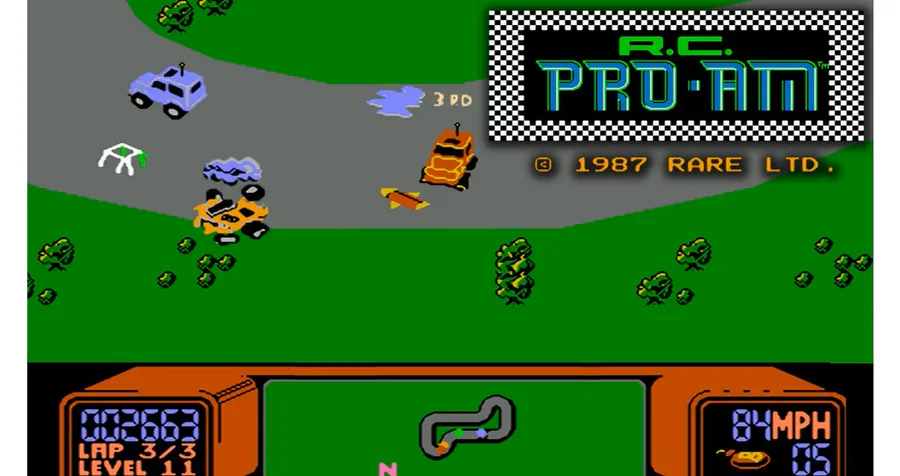
#GJAsks what game that I have spending the most time playing lately is RC Pro Am for NES. It's very addicted and challenging racing game that not only competing to win but collecting letters that spell NINTENDO to change a different car is replayable.
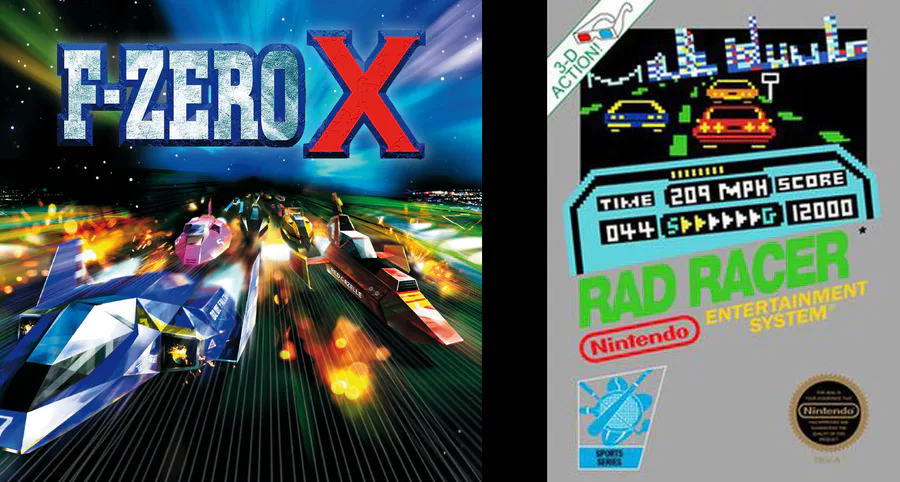
#GJAsks what is my favorite racing game which is a two-way tie between F-Zero X and Rad Racer. While both have their difference as one racing against time as the other to compete against an opponent. However, they can be challenging, but additive and fun.
0 comments