
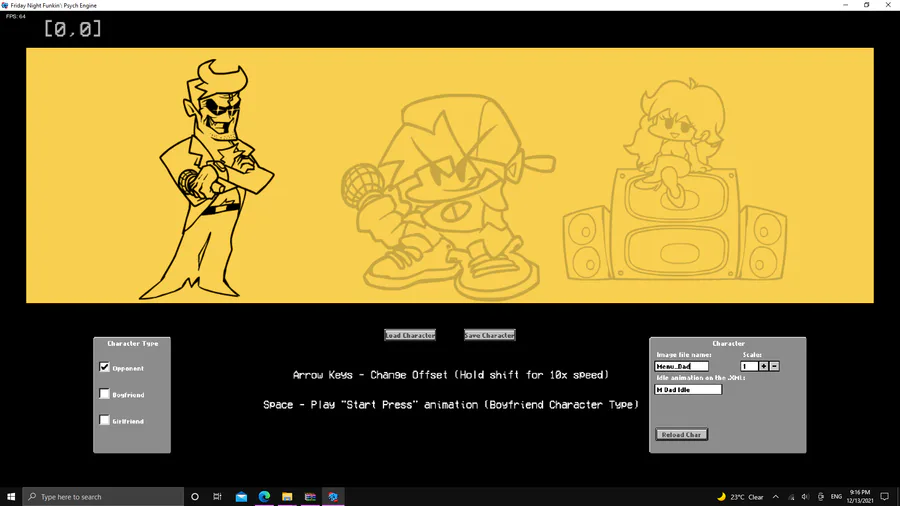
MENU CHARACTER EDITOR
put the name of the image file in this gray box
Next up
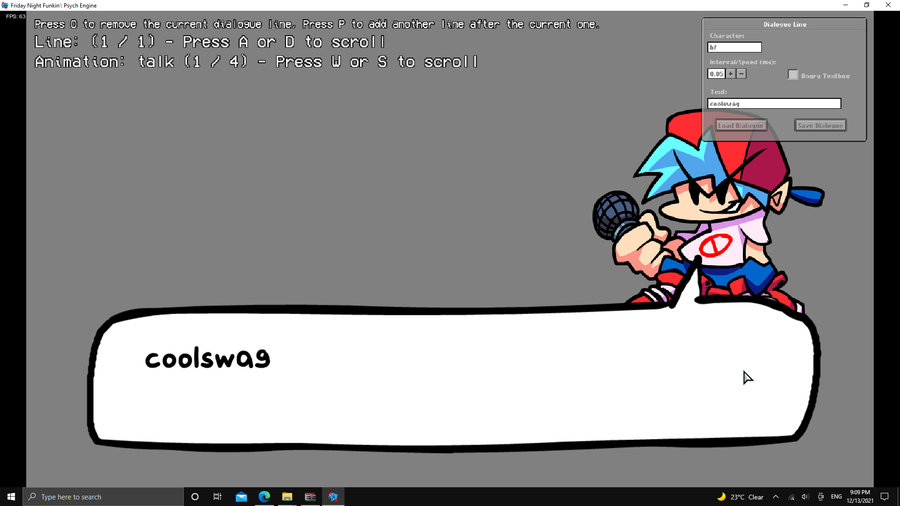
CUTSCENCES ENTER [2]
You should now be ready for your cutscence or whatever you call it, go to the Dialoge Editor
and set your dialoge now all what you gotta do is replace the dialoge.json in the files of the week folder
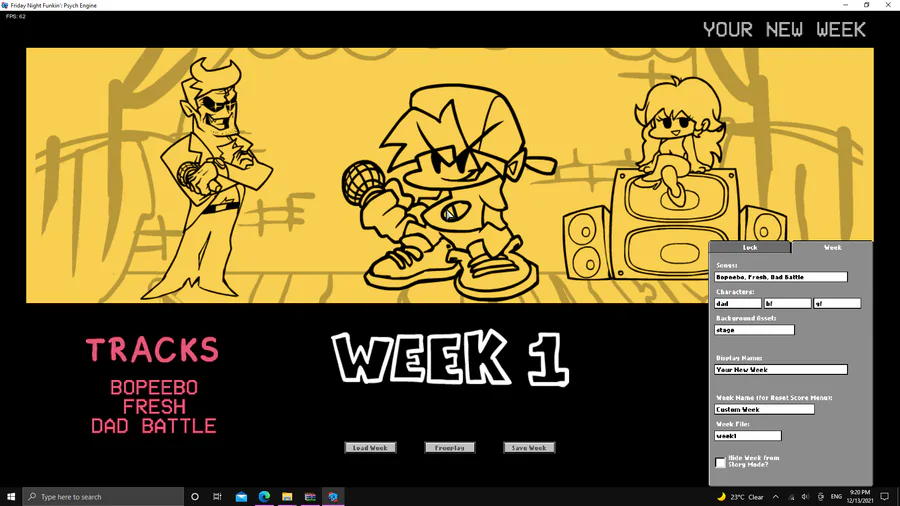
WEEK EDITOR
label the stuff you want and create a week look then paste it in the images/weeks
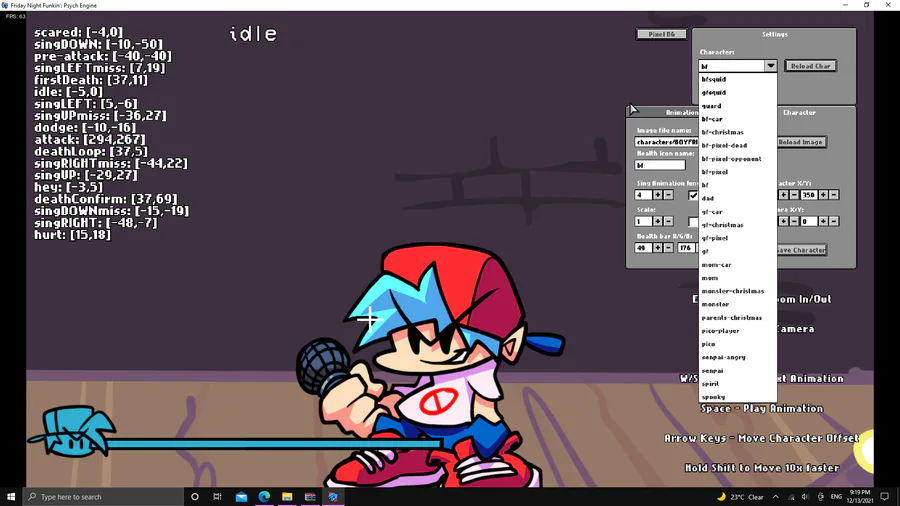
CHARACTER EDITOR
Select the player you want to use from this menu
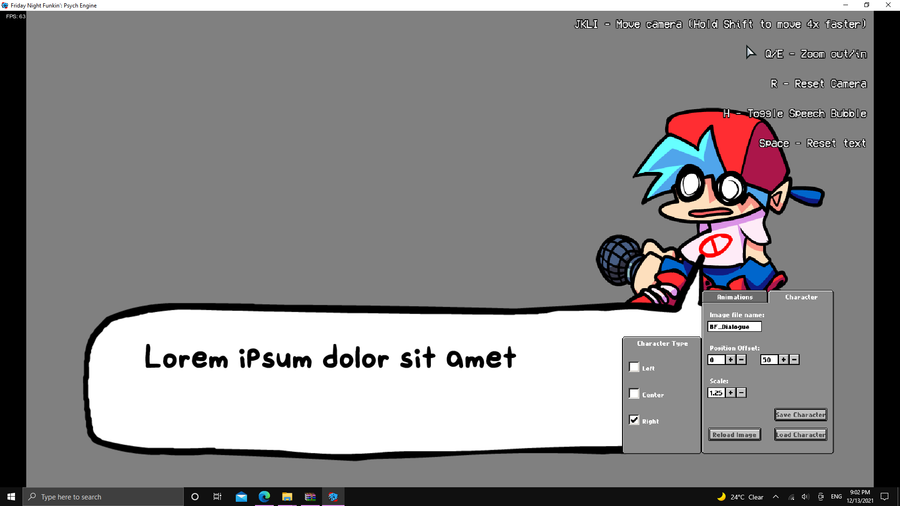
PORTAIT EDIT
Go to the Main Menu and press 7 incase you dont know whats the main menu its this menu with the yellow background
Now you should go to the Dialoge Portait Editor you can see it from the Images section to see what i mean select your animation
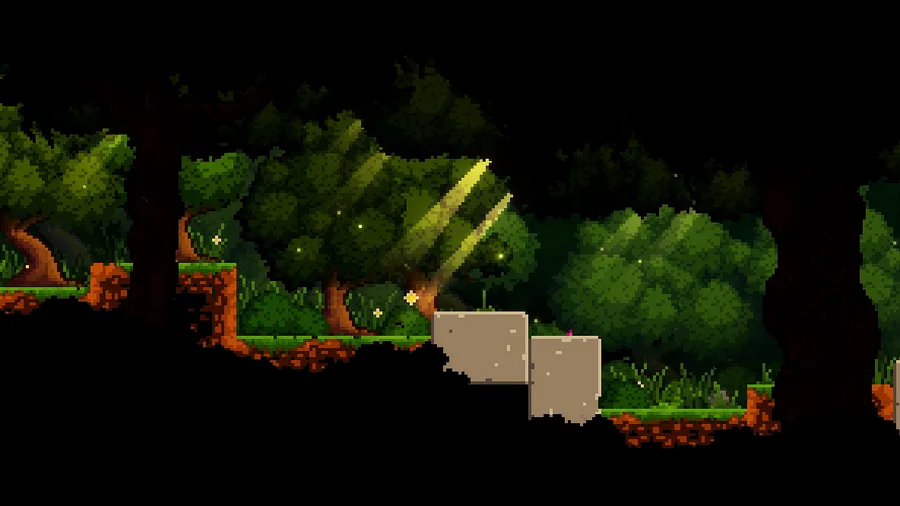
Here's a peaceful little forest scene for this #screenshotsaturday, from the beginning of the game.
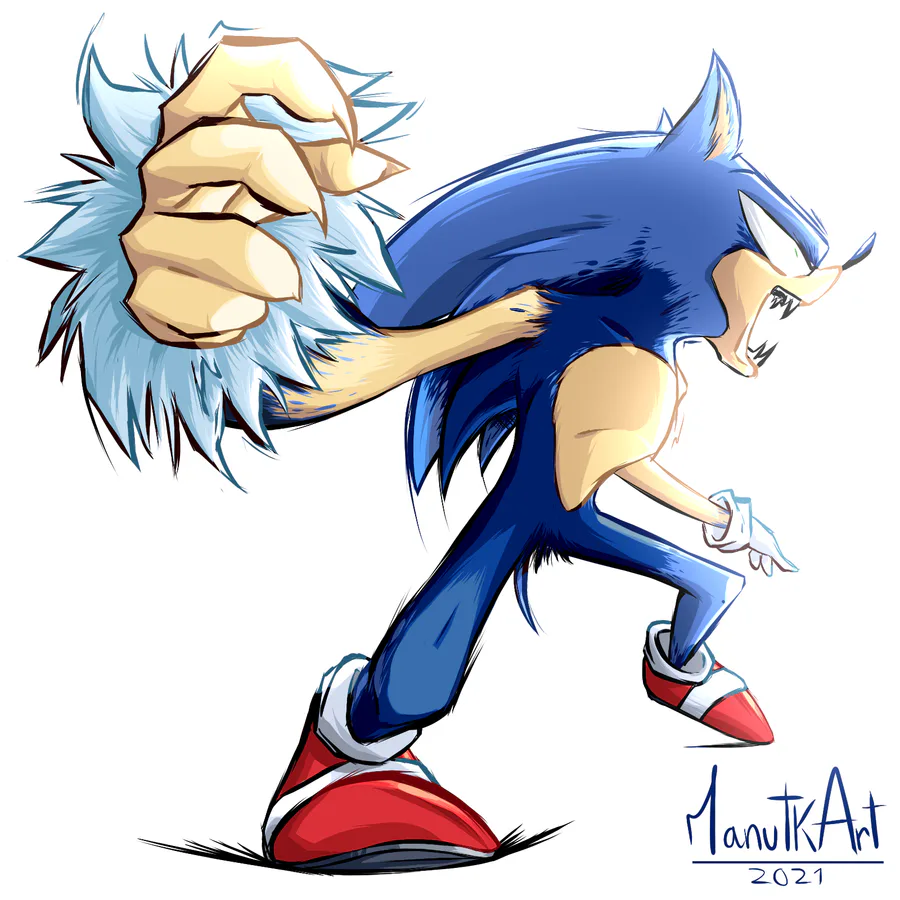

Werehog transformation process. #sonicunleashed
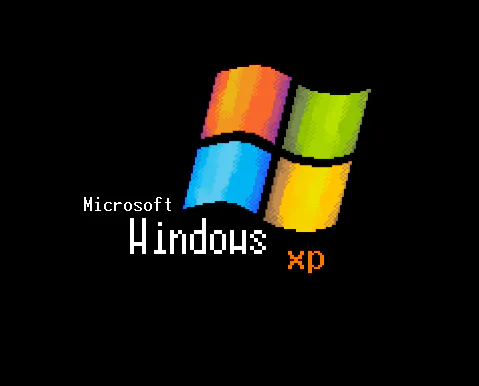

Microsoft Windows XP Unprofessional (windows logo prototype)
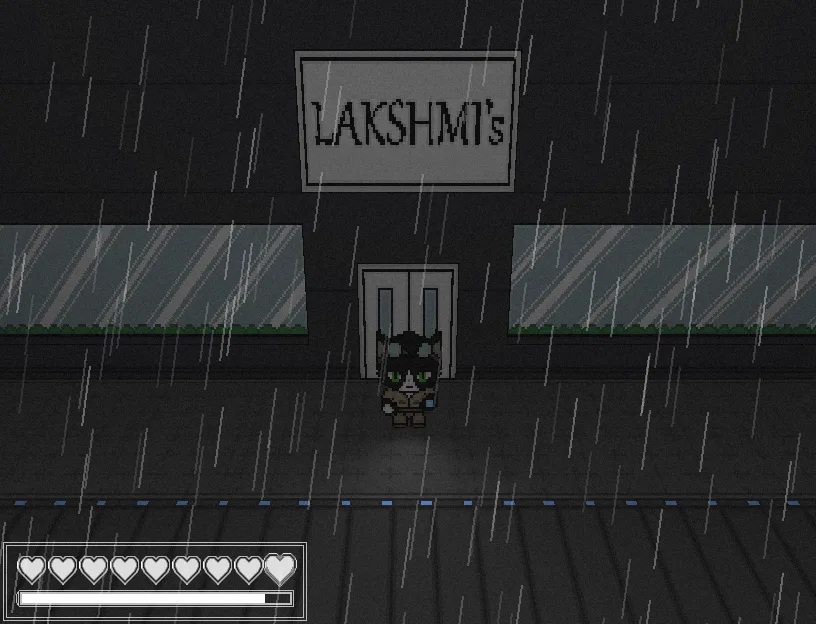
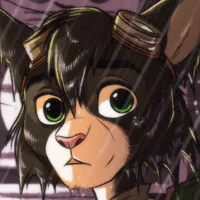
If you have more of an acquired taste, the restaurants in Niravasi have you covered! Maybe skip the salad bar, though.
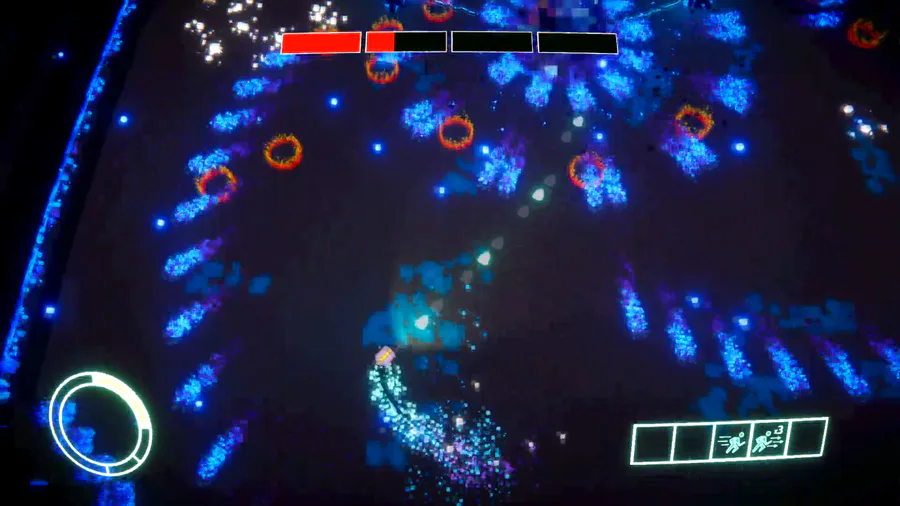

Some Shadow boss fight gameplay 👾

Coming Soon...
0 comments