
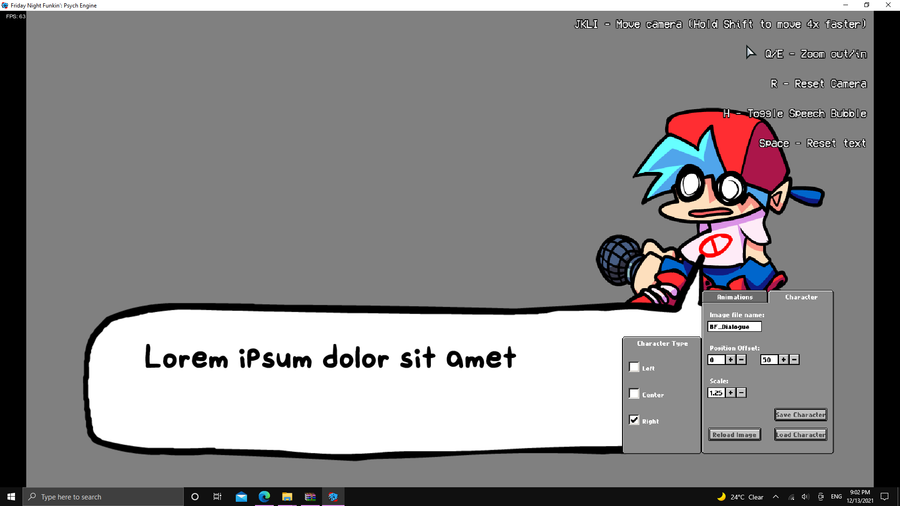
PORTAIT EDIT
Go to the Main Menu and press 7 incase you dont know whats the main menu its this menu with the yellow background
Now you should go to the Dialoge Portait Editor you can see it from the Images section to see what i mean select your animation

Next up
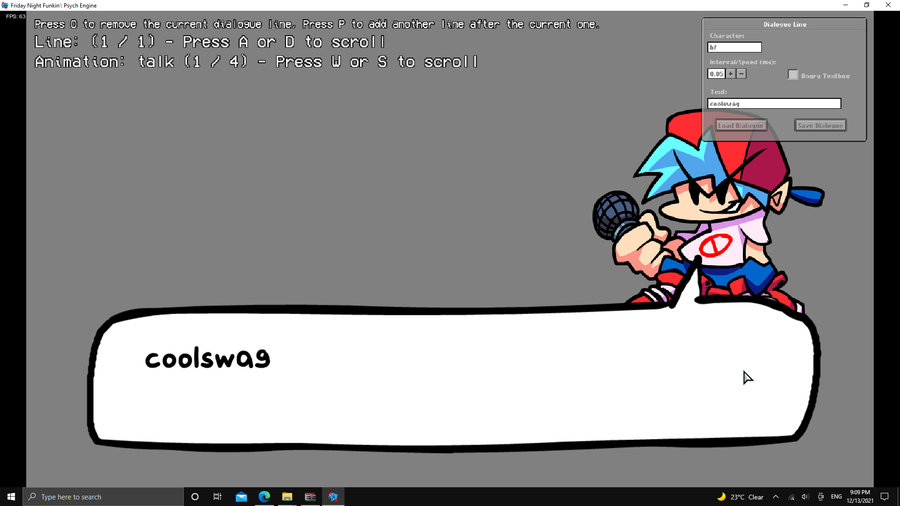
CUTSCENCES ENTER [2]
You should now be ready for your cutscence or whatever you call it, go to the Dialoge Editor
and set your dialoge now all what you gotta do is replace the dialoge.json in the files of the week folder
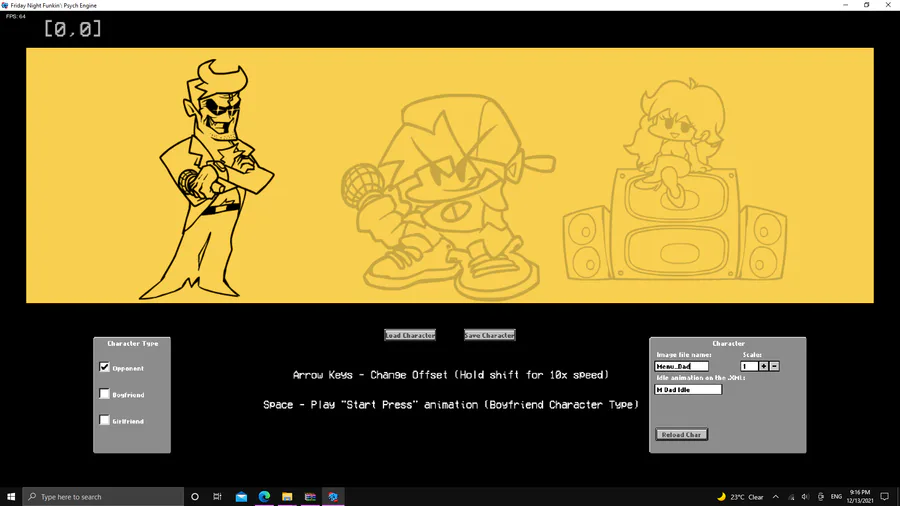
MENU CHARACTER EDITOR
put the name of the image file in this gray box
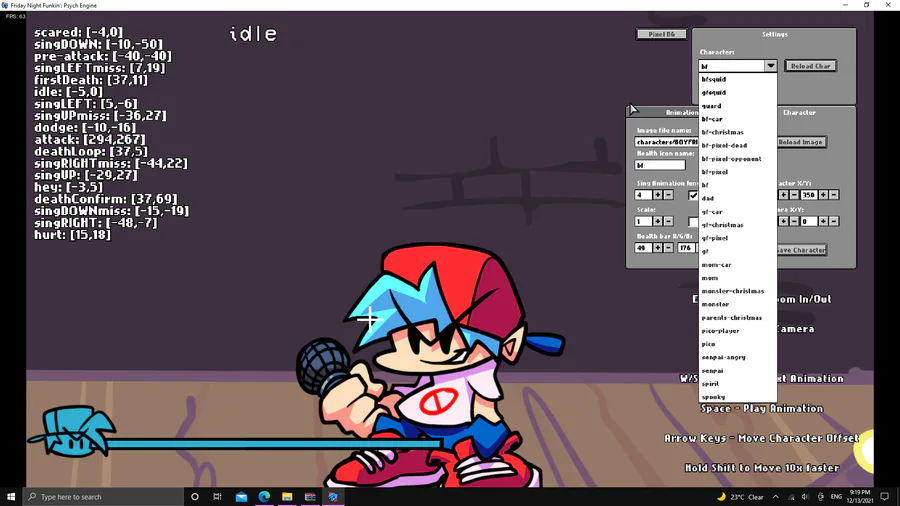
CHARACTER EDITOR
Select the player you want to use from this menu

I made a Zipperbomb Lyrics Cover cuz i was bored 
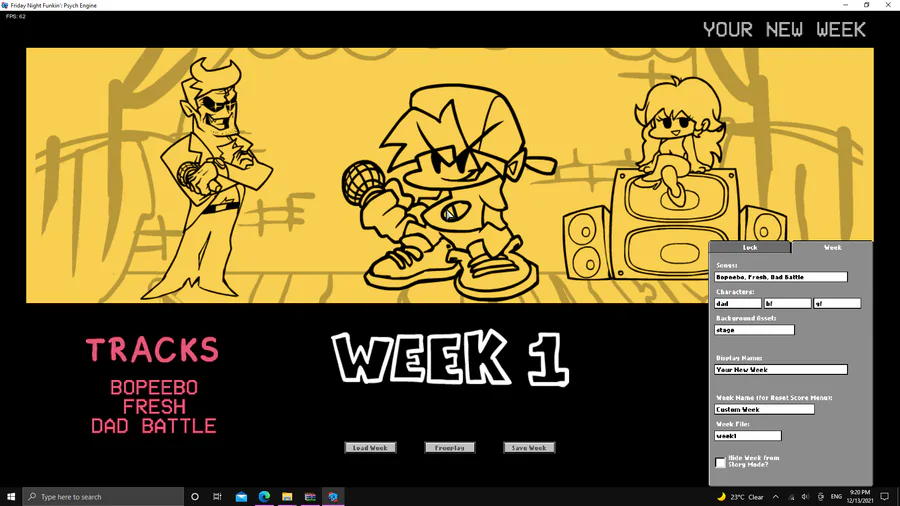
WEEK EDITOR
label the stuff you want and create a week look then paste it in the images/weeks

🎤║ fandom art 34 ║🎤
chibi zardy🎃
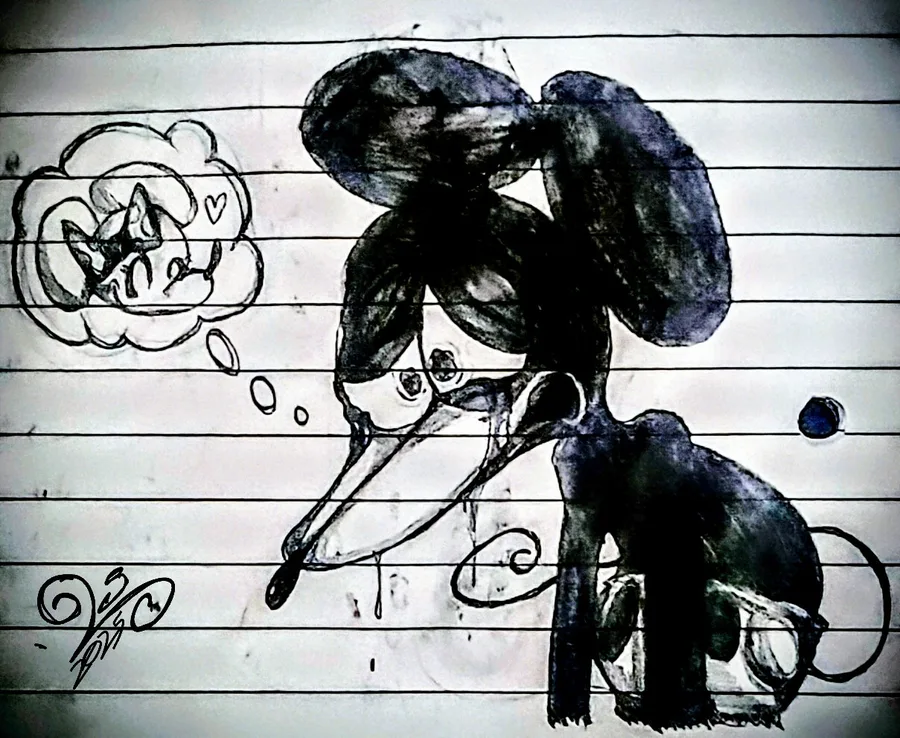
Depression


Did you know that today is #InternationalJazzDay? 🎷😎
No? 😯 Well, we couldn't pass up this date!
And what better to celebrate this day than #Pecaminosa #OST? 🎷
Let us know what you think about it and have a great weekend!
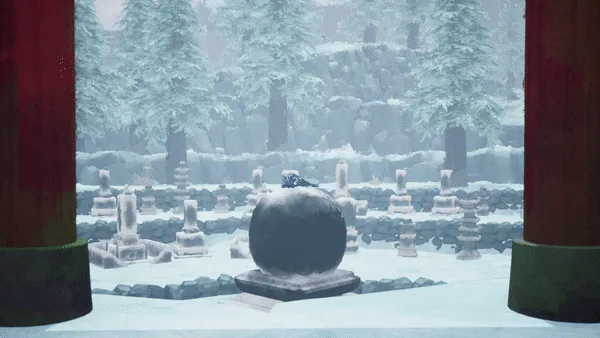

Path of Kami: The Evolution of the Lore
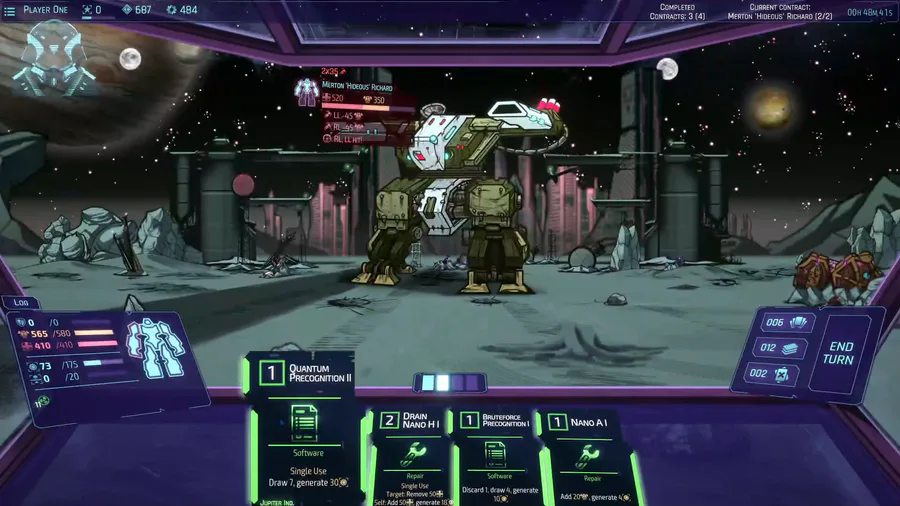
Quantum precognition is one of the most powerful cards. End game cards & equipment. Demo/alpha build boss is no match for this deck.
0 comments