 Loading...
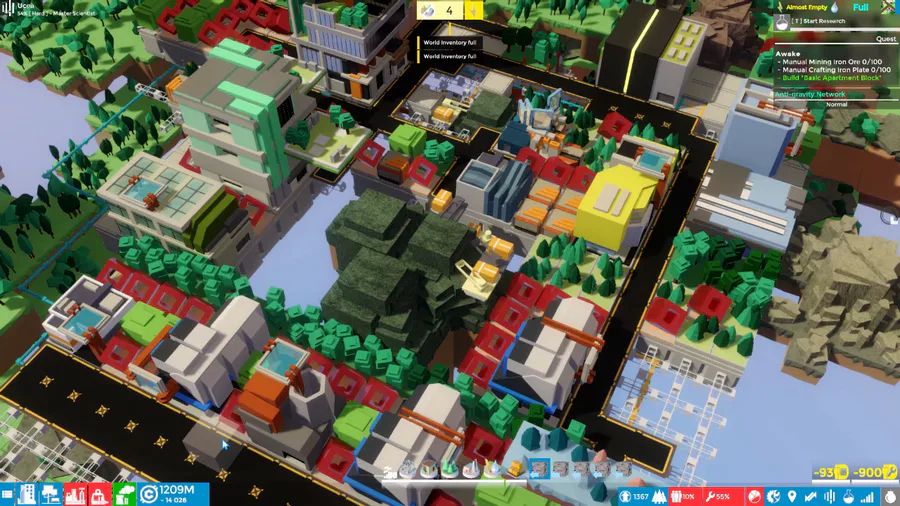
Need to get rid of materials in COMPLEX SKY but got no vacant buildings to store them in? Sell them to World Atlas by dragging them to the lower left corner.




Next up
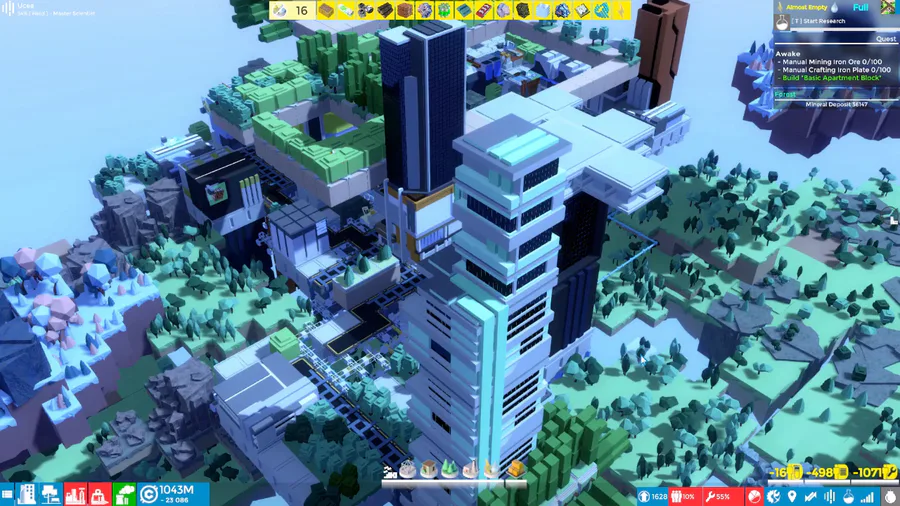
Demolishing objects and land in COMPLEX SKY takes credits, too. Destroying specific land types can bleed your wallet dry. Be careful!
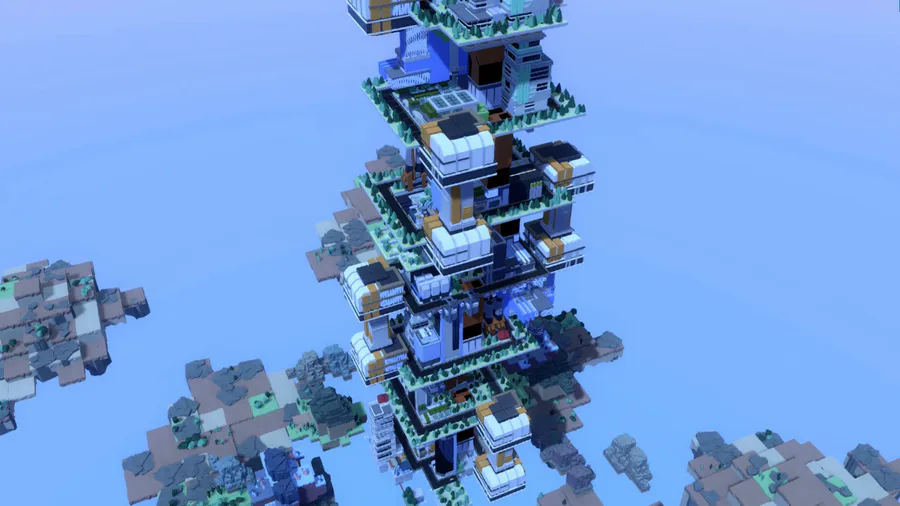
Here is what's new with COMPLEX SKY: you can now build roads on multiple levels! This makes for a truly multi-tier infrastructure that will let you take advantage of the game's verticality to its fullest.
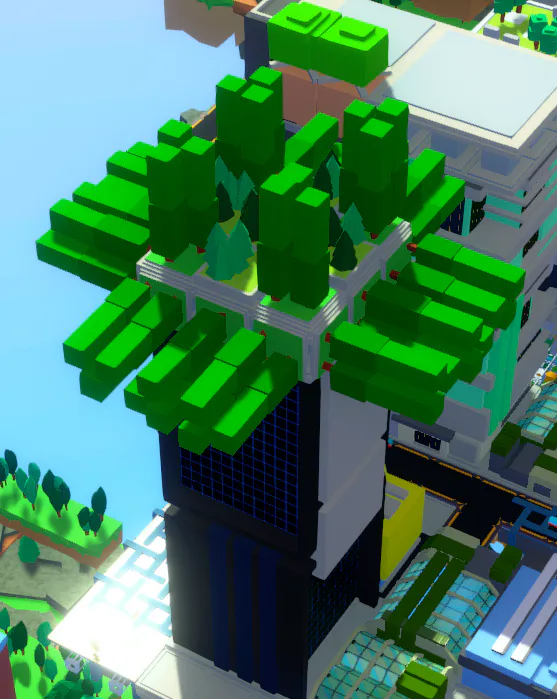
Want to embellish your apartment building in COMPLEX SKY with some plants that can't normally go there? Just install a 2x2 Foundation on the roof and make it pretty!


Doki Doki Literature Club is celebrating Monika's birthday and the 8th anniversary of DDLC with exclusive stickers, avatar frames and backgrounds on Game Jolt!
Head over to the shop to collect yours 👉 https://gamejolt.com/#shop
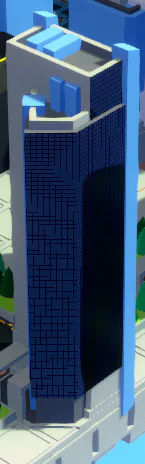
Here is a neat trick you can do. 1. Place a building 2. Place Floating Land tiles on top 3. Remove Floating land ...And now you've created a floating islet! You can also place Floating Land tiles on top of each other and remove the lower ones.
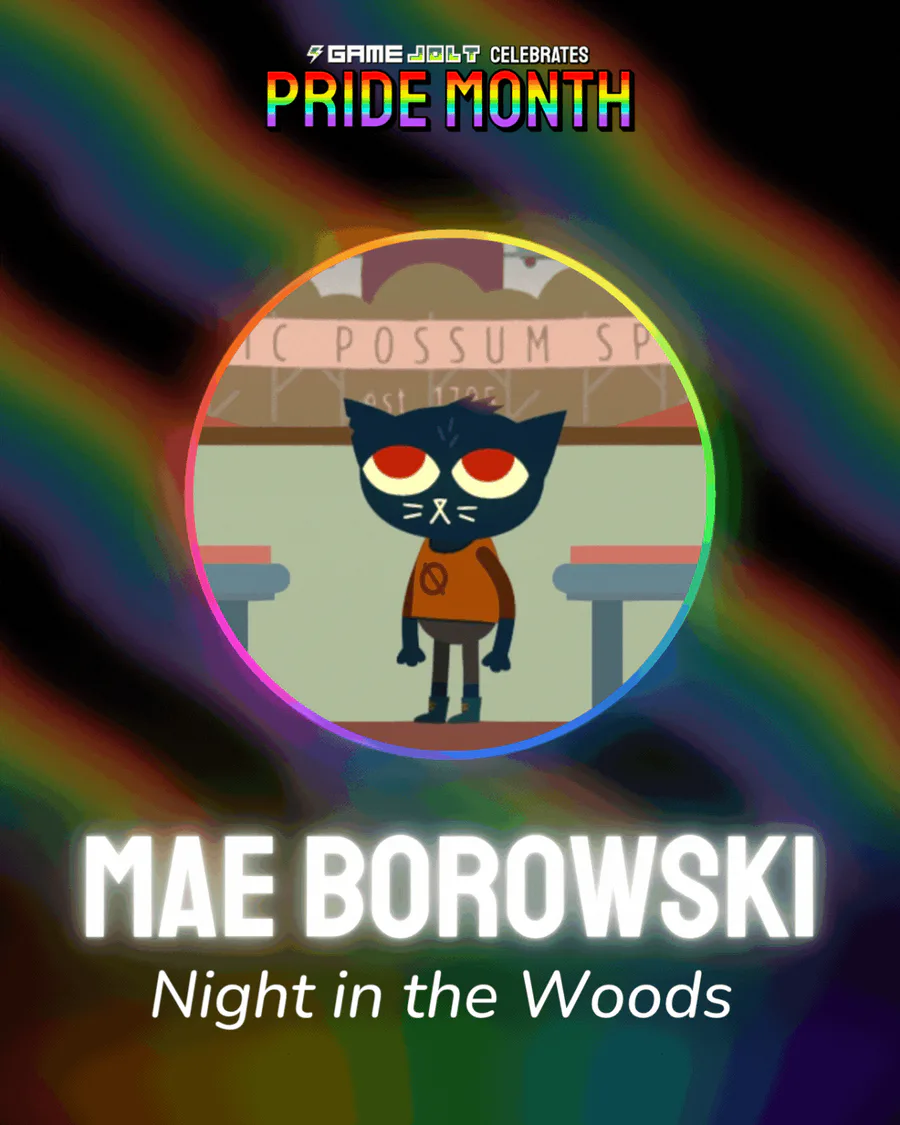
Mae Borowski is the main character of Night in the Woods! It's an adventure game that tells the story of her return to her hometown of Possum Springs. She was confirmed as canonically pan in a social media post by the game's creator Scott Benson.
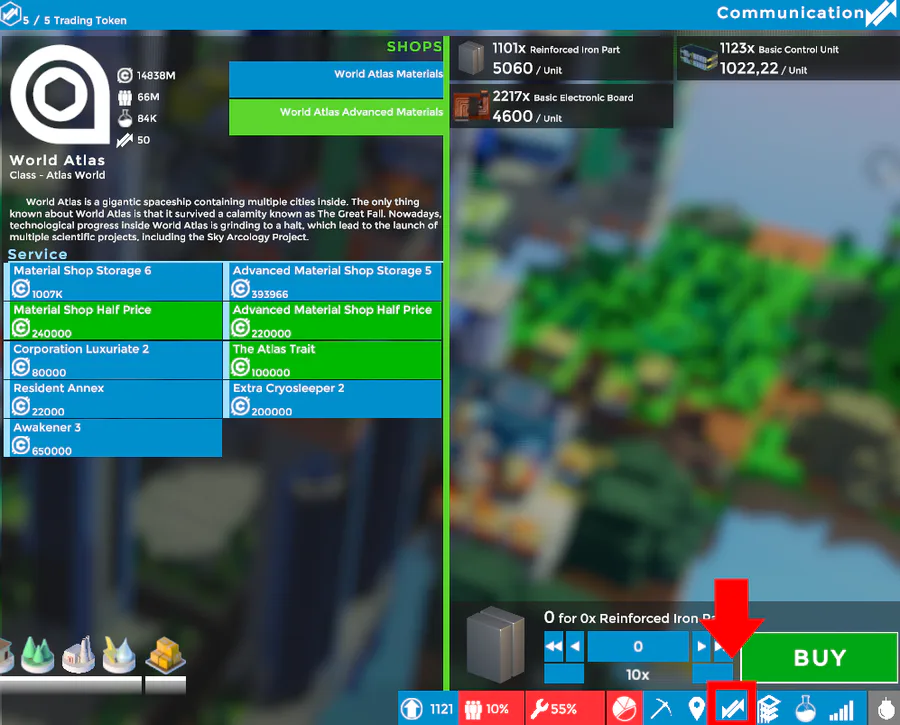
Crafting isn't the only way to get materials. Click the arrow icon on the bottom right to access World Atlas, a gigantic storage ship. There you can enable various upgrades or buy materials from the store. Hope this makes your progress a bit smoother!
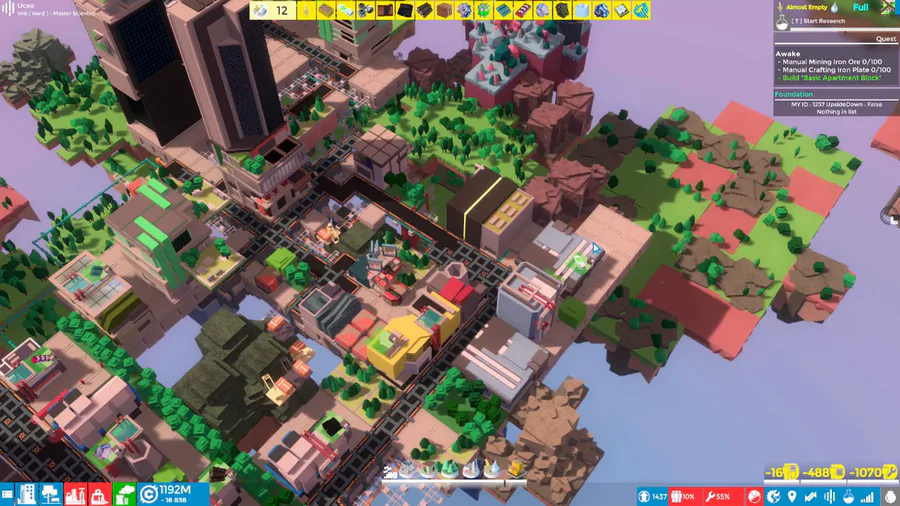
Many buildings in COMPLEX SKY don't just have building modules, but also direct upgrades. To upgrade a building, simply click on it, go to the Upgrade tab, and select your upgrade.

The Knightling launches on August 28! Wishlist it now so you don't miss out: https://bit.ly/KnightlingSteam
To celebrate the game's impending release, we've added The Knightling Pack and The Knightling Community Pack back to the Shop!
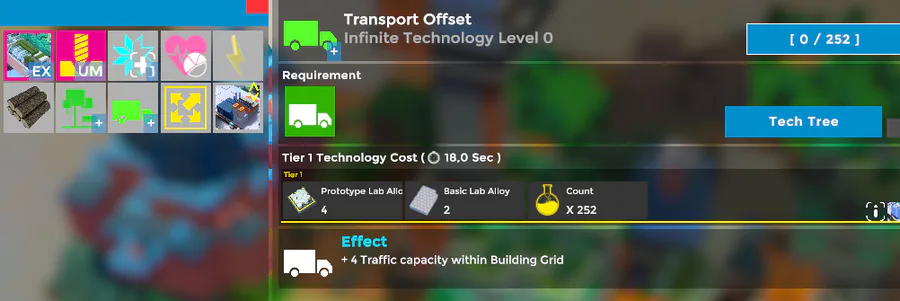
Introducing Infinite Tech! Some upgrades in COMPLEX SKY can now be stacked for as long as you like. Just don't get too greedy and spend it all in one place!
0 comments