Game
Hensen Hopper
10 months ago

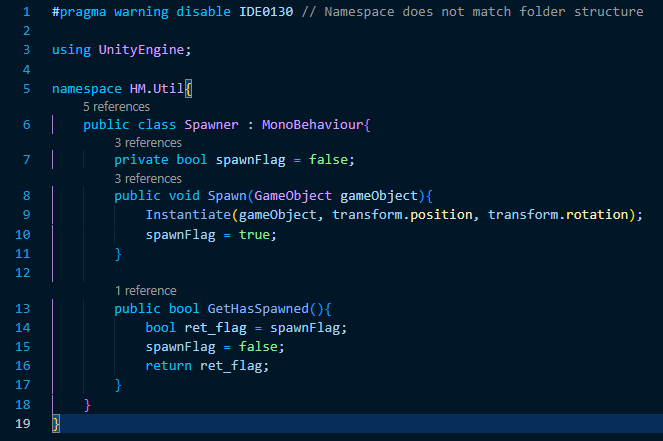
Okay so I've now gotten a much better spawning script put together! To fix the bullet firing effects, I've written an accessor that returns true if something has spawned since the last accessor call, it's a cheap solution, but it works, at least for now!


image.png

Above is the script I've replaced the old PrefabSpawner script with, if anyone's curious. It's a pretty simple script containing two methods:

  1. Spawn(GameObject gameObject) does exactly what it's name implies, instantiates (spawns) a copy of whichever game object is passed into the gameObject argument (everywhere I've used it uses prefab objects in my project directory but it's theoretically possible to use existing objects in the scene I now realize!) at the position and rotation of the spawner. If you read the method in the screenshot, you'll probably see it also sets the private boolean member spawnFlag, which is used for the second method, to true.

  2. GetHasSpawned effectively returns true if the spawner has spawned a game object since the last call to GetHasSpawned. How it does so is fairly self-explanatory if you read the method above. This exists solely to be read by the script handling the bullet firing animations and SFX which triggers both of those when the bullet spawners attached to the player and enemies spawn bullets by checking GetHasSpawned's return value once per frame update.

The original PrefabSpawner script I had would spawn a predefined prefab when triggered to, and this worked just fine for the bullets (which use the same spawning script as the enemy columns) however, it became counterproductive when I began trying to implement the upcoming beetle enemy. The versatility of this new spawner will make implementing new enemies and furthermore new ammo types (which is something I have planned for the future as well O.O) a lot easier and more intuitive.



0 comments

Loading...

Next up

This is a much larger (in terms of resolution) video than I've shared here before!!!

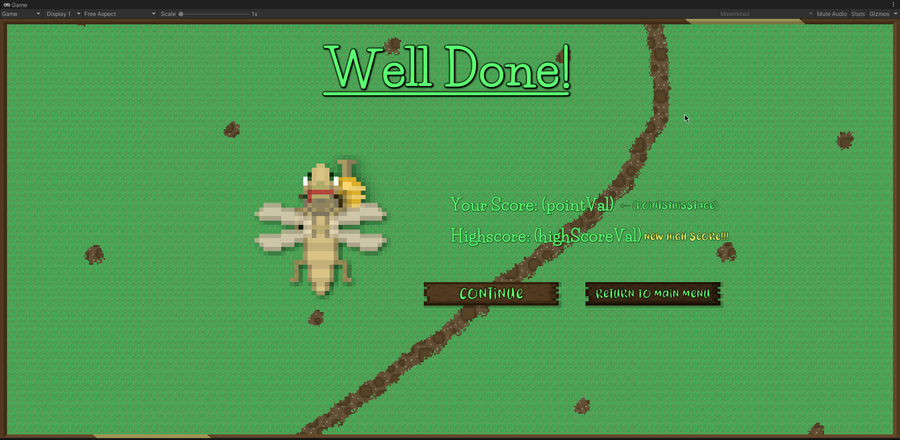
This is a full round of Hensen Hopper in it's current state! I mainly recorded this to showcase the new wave difficulty curve algorithm I've been working on!

Merry Christmas everyone!!!

Oh yeah, this is all I have properly added in the latest build haha.

The beetle shell is now fully VISUALLY implemented! Next thing on my list is a unique sound for Hensen equipping it.

Doki Doki Literature Club is celebrating Monika's birthday and the 8th anniversary of DDLC with exclusive stickers, avatar frames and backgrounds on Game Jolt! 

Head over to the shop to collect yours 👉 https://gamejolt.com/#shop

I am impressed by my past self right now. The algorithm behind the unimplemented dashing mechanic (that I wrote like a year ago) uses a sine wave to smoothly increase/decrease Hensen's movement speed for a dash. That is so clever! I actually wrote this!?

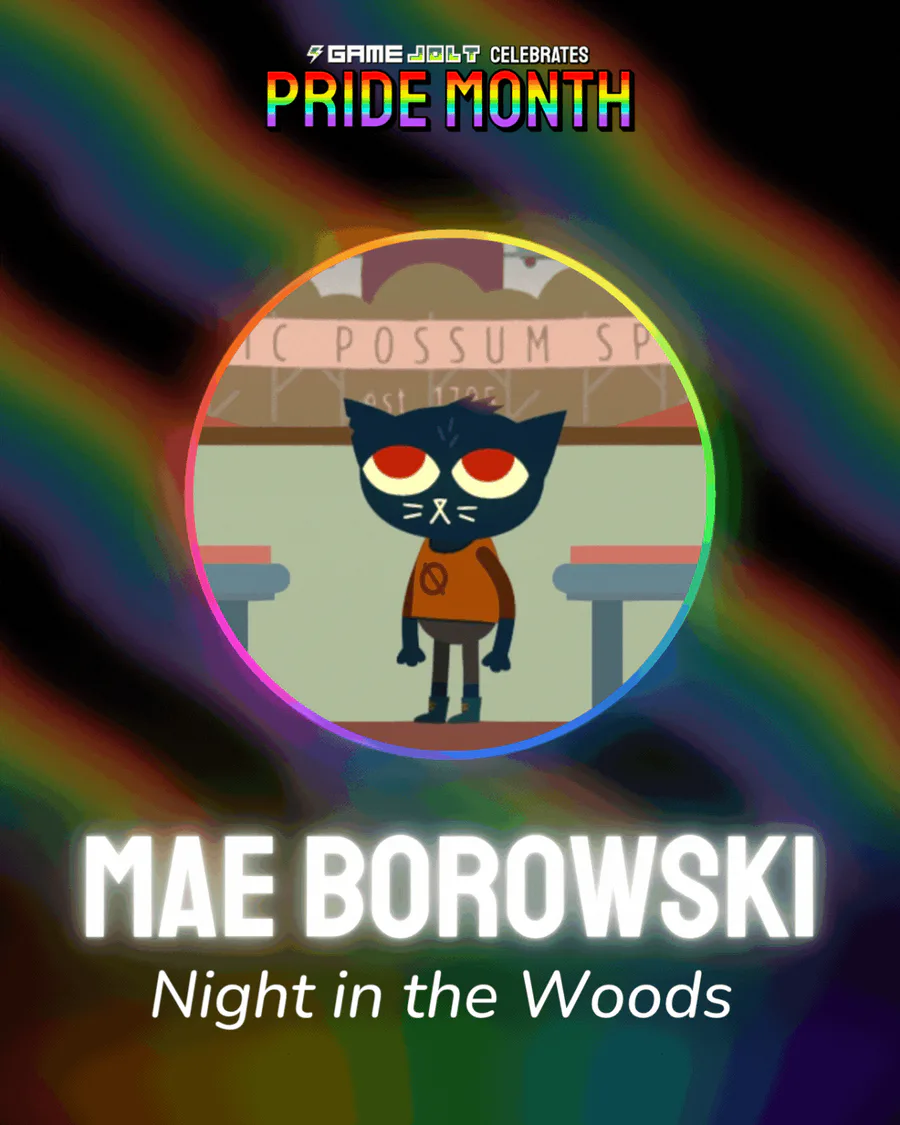
Mae Borowski is the main character of Night in the Woods! It's an adventure game that tells the story of her return to her hometown of Possum Springs. She was confirmed as canonically pan in a social media post by the game's creator Scott Benson.

I've been working on some proper visual art for the beetle shell when it's equipped! I've also gone ahead and drawn a break animation for it. All I need to do now is actually set all of this up in Unity which I'll probably do on Tuesday.

I've decided to have the statistics behind the quests in Hensen Hopper be handled as actions reported to the quest manager rather than try to write variables into a whole bunch of scripts solely for quests.

The Knightling launches on August 28! Wishlist it now so you don't miss out: https://bit.ly/KnightlingSteam

To celebrate the game's impending release, we've added The Knightling Pack and The Knightling Community Pack back to the Shop!

Oh yeah, also, I updated that algorithm for dash handling I shared yesterday so I can set the dash duration via the inspector window!