4 years ago

Tip:

Did you know about Active System Box object?


The Active System Box object is very useful for creating UI elements for applications, like custom designed buttons and check boxes, you can even use it as dialogue containers as they can have text in them, background color, images and even borders

Play around with this object for a bit and you can find many uses of it, you can check it's help file to know everything about this object


0 comments

Loading...

Next up

Check out the new forum! https://community.clickteam.com/

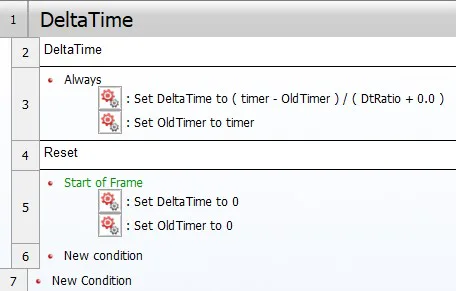
Guide: DeltaTime

Conway's Game of Life A cellurar automata algorithm made in Fusion 2.5! https://youtu.be/1mnIOPBiaow Download Example: https://drive.google.com/drive/folders/1vRgZFXZm5WGYFDdBsBYcaG2S…

In today's Fusion3 blog we discuss Auto Compiling and the new Shader Editor! #MadeWithFusion #Fusion3 #Indiedev

https://www.patreon.com/posts/fusion3-blog-137895395

((APRIL FOOLS 2022)) Fusion 3 news round-up! Clickteam shared new info about the long awaited Fusion 3 engine Check out there blog post, a lot of awesome features announced: https://is.gd/oZYAcc

To aid in exploration, important and notable interactables will be highlighted when approached to help you distinguish them from both the scenery and flavor text interactables.

i assume this is better than a neon yellow painted arrow...

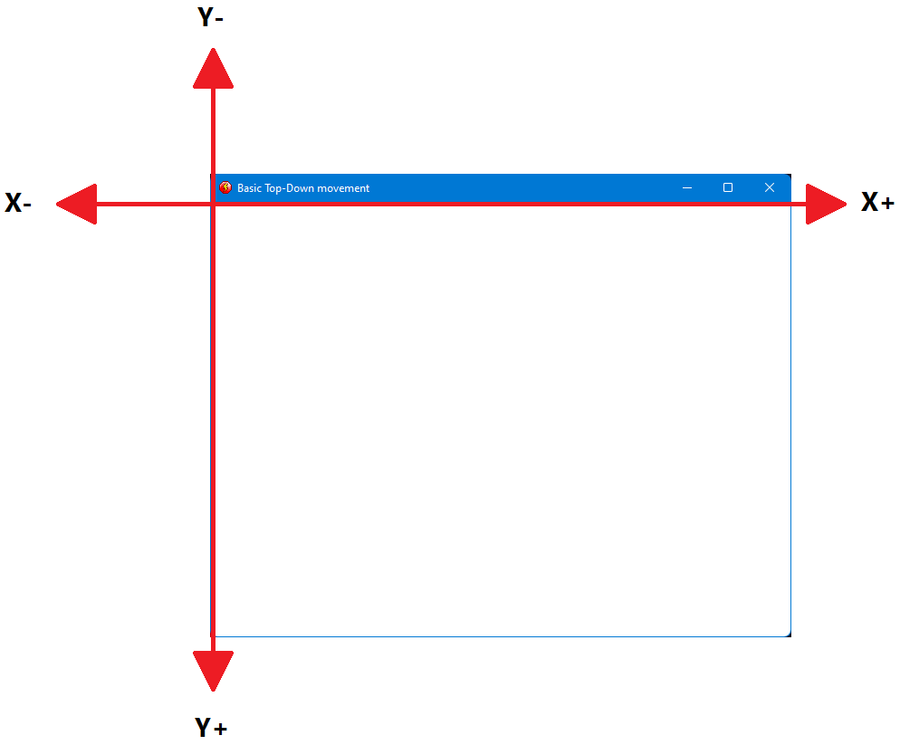
Guide: Custom basic Top-Down movement

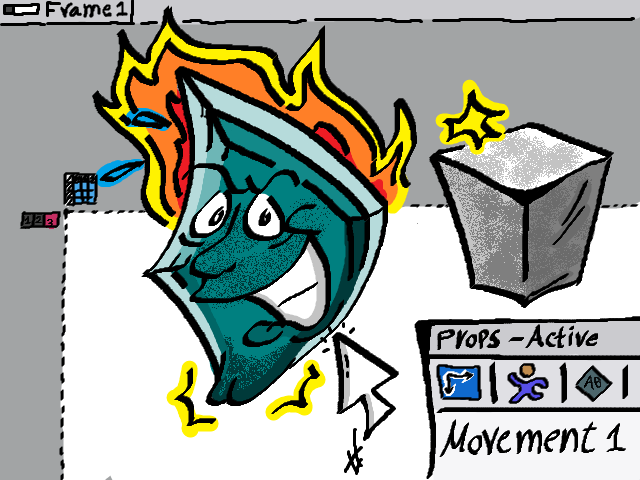
"Create a New Active" 640x480 Drawing in MS Paint. No drawing Tablet used (All via Mice). You can classify this as Fusion Fan-art :P

[WIP]

using a Decoy Daisy to jump across 'blank spaces' will be a huge part of your flower shop exploration.

Example: Fractle Tree 🌳 https://youtu.be/DuQpeLoSjHs