
Comments

Take 1- Pilot
Take 1 - Pilot
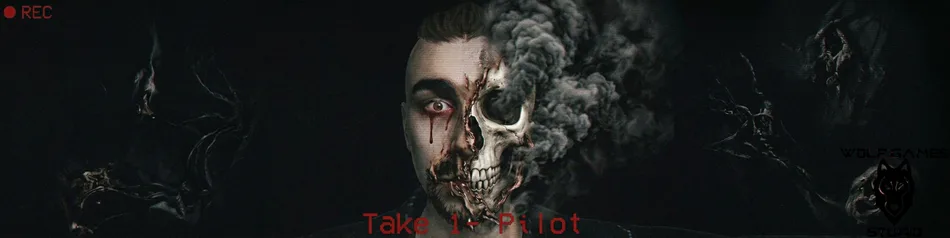
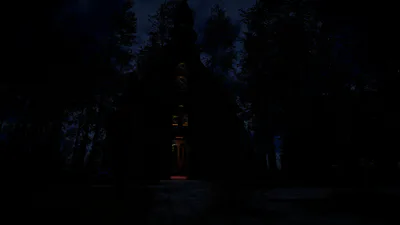
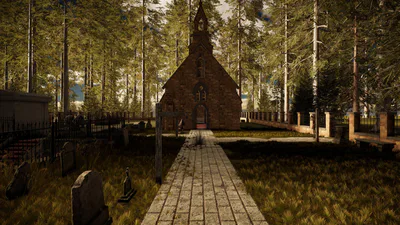
Take 1 - Pilot is a first-person psychological horror game inspired by paranormal investigations and the found footage genre.
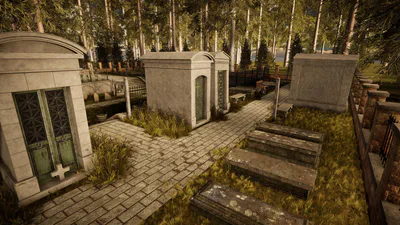
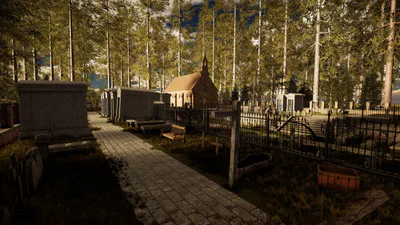
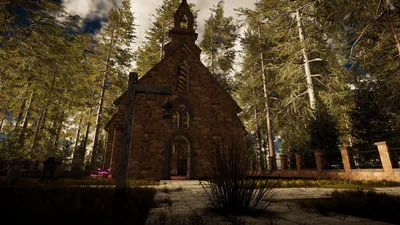
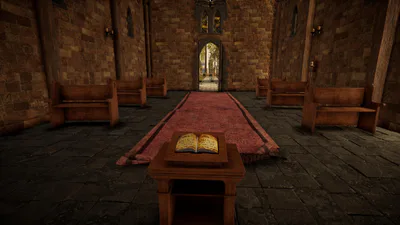
You assume the role of a content creator in search of internet fame. In a desperate attempt to capture supernatural footage that will go viral, he decides to spend the night inside an old church hidden deep within an abandoned cemetery.
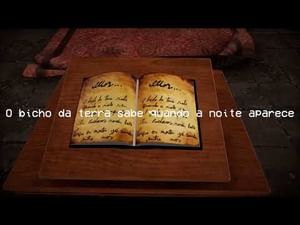
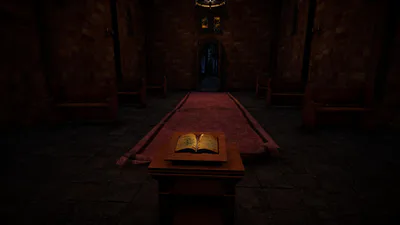
The quest for breathtaking views turns into a fight for survival after he discovers and reads a mysterious book hidden inside the sanctuary. Equipped with a night-vision camera, a flashlight, and your own microphone to interact with entities via voice commands, you must explore the haunted location, record paranormal evidence, and survive until dawn.
⚠ Remember: Not everything can be seen with the naked eye. Some presences only appear through the lens... and some might already be watching you.
Having trouble with your microphone/voice recognition?
If the game is not recognizing your voice, Windows might be blocking access. Follow the steps below to fix the problem:
Turn on online speech recognition:
Go to Windows Settings (Win + I) > Privacy & security > Speech.
Turn on the Online speech recognition option.
Check the language:
Go to Settings > Time & language > Speech.
Make sure the correct language (e.g., Portuguese or English) is installed and selected as the primary option.
Set default microphone:
Right-click the sound icon on your taskbar and open your sound settings.
Under Input, make sure your main microphone is set as the system's Default Device.
⚠ Important: After applying these settings, close the game and reopen it for the changes to take effect. If the problem persists, please contact our support team.