
Comments

Life of an Artist: The Artist Simulator
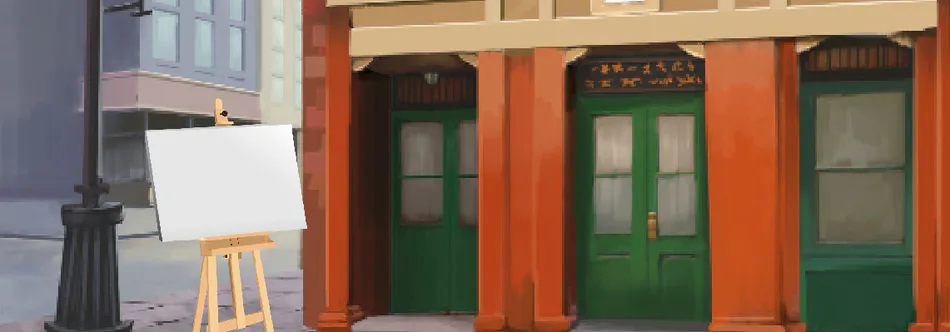
Click the Easel to begin your artwork.
Click on the paintbrush to select color, brightness, and stroke size.
Click the red button to abandon your artwork.
Click the green check button to sell your artwork.
use numbers 0-3 to control the easy access toolbar.
use the arrow keys to increase/decrease the value selected in the toolbar.
try and get your very own art studio!
~~~TIPS~~~~~~
Critic not loving your art?
The critic works by analyzing the time, colors, and shades you use. use the toolbar and arrow keys to quickly increase your colors and shades and add depth to your masterpiece.
THE CRITIC IS A WORK IN PROGRESS don't feel bad if he doesn't love your art, I'm working on making him appreciate true art. let me know if you can / want to help further the development of 'The Life Of an Artist'.
based on Passpartout by Flamebait
Images from Google
Music: http://www.purple-planet.com
Check out Draw with Jazza, where i found out about Passpartout
https://www.youtube.com/user/DrawWithJazza