
Comments

No comments yet.
Free
Sidekick - Windows Build
Install instructions
Windows: Download and Unzip. Open Windows folder and start Sidekick.exe. Allow it to run on your computer
Free
Sidekick - Mac Build
Install Instructions
Mac: Download and Unzip. Run Sidekick.app
If it will not open, try the following:
1. Launch the app "Terminal"
2. Type "chmod -R +x" and before hitting enter, drag the app into the terminal window. This should paste the file path
3. Hit enter
4. Right click the app and select "open"
5. change permissions in preferences if required.
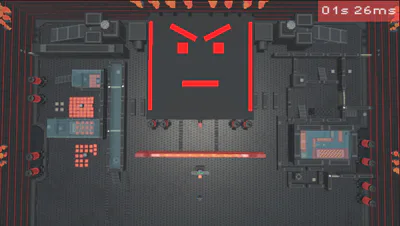
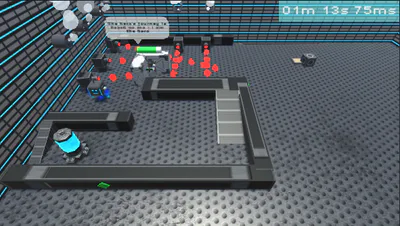
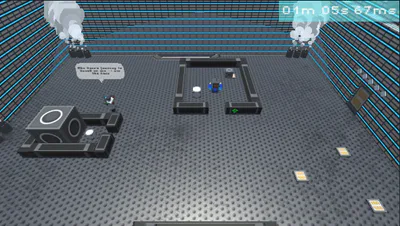
Play as the sidekick and solve puzzles to assist the not-so-mighty hero on his quest to save the city of Sidetopia in this futuristic puzzle-adventure game!


Nothing has been posted to this project page yet. Check back later!