



Comments

Super Monkey Ball: 2D Rolling Version 2.0
Super Monkey Ball: 2D Rolling
Super Monkey Ball: 2D Rolling JPN/スーパーモンキーボール:2Dローリング
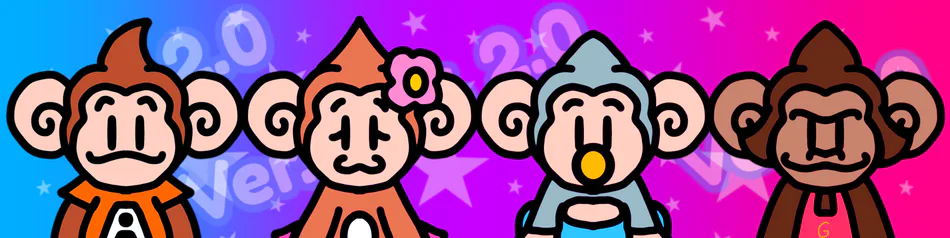
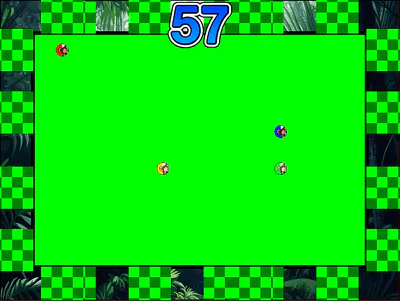
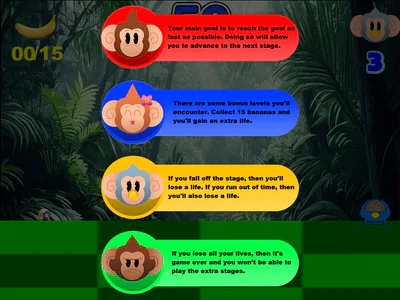
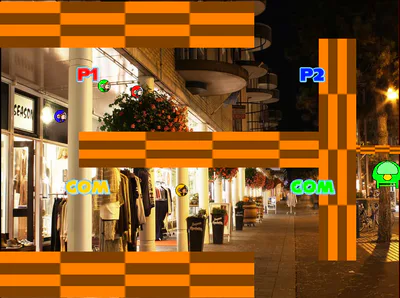
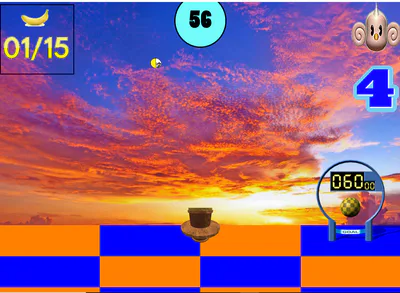
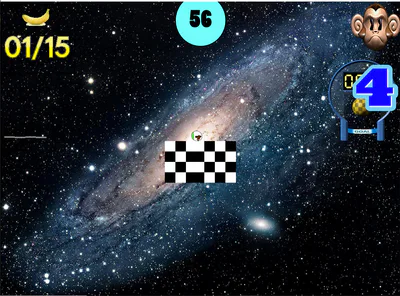
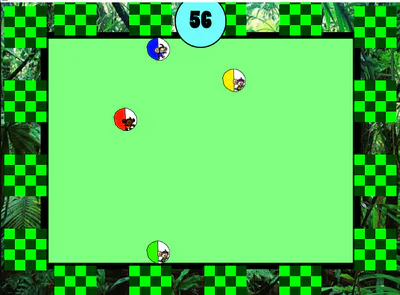
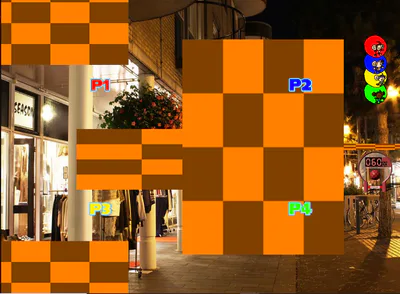
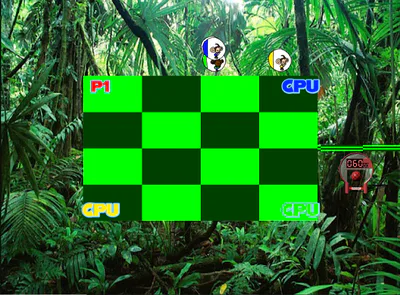
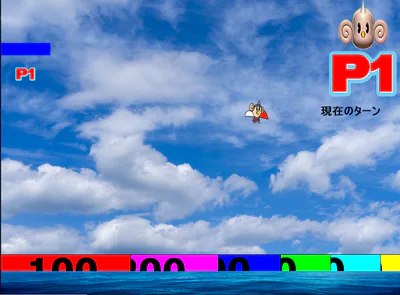
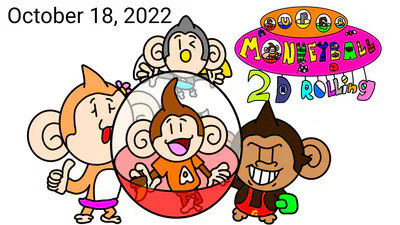
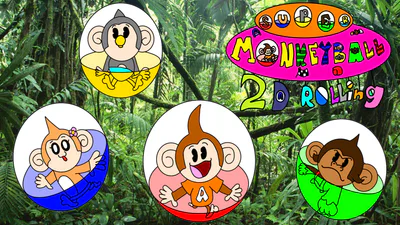
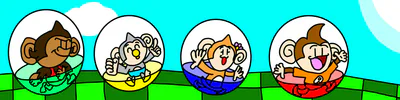
Roll 4 Monkeys to the Goal without falling off or running out of time in 60+ visually stunning and quick levels + 3 up to 4-Player Party Games! All on the same keyboard! Character Design and Original music are not mine. They belong to SEGA and Amusement Vision. I only did the concept art, animations, game design, level design, new music, and graphics. I refuse to own the right to own the two mentioned above. This is for entertainment purposes only. No copyright is intended.
Controls:
Title Screen Controls:
S Key - Start Game
H Key - Go to How to play screens
(In How to Play Screens) Any Key - Navigate through screens
Main Menu Controls:
Left and Right Arrow Keys - Select Mode
Spacebar - Confirm Choice
Main Game Menu Controls:
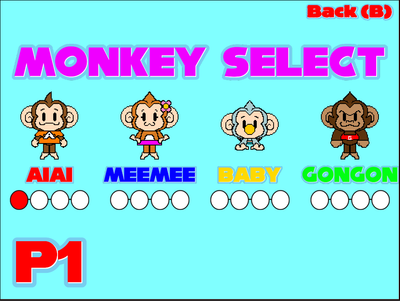
Left and Right Arrow Keys - Select Level/Character/Confirm Settings
Spacebar: Confirm Choice
Backspace Key - Back to Main Menu
Main Game Controls:
Left Arrow Key - Move Left
Right Arrow Key - Move Right
Spacebar - Jump
Up Key - Move Up
R Key - Reset to your starting spot
P Key - Pause the game
In the Continue Screen:
Left and Right Arrow Keys - Select Yes or No
Spacebar - Confirm Choice
Party Games Menu:
Left and Right Arrow Keys - Select Game
Spacebar - Confirm Choice
Backspace Key - Back to Main Menu
Monkey Race Menu Controls:
Left and Right Arrow Keys - Select Number of Players/Character(s)/Racecourse/Confirm Settings
Spacebar - Confirm Choice
Backspace Key - Back to Number of Players Screen
Monkey Race Controls:
P1: Left - A Right - D Up - W Down - S
P2: Arrow Keys
P3: Left - J Right - L Up - I Down - K
P4: Left - C Right - B Up - G Down - V
P Key - Pause the game
(The Game will end automatically after all players finishes the race)
Monkey Fight Menu Controls:
Left and Right Arrow Keys - Select Number of Players/Character(s)/Stage/Confirm Settings
Spacebar - Confirm Choice
Backspace Key - Back to Number of Players Screen
Monkey Fight Controls:
P1: Left - A Right - D Up - W Down - S
P2: Arrow Keys
P3: Left - J Right - L Up - I Down - K
P4: Left - C Right - B Up - G Down - V
P key - Pause the game
(The Game will end automatically after the winner(s) is/are announced)
Monkey Target Menu Controls:
Left and Right Arrow Keys - Select Number of Players/Character(s)/Confirm Settings
Spacebar - Confirm Choice
Backspace Key - Back to Number of Players Screen
In Number of Players Screen:
Backspace Key - Back to Party Games Menu
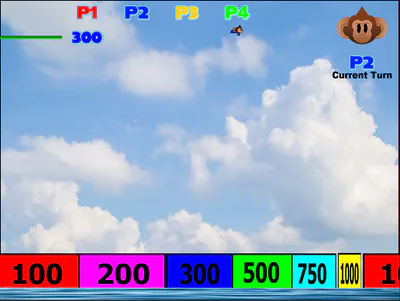
Monkey Target Controls:
(This applies for all players since you're taking turns in this one):
Left and Right Arrow Keys: Move
Spacebar: Go into flight mode
(In Flight Mode)
Left, Right, and Up Arrow Keys: Move Left, Right and Up
Spacebar: Go into Landing Mode
(Psst: You need to be in landing mode before touching a Target.)
Backspace Key: Back to Party Games Menu
(The Game will end after the scores have been calculated) #fangame