
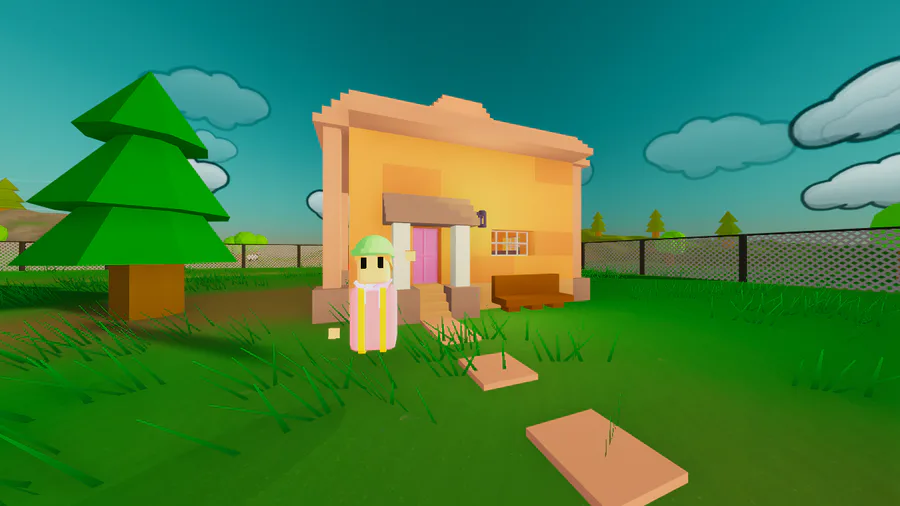
LAN hosting added, you can select between Online (matchmaking) & LAN in a dropdown menu on the server create page. This solves a few problems with the current matchmaking solution. Currently matchmaking has a maximum of 20 concurrent users, using LAN will not take up any spaces, however it won't appear on the server list & to play online you'll need to port forward. Unity will most likely stop supporting unet matchmaking eventually, so LAN will insure the game will still be playable once this happens, you can now also play without an internet connection if you select LAN.
Overhaul of Mob AI, they no longer rely on nav meshes or nav mesh obstacles, because of this it's more lightweight & both mobs & build objects will run better. (They also react to gravity better, so feel free to spawn them from a plane if that catches your fancy...)
Added a WIP high contrast mode, currently this just changes all text in the game to an Arial font for easier readability, however I plan on expanding this & adding more accessibility features in the future.
Much improved network syncing, player movement & mob ai is now far smoother for clients.
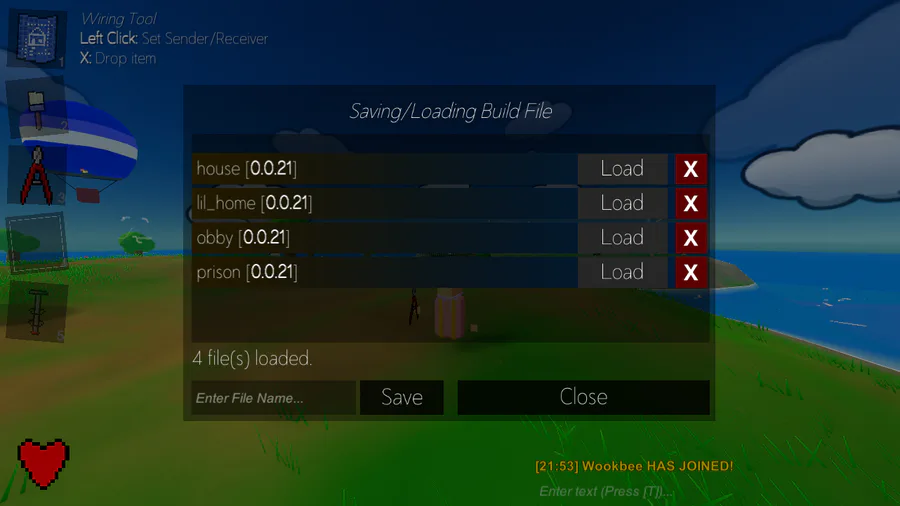
Save/load menu has been improved, you no longer need to type the file name to load build files, a list of buttons will now be shown. You can now delete build files from the menu instead of having to use /delete save.
New killcards added.
Small changes/bug fixes:
Sheep 'baa' less (it was driving me up the wall).
Parachute animation improved & synced over the network.
/spawn zombie now spawns the zombie above you, instead of inside.
Hide password protected toggle added to the server list.
Server list now only expands when there are enough servers to fill the page.
Random loading tip selected when you click during loading.
Item help text animation plays when selecting an item.
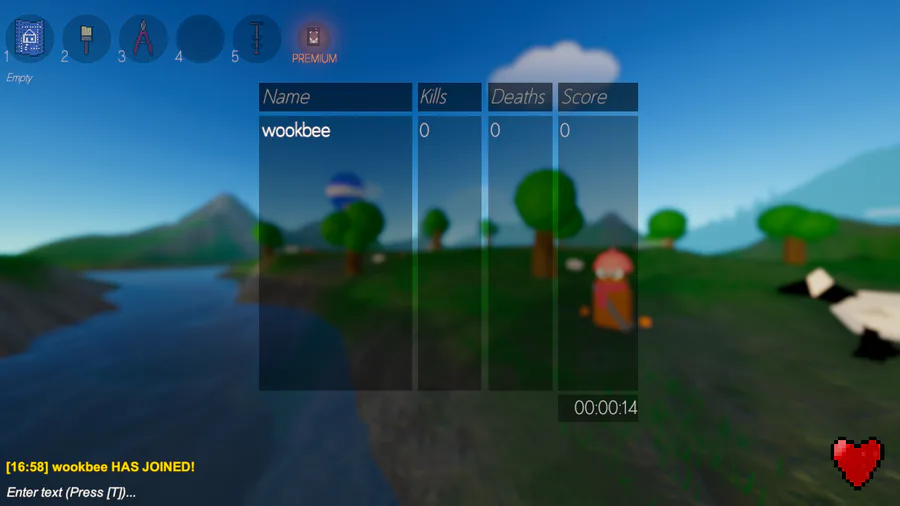
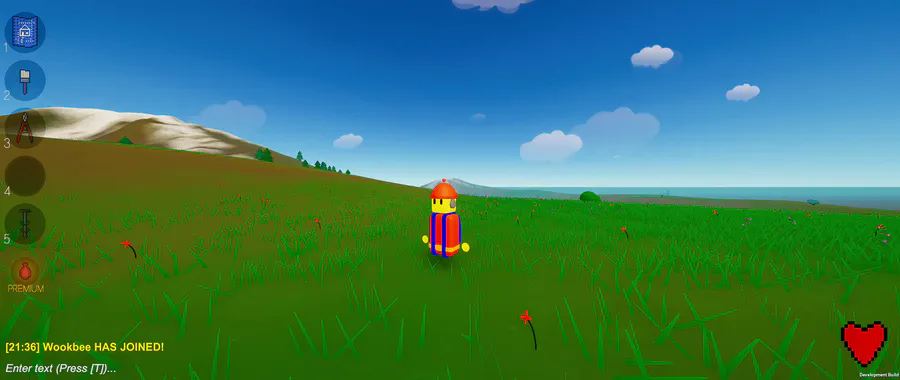
New health icon & animation stops playing when you die.
Build files now has version validation, any build files you have from ver 0.0.20 or before can be used on 0.0.21 if you add 0.0.21 as the first line in the build file.
Third person aiming removed for certain items (blueprint, paint & wire tools).
Emotes can be used on the main menu.
Small changes to Island Royale & Spooky Forrest maps.
Option to hide item help text added to the options menu.
New 'rounded eyes' face option added.

0 comments