

I’ve changed the header to something more… generic. Trust me. I’ll change it back later.
Also, I’ve disabled ratings since the game’s incomplete at the moment. …and trust me, it’s coming. I’m working on the last few levels. To keep you satisfied, though, I’ll try to give some updates as to how it’s going here and there.
…let’s start with a new screenshot, shall we?
Next up
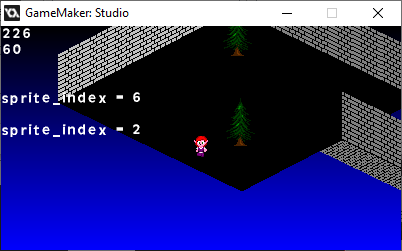
Yep. I've got floor tiling. Kinda had a problem with arranging the sight-box at angle 270, but I've got it down.
I'm wondering if culling the walls is the right choice for indoors.
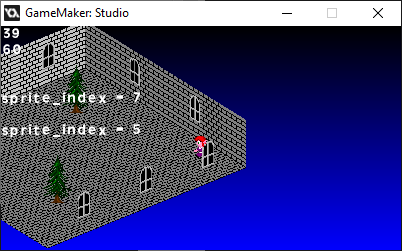
Here I am, trying to implement wall decorations, and I forgot to cull them.
...somehow, that actually helps.
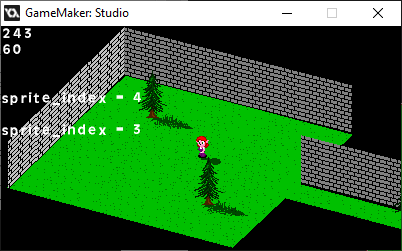
The floor's movement, being a view drawn onto a surface, is still one frame behind.
However, I figured it's more efficient to draw walls separately than to use blocks for indoor segments. They can stretch and keep doing the depth math accurately.
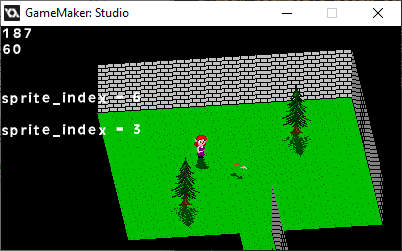
It took a while, but I got rotating flat sprites going.
Technically, it's a polygon, but it works.
If I were to do sprite-stacking, I have a basis, but my primary use for this is rotating attack animations.
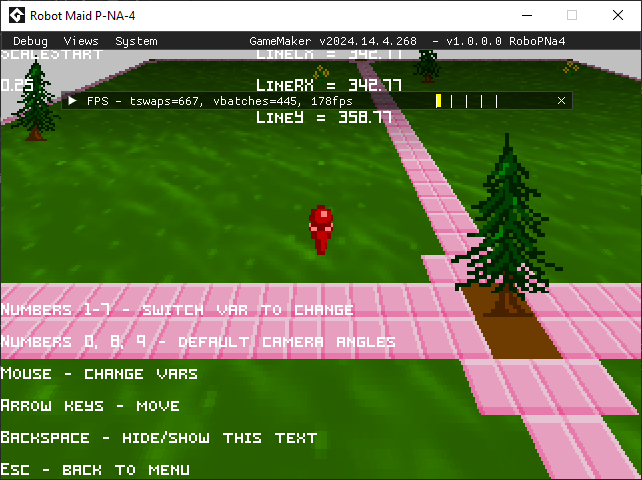
...huh.
Didn't realize that debug mode was different on that version of Game Maker. Also shows WAY too much for players to use.
You can also click and drag some of those elements.

For some reason, I wanted to experiment with a different thumbnail.
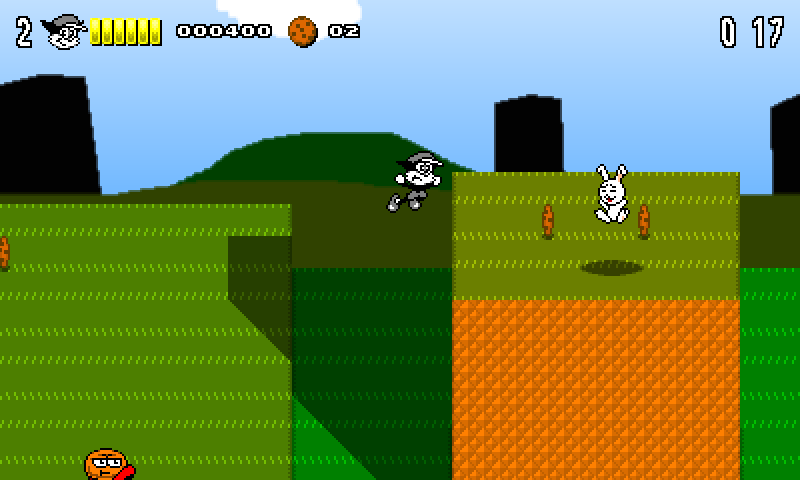
Updated HUD, HP system, and other collectibles! (including the bunnies)
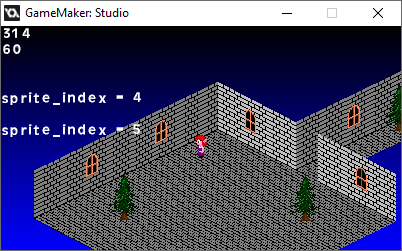
I got the culling working for wall decos, but just in case, I made it optional.
I've also added screen-shake a while back, as well as roofs.
Again, I'm still working on the base engine before I move forward with everything else.
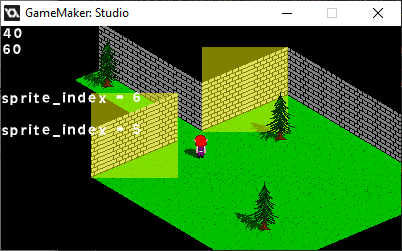
If I'm gonna optimize the Towers engine, I'm gonna have to figure out where to cut off drawing certain objects.
Thankfully, this isn't REAL 3D, so it makes optimizing easier.
...maybe.
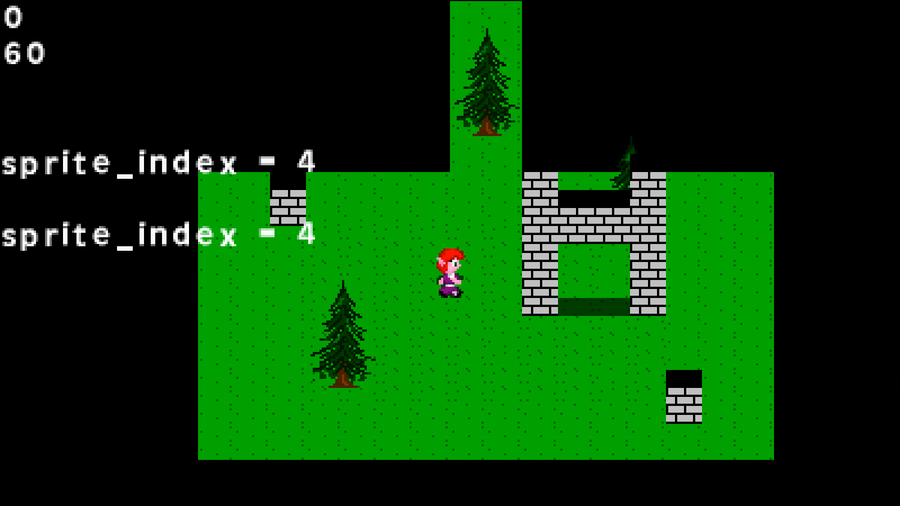
Here. Just to give you an idea as to what I'm going for.
The character and GFX are temporary, but they help me realize what I want to do with the engine.
0 comments