
Next up
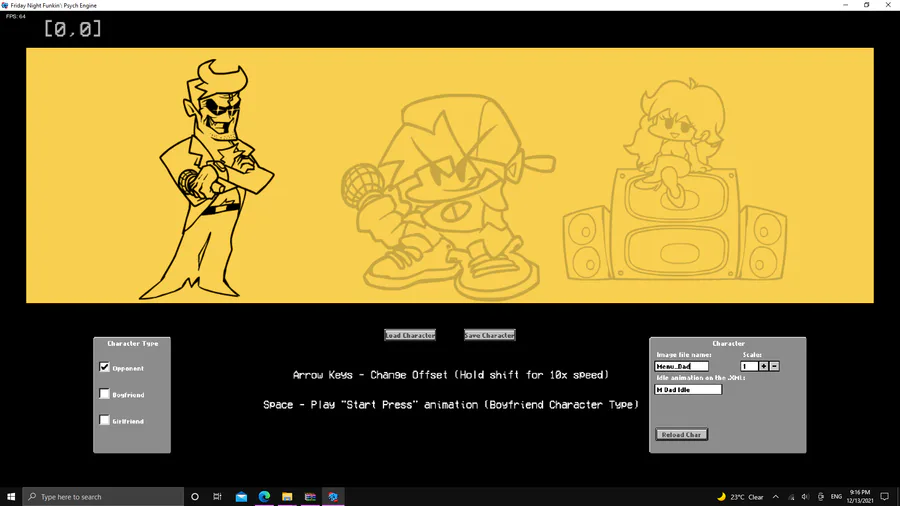
MENU CHARACTER EDITOR
put the name of the image file in this gray box
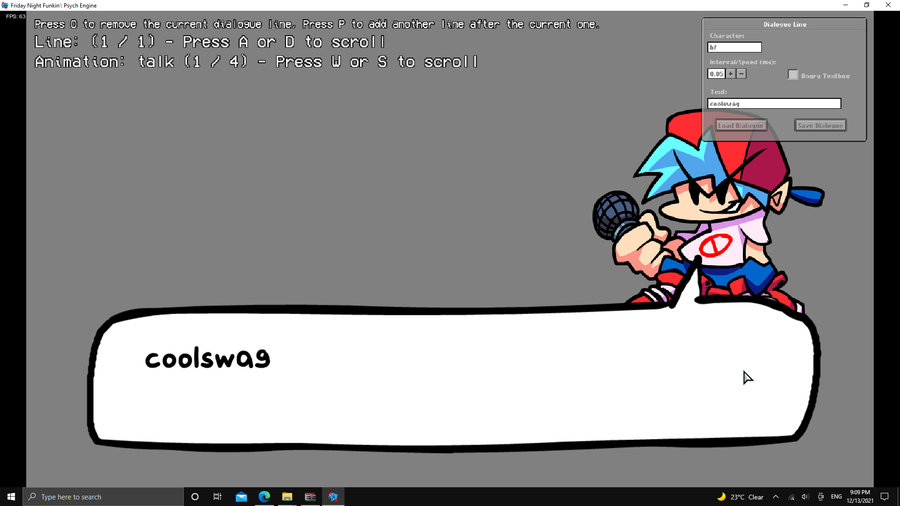
CUTSCENCES ENTER [2]
You should now be ready for your cutscence or whatever you call it, go to the Dialoge Editor
and set your dialoge now all what you gotta do is replace the dialoge.json in the files of the week folder
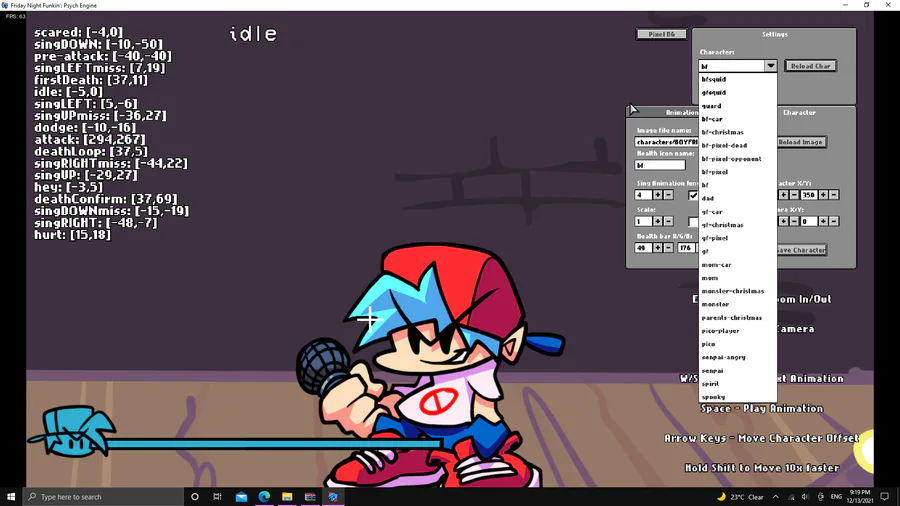
CHARACTER EDITOR
Select the player you want to use from this menu
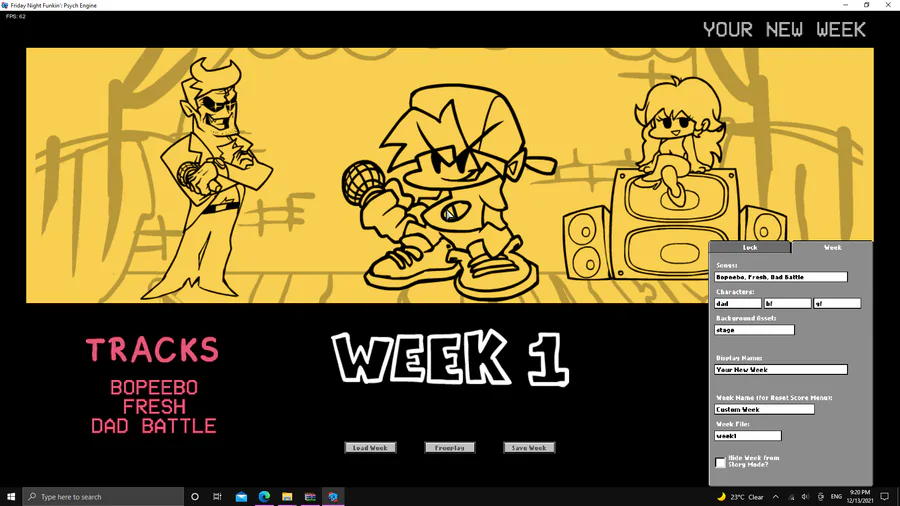
WEEK EDITOR
label the stuff you want and create a week look then paste it in the images/weeks
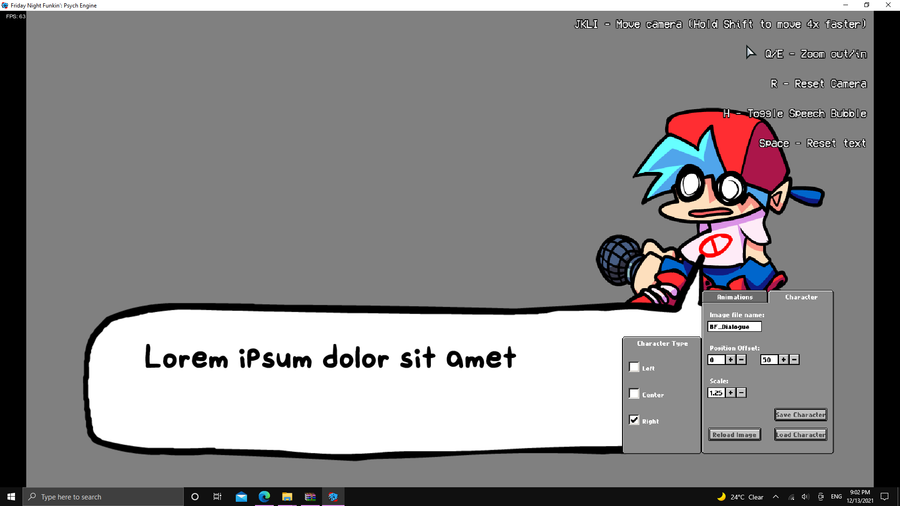
PORTAIT EDIT
Go to the Main Menu and press 7 incase you dont know whats the main menu its this menu with the yellow background
Now you should go to the Dialoge Portait Editor you can see it from the Images section to see what i mean select your animation


Short intro of us 💕✌️
We're an eletro duo based in Seoul 🇰🇷 Heavily influenced by the 90s.
Our new album #Xennials is all about the nostalgia of that era 💽 CD listenin 📟 beeper beepin 💾 floppy disks floppin days 😎
Stream now! 🎧
https://open.spotify.com/album/3YwWhnHWVy5cA8XOpbaGRA?si=8E9awqU…
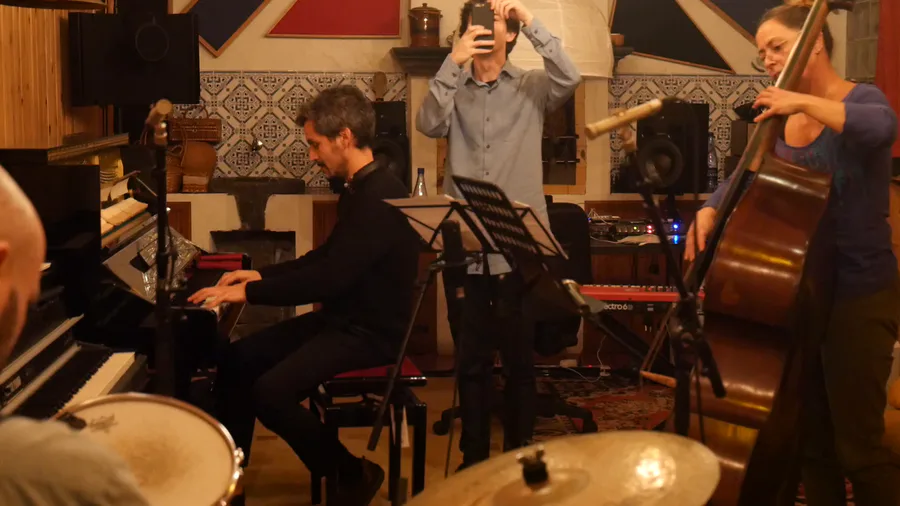
Just as Pecaminosa's musicians #improvise this rendition of #LittleSunflower 🌻, so do we improvise with this post you're reading. 😂
What's coming out of your own improvs? 🤔
#Pecaminosa | #IndieDev | #OST | #Jazz
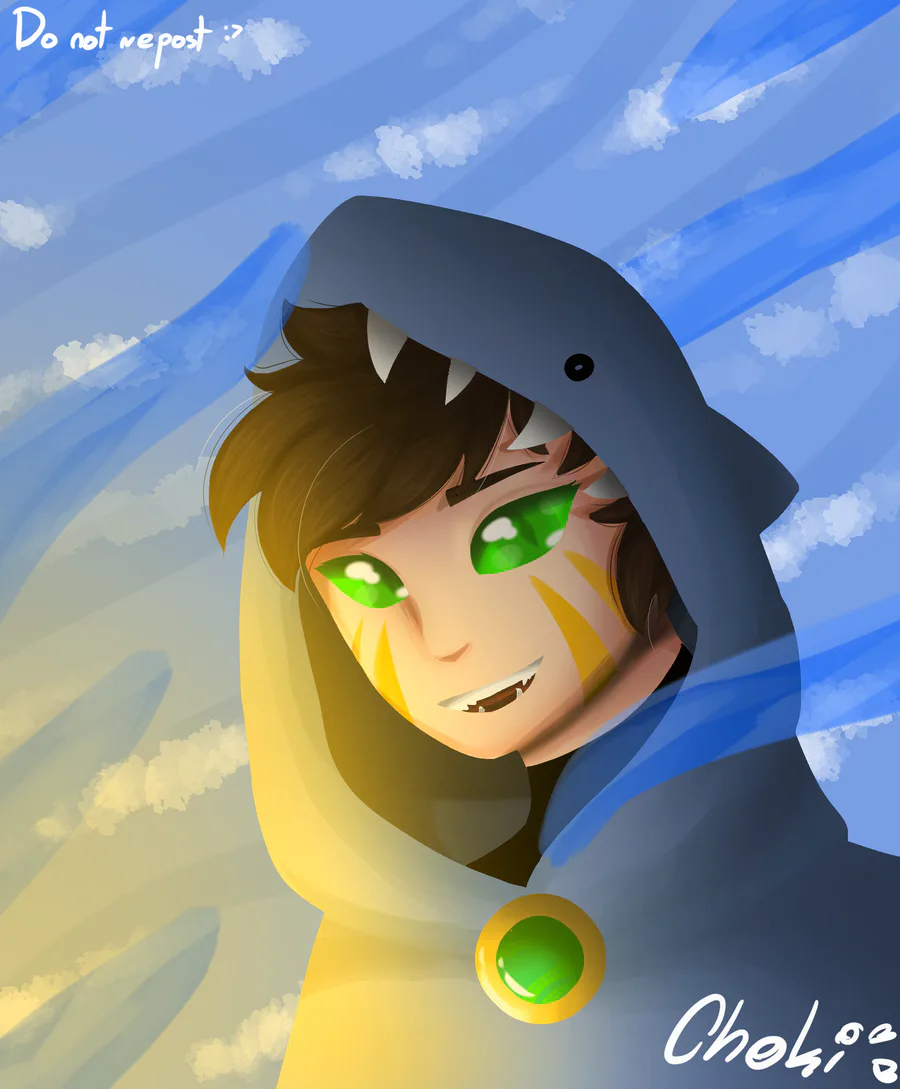

Fan art for Foolish I'm feeling kinda better so I drew this


"Thanks guys for endless hours of fun." 👍
(My first fan art. Read the article, please.)
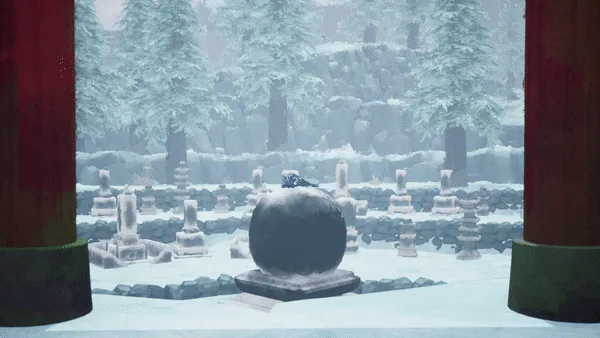

Path of Kami: The Evolution of the Lore
0 comments