Game
Hensen Hopper
11 months ago

So I've spent an hour and a half accomplishing ultimately nothing today so far. I love programming, it's a life-long special interest of mine, but I also HATE it SO MUCH sometimes! (warning: this is a rant)


Since both the beetle's sheild and the beetle-shell equipped sprite over the player both dynamically update according to the value of an integer (the beetle's health and the damageAbsorption count on the Player respectively), I am TRYING to create a script that would read an arbitrary integer field's value and set the sprite of a sprite renderer component on the same game object to a sprite mapped to that integer value in a list of pre-defined pairings that I can modify from the inspector (basically a dictionary except as an array of structs with an integer and Sprite field because C# dictionaries, I discovered, cannot be seen from the inspector window, just the cherry on top of the mountain of things about this endeavor that are royally pissing me off)

Sounds fairly simple, right?

WRONG!

It turns out, this is, to an asinine, absurd, downright hilarious degree, WAY more convoluted to do this conceptually simple action than any reasonable human being would ever idly think about even fever-dreaming to be the case! The obstacle I'm running into is getting the "arbitrary integer field" part of this to actually work. YES, you CAN use system.reflection BUT then performance may take a hit because I need to regularly check the value in order to do this and I won't allow THAT to happen because of course I'm too damn stubborn for my own good and need my game to run well in order to be satisfied with my work as the developer. Stupid fricking...


1 comment

Loading...

Next up

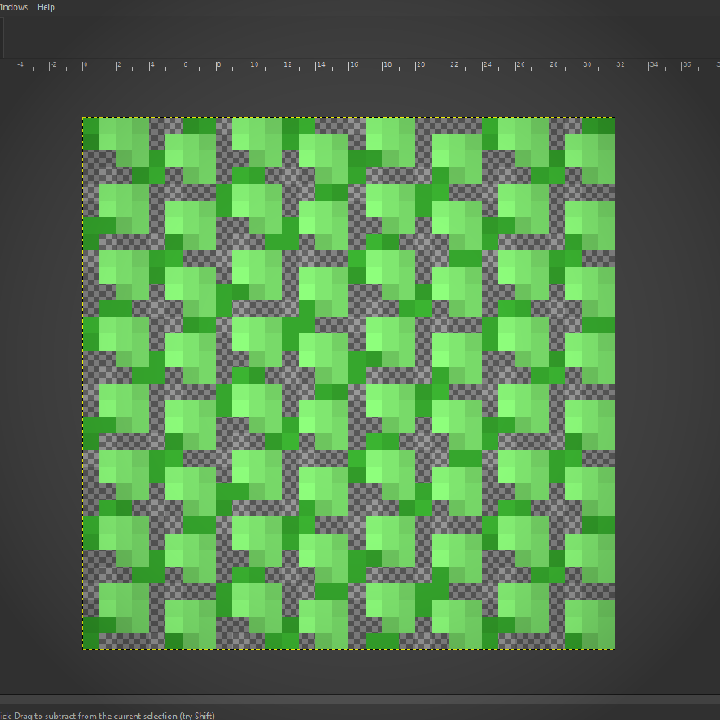
I've worked out a process for drawing bushes that I'm using for the backdrop! First I draw the branches, then "paint" where the bush texture will be, copy it's alpha to a new layer in white, then draw it's shadows in a layer over the bush layer.

I've been working on the backdrop today! Among other things I've done, I made a bush! I know, SOOOO impressive lol.

Very unfinished but the backdrop image, as it is in this video, is already leagues better than what I had last weekend! I'm going to work on it incrementally over the coming weeks as I work on implementing the stages idea I talked about before!

This is just about the only situation in which I'll ever do this. I almost never put multiple calls to methods on the same line but here I've logged a warning to remind furure me to do something I didn't have time to do today in a glaringly obvious way.

Close-up of the re-shaded Hensen!

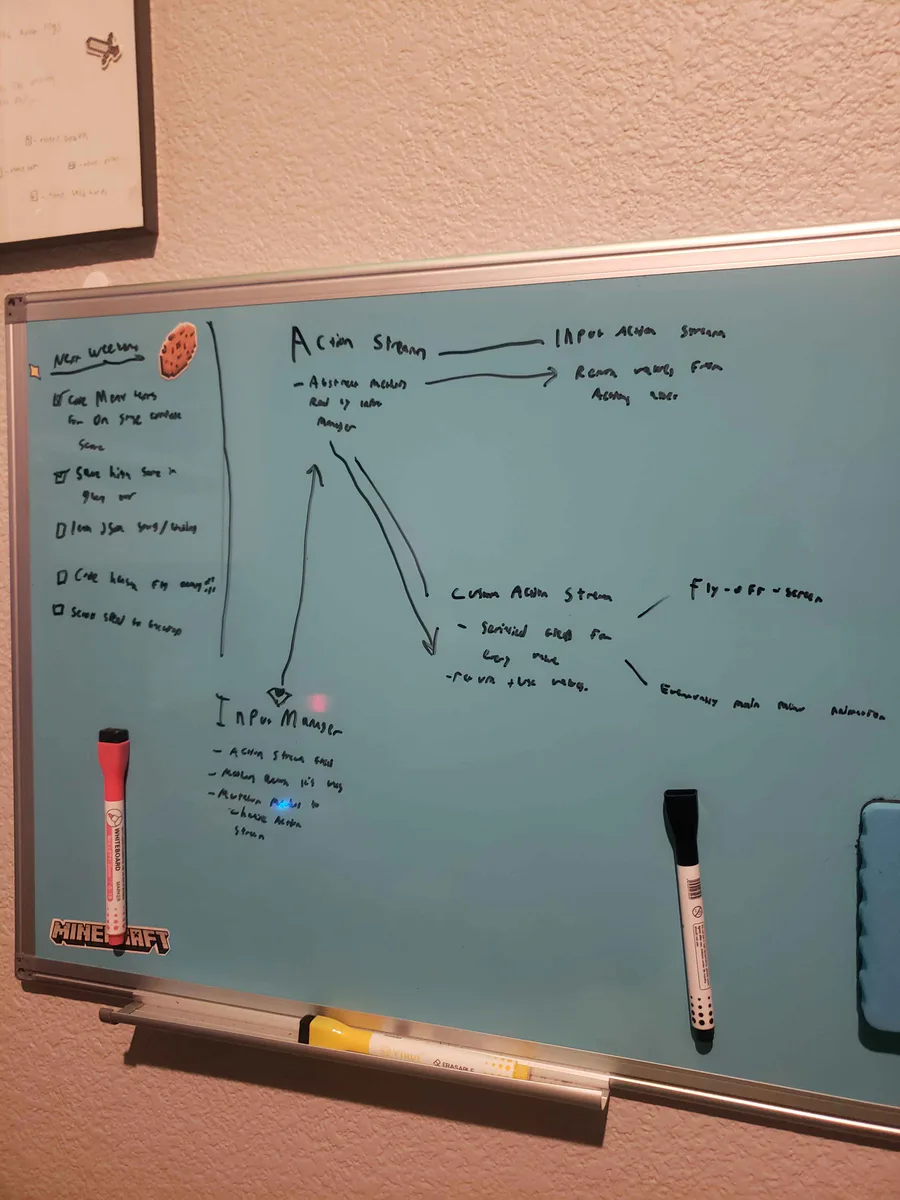
Alright, I've been thinking... I wanna do a fly-off-screen when you complete a stage in Hensen Hopper (classic shmup stuff) and I COULD just hardcode it into the character controller script but I came up with a more nuanced solution.

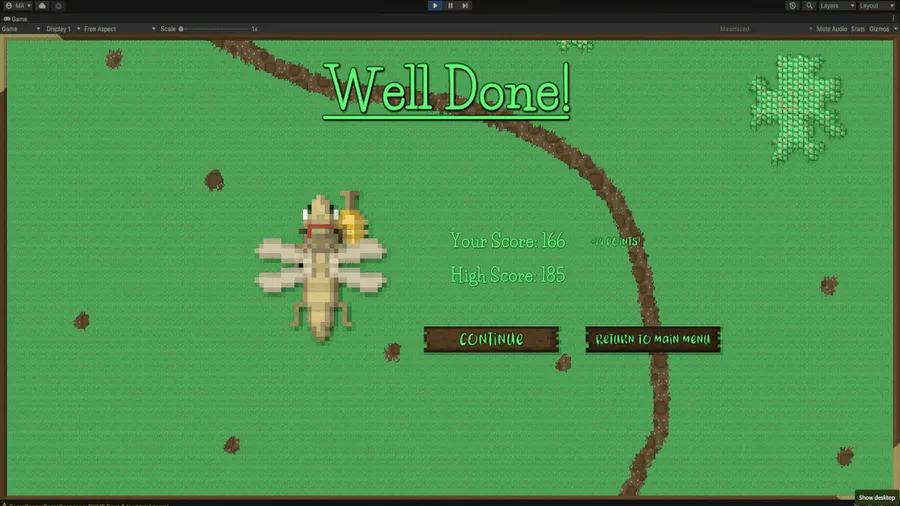
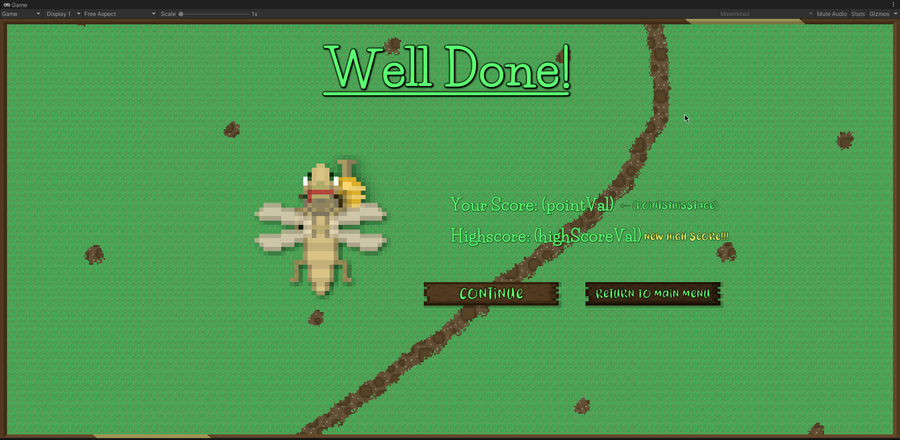
Okay, so the stages and score saving are both more or less working. Your score and high score will be saved throughout the lifetime of the application. Currently nothing saves when the game is closed, though, I'll be working on that next weekend.

Been working on the artwork for the "stage complete" screen all morning! Right now I'm improving the shadows/shading for Hensen because he is a part of that screen. I do need to work out the contrast between the text and the backdrop image, I know.

Here's a short video showing off the improved gameplay loop and "stage complete" screen. The updated artwork for Hensen and his gun and the honey bullets can also be seen.

This is a short video showing off the new procedurally generated enemy waves in Hensen! In theory, the game will become more and more unpredictable as I continue to build and implement new enemies!!!