
Game
Terry's Treasure Trouble!
2 years ago

The SAGE 2023 Demo for Terry's Treasure Trouble is now on this page!


...I really should've put this here sooner.

SAGE has come and gone, and my game, while it had seemingly over 100 downloads over there, didn't get much recognition.

Oh, well. Might as well put out the SAGE Demo here.

Just beware that the SAGE Demo has a lot of features stripped out for demo purposes, including saving, a whole bunch of levels, teleporters, and access to more than one world. Also, I hadn't programmed that new camera system for the demo.

However, if you manage to collect all the crystals in the demo, you can potentially access the Special Stage behind the Mysterious gate.

Credit for the SAGE logo goes to VAdaPEGA, that demoscene meme-lord on Sonic Fan Games HQ.


0 comments

Loading...

Next up

Almost there...

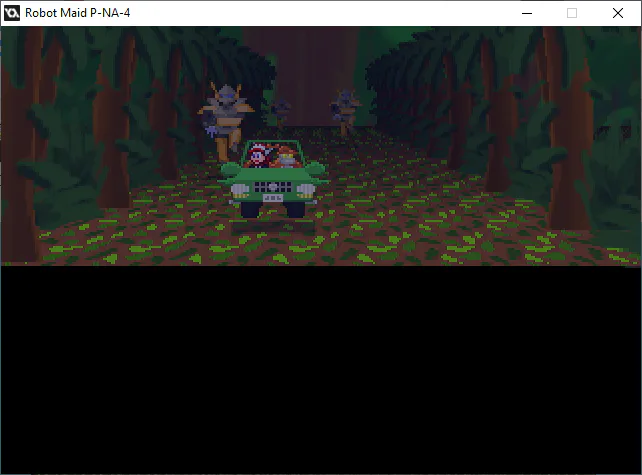
There's gonna be a second driving section without walls later.

The only thing harder than animating a set of wheels is making it handle like a set of wheels.

...and making an infinite floor without resorting to the official 3D engine.

Three reasons to be going after the treasure:

I made an up-to-date trailer for Terry's Treasure Trouble!

You know, in case it wasn't clear what kind of game this is.

...well... This is awkward.

Yes, I CAN make an animated background within a matte, with a shifting color palette. However, I realize this doesn't look like lava, no matter which way you shake it.

...the effect's cool, though.

This is the driving sequence in action.

I don't have any original music for that part, and I can imagine that passing-through-flags sound getting annoying after a while.

Like I said before, draw_background_tiled_ext() can't do rotation. ...but if I'm not rotating, I can use it without consequence for an infinite floor.

I'm gonna work on a system for the road to constantly spawn objects as I move forward in a sequence.

Trying to do that Infinite Floor thing (technically, it's a trick of the camera), and I think it chugs.

Makes sense, since it's drawing on one surface over and over for each scanline, then putting that on another surface, which puts that on-screen.

Hmm...

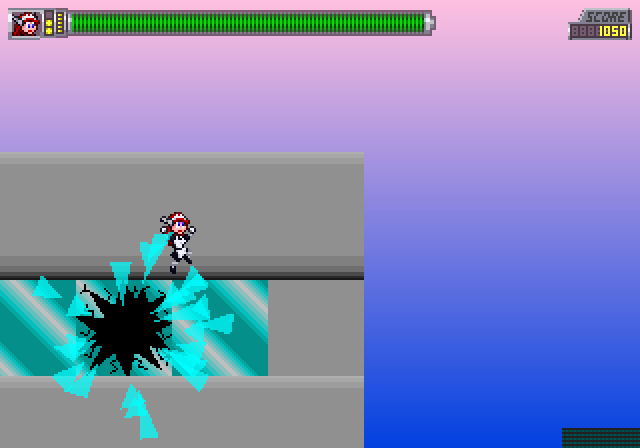
All this work to get punched in the face.

A step-by-step process for bigger sprites.

GM Studio 1 works like Windows XP's Paint, but with nicer features. As such, even a lefty like me can learn to draw right-handed with a Line tool.