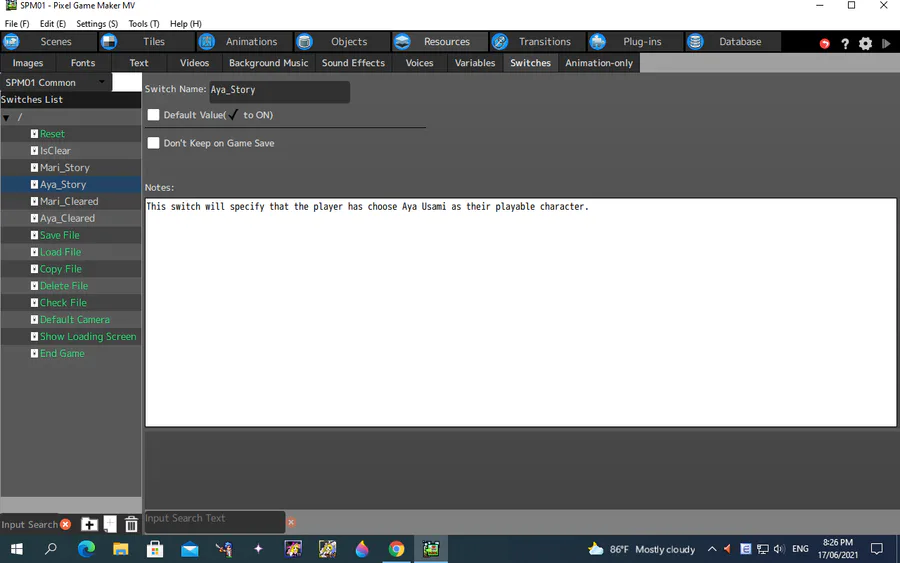
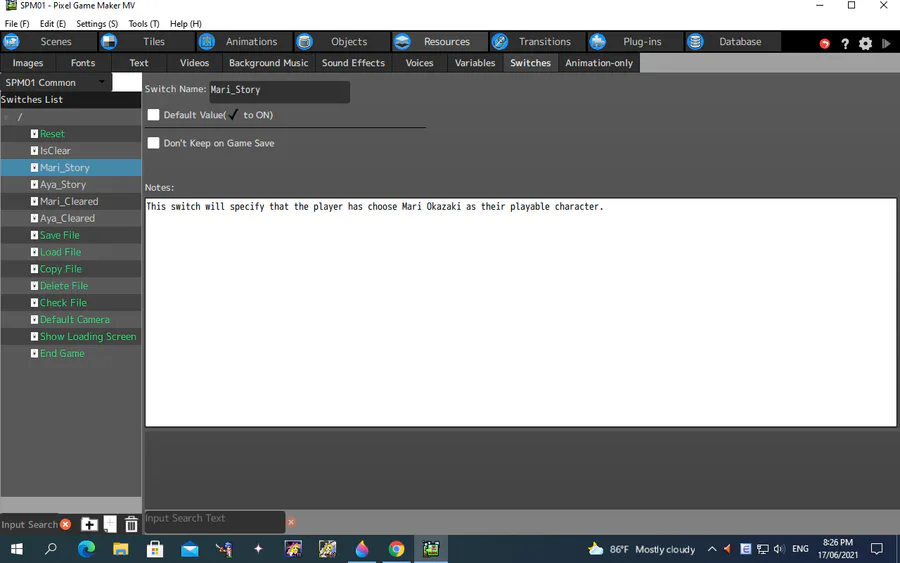
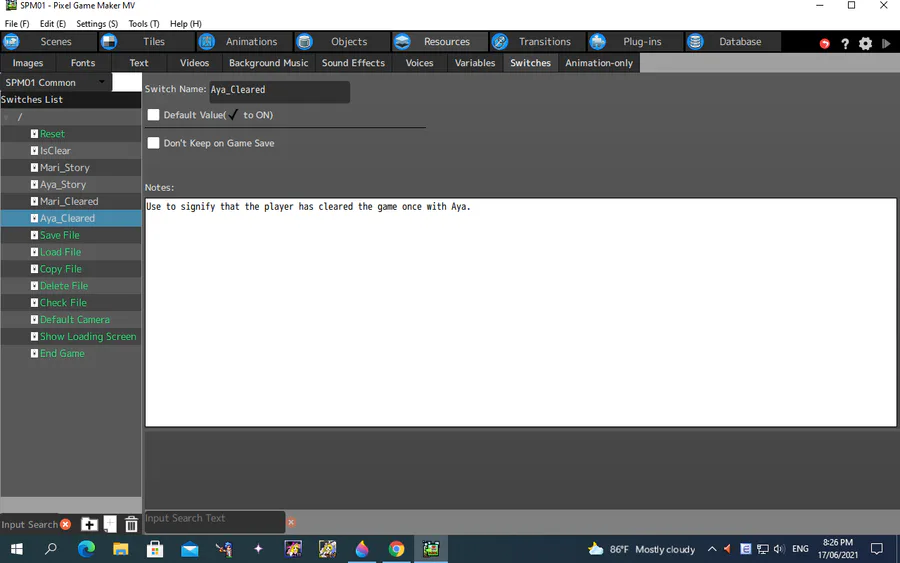
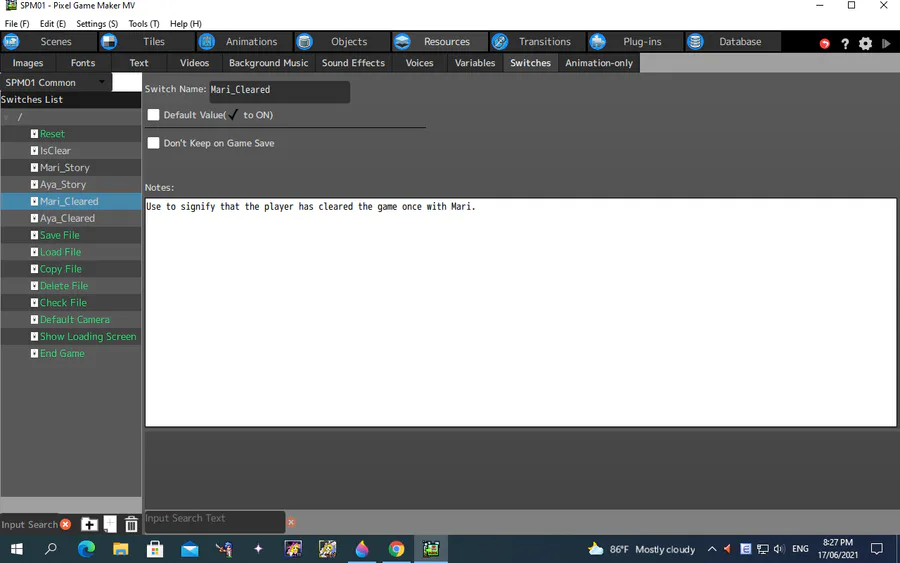
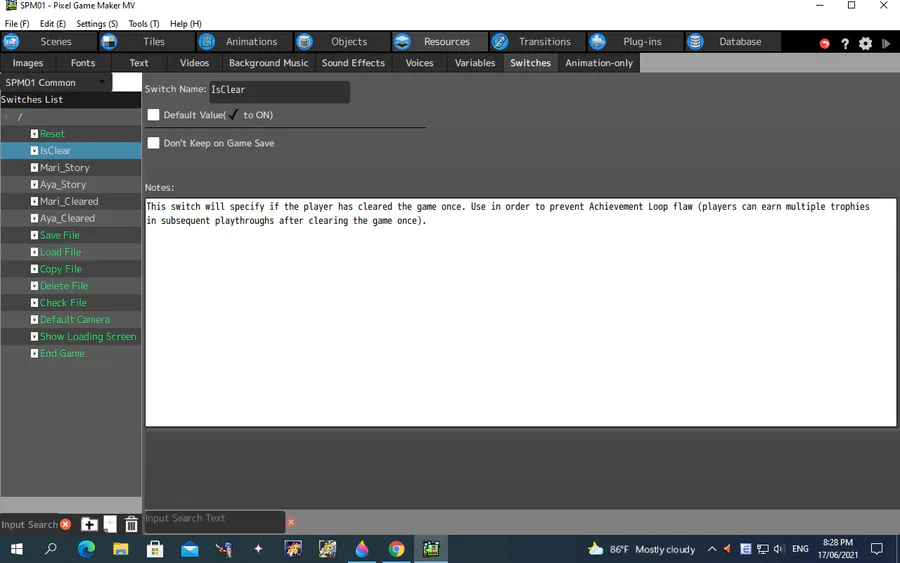
I use them in order to prevent the player to get multiple player achievements in subsequent playthroughs after the player cleared the game once (dubbed the "Achievement Loop" by me; since there will be also visual indicators of the player earning an achievement in-game).
If you clear the game (even with clearing the demo) once, the "IsCleared" switch and either the "Mari_Cleared" or the "Aya_Cleared" switch (depend on which character you are playing as) will be turned on and the game's data will be saved, so that signifies that the player has cleared the game once. Also if the "IsCleared" switch is on, then once the player press "Play", the character selection screen is available again, but if you cleared the game with one of the selectable characters, then that character will be signified as "Cleared" on the character selection screen, and data of subsequent playthroughs will be saved in another save file, and also if the "IsCleared" switch is on and the second save file is present, then pressing "Start" will continue the post-game playthrough instead of the original one, since from that point onward, it will load the second save file instead. Also, the first save file from that point onwards will redirects the player to the Achievements screen, since once you cleared a game, you will be redirected to the Achievements screen, and after redirecting game data will be saved into the first file again, so after you cleared the game, then the first save file will be for the Achievements screen, and the game's data will be stored in the second file.
This is how I manage player data after they cleared the game once, as to prevent the player earning achievements in their next playthroughs even though they have earned them once.
















0 comments