Community repositories
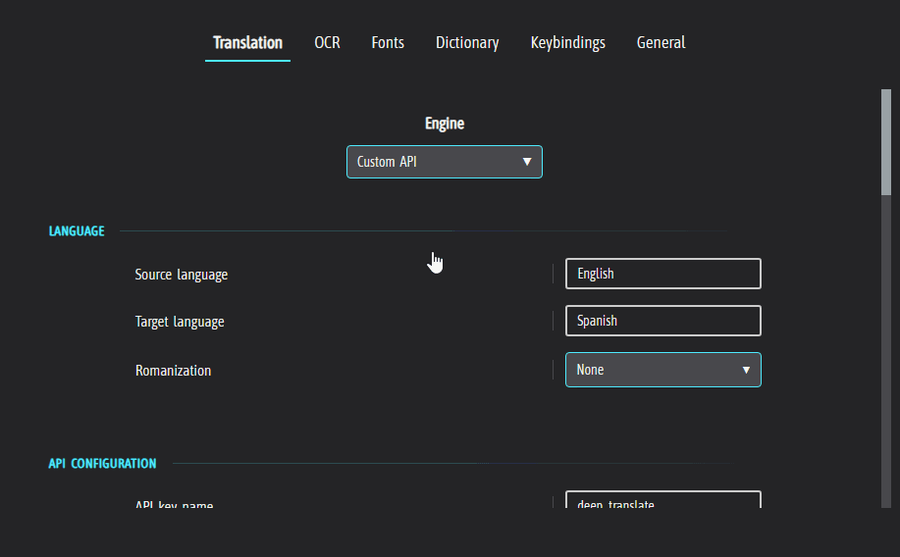
To work towards an application that can utilize and work with the strength of community support, I decided to take some time to build community repositories for LLAMA and Custom API presets.
Users shall now be able to download, apply and preview other users' uploaded presets at their own discretion
The process is completely anonymised, the only way you may identify yourself is by choosing to take a username
The 'Apply' dialog is made to keep things as simple as possible for all users, in particular those with no experience with APIs & LLMs
Presets have upvote/downvote system so you'll be able to find the most popular presets fast and to be able to give your own input
There's a report flagging system to combat spam and inappropriate presets
This is just the beginning, I plan to expand on this and other community efforts much further in the future.
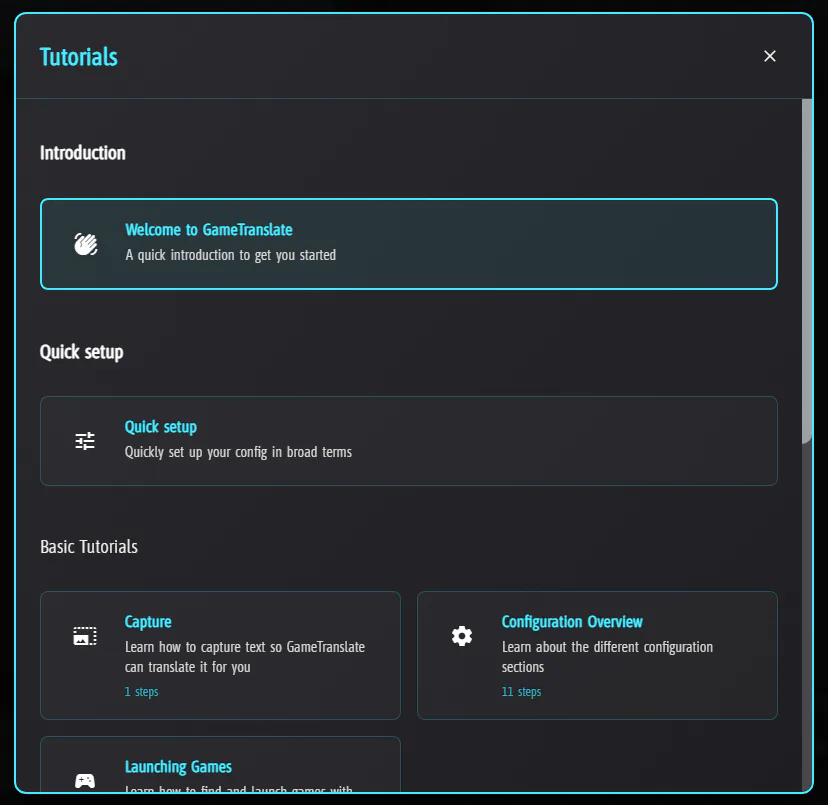
New capture tutorial
The point of 0.6.0 was to work solely on tutorials and the onboarding process, and while I did do a full makeover of the capture tutorial and updated the quick setup, I still haven't done much to onboard the users for each specific section of all the possible settings that are presented to users. While this is important, as I have said many times before, it just isn't something I can force myself to work on - especially as motivation and time have been tougher to find over these winter months. Nonetheless, I'm glad I managed to get the capture tutorial done to an acceptable point, and I would appreciate any feedback on it.
What's next?
I'm going to start releasing stable updates bi-weeky to give myself more time to work on each update, making sure it is as well-tested as possible before being released. This means that there likely will be many alpha updates throughout - please check them out and send some feedback back my way! You'll find alpha patch notes on the Discord server only.
The next two weeks I will put a lot of focus on the Automatic window mode, trying to smooth out its kinks a bit and hopefully get some further polishing on tutorials done as I'm ramping up for a much needed Steam release.
Psst, GameTranslate is now available on the Microsoft store!
To follow the development at a more detailed level & be able to quickly get in touch with me, join GameTranslate's Discord server
Changelog
Added community repository for LLAMA presets
Added community repository for Custom API presets
Created a new capture tutorial (please give me any feedback at all if you have any for this, I am unsure if I should make it longer or try to keep it concise)
Made it possible to decouple translation requests from Screenshot, text removal and OCR process when using the Automatic mode. This will make it possible to have much smoother text removal without repeatedly hitting translation requests. (More work on this happening for v0.6.1!)
Added support for using Mouse1 to Mouse4 for all keys apart from the capture keys
Added support for combining up to three keys for any keybinding
Added the crash error to the crash report window so users can attempt to identify what went wrong
Demo version can now use the manual mode infinitely in a session
Demo is now limited to 60 automatic captures per session
Demo is now limited to 30 minutes per session
'Reset To Default' button now resets main config as well as removing all existing config presets
Fixed issue with the new tutorial window positioning erroring intermittently on computers using values higher/lower than 100% for windows scaling
Fixed the game config button being clickable despite having no process selected
Fixed the API key name input saving on every character typed/erased
Added simple LLAMA tutorial (with heavy emphasis on simple.. I'll get around to making this more detailed)
Added "Max windows" (range 1-5) to let users themselves set an appropriate max amount of windows they want on the screen at any time)
If any screenshot API fails to initialize, the fallback screenshot API will now be saved to the current config
Fixed tutorials rendering above other applications
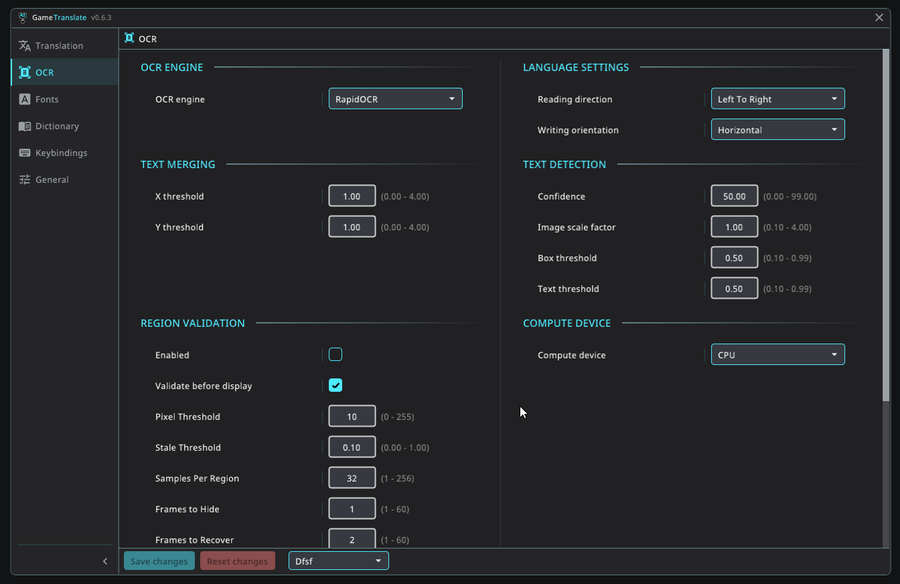
Fixed icons for RapidOCR & Tesseract tutorials
Added report content section in the 'About' dialog for users to report inappropriate content in any included model or dictionary (necessity to release on Microsoft store)
Fixed a DXGI bug that sometimes would make Automatic mode break
Updated the minimum VCredist version to 14.40 instead of 14.0, which was the wrong version
Fixed a crash caused by insufficient permissions
Keybindings are now validated on launch, which in theory should prevent most crashes caused by invalid keys. (It is likely still possible to cause this by setting keybindings in the dashboard..)
Bump llama.cpp version
Made an attempt to support non-traditional physical keys like 'NonConvert' (JIS keyboard). Please let me know if you have any issues with using a specific key(s)!
Add LLAMA/Custom API to engine/language selection in quick setup
Add offline/online and difficulty rating to each engine in quick setup
Beautify the radio selections in quick setup
Add show settings dropdown to the config presets in quick setup
Added custom "placeholders" functionality for both the community preset repositories and configuration
Make LLAMA try to select the GPU with the most VRAM
Do not reset test text when modifying body in the LLAMA config
Add 'deterministic' functionality in the LLAMA config (should make LLMs always return the same output if the input is the same each request)
Fix validation errors incorrectly shown as offline errors
Make %api_key%, %source%, %target% also work in endpoint & headers
Trim whitespace for text translation results
Restart LLAMA server if the model changes and the user requests another translation
Make JSON body act more like a proper JSON editor in its formatting
Make hover on dropdowns display the full name
Only display tooltip text on dropdowns if the text is truncated
Scroll the previous dropdown selection into view on open
Removed attached mode yellow border capture for Win11
Fixed flickering mouse cursor for both desktop/attached
Capture tutorial is now fully localized
Community repository is now (more or less) fully localized
Localized titles in tutorial menu
Make changes to UI to accommodate languages with more characters and larger fonts (if your language has awkward looking layout because of many characters, please let me know!)
Fix keys not following localisation rules
Bunch of work done behind the scenes.. the test bed is starting to take a somewhat useful form, hopefully I can start wrapping it up and put it to use soon
If you're happy with the updates you're receiving and wish to support me, please consider giving a small donation at buymeacoffee.com/gametranslate
Thank you! ❤

0 comments