Note: Remember that you have to download each update manually. GameTranslate does not currently have any auto-update support.
Redesign
The day I started developing GameTranslate, I did not really ever envision the large and complicated beast it has become. The design I had in mind for the main application was very simple, because the application was going to be very simple on the user end - or so I thought.
Needless to say, the state of the design and structure quickly became a big ugly mess, hence why I redesigned the settings a while back. Now, before the Steam release, before creating tutorials and a new trailer, it was absolutely necessary to finally do something about it.
Window Control
I've made some changes to how changing settings per individual window works. So I'll try to briefly explain the system at present time, to avoid confusion.
Settings like Language Swap, Pause, Romanization, Window Lock, and Font Scale all share the same behaviour.
The target selection works in this order; Selected window > Hovered window > Global (no hovered or selected window)
Meaning, Selected window takes precedence over Hovered window.
If you hover a window or have one selected with the window hotkeys (Window 1-5), the setting you trigger only changes for that window. That window now has its own value for that setting and won't be affected when you change the global value.
If you press a hotkey without hovering or selecting any window, it changes the global settings for all windows. New windows you create will use these global settings.
Closing and recapturing a window at the same window slot keeps its individual 'override' settings.
To reset a window back to following the global settings, use the Clear Overrides hotkey. Works the same way - hover/select targets one window, otherwise resets all.
The small buttons on each window (language, romanization, pause) also set individual values for that window.
New Website Redesign
Spent some time updating https://gametranslate.app the past few days. Will be spending a bit of time creating a trailer and a video tutorial for the application very soon too. Got to iron out a few more things, and then Steam early-access release will finally be within my grasp.
Changelog
- Major redesign of the main application
- Add 'Fullscreen' functionality. You can now make the tool continously attempt to translate all text found in the game window. You will have to set your own keybinding in 'Keybindings' settings as it defaults to no keybinding
- Add shutdown/ejection functionality in main app
- Add exit button functionality in tool (hover top right area of your game if using Internal/Attached or the top right of your desktop if using Desktop. It will show itself after one second of hovering..)
- Add feather text background functionality
- Make Region Validation enabled by default
- Make spacing and padding even for all settings
- Fix main application resizes and positioning not being respected between sessions anymore
- Fix weird antialiasing issues with some text & icons
- Add theme feature
- Make tooltip always stay within app bounds
- Move local messages to bottom right above the footer
- Add custom app shadows with custom resizing
- Add maximizing functionality
- Make all dialog overlays consistent
- Change default app size to 60% of the width and 80% of the height of the main monitor
- Add 'Help' section with Forum links & System specs
- Smooth out navigation in About dialog
- Make X icon in top right corner exit the app instead of closing to taskbar
- Make main app not try to destroy any llama-server.exe process, only the ones it itself created
- Adjust global tooltip sizing
- Actually shutdown app on Decline of EULA
- Remove old unintentional debug_output folder creation in install folder
- Fix llama server not starting due to sometimes having mismatched GPU indexes
- Fix LLAMA model download timeout issue
- Fixed feathered background flickering due to not targeting the correct cache
- Fixed captured_text not using the cache, causing constant flickering when switching to captured text
- Fixed bug that caused window text to sometimes flicker out and in when capture buttons were pressed
- Added individual override settings for each window
- Added global settings that cover all windows
- Fixed silent crashes happening when using Shutdown/Exit button
- Fix message system rendering offset to application
- Fix DeepL error logging
- Add 'Connect' button to DeepL in main app
- Show tooltip that English - Spanish cannot be removed due to being used in tutorial
- Fix screenshot APIs not properly saving to setting file if fallback API was used
- Fix preset change loading the old one if Dashboard is opened immediately after change
- Add error message to let user know that the language they put isn't currently supported
- Remove some validation checks already handled by launch settings check
- Add more detailed errors for injection
- Add 'Loading...' text when a setting that requires some reinit is changed mid-run
- Fix Text Removal Algorithm 2 from deadlocking
- No longer attempt to run the panel in Capture tutorial
- Fix DXGI not working in Attached mode with Region Validation enabled
- Fix DXGI not working in Attached mode with multi-monitor setup and Region Validation enabled
- Fix WGC not adapting to resized windows anymore
- Fix WGC, DXGI and Stream Friendly not adapting to maximized window
- Fix issue where DXGI would invalidate entire screen if window intersected between monitors with region validation enabled
- Fix issue where maximized windows would capture transparent frames in DXGI in multi-monitor setup
- Fix transparent screenshot monitor intersection bug by using last valid buffer on failing monitor
- Stop capturing when game window is not focused in Attached mode
- Fix WGC & DXGI not working on secondary monitors in Desktop mode
- Bunch of main application changes for better security
- Attached mode is now NOT supported for Attached mode. It still works, but some applications will have offset captures. Please use Desktop mode instead. This change was made to make Attached mode better for games.
- Fix scroll not working in Attached mode, which caused manual font resizing to not work
- Change Remove and Download texts for Internal language models to icons with tooltips
- Add 'Update' functionality for internal language models
- Remove the 'Refresh' button for Internal mode list
- Remove 'no source set' check from save and instead only apply on attempted launch
- Add column border if more than one column exists
- Increase font size of each settings section title to 20px
- Backend updates
If you're happy with the updates you're receiving and wish to support me, please consider giving a small donation at https://buymeacoffee.com/gametranslate
Thank you! ❤
4 months ago
v0.6.2 - Redesigned main app & Fullscreen translation
Next up

Update 0.5.7 - Typewriter effect & improved games list!
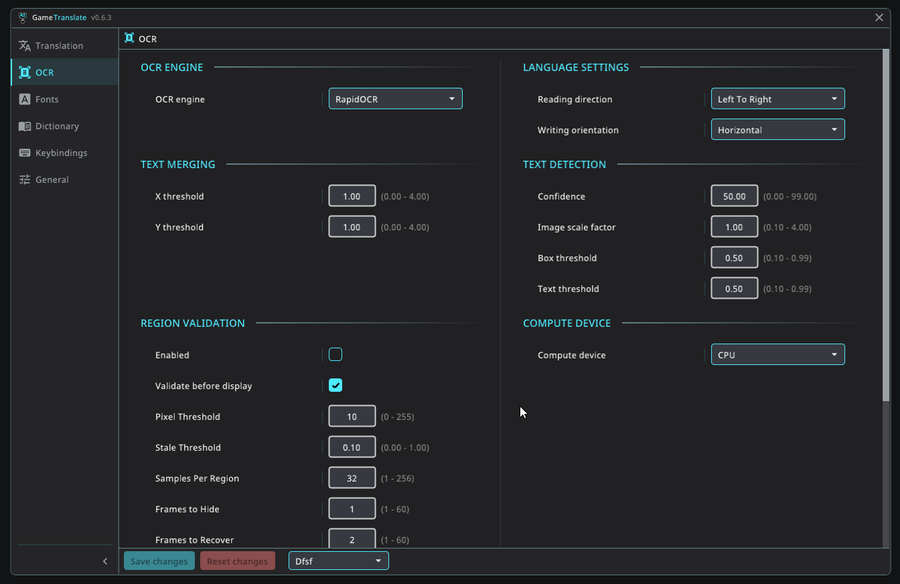
v0.6.3 - Dashboard redesign & Font rework
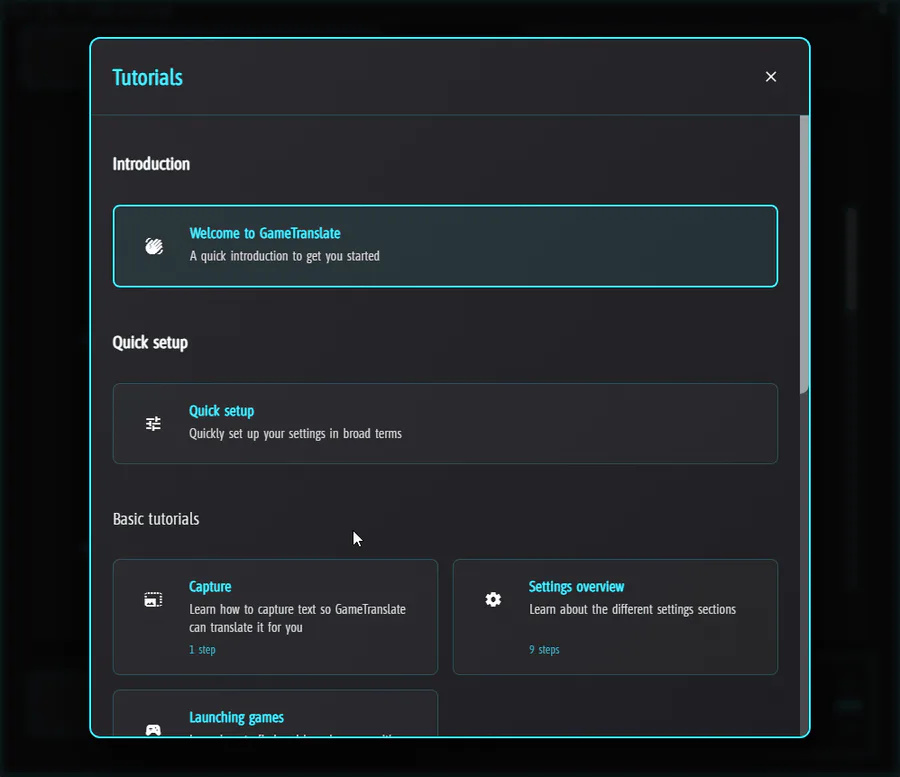
Update 0.6.0 - Community repository & new capture tutorial!
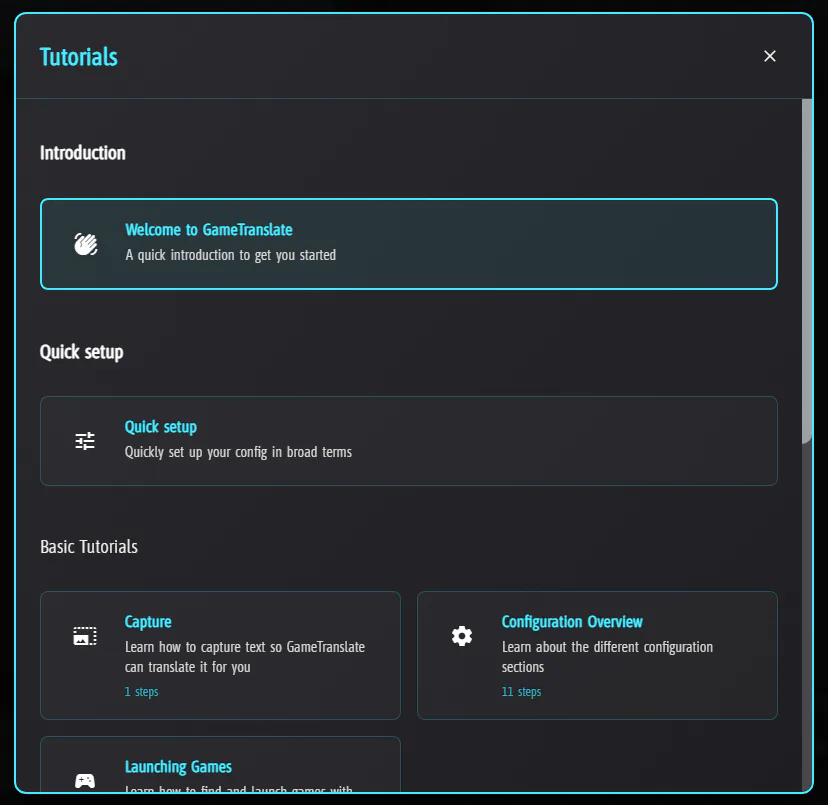
Update 0.5.6 - New tutorial system!
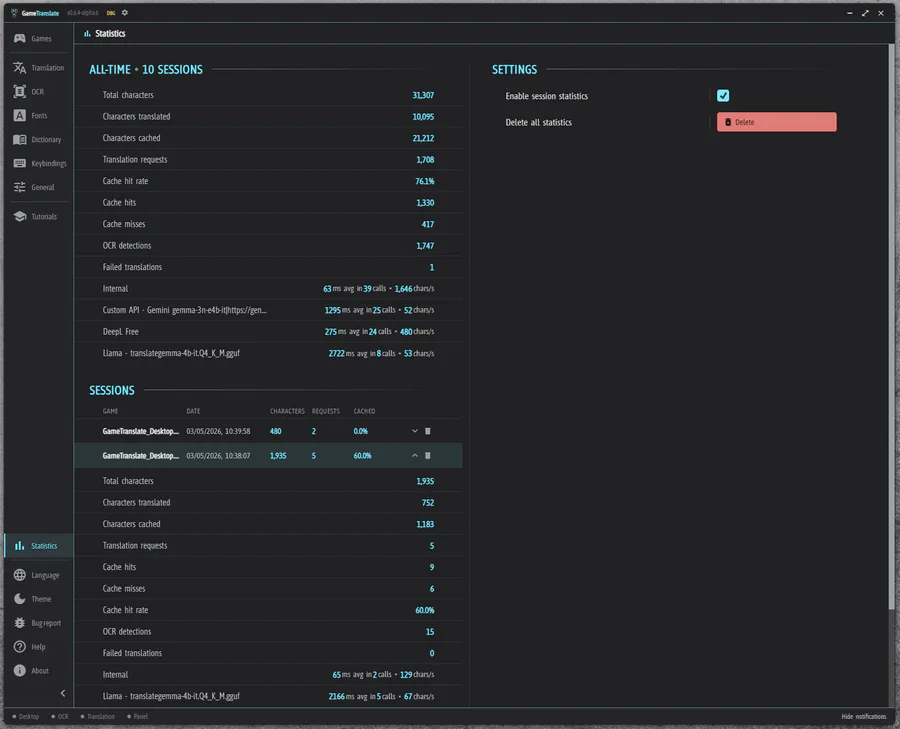
v0.6.4 - Statistics & Persistent cache & Bugfix-mania
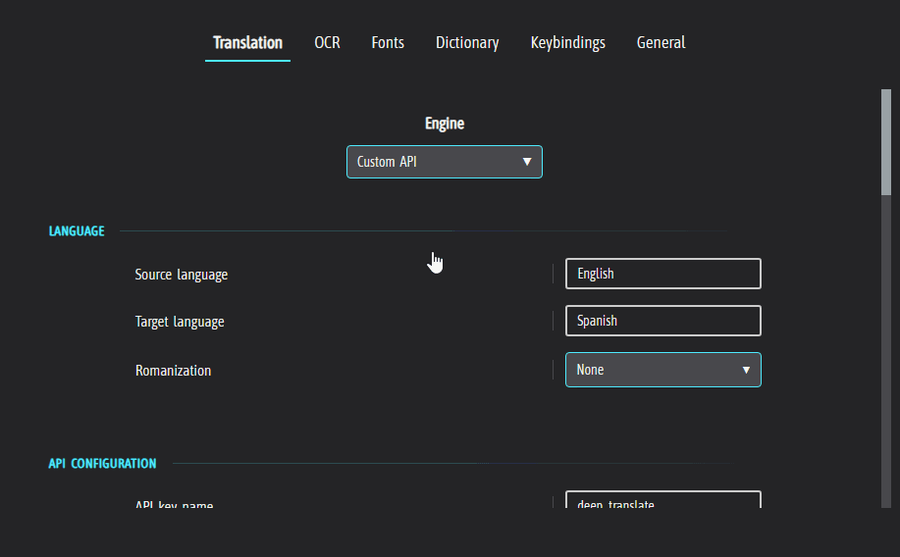
Update 0.5.9 - In-game config dashboard & redesigned config!
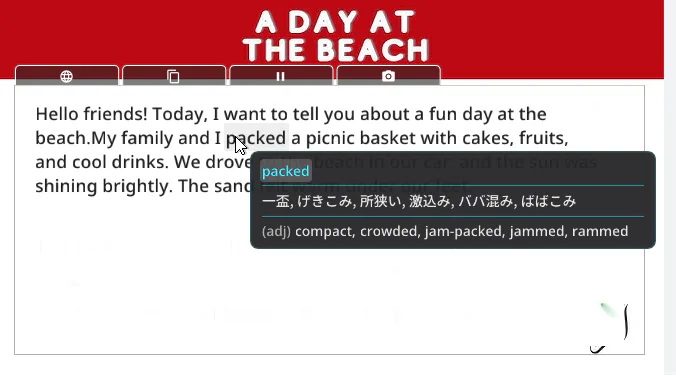
Update 0.5.5 - Dictionary lookup!
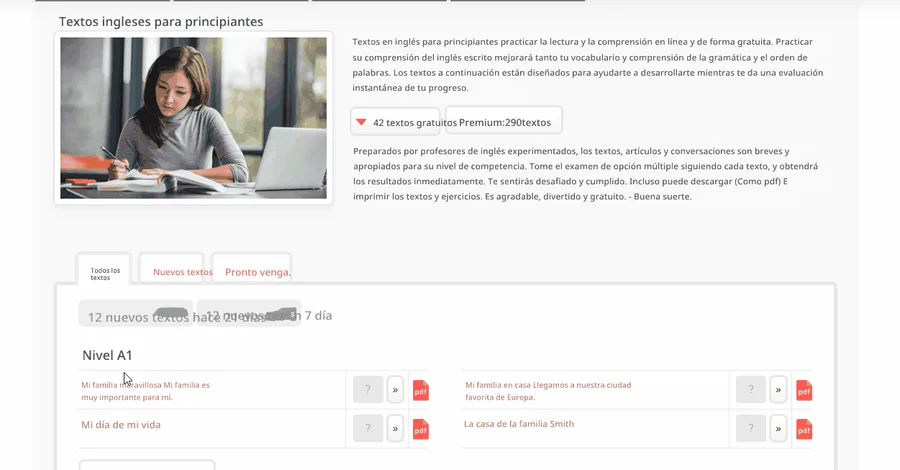
v0.6.1 - External panel(s) & Region Validation
Update 0.5.8 - Multi-window, real-time updates & monitor select!

art comission.
0 comments