-Fixed collision types being visible in Eat At Joe's
-Fixed glass paintings not flashing correctly in True Boss Rush
-Fixed powerups bought from the shop not activating in all Bzzit levels
-Fixed one more sfx with the wrong pitch
-Dead piranhas now splash in water
-Added the missing sfx for scared Livingstones
-Removed Globox
6 years ago
Version 1.1.3 has been released.
More tiny fixes and additions.
 1
1 1
1 1
1Next up

Rayman Redemption will release tomorrow at 12:00 UTC. You can now download the covers from the Gamejolt page and print out your own! The actual coverart was made by Peppermint Bubble.
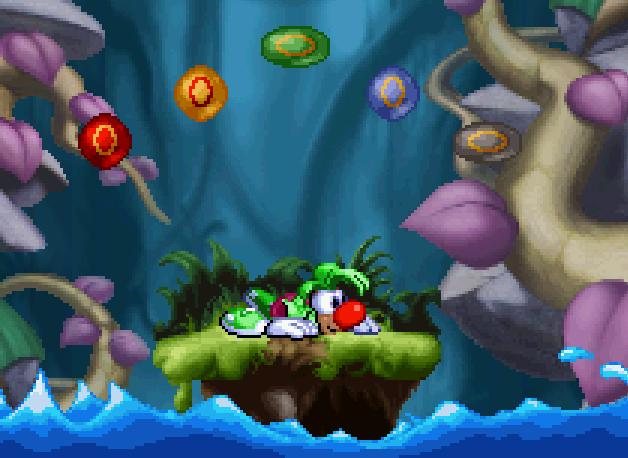
Version 1.2.0 has been released. This will most likely be the final content update. There will be bug fixes if need to be, but you don't expect any more new additions. Thank you to everyone who have given suggestions, reported bugs and made levels so far!
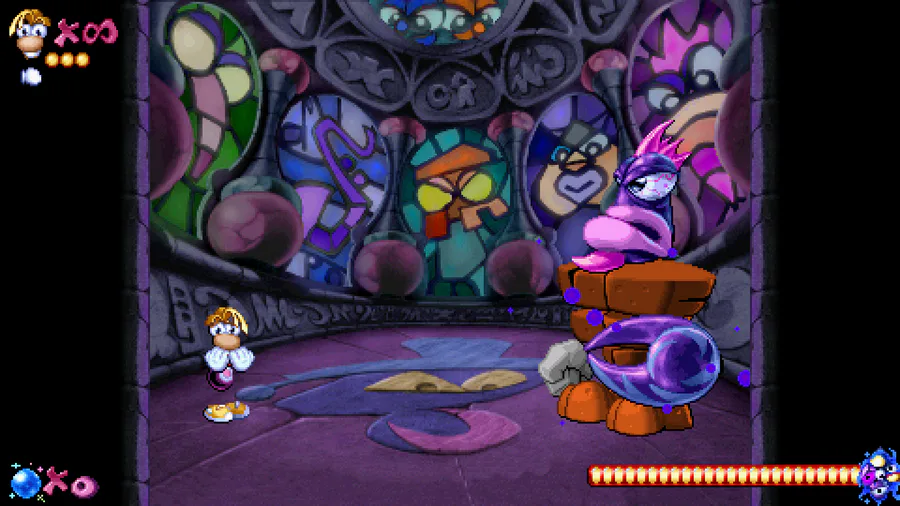
Version 1.1.2 has been released.
This update includes fixes I forgot to implement for 1.1.1.
"Final fixes and additions" -update is on it's way!
If you have any ideas, fixes, etc in mind, share them here. Still no guarantee I'll implement them, but I'd still like to hear what you guys have in mind.

Version 1.1.0 has been released. Included is a new difficulty mode for those who are looking for a great challenge!
It's time for a Redemption. Tune in THIS FRIDAY at 6pm UTC to watch the release trailer of Rayman Redemption and find out WHEN the game will release!
Version 1.1.1 has been released.
This update mostly focuses on fixing some bugs and glitched reported since the last update.
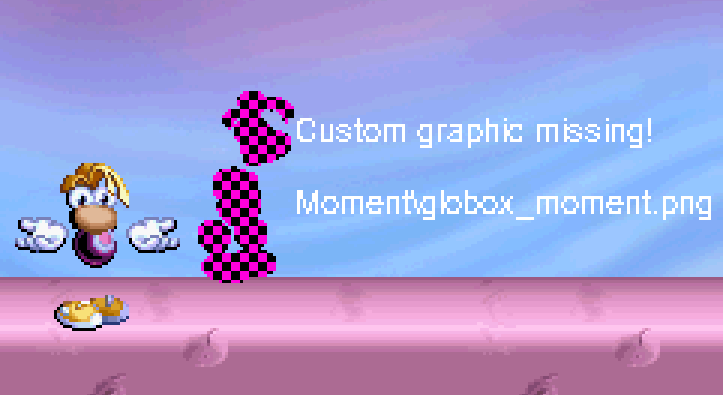
Tune in this friday to check out a video which showcases some of the things that will be in the Final Fixes and Additions update:

Version 1.1.0 has been released. You can now create custom skins by editing the included png files! Some limitations still apply, but people might get pretty creative with this.
Important info after the break:
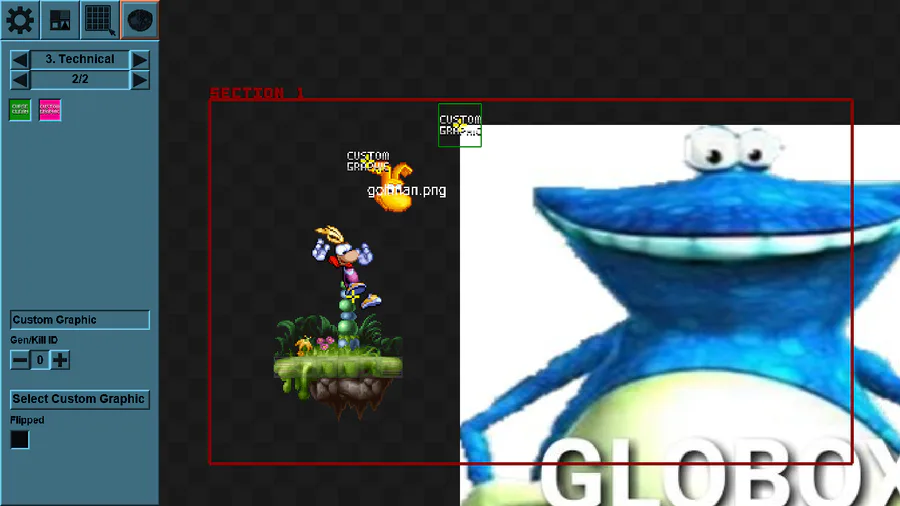
The new 'Custom Graphic' object:
To make sure your custom graphic shows up correctly, make sure it's in the 'Custom' folder, just like all custom music and background resources have been so far. Don't forget to bundle the graphics with your level!
3 comments