Game
Tsalagi
2 years ago

Well. That's...awesome.

I mean, sure, who doesn't love an awesome catastrophic failure every now and again?

=Article=


When I last closed the project, it closed just fine. Sure, I'd had a few issues during the actual working time, but who doesn't? It's not a dev session without at least a few bugs, and by the end, everything was working or on its way. *indicates previous, promising posts* I had also just spent several hours working on my 2D project without issue.

Open it up last night and get an error for a particular scene that some dependencies needed to be resolved. Okay, fine, Godot just being a little cranky, nothing I haven't dealt with before. Except, it's not getting mad about instantiated nodes, it's mad about everything. Literally everything. Every object, mesh, resource, material, image, font, everything. All of them listed as broken dependencies with no option to "Fix Dependencies" like normal.

Wtf?

Check project folder, yes, everything is there. Everything exists. I can create a new scene and drag in whatever I need, all perfectly functional.

Whatever. Step one, restart engine. No change.

Step two, delete that infernal .godot folder, force reimport everything. No change.

Curiosity strikes. Try to open a completely different scene. Same error pops up.

Open every scene, everything is broken, except, interestingly enough, the opening scene which is primarily 2D.

Open up my 2D project, afraid that it is going to be corrupted, too. Works perfectly fine, no issues, no errors, absolute perfection (also a lot simpler, so...).

Reopen this project, no change, still screwed.

So basically, this is a Godot problem. And I am not eager to go through and rebuild everything from scratch. I did manage to find a few scenes that were left unscathed like the player, the wolf, and a few small items. But I just don't understand what happened or why. Godot just decided to stop recognizing everything.

I'm not entirely sure what I'm going to do at the moment. I expect that updates will be suspended until I do


1 comment

Loading...

Next up

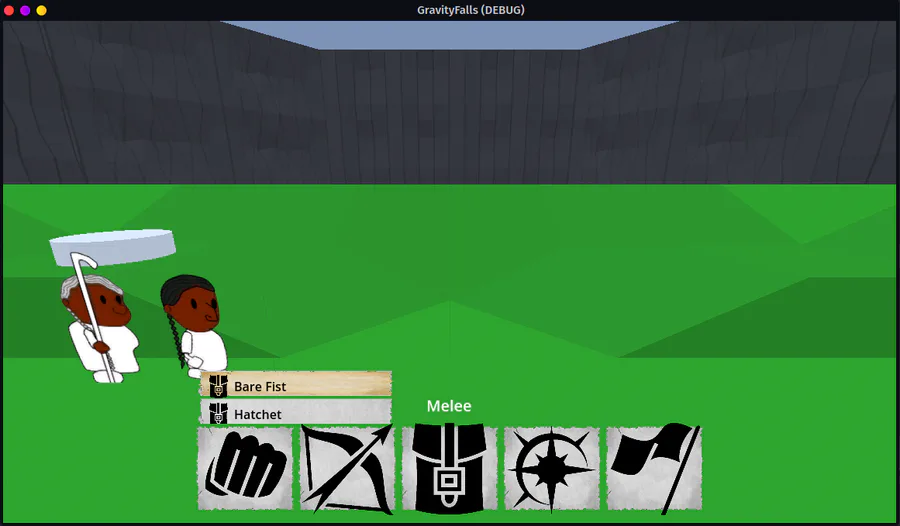
Battle State Machine is working Player chooses what to do, enemies choose what to do, and they even have variable rates of attack/defend/flee. Next step will be to actually start dealing damage

Doing some designing of the main village, mostly so I can get some connections in and get the next part of the opening cutscenes roughed in.

Did some more work trying to fix up whatever went wrong and...yeah, let's just cut to the end where it didn't work

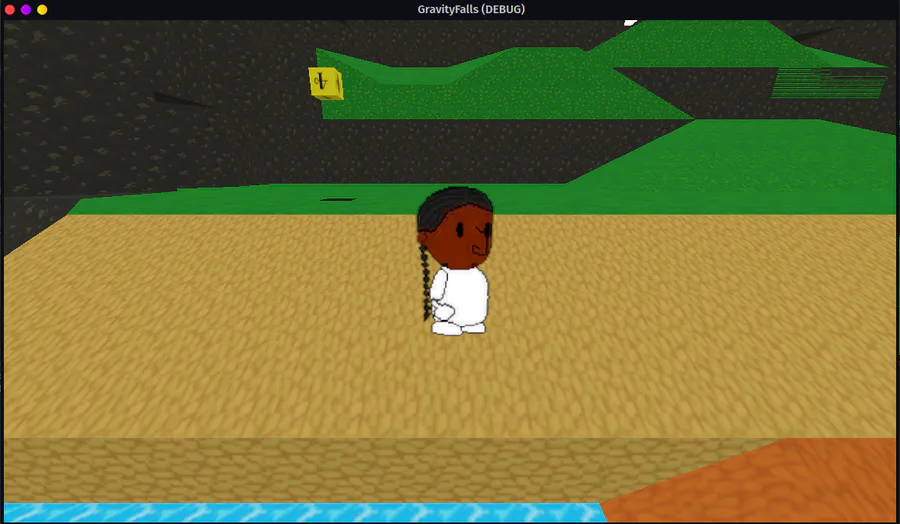
Started a new project, made some changes, derped around a little, made this cute little guy

Doki Doki Literature Club is celebrating Monika's birthday and the 8th anniversary of DDLC with exclusive stickers, avatar frames and backgrounds on Game Jolt! 

Head over to the shop to collect yours 👉 https://gamejolt.com/#shop

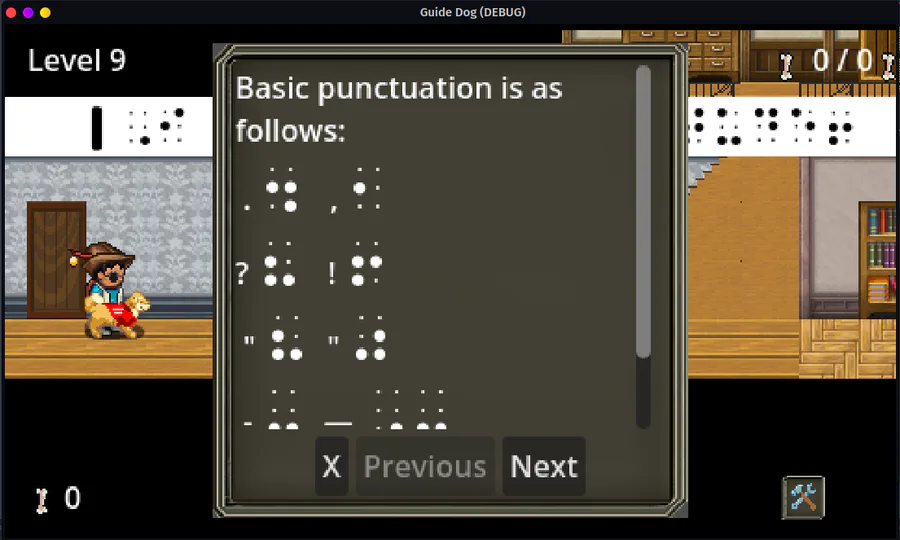
With exception of some minor odds and ends, the home interior sheet is finished, which means I can start on all the levels. The next house (level 9) is an old farmhouse, the kind that had a bazillion rooms

Mae Borowski is the main character of Night in the Woods! It's an adventure game that tells the story of her return to her hometown of Possum Springs. She was confirmed as canonically pan in a social media post by the game's creator Scott Benson.

This game has gone through so many iterations it's not even funny anymore

Ah, yes, Grandpa and Grandma's old farmhouse, with a million rooms, basement full of mason jars, and the old '57 Chevy in the garage

I mean, not my Gramma and Grampa, but someone's, right?

The Knightling launches on August 28! Wishlist it now so you don't miss out: https://bit.ly/KnightlingSteam

To celebrate the game's impending release, we've added The Knightling Pack and The Knightling Community Pack back to the Shop!

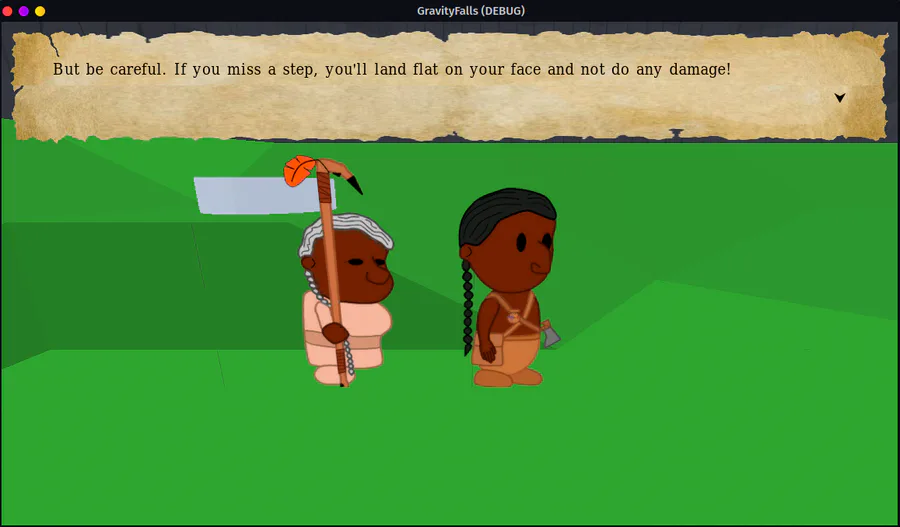
Today's accomplishments include a rather smooth state machine, a functioning opening cutscene, and name input. It's not pretty, but there aren't any bugs