
Been a bit too busy to really work tonight so ive been setting up the animation controller for the player. while moving and idle are all handled through a single blend tree it becomes a bit more complex when it comes to tools. a tool works by transitioning from the idle state to the charge 0 substate which contains the blend trees for each version of the tool in all directions. this then either transitions right into the use state where the tools use animation plays or if the charge state goes up one level it passes into the next charge substate and so on until the button is released or the tool cant be charged anymore. Its frankly tedious so if anyone knows any hints or tips about unity's animator to save me from this horror do get in touch :D
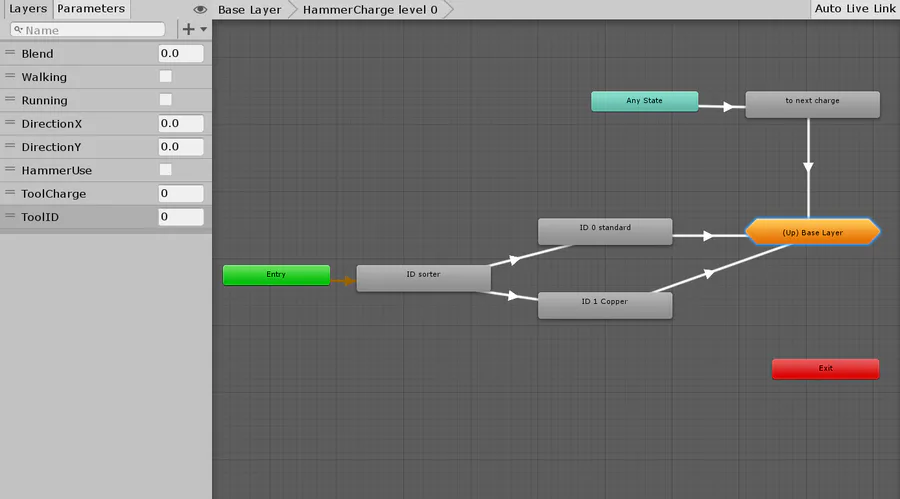
animation controllers, satan be thy name!! (Expand)
Next up
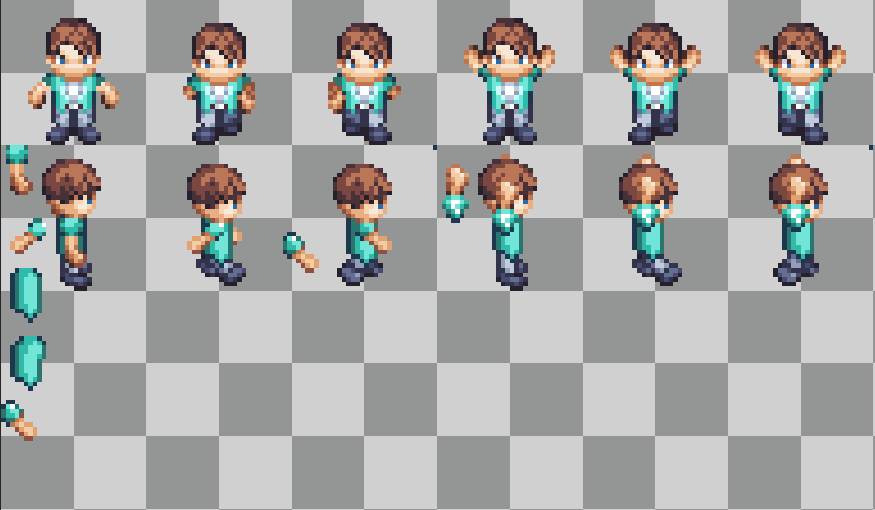
Character bits! We're currently throwing together the character animation pieces for the new customization system :P
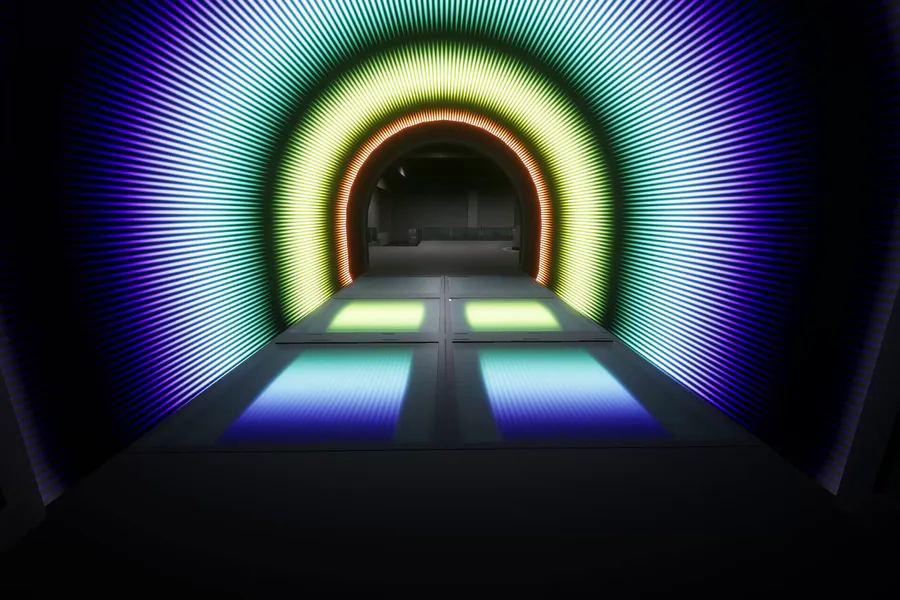
Grey boxing the first layout for the game, But got very distracted making this arcade tunnel. But its starting to take shape at least.
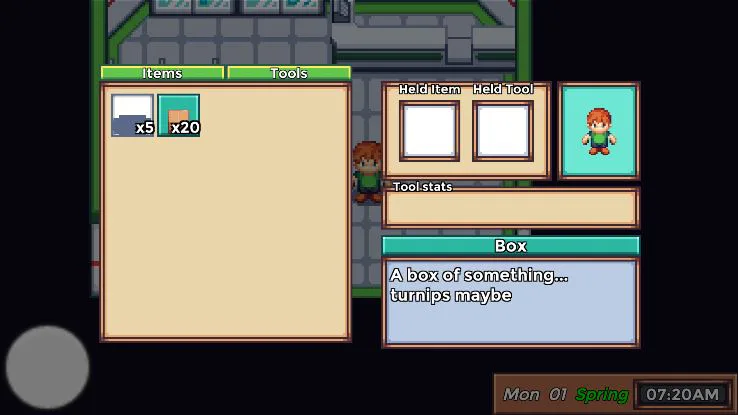
Quick update on the project, Dialogue system has been rewritten from the old version of the game, functionally the same but a lot easier to use. The camera has been worked on and the inventory is being expanded with things like drag and drop.
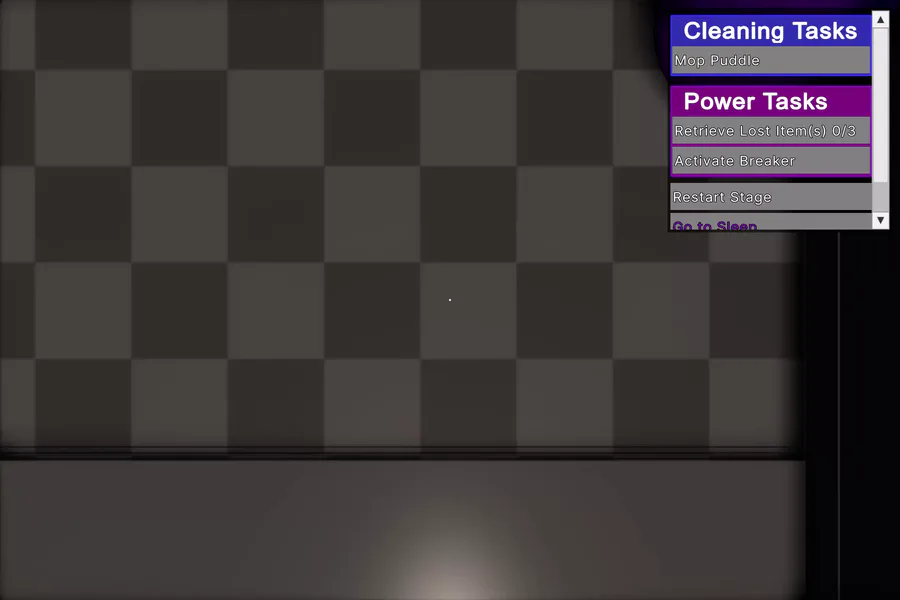
VERY early test of very basic systems in my new project. Do your work, keep the lights on, and everything will be fine. I really want to gush about some of the things not seen here, but will save that until they can be shown off. FnafKit who?
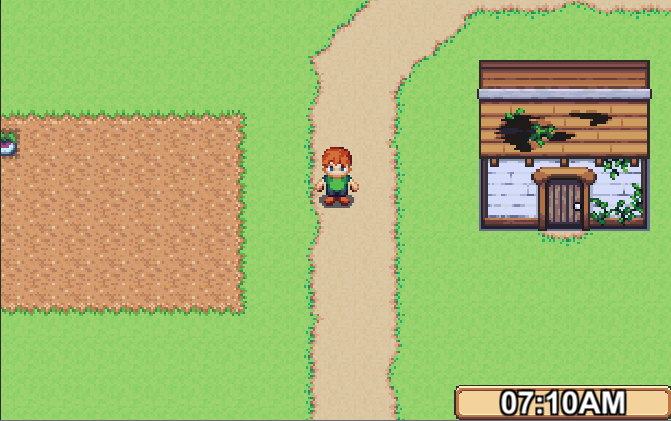
I know updates have been slow but there really isn't much to talk about when you're just tidying up existing code. We're looking at updating the art style to be just that bit nicer. The crop system working with an overhaul to interactions with tools.
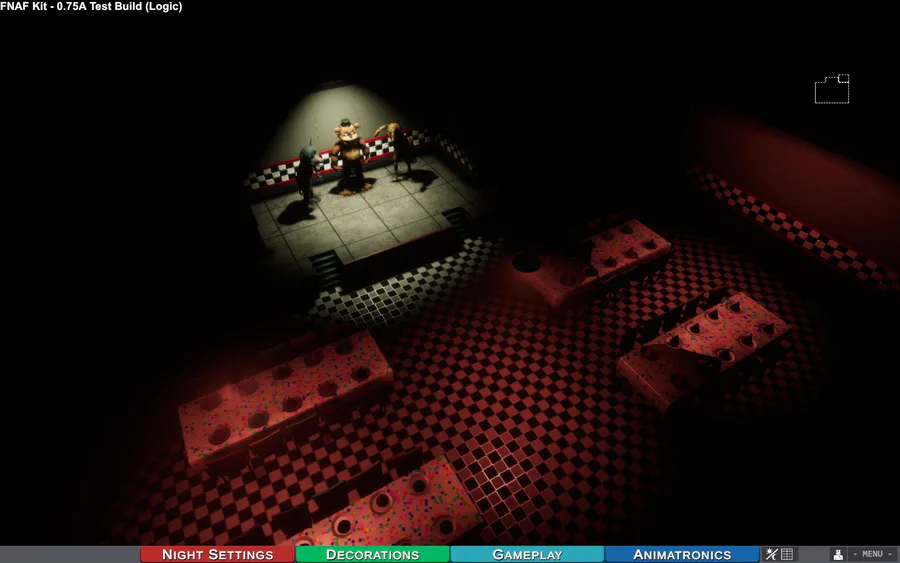
Tall walls are all modeled and intergrated into the engine and work seamlessly with the previous two wall styles. actual wall skins for this set are incoming. A new test build featuring these changes will follow up soon.
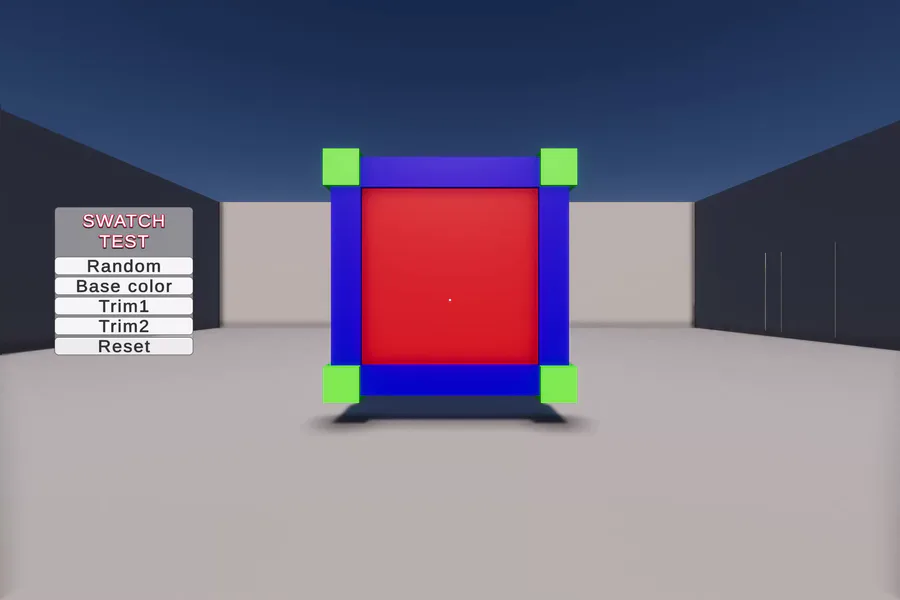
Lightweight object recoloring test. This test is looking at coloring defined areas with as little excess data as possible and uses NO mask maps, alternate materials and does not break object batching (won't melt the PC when you have hundreds of swatches!)
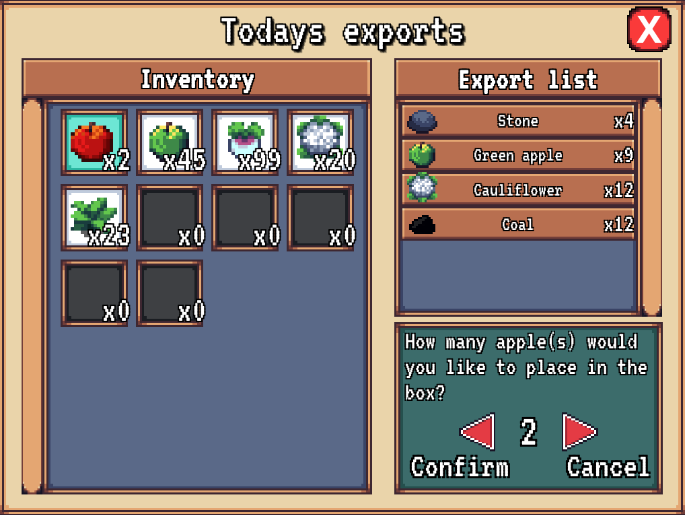
Finally, you can sell the fruits/veg of your labour. :)
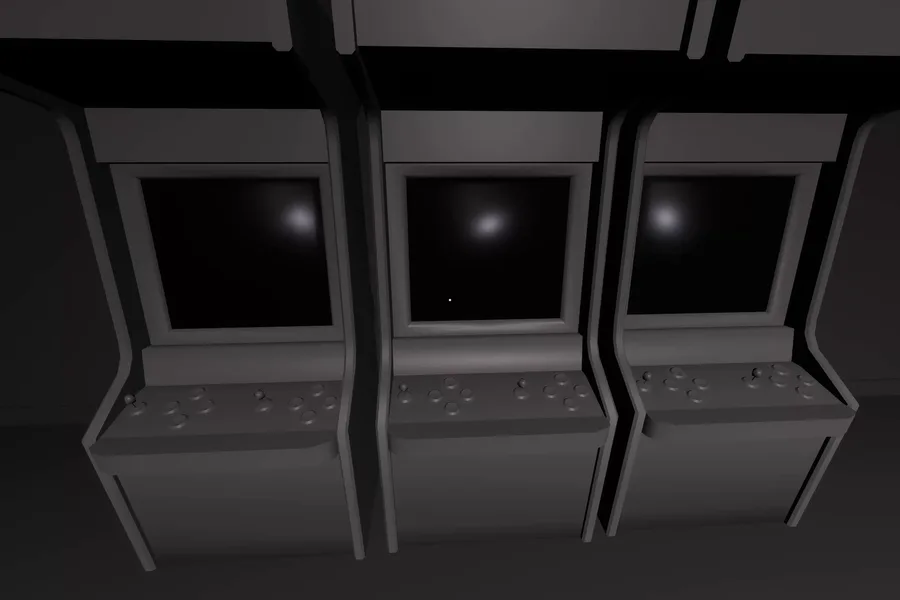
Some map progress since yesterday. some arcade cabinet props that just need some textures, tunnels had some more work put into it and the restaurant is slowly being built up.
(Mines and menus preview build)
Available for testing now
0 comments