Game
Hensen Hopper
24 days ago

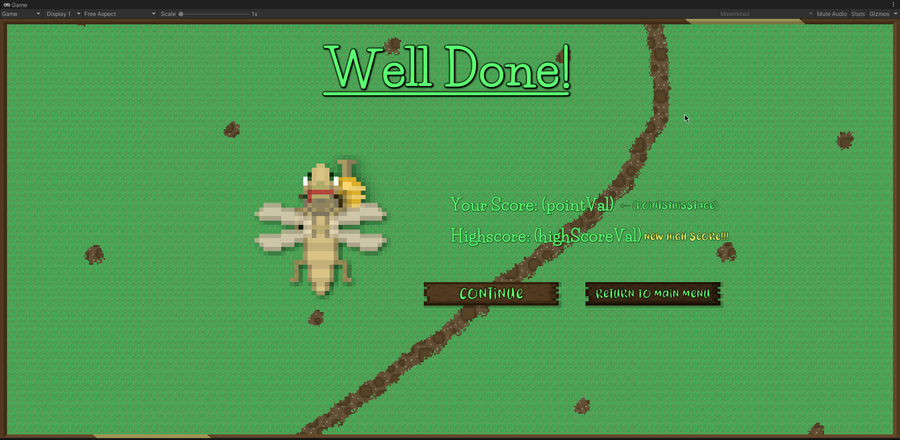
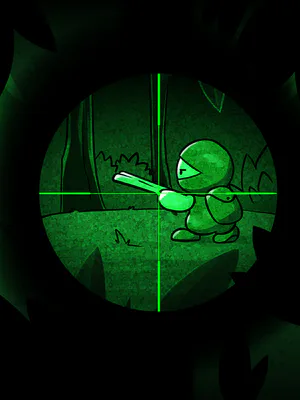
I'm thinking there will be "stages" to the game where, once the player earns however many points, their score and the difficulty they've reached will be saved and a screen will appear giving them the choice to continue or exit to the main menu.


While thinking about my game at work yesterday I realized two problems with it's overall design that I want to fix:

  • It lacks a way to feel like you've won which is very important in a video game.

  • The score you can reach is fundamentally limited by the amount of free time you have to put into the game.

I believe this "stages" idea could fix both of these problems at once!

I'm going to keep the same difficulty curve (the XLogX/10 curve I'm currently using) and procedural enemy wave generation algorithm that there is but, every however-many points the player earns, Hensen will fly forward out of the camera view and a "stage complete" scene will be loaded, during which, the difficulty and score the player has reached will be saved to the player prefs.

I'm going to do this by having there be a "saved difficulty" value in the player prefs that will default to 0 and using the sum of this and the difficulty value outputted by the XLogX/10 difficulty curve as the difficulty read and used by the wave generation algorithm. The difficulty will still gradually increase as you complete more and more stages with minimal changes to my existing algorithm being required. The biggest change will be saving this difficulty on stage complete and making sure I pass the sum of the saved difficulty and the XLogX/10 function into the wave generation algorithm instead of just that output.

As for the score, that I should be able to save and calculate similarly.

When the "Stage complete" scene is loaded, the difficulty and score are both saved so whether the player chooses to exit or not, next time the main scene is loaded, those values will be used. I'll only reset them when the player either starts a new game altogether or when they are defeated. This will preserve the "score as high as you can" mentality of shmup games while also giving the game a challenge and reward cycle and more accessibility for players with busy lives and limited time to play.


0 comments

Loading...

Next up

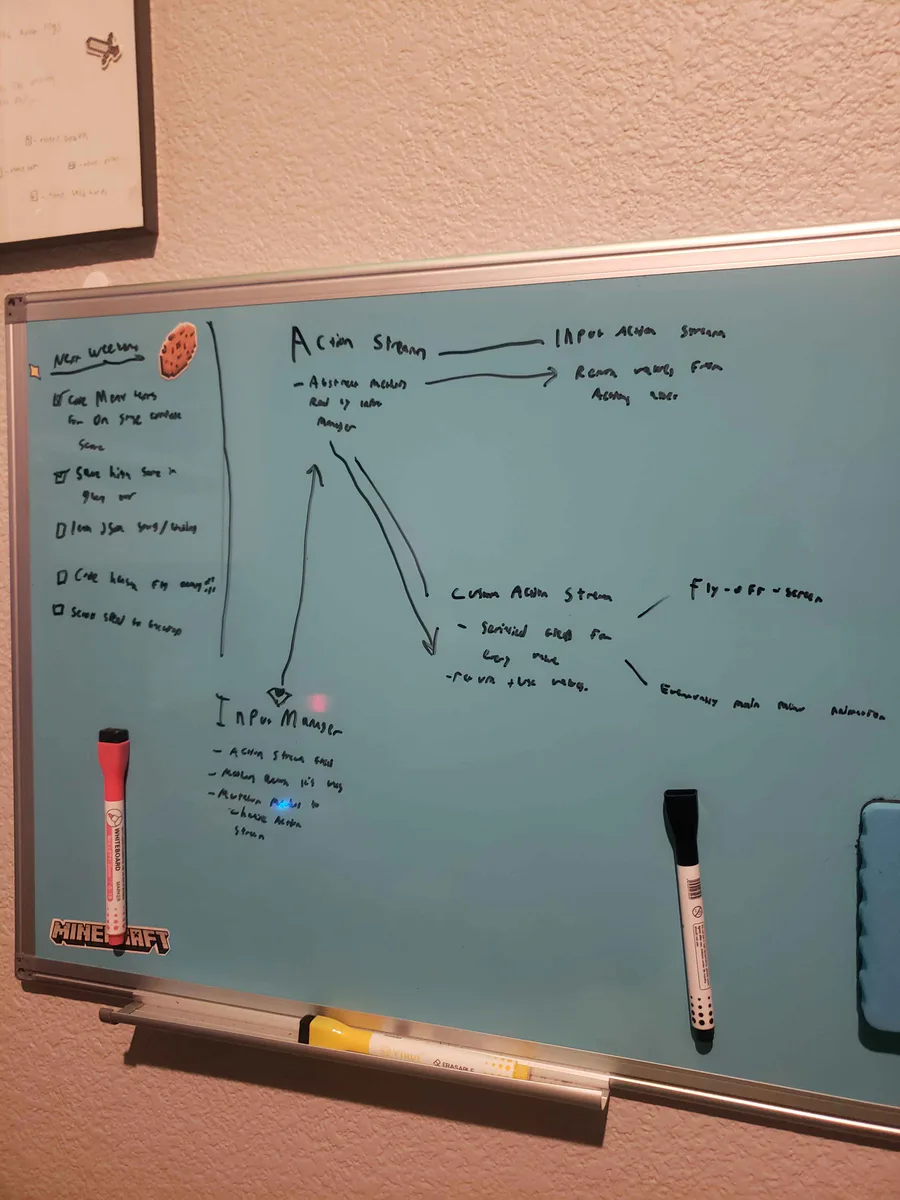
Alright, I've been thinking... I wanna do a fly-off-screen when you complete a stage in Hensen Hopper (classic shmup stuff) and I COULD just hardcode it into the character controller script but I came up with a more nuanced solution.

Been working on the artwork for the "stage complete" screen all morning! Right now I'm improving the shadows/shading for Hensen because he is a part of that screen. I do need to work out the contrast between the text and the backdrop image, I know.

This is a short video showing off the new procedurally generated enemy waves in Hensen! In theory, the game will become more and more unpredictable as I continue to build and implement new enemies!!!

Doki Doki Literature Club is celebrating Monika's birthday and the 8th anniversary of DDLC with exclusive stickers, avatar frames and backgrounds on Game Jolt! 

Head over to the shop to collect yours 👉 https://gamejolt.com/#shop

Very unfinished but the backdrop image, as it is in this video, is already leagues better than what I had last weekend! I'm going to work on it incrementally over the coming weeks as I work on implementing the stages idea I talked about before!

Mae Borowski is the main character of Night in the Woods! It's an adventure game that tells the story of her return to her hometown of Possum Springs. She was confirmed as canonically pan in a social media post by the game's creator Scott Benson.

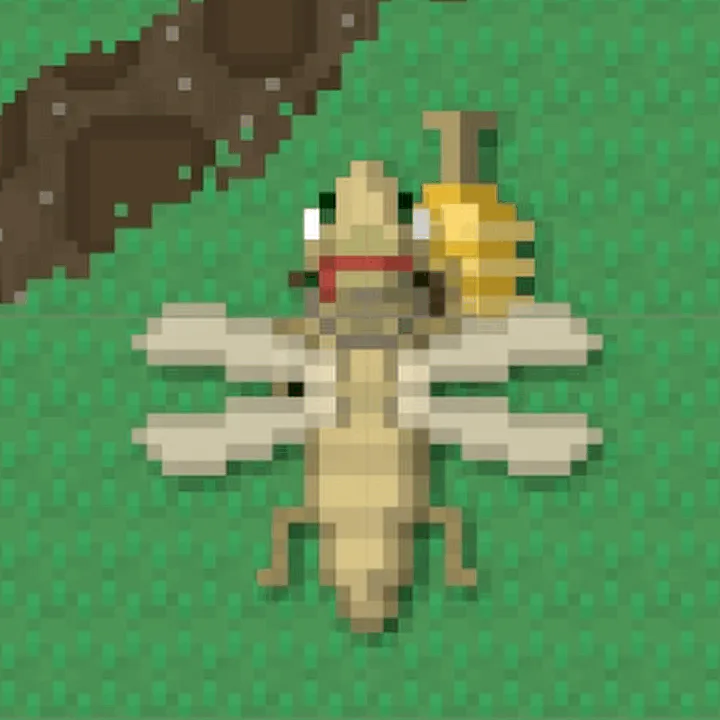
Close-up of the re-shaded Hensen!

I've been working on the backdrop today! Among other things I've done, I made a bush! I know, SOOOO impressive lol.

Don't miss out on your chance to complete our #AetherAndIron quests and get trophies!

Complete the quests in your quest log.

Play the demo & wishlist now: https://bit.ly/AetherAndIron

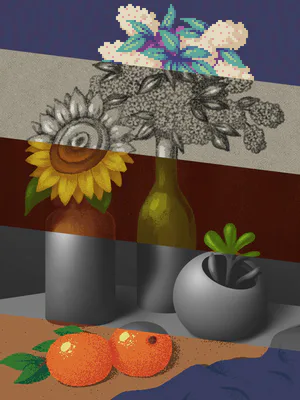
I've worked out a process for drawing bushes that I'm using for the backdrop! First I draw the branches, then "paint" where the bush texture will be, copy it's alpha to a new layer in white, then draw it's shadows in a layer over the bush layer.