
 Loading...

I made an up-to-date trailer for Terry's Treasure Trouble!
You know, in case it wasn't clear what kind of game this is.
Next up
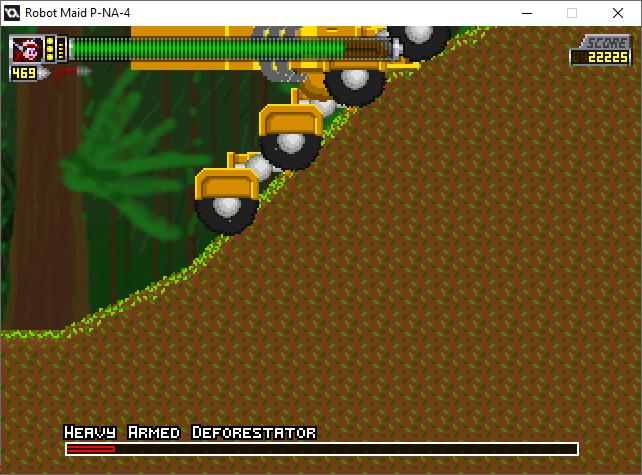
Well, finding glitches was bound to happen.
In this case, with a scrolling boss, the player's trapped on the left side of the screen until there's no solid block there.
I'd better fix that, THEN shrink the gap behind the boss.

...well... This is awkward.
Yes, I CAN make an animated background within a matte, with a shifting color palette. However, I realize this doesn't look like lava, no matter which way you shake it.
...the effect's cool, though.
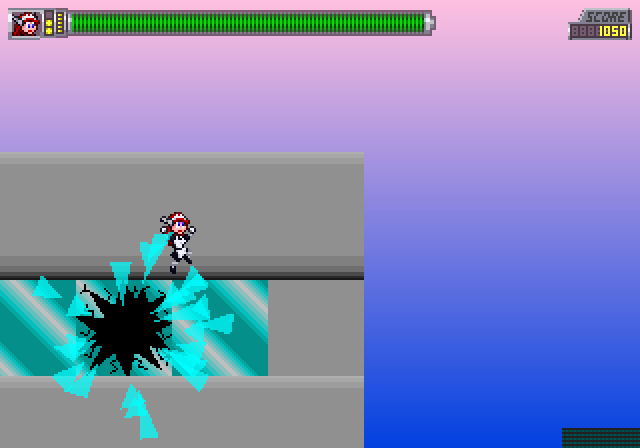
Do you know how hard it is to get THIS shot?
Like I said, I'm making level thumbnails for the Level Select screen. Also, this gives you a good idea how big the max health bar is.
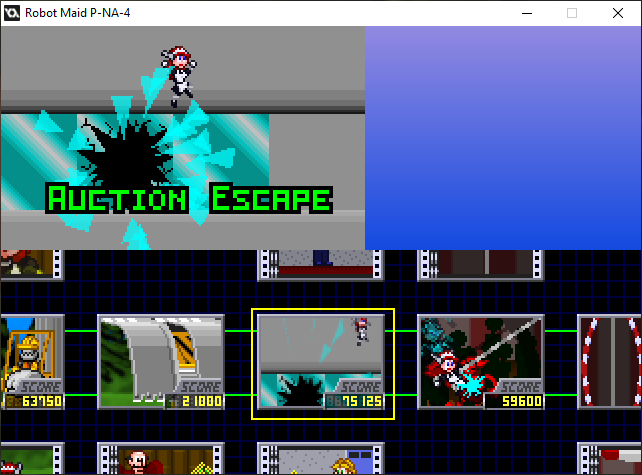
If you think YOU're asking "Is it done yet? Is it done yet? Is it done yet?" then just imagine how I feel every time I have to add little details and bug fixes.
...I'd better make a trailer or pitch reel.
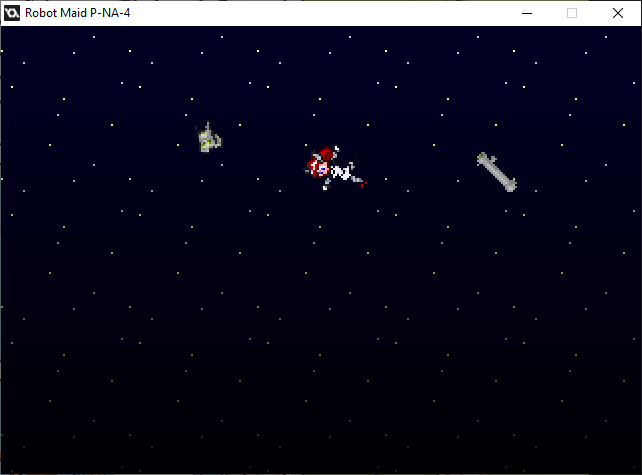
...another fine mess you got yourself into.
I'd better stop sharing these cutscene moments. I'm almost there.
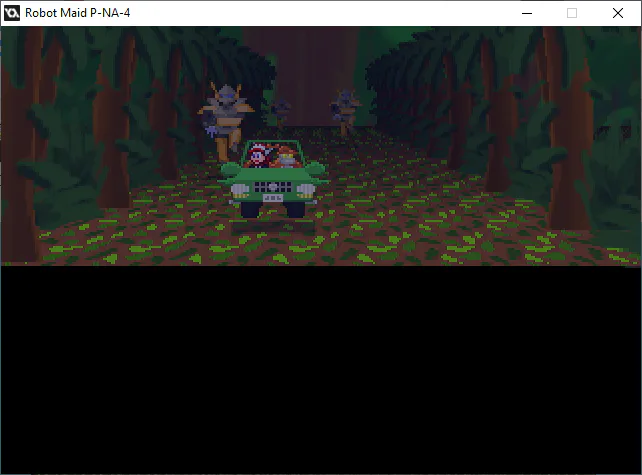
"Sir, is the Super Scaler effect really necessary for a cutscene like this?"
"I coded it, didn't I?"

What's taking me so long? Designing assets for the volcano level. Also, allergies.
Boom boom acka-lacka-lacka boom, boom boom acka-lacka boom boom.

Back in the old days, you could just flash between these two frames to make dynamic lighting, to show something's flashing in front of her.
I'm just gonna use the other frame to indicate the lights are on. No flashing required.
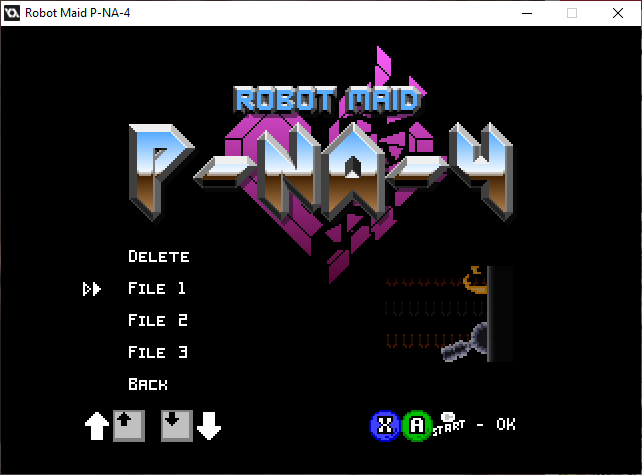
I'm pretty sure I got the save feature working, though I don't know if three save files is acceptable.
Then again, the save features are for Casual Play only. Arcade and Caravan Modes don't let you save your game, for hopefully obvious reasons.

Still working on it.
There's definitely treasure around here, but it'll still take a while 'til we reach it.
1 comment