
Game
Hensen Hopper

21 hours ago

IT'S WORKING! As far as I can tell, the player's score, high score, and difficulty are now all saved to and loaded from a Json file on the application's persistent data directory (which is in the user's program files directory on their computer)!


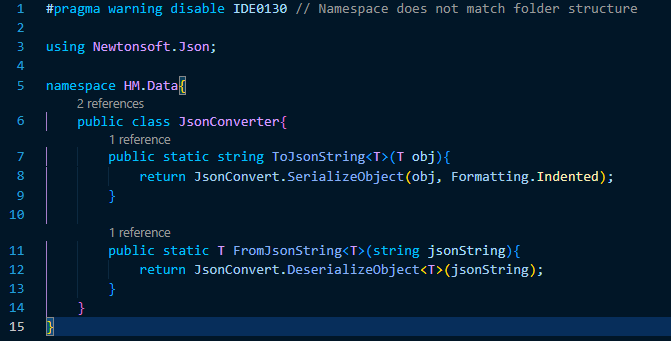
I am not using the PlayerPrefs nor am I using Unity's built in JsonUtility class. I'm using Newtonsofts Json Dot Net library.
code_8pccd4xn36.png

Something I personally like to do when working with libraries is write my own class that acts as a "gateway" letting whatever aspects of the library I'll actually be using through, which is what the above screenshot is.
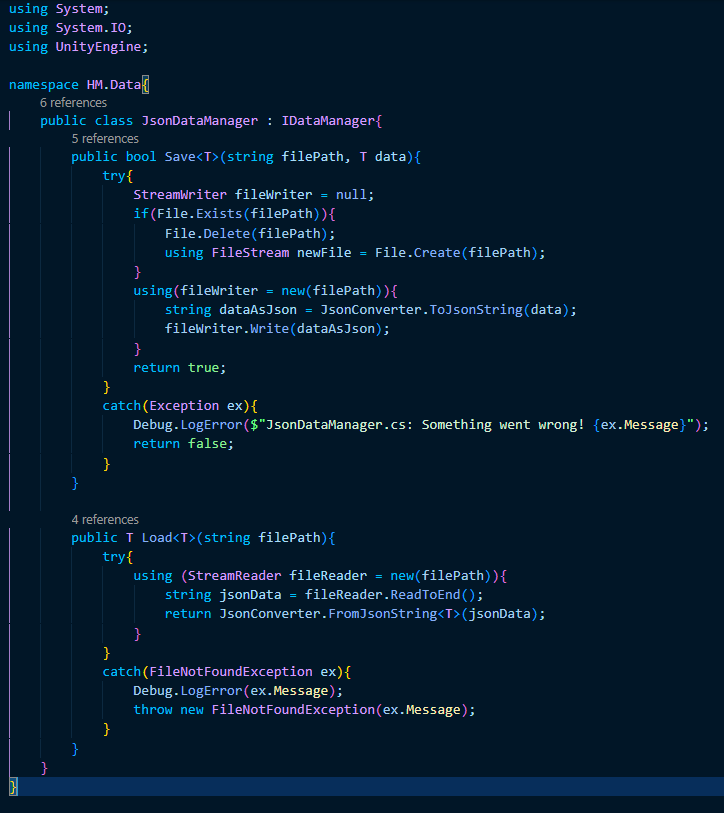
image.png

From there, I wrote a class to handle saving and loading data in Json format called JsonDataManager. The Save method converts an object of any type to a Json string and prints that string to the file at (filePath), creating it if it does not already exist. The Load method copies the data saved in a file to a string and then converts said data into a C# object.
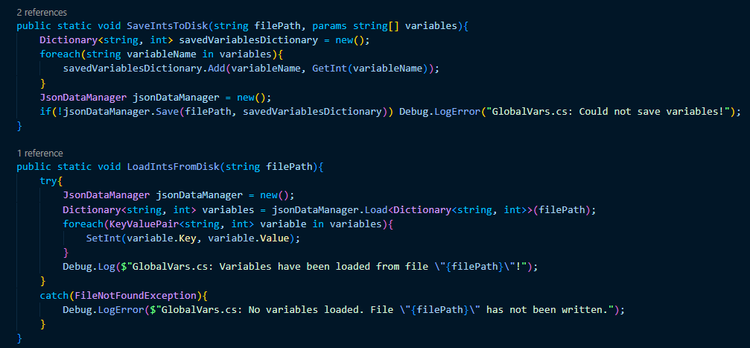
image.png

Finally, I wrote two new methods into the GlobalVariables class: one to save an array of int variables (by name) to a file and one to create multiple global variables from the data held within a file. Since the player's score, high score, and difficulty are stored as global variables, all I need to do whenever I want to save and/or retrieve the values saved to the user's disk is call the respective method.


1 comment

Loading...

Next up

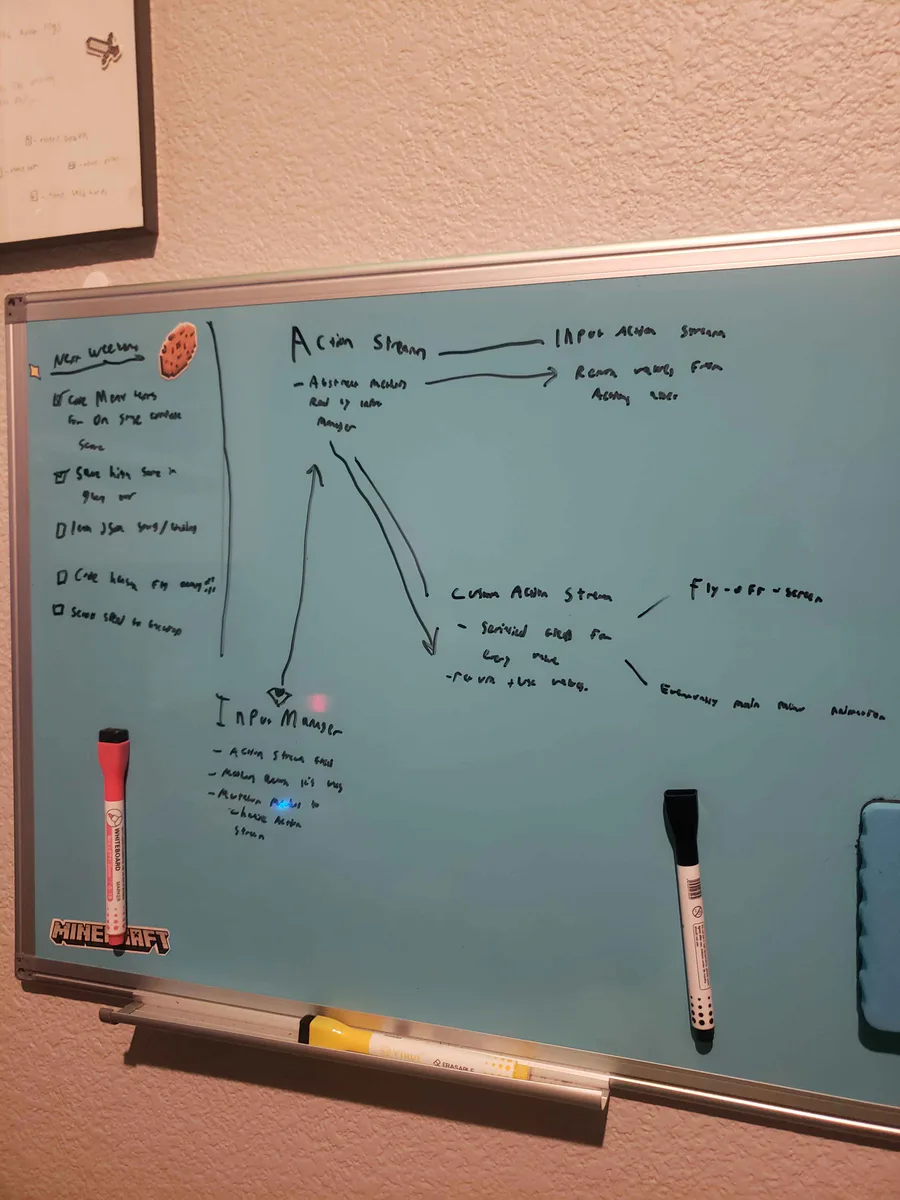
Alright, I've been thinking... I wanna do a fly-off-screen when you complete a stage in Hensen Hopper (classic shmup stuff) and I COULD just hardcode it into the character controller script but I came up with a more nuanced solution.

This is just about the only situation in which I'll ever do this. I almost never put multiple calls to methods on the same line but here I've logged a warning to remind furure me to do something I didn't have time to do today in a glaringly obvious way.

Okay, so the stages and score saving are both more or less working. Your score and high score will be saved throughout the lifetime of the application. Currently nothing saves when the game is closed, though, I'll be working on that next weekend.

Doki Doki Literature Club is celebrating Monika's birthday and the 8th anniversary of DDLC with exclusive stickers, avatar frames and backgrounds on Game Jolt! 

Head over to the shop to collect yours 👉 https://gamejolt.com/#shop

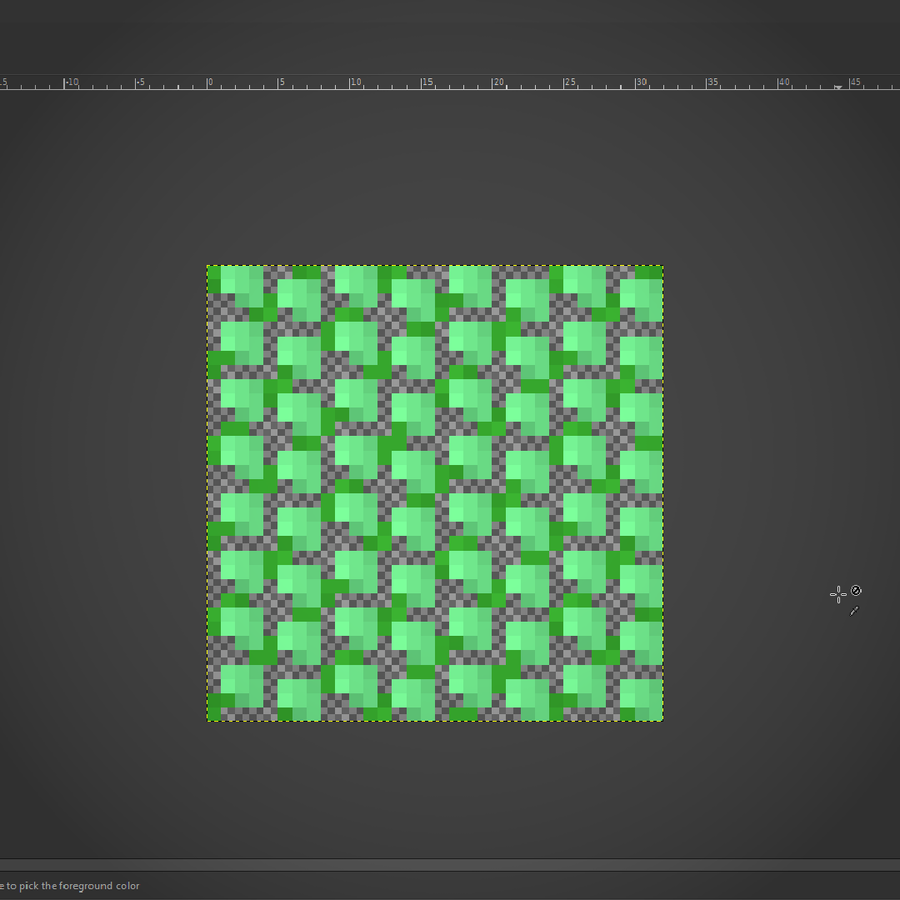
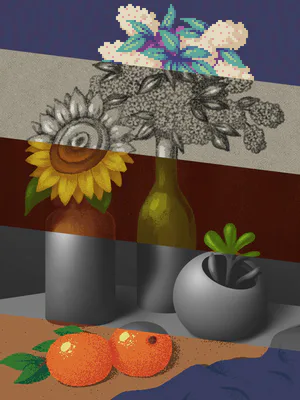
I've worked out a process for drawing bushes that I'm using for the backdrop! First I draw the branches, then "paint" where the bush texture will be, copy it's alpha to a new layer in white, then draw it's shadows in a layer over the bush layer.

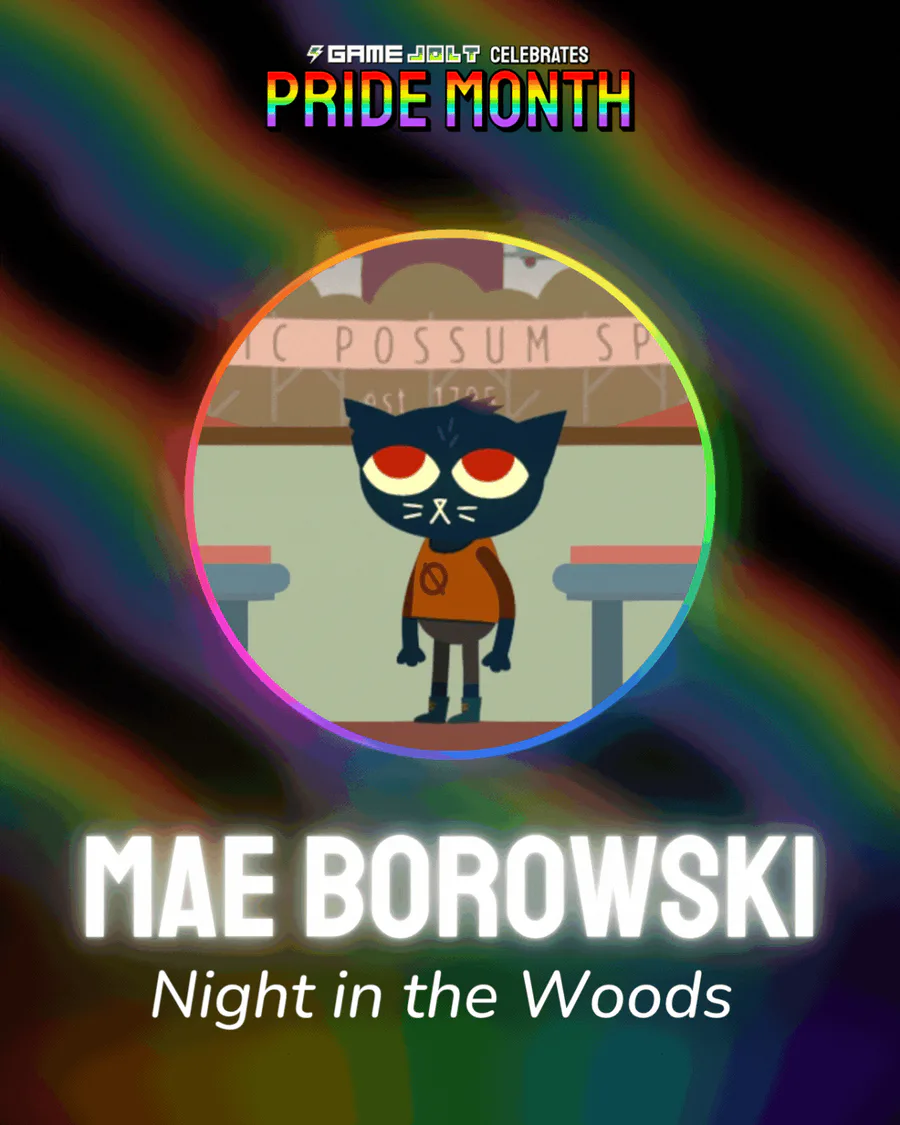
Mae Borowski is the main character of Night in the Woods! It's an adventure game that tells the story of her return to her hometown of Possum Springs. She was confirmed as canonically pan in a social media post by the game's creator Scott Benson.

Here's a short video showing off the improved gameplay loop and "stage complete" screen. The updated artwork for Hensen and his gun and the honey bullets can also be seen.

I mentioned some time ago that I'd upgraded the shading on the beetle enemy's character art. Finally got around to putting together a before-after shot of that upgrade! This time, I made gifs for both!

The Knightling launches on August 28! Wishlist it now so you don't miss out: https://bit.ly/KnightlingSteam

To celebrate the game's impending release, we've added The Knightling Pack and The Knightling Community Pack back to the Shop!

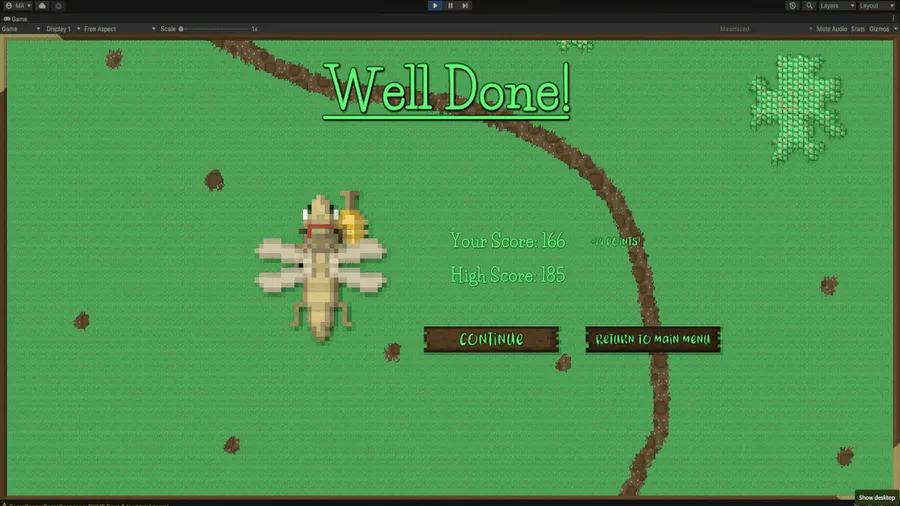
Been working on the artwork for the "stage complete" screen all morning! Right now I'm improving the shadows/shading for Hensen because he is a part of that screen. I do need to work out the contrast between the text and the backdrop image, I know.