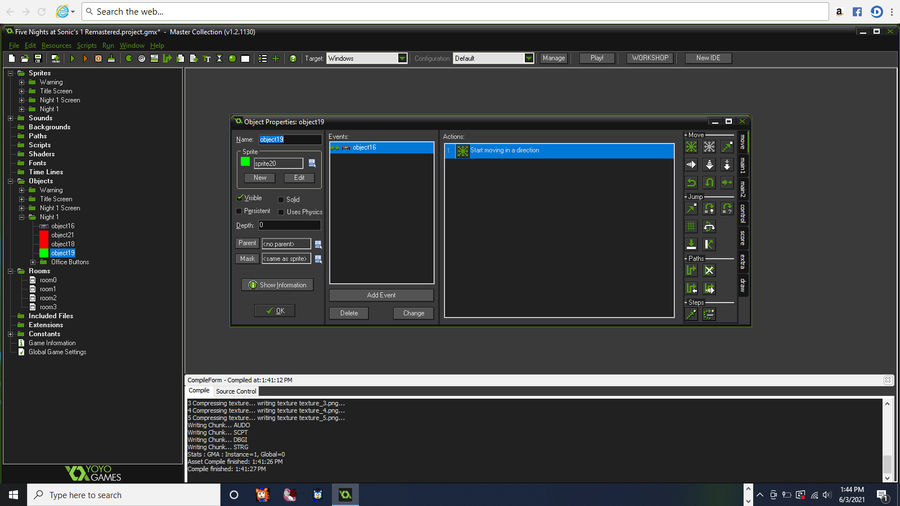
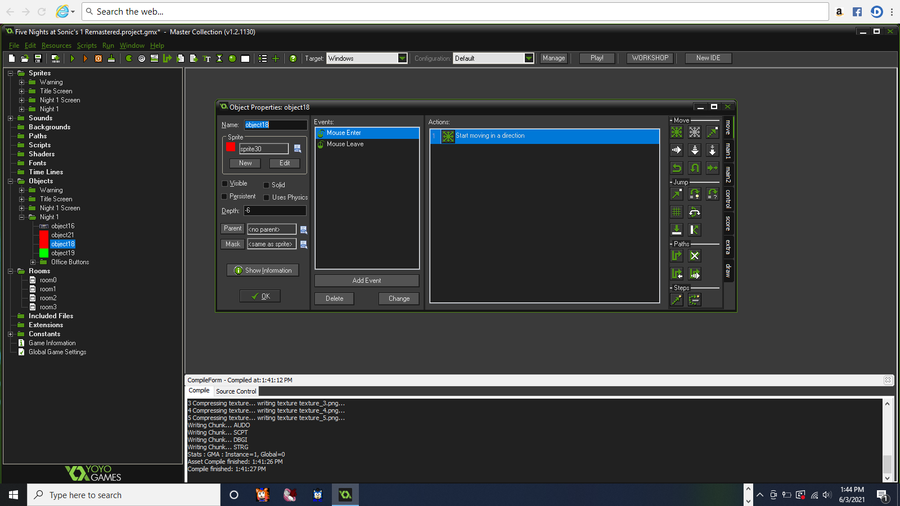
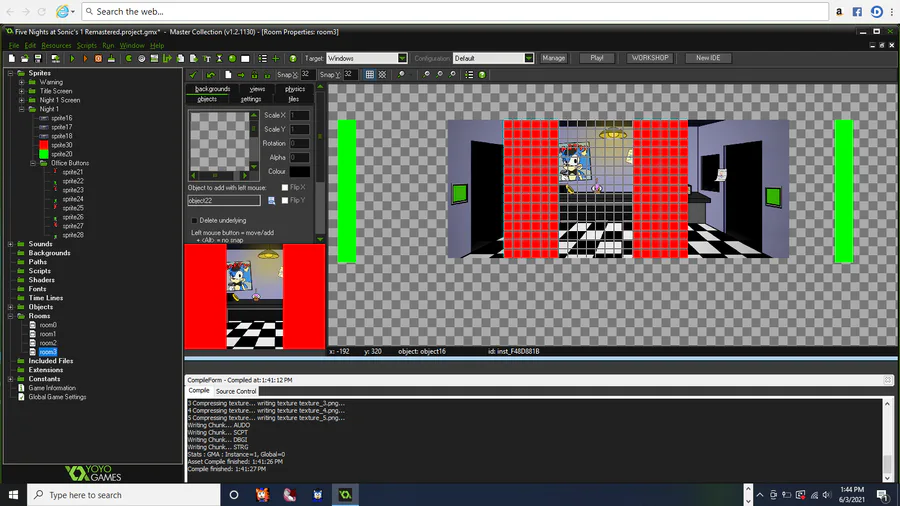
so i got the lights programmed (maybe) im not sure since the buttons are off screen and when i go to them like with the scrolling for testing to see if they work they don't show up since there off screen and the way i programmed the scrolling is i made 2 red blocks and a green block and made them the same size as the window of the game and i coded it to where when i putt my mouse on the left one it moves the office to the left and when the office hits the green blocks it will make the office stop moving and some thing for the other blocks but if i putt my mouse on the right block it will move the office to the right but can you guys tell me how i can make the buttons actually show up
5 years ago
programmed the lights (maybe)




Next up
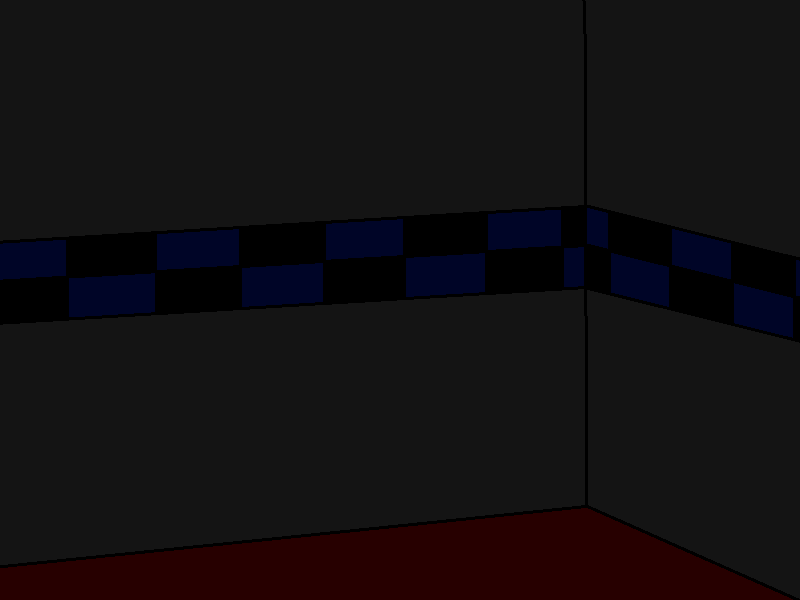
went ahead and finished the show stage
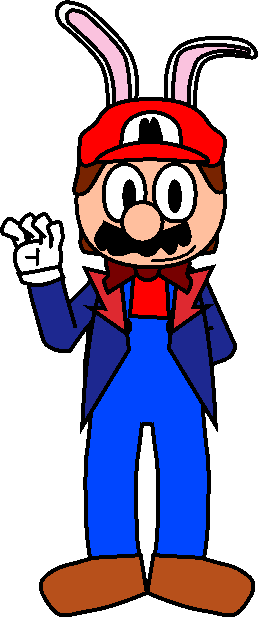
so i found this edit i made a good while back of the fnas mario vector i use now-a-days but i had edited him to look like how mario does in fnas act 1
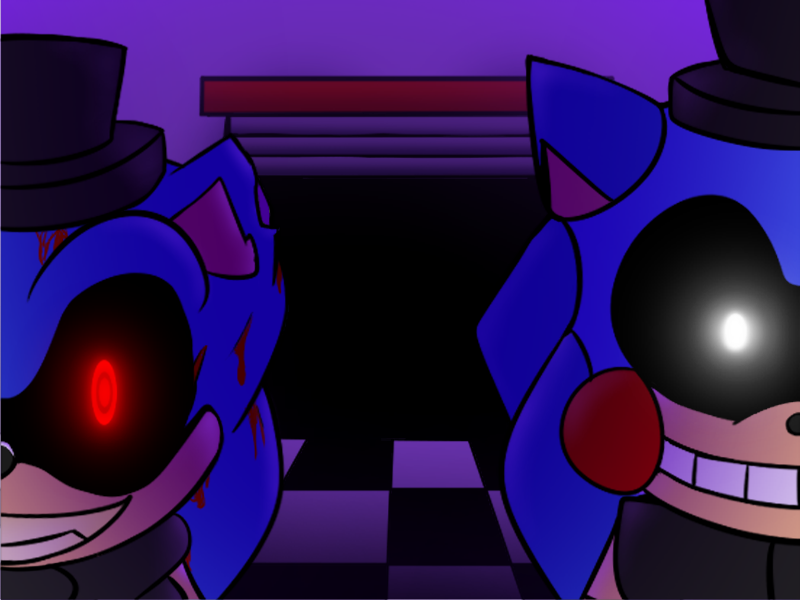
so since this game is dead i might as well show most of the art for act 2 (the art that was finished at least)
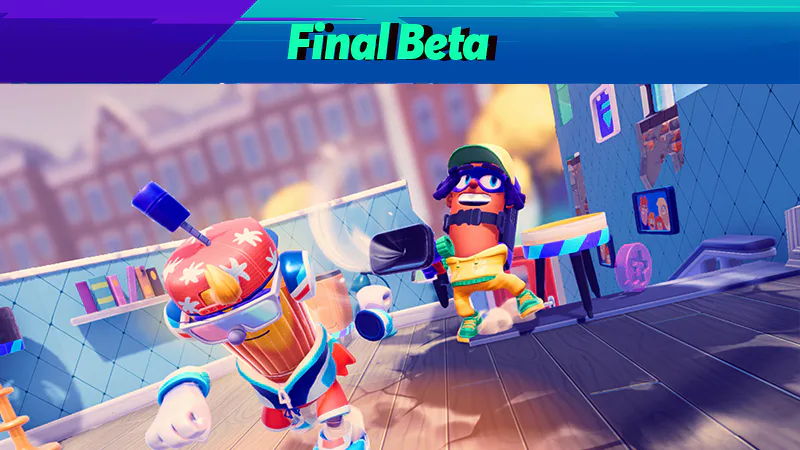

Play @pm-studios  ' Bandit Trap Open Beta!
Grab your rocket chairs, vacuums, and toilet tornadoes! Report one more time for our final beta! Live through March 23rd 6 am CET.
Complete quests based on the game!
Play the beta: https://bit.ly/BanditTrapBeta
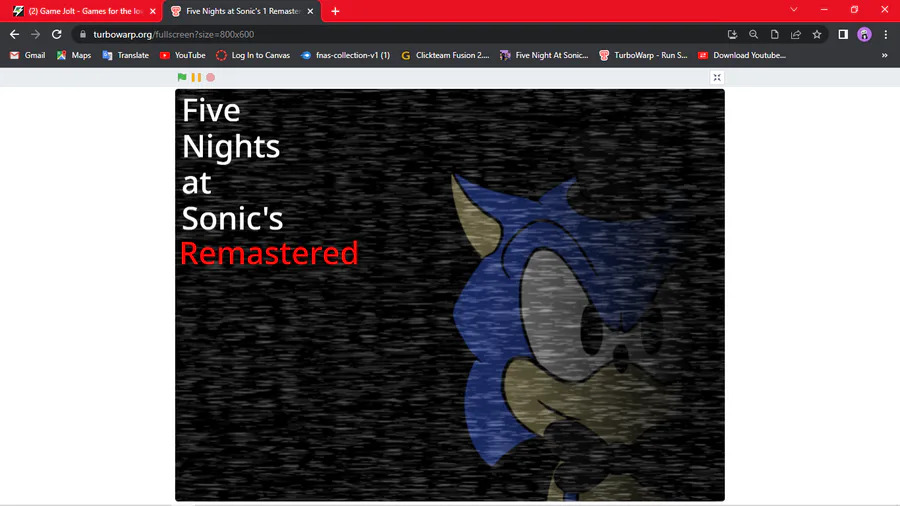
so far
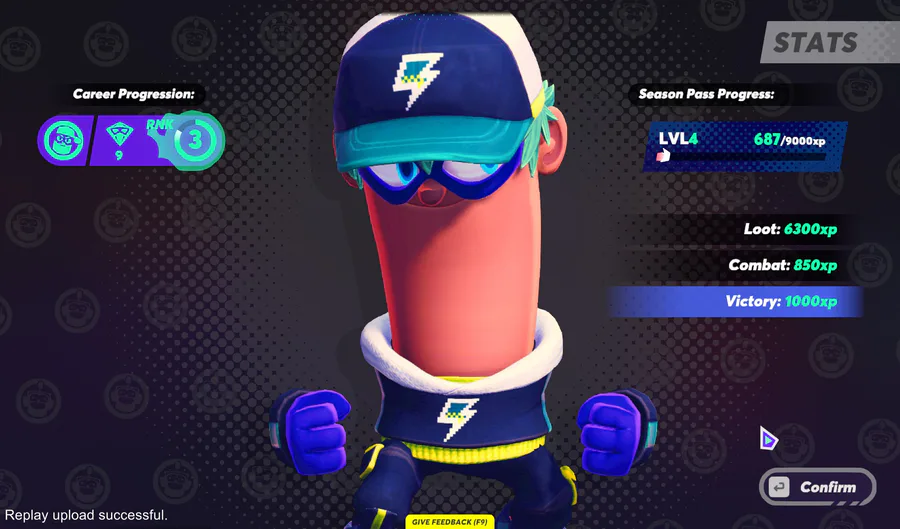
BIG NEWS: Your Bandit can wear a Game Jolt hat and shirt in Bandit Trap!
Defend your home or steal treasure in the open beta: https://bit.ly/BanditTrapBeta
It ends on March 23rd at 6 am CET!
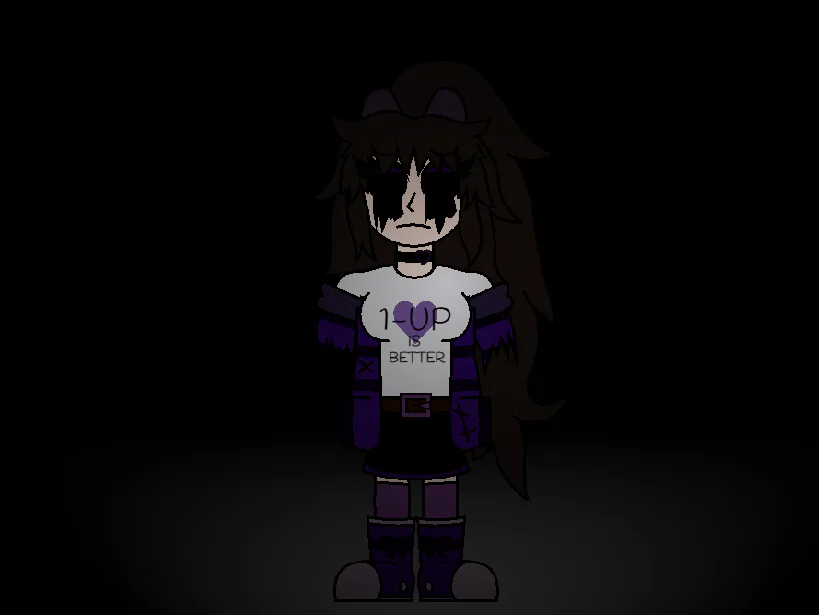
The Pain... Is Never Ending....
(oswald but emily version)
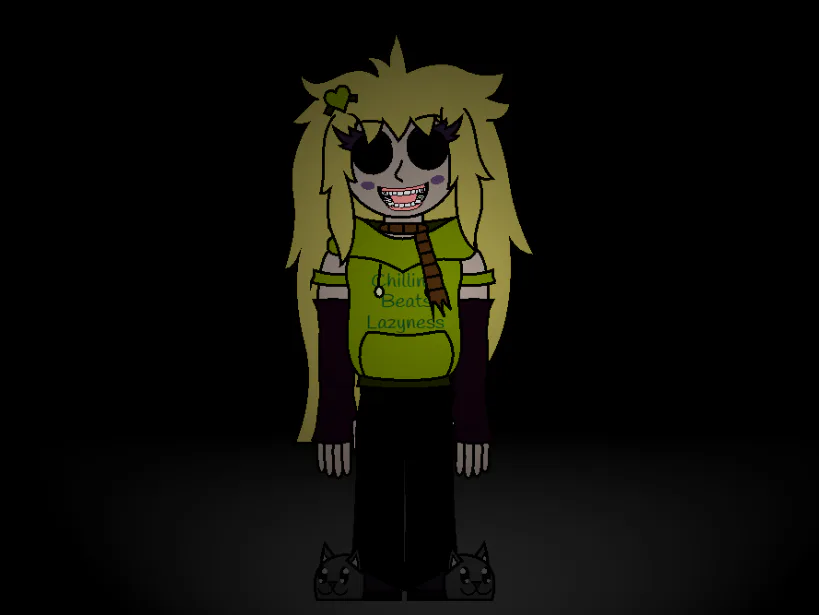
she just loves "hanging" around you
(impurity but molly version)
This week's Fan Art Friday celebrates Bandit Trap! Accept the quest in your quest log to get started.
Defend your home or steal treasure in the open beta: https://bit.ly/BanditTrapBeta
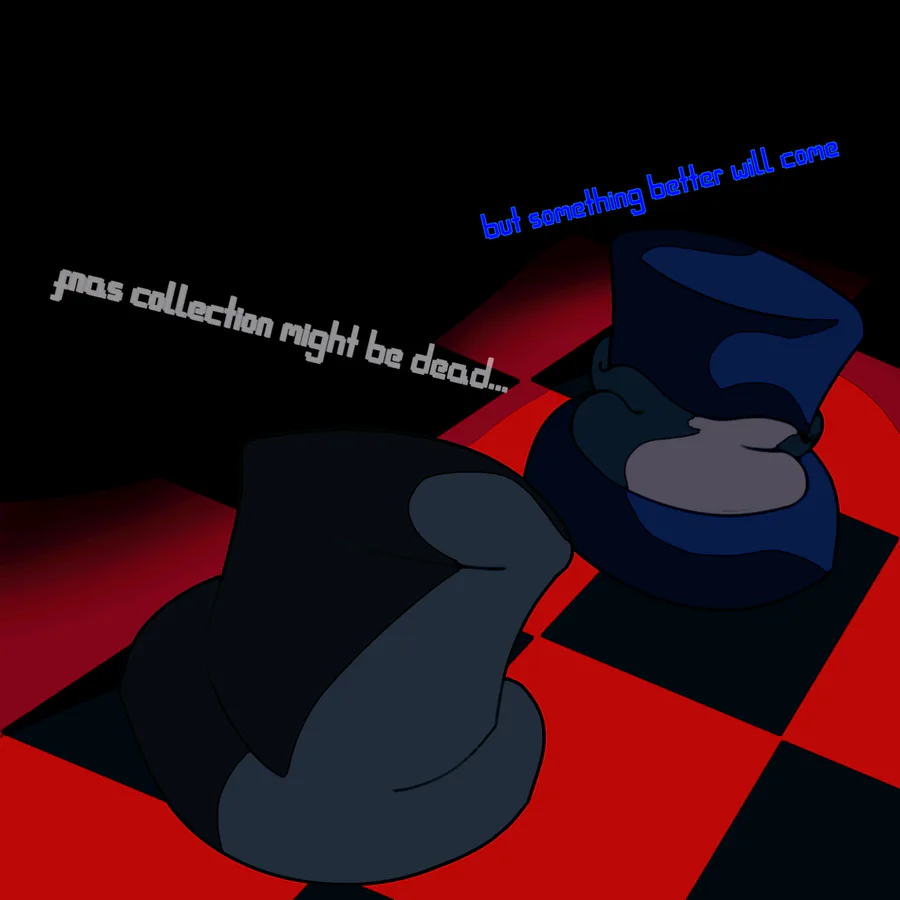
i've got some stuff to say about a fnas fangame i announced a good while back
5 comments