Comments (5)
I really like the game 

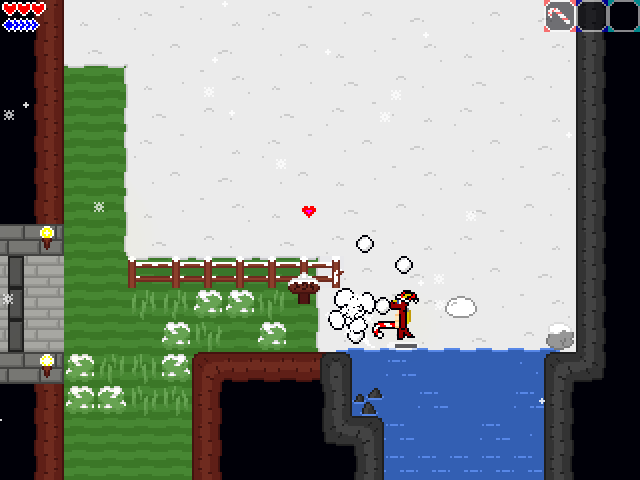
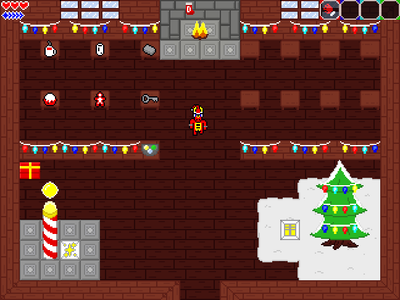
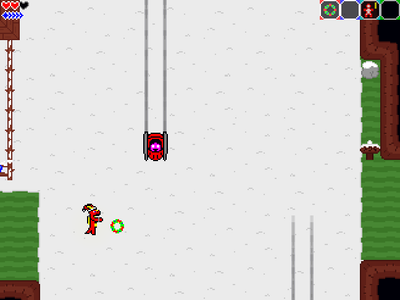
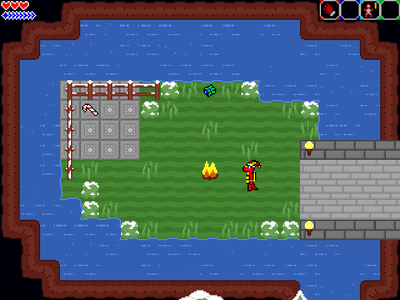
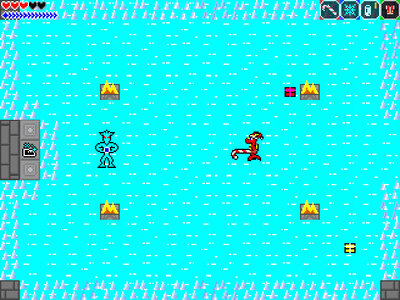
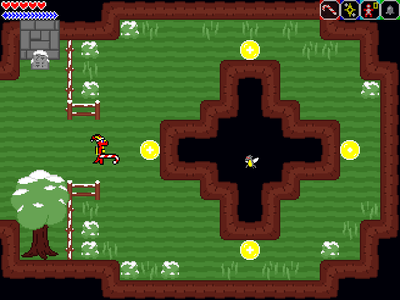
Good game! It's interesting to use candy cane instead of sword to cut enemies and grasses 
Without looking at the guide, I can collect all items and gifts and also unlock all maps
Somehow this game feels easier than Taste of Adventure as it's easier to get heart and mana here
Free
Dragon Dreams: Christmas Nightmare HD [v2.1.6]
Free
Dragon Dreams: Christmas Nightmare HD [v1.2.4]
Free
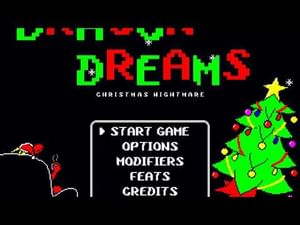
Dragon Dreams: Christmas Nightmare [v1.1.3]
BEFORE WE BEGIN: Keep in mind, you may need to set aside an hour or so to play through this, as it only saves your progress upon completing a game. Though it will take less time to do just the bare minimum required to win.
Now, on with the introduction!
The holiday season is here once again, and all prepare for a time of joy and peace.
However, just as night is approaching, creatures have snatched up all of the gifts intended for the land's inhabitants!
After your taste of adventure earlier just this year, you were looking forward to enjoying a relaxing holiday... But now, you are again thrust into an unexpected adventure on short notice.
So gather your things, hero, and save Christmas!
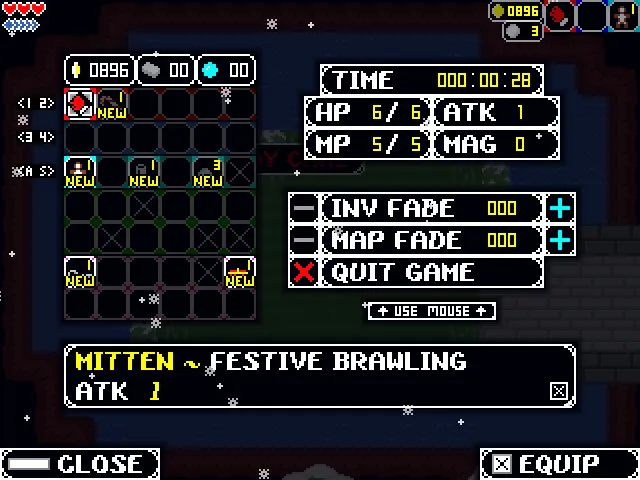
Explore the land as best you can with the abilities you have, defeating mischievous creatures, and finding treasures to aid in your journey to recover the scattered gifts!
This is a short side game in the Dragon Dreams series, of similar game length and style to Dragon Dreams: A Taste of Adventure, which was released in August 2019. It is not required to play to understand anything in this game, but it is also a standalone experience, and freely downloadable from the same place you got this, if you're interested!
Thanks so much for checking out my game(s)!
I hope you enjoy, Happy Holidays!
~ ~ ~ ~ ~ ~ ~ ~ ~ ~ ~ ~ ~ ~ ~ ~
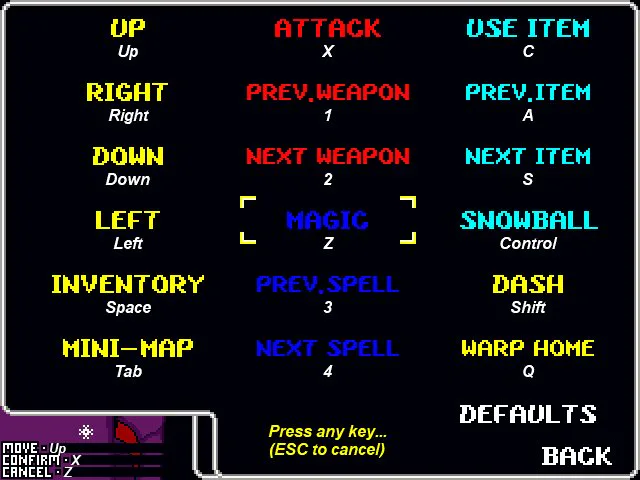
If the default keyboard controls are not to your liking, you can rebind them from the main menu in Options > Rebind Keys.
To use a controller, you may need a program to manually remap keys. Something like JoyToKey, or Xpadder
(If you somehow bind your keys in a way that makes you unable to reach the menu to fix them, close the game and navigate to the "Save" folder. There, delete the "CONTROLS.sav" file, and they will be reset to their defaults the next time you run the game.)
Here are the main controls, roughly in order of importance:
Movement - ARROW KEYS
Attack/Confirm - X
Magic/Cancel - Z
Use Item - C
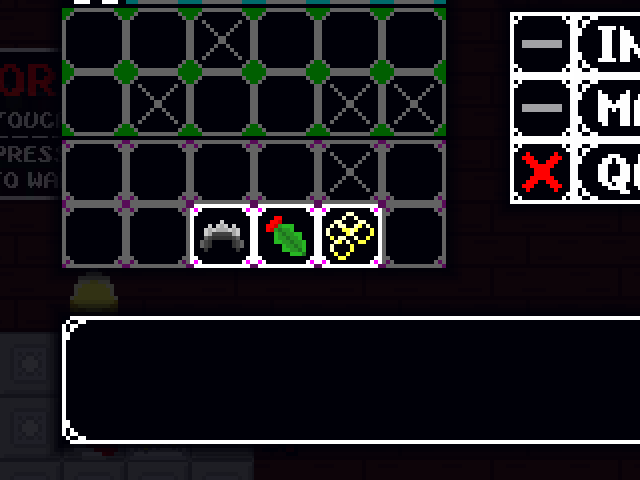
Inventory - SPACE BAR
Map - TAB
Snowball (quick use) - CONTROL
Dash (wth modifier) - SHIFT
Warp Home - Q
Prev/Next Weapons - 1/2
Prev/Next Magic - 3/4
Prev/Next Item - A/S
Pause - SHIFT + P
Mute - SHIFT + M
Quit to Menu - F2


Mild Cartoon Violence