

Comments

Beta (Build 150726)
MPLauncher is a lightweight, high-performance game launcher for Windows, built with a focus on privacy, minimalist design, and seamless library management. Tired of bloated clients? Get full control over your games and data with an aesthetic "Industrial Dark" experience.
🔥 Key Features:
📦 .MPGP Native Support: Introducing the MARKPIN Game Package format. Install games with a single click—the launcher handles extraction, manifest setup, and directory management automatically.
🎮 Publish Your Own Games: Using MPGP Packager, developers can package and distribute their own games for MPLauncher. Create a .MPGP package, share it with players, and let them install your game seamlessly through the launcher.
📂 Local-First Accounts (.mpla): Your data belongs to you. Accounts are stored locally with SHA-256 encryption. No clouds, no tracking, and total offline capabilities.
📊 Playtime Tracking: Automatically track how many hours you’ve poured into your favorite titles. View your total profile stats, session times, and game history at a glance.
🛡️ Built-in Security: Automatic UAC (User Account Control) integration ensures your games have the permissions they need to run smoothly, while sandboxing local profiles.
🌐 Game Progress & Online Sync: Through Game Jolt integration, players can save and load game data, level up their profile, and compete on GLOBAL LEADERBOARDS across supported games.
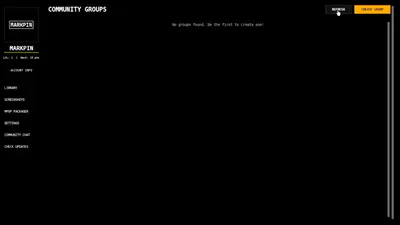
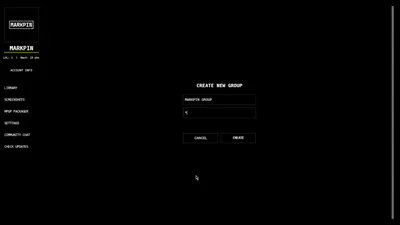
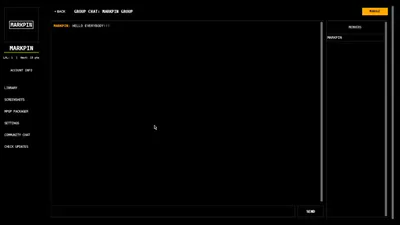
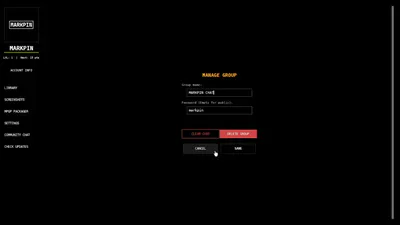
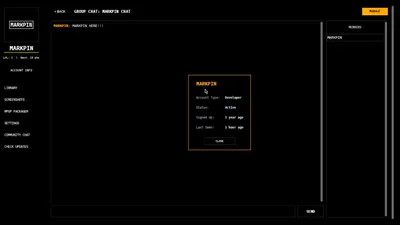
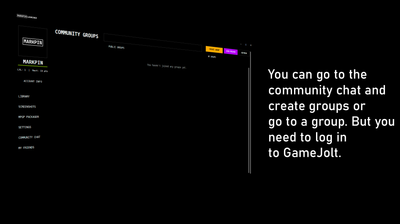
💬 Community Chat Hub: Connect with players in real-time! Create public or password-protected groups, manage channels with built-in moderation tools, and share media attachments directly in chat.
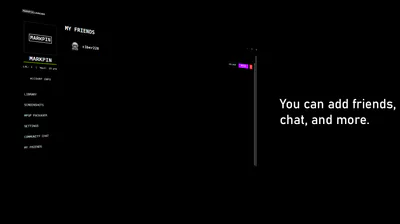
🤝 Advanced Friend Ecosystem: Add friends via Game Jolt, track their online/in-game status, and chat in private direct messages (DMs) with cross-platform desktop notifications.
🖥️ MPOverlay Integration: Never leave your game. Press CTRL+TAB to access the in-game overlay to monitor FPS/Ping, chat with friends, track session time, or press F12 to capture and save instant screenshots.
🎨 Ultimate Customization: Tailor the launcher to your style. Support for custom UI themes, personalized interface scaling, custom fonts, and adjustable audio cues for notifications.
💡 Quick Start Guide
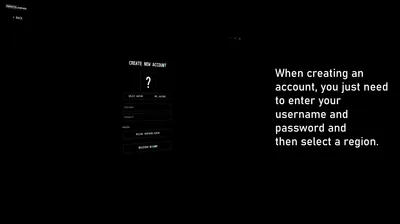
1. Create Your Profile: Launch MPLauncher and create your secure local profile via MPLA Creator (save that 6-digit recovery code!).
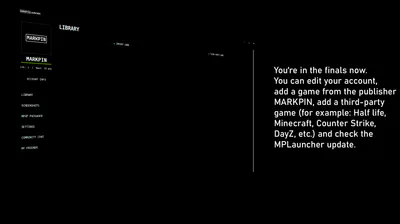
2. Build Your Library: Install games instantly using .MPGP packages or manually import your existing .EXE titles.
3. Go Social: Link your Game Jolt account in the Community Chat to unlock your Friends List, Direct Messaging, and Global Leaderboards.
4. Master the Overlay: Press CTRL+TAB in-game to open MPOverlay for live chat and stats. Press F12 to capture instant screenshots.
5. Play. Track. Win.
MARKPIN Launcher is built by gamers, for gamers. No noise, no ads—just you, your friends, and your library.