Game
A Day In The Life


6 years ago

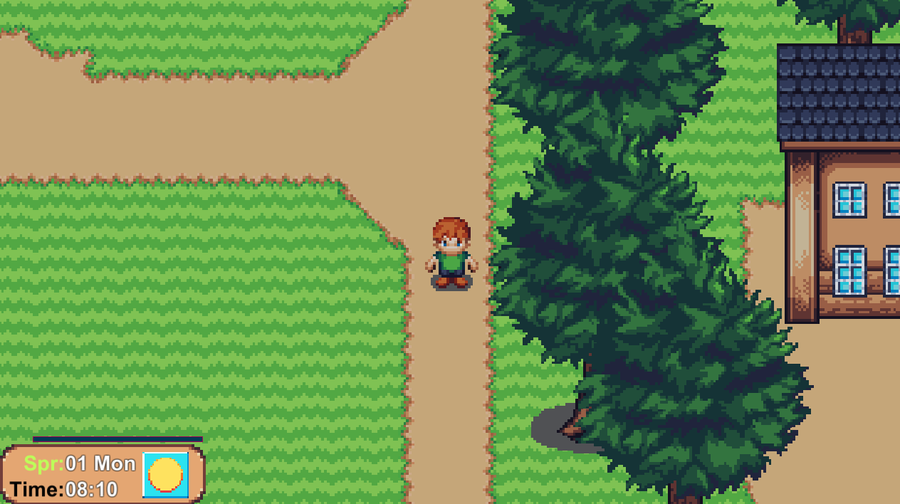
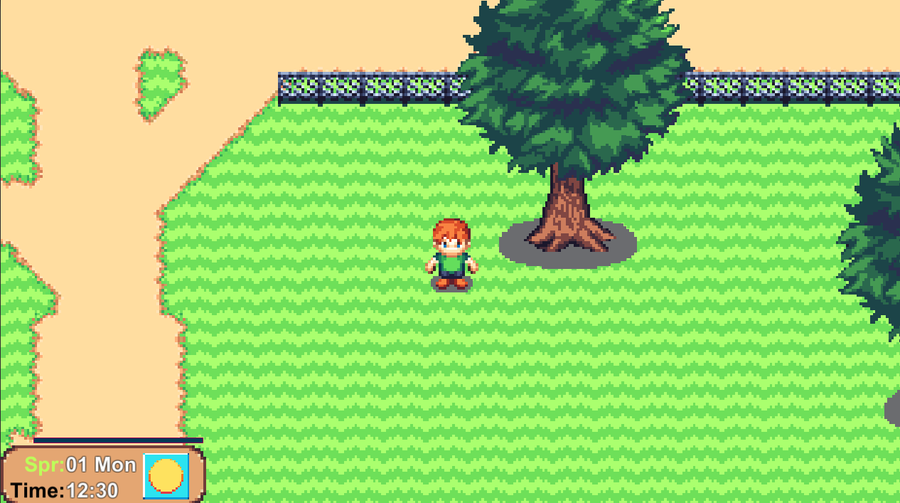
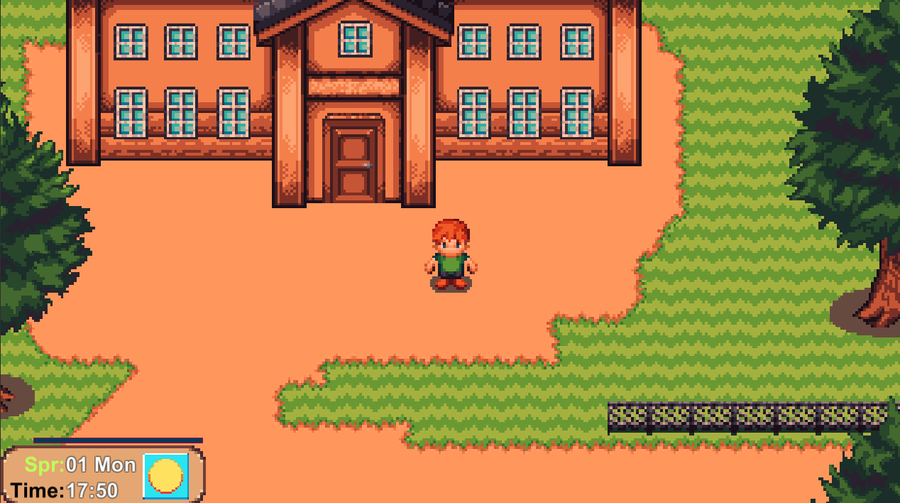
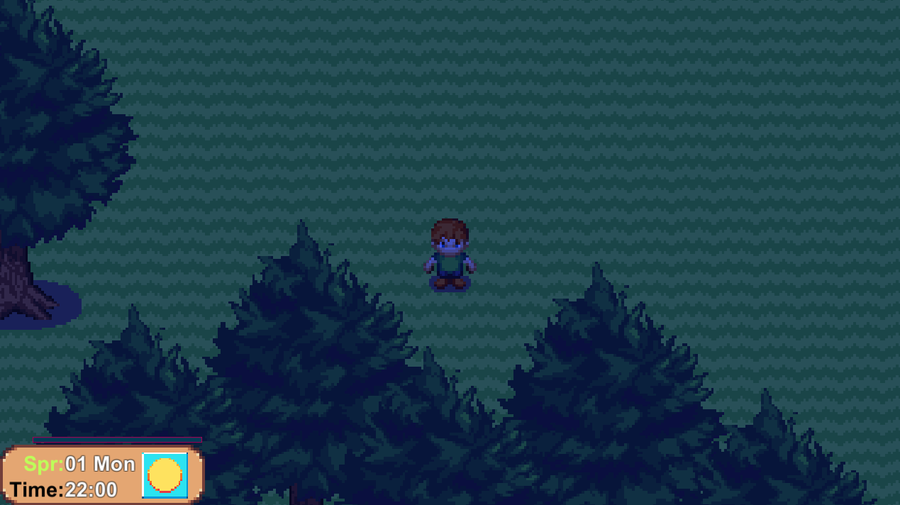
Day/night lighting


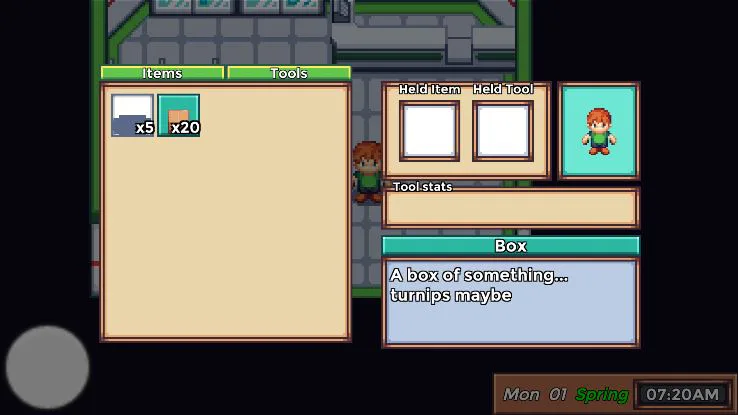
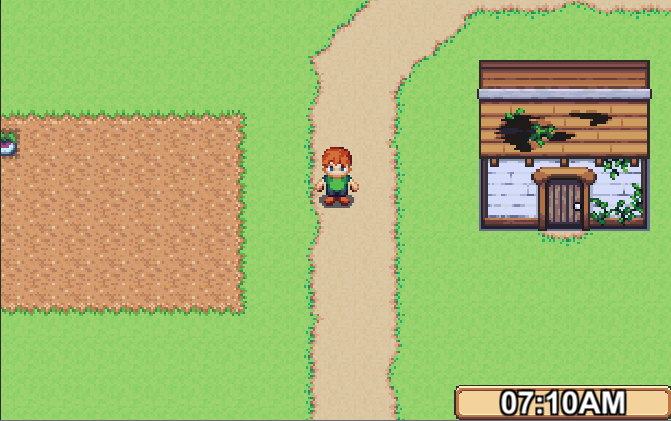
So here we have the first of the newly implemented features. actual day and night which was pretty easy to implement in the end. A switch of the sprite material to recieve light then I could tie the lighting in with the changes of the clock.

Right now Ive got one method that triggers when the clock updates at a specific time which runs a switch statment and uses the current hour and an array containing colour and brightness values to alter the light. The light defaults to a single value for all indoor scenes and the method is called again when exiting.
0 comments

Loading...

Next up

I'm currently working on a new game with a team of people. Here's a mannequin being assaulted for test purposes. Gotta do what you gotta do for your damage systems.

Finally, I've had some time to do some more work on the recode. There is hardly anything to see except for this utilitarian clock which can be swapped to 12 and 24 hours in settings. The lighting again changes through the day too.

Character customization: How and why bother? (expand)

Our latest efforts have been rewriting our scene change code and with that comes some lovely transitions made using a greyscale image and a new shader.

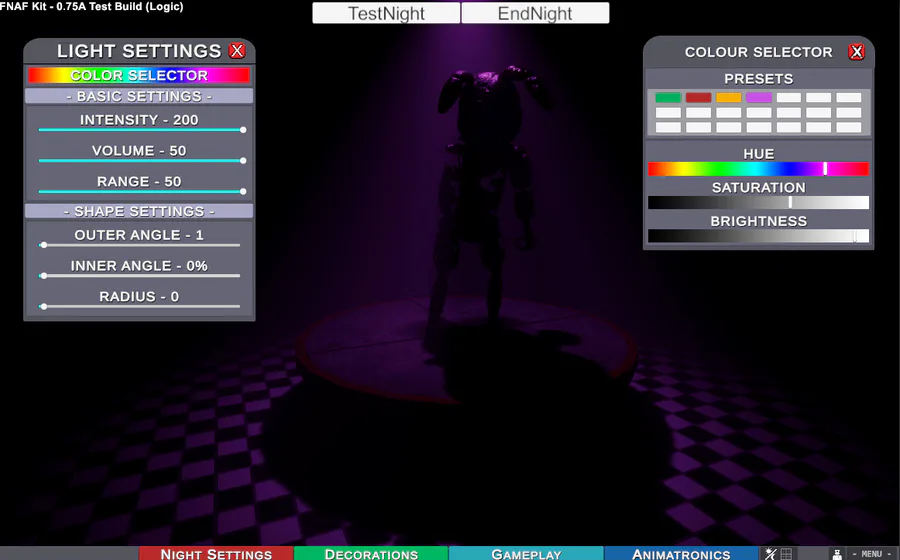
Light menu is still undergoing it's refit, some behind the scenes code changes making it easier to edit multiple lights. A light will also toggle on/off depending on its intensity. So custom events don't need to be loaded with two different commands.

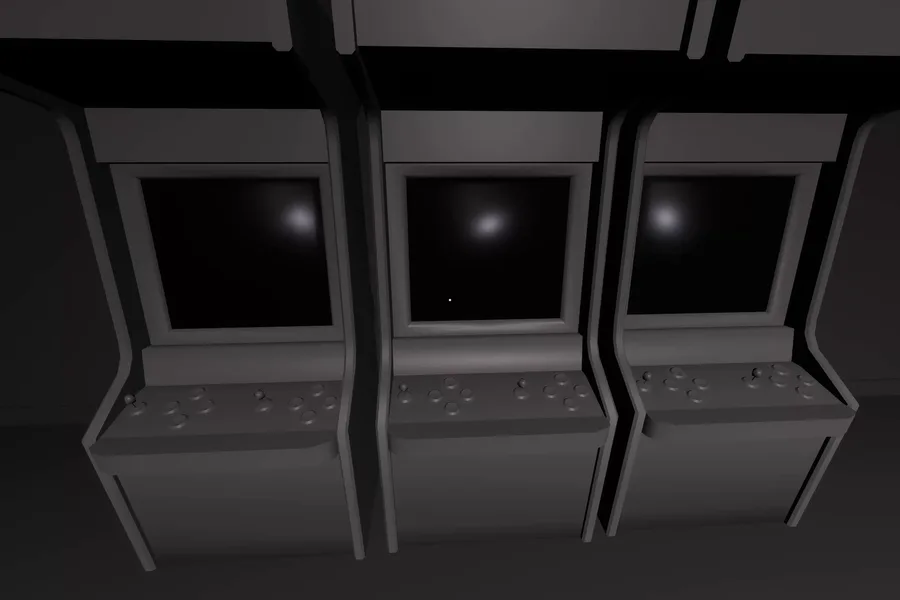
Buttons jump scare test shot

(Mines and menus preview build)

Available for testing now

Lightweight object recoloring test. This test is looking at coloring defined areas with as little excess data as possible and uses NO mask maps, alternate materials and does not break object batching (won't melt the PC when you have hundreds of swatches!)

Buttons ver 2- jumpscare Test

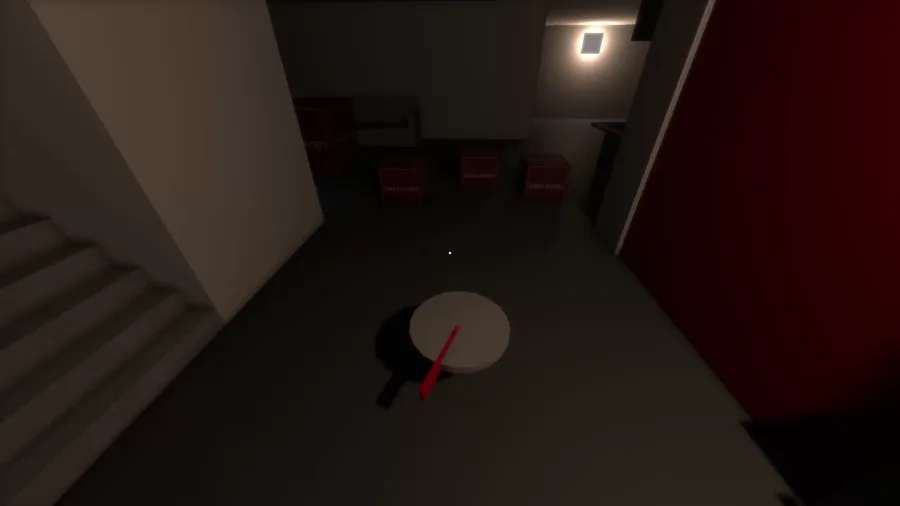
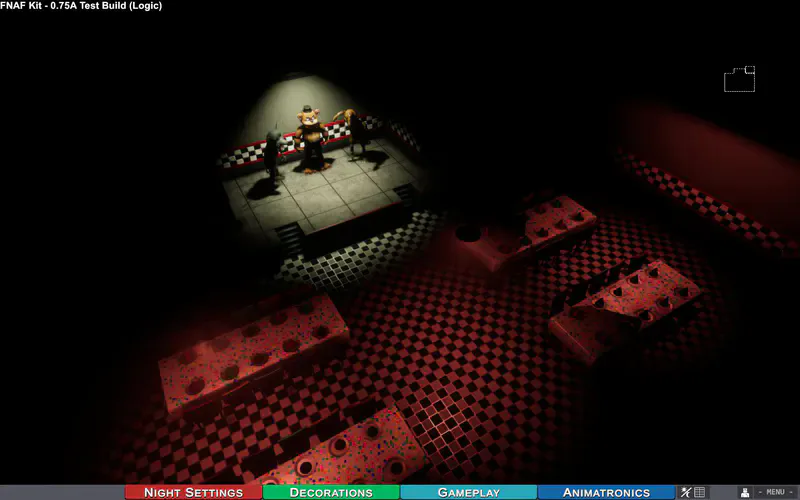
Wall height is being adjusted to accommodate things such as stages and lighting while also giving animatronics more breathing space.