Game
SuperLitium
3 years ago

Superlitium 0.1.9 is out


All changes for now:


Changes


  • Brand new system, redone from ground up to get more stability

  • New language system, now Superlitium is available in 2 languages

    • English

    • Portuguese (Brazil)


Bug fixes


  • Fixed gamelib list crash when has no games

  • Also added gamelib scrolling list

  • Fixed save manager list scrolling and cursor

  • Fixed settings menu bugs.

  • Fixed translation bugs



0 comments

Loading...

Next up

I added a terminal, to allow you use commands to do advanced stuff, like create and manage projects, saves and others. (Not available on github for now)

so, the version 0.1.5 beta is out now, so you can test superlitium by yourself. This is a beta build, so expect crashes, visual bugs and other stuff. If you found any bug or have a suggestion let me know. Also this version is available on github too.

Superlitium 0.2.0 is out

Introducing the new Audio API

Create a new sound source with:

litiumapi.litaudio.newSource(sourceName, songData)

with support at 3 sound sources at same time.

Documentation is working in progress.

Don't miss out on your chance to complete our #AetherAndIron quests and get trophies!

Complete the quests in your quest log.

Play the demo & wishlist now: https://bit.ly/AetherAndIron

Welcome to RetroAstro, a sucessor to Superlitium

Happy #WIPWednesday! Are you working on a game? Making some art? Practicing a song? Something else? Tell us in the comments!

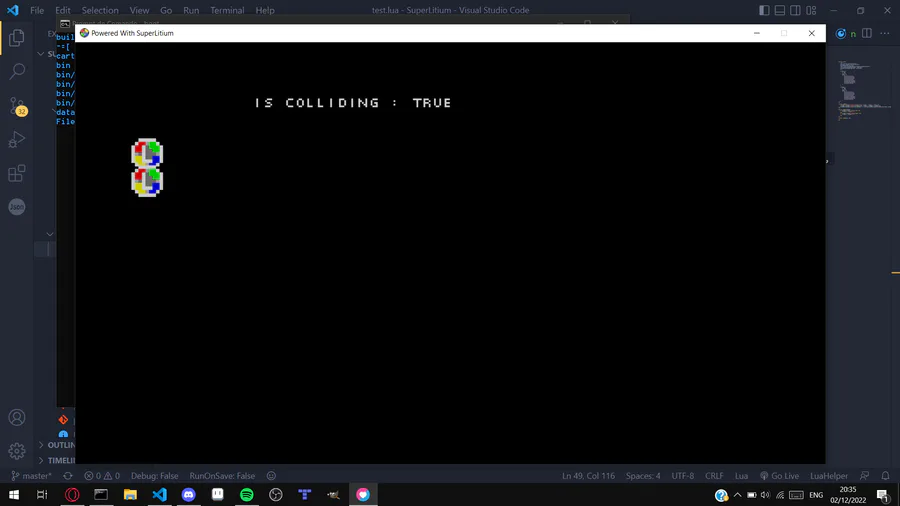
Added built-in collision system

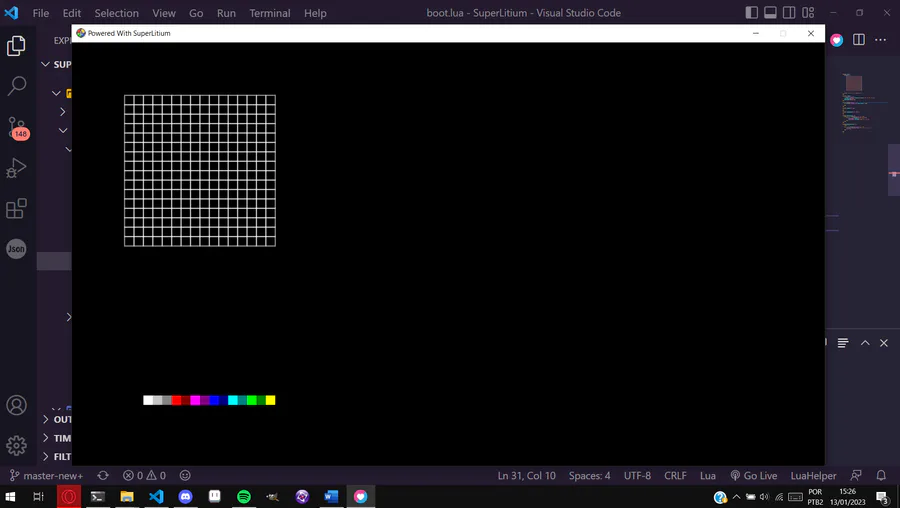
It wasn't easy beacuse, my engine uses a special render made from scratch, so I need create a collision function from scratch too.

And part of the terminal is done, now this version of source is available on github.

Starting the new Pixel editor, able you to draw your pixel art instead of using a external editor and converting it to a diferent format.

@Benaiez is a Jolter to Watch and game dev! Follow @Benaiez before the quest ends on April 14 and you'll get Coins!

0.2.2 - No OS Included, just a simple player to run your games

Simply drag 'n drop the folder with a valid game (boot.lua file) and the game will automatically run.

Also source is available on github, on branch superlitium-player

https://github.com/Litium-org/SuperLitium