
It's a Cube version 2.1 major changes (see changelog.txt included in the download for more details):
- Added full controller support!
- Updated the in-game tutorial page and added a tab for controller controls.
It's a Cube now has full controller support! You can now navigate the menus and rotate the cube both using the directional pad on your controller if you'd prefer to over using your keyboard.
It's a Cube version 2.1 major changes (see changelog.txt included in the download for more details):
- Added full controller support!
- Updated the in-game tutorial page and added a tab for controller controls.
I updated the algorithm that handles the timer gradually decreasing as the game progresses! Before, it would decrease by 1 second when the player scored certain amounts, but now it gradually decreases according to a multiplier each round.
I added push notifications that appear when you reach a new milestone! These milestones correspond to the Game Jolt trophies for It's a Cube.
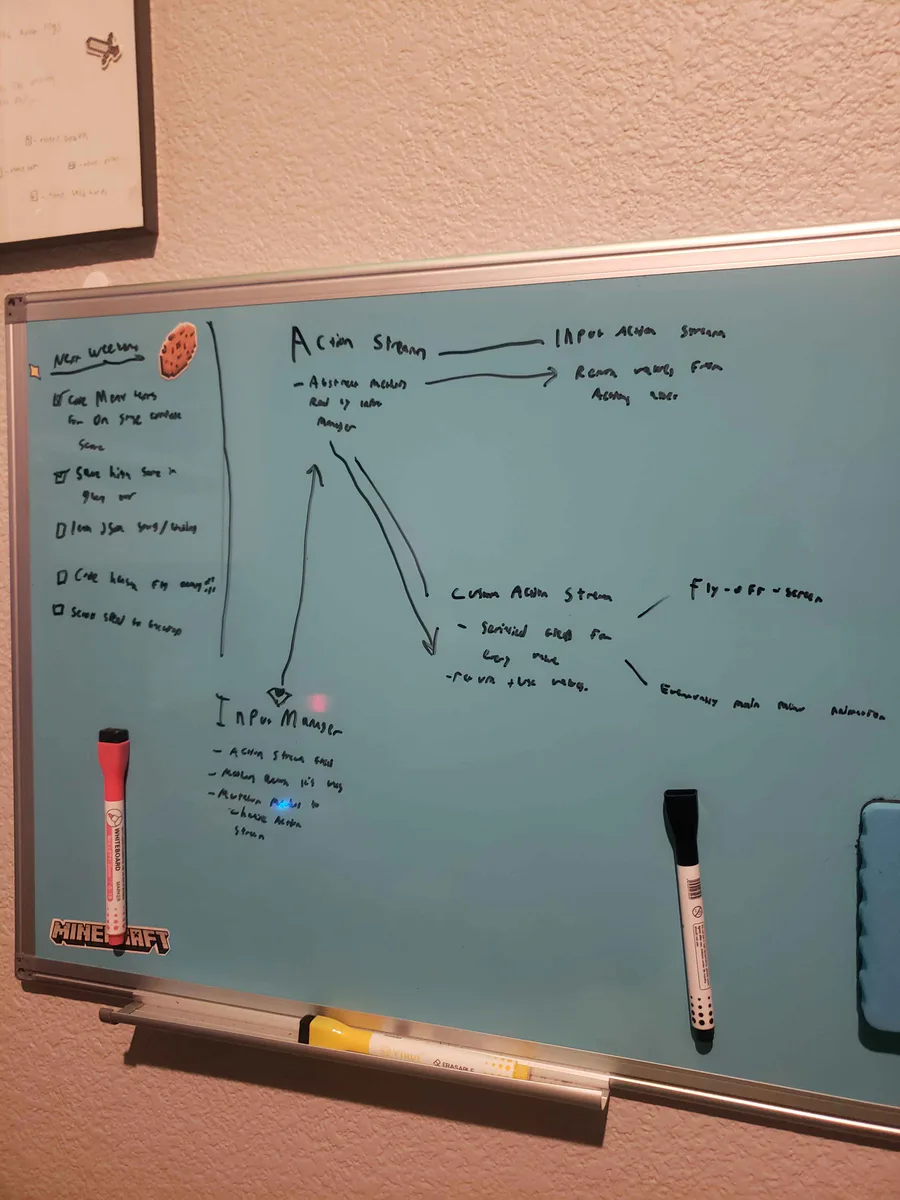
Alright, I've been thinking... I wanna do a fly-off-screen when you complete a stage in Hensen Hopper (classic shmup stuff) and I COULD just hardcode it into the character controller script but I came up with a more nuanced solution.
Very unfinished but the backdrop image, as it is in this video, is already leagues better than what I had last weekend! I'm going to work on it incrementally over the coming weeks as I work on implementing the stages idea I talked about before!
This is a short video showing off the new procedurally generated enemy waves in Hensen! In theory, the game will become more and more unpredictable as I continue to build and implement new enemies!!!
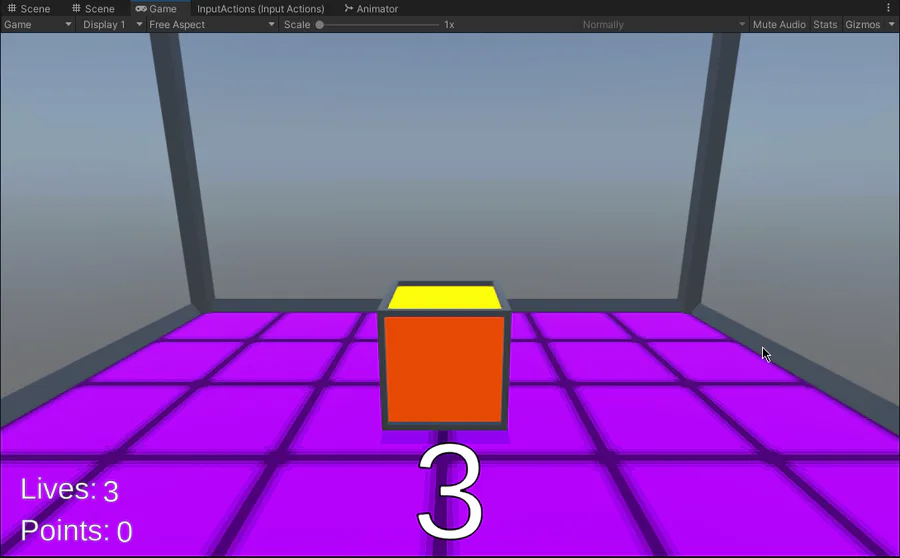
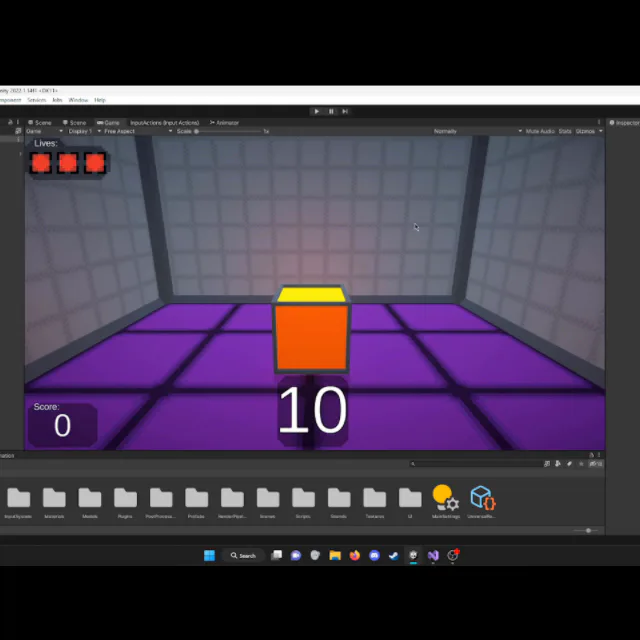
Many Improvements to the main menu, and I added a floor texture and improved the level behind the cube!
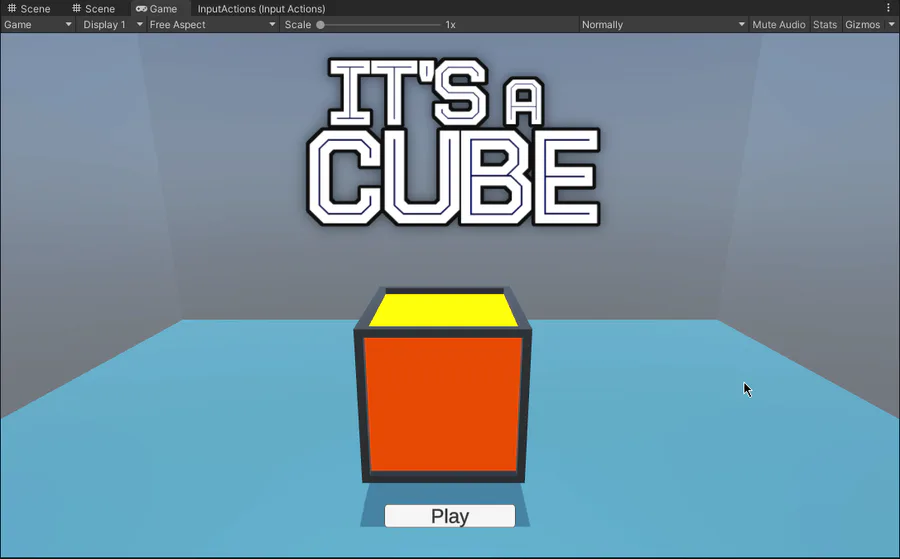
I'm working on a main menu now! I think it's coming along quite nicely so far. Oh and I've also improved the model for the cube as well.
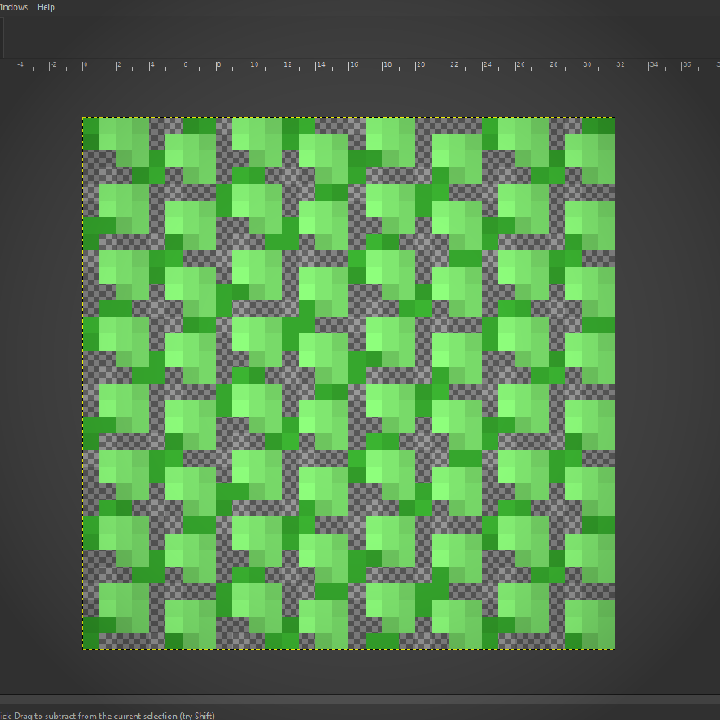
I've been working on the backdrop today! Among other things I've done, I made a bush! I know, SOOOO impressive lol.
Here's a short video showing off the improved gameplay loop and "stage complete" screen. The updated artwork for Hensen and his gun and the honey bullets can also be seen.
Today I added a glimmer effect on the ground that plays when you score! I think it looks really nice and I wanted to share!






0 comments