
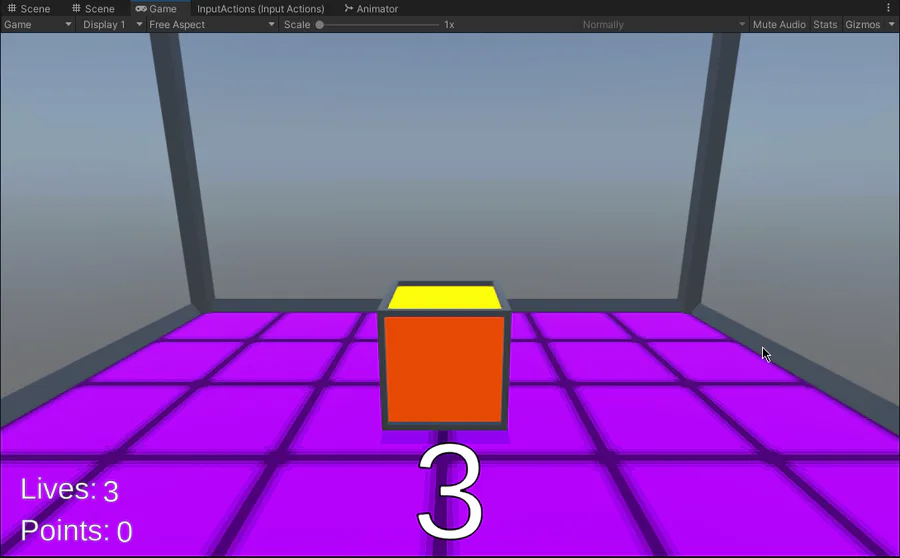
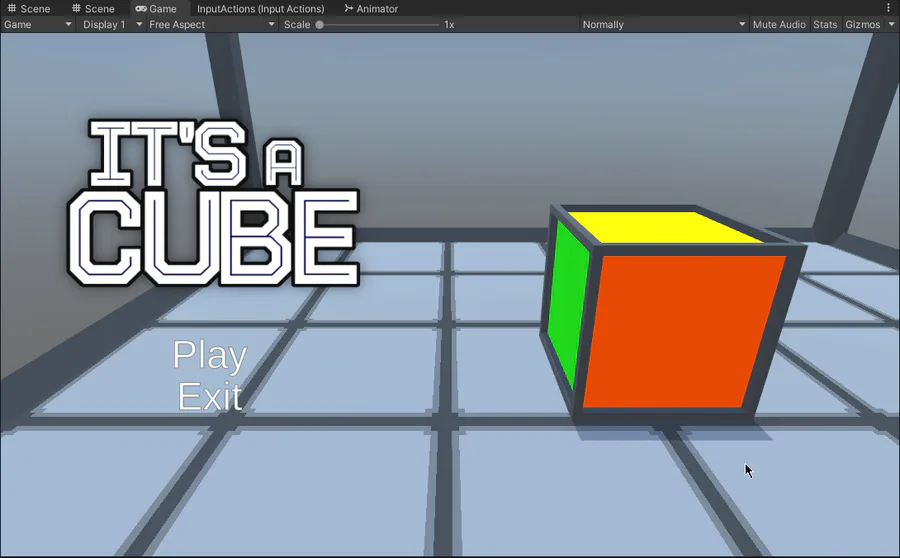
Many Improvements to the main menu, and I added a floor texture and improved the level behind the cube!




Next up

Here's a short video showing off the improved gameplay loop and "stage complete" screen. The updated artwork for Hensen and his gun and the honey bullets can also be seen.
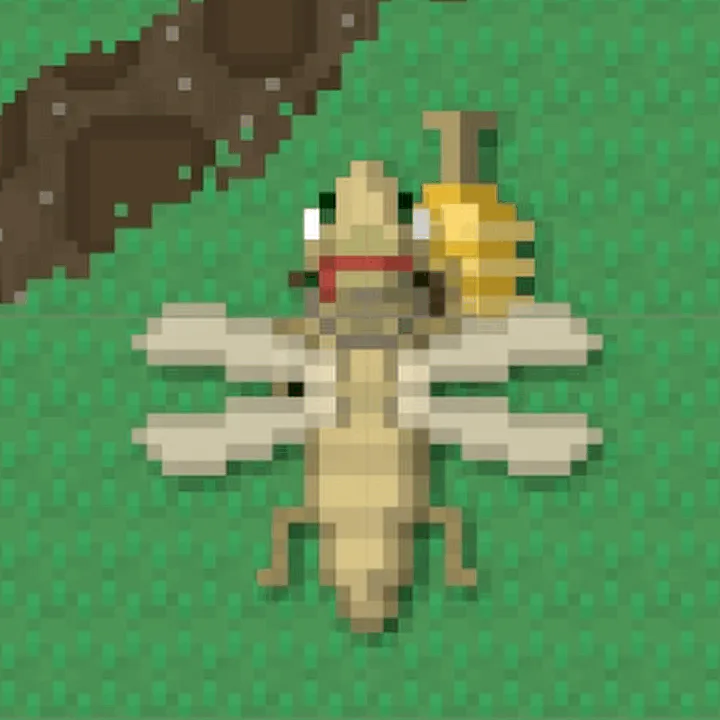
Close-up of the re-shaded Hensen!
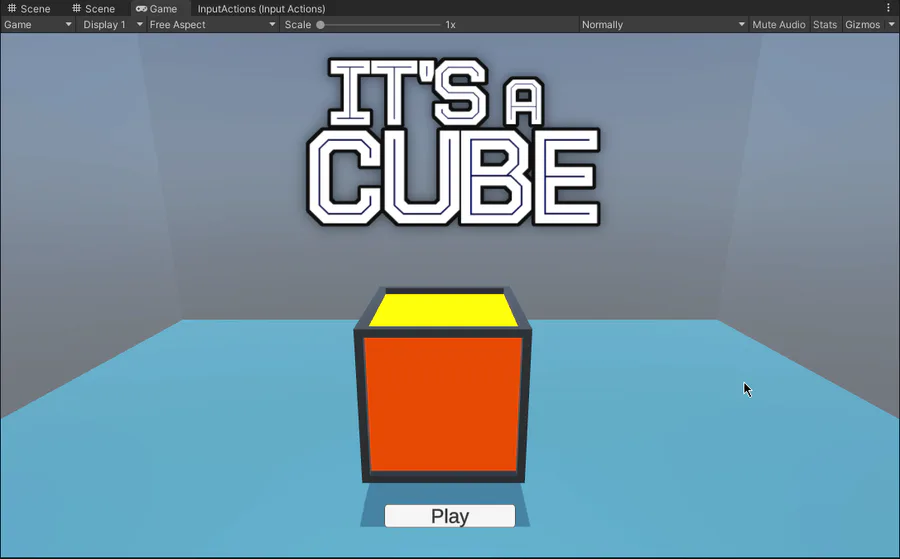
I'm working on a main menu now! I think it's coming along quite nicely so far. Oh and I've also improved the model for the cube as well.
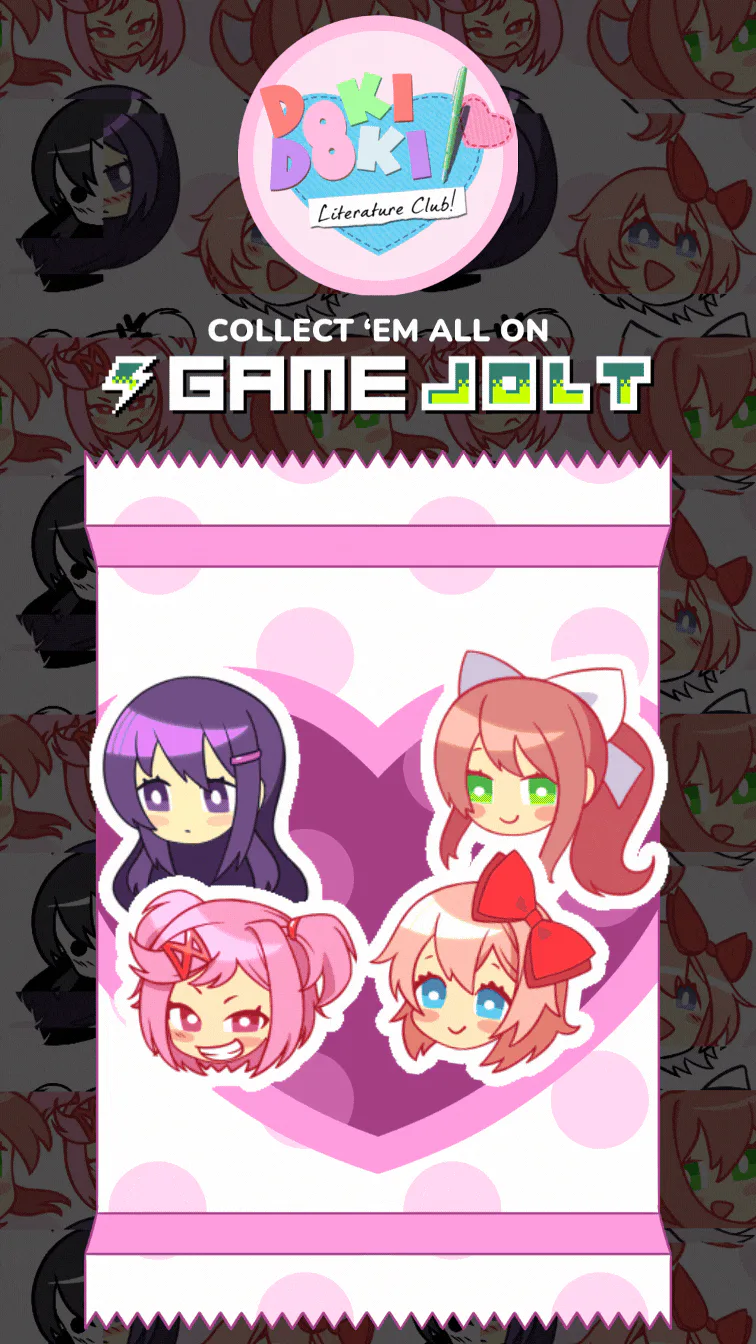

Doki Doki Literature Club is celebrating Monika's birthday and the 8th anniversary of DDLC with exclusive stickers, avatar frames and backgrounds on Game Jolt!
Head over to the shop to collect yours 👉 https://gamejolt.com/#shop

This is just about the only situation in which I'll ever do this. I almost never put multiple calls to methods on the same line but here I've logged a warning to remind furure me to do something I didn't have time to do today in a glaringly obvious way.
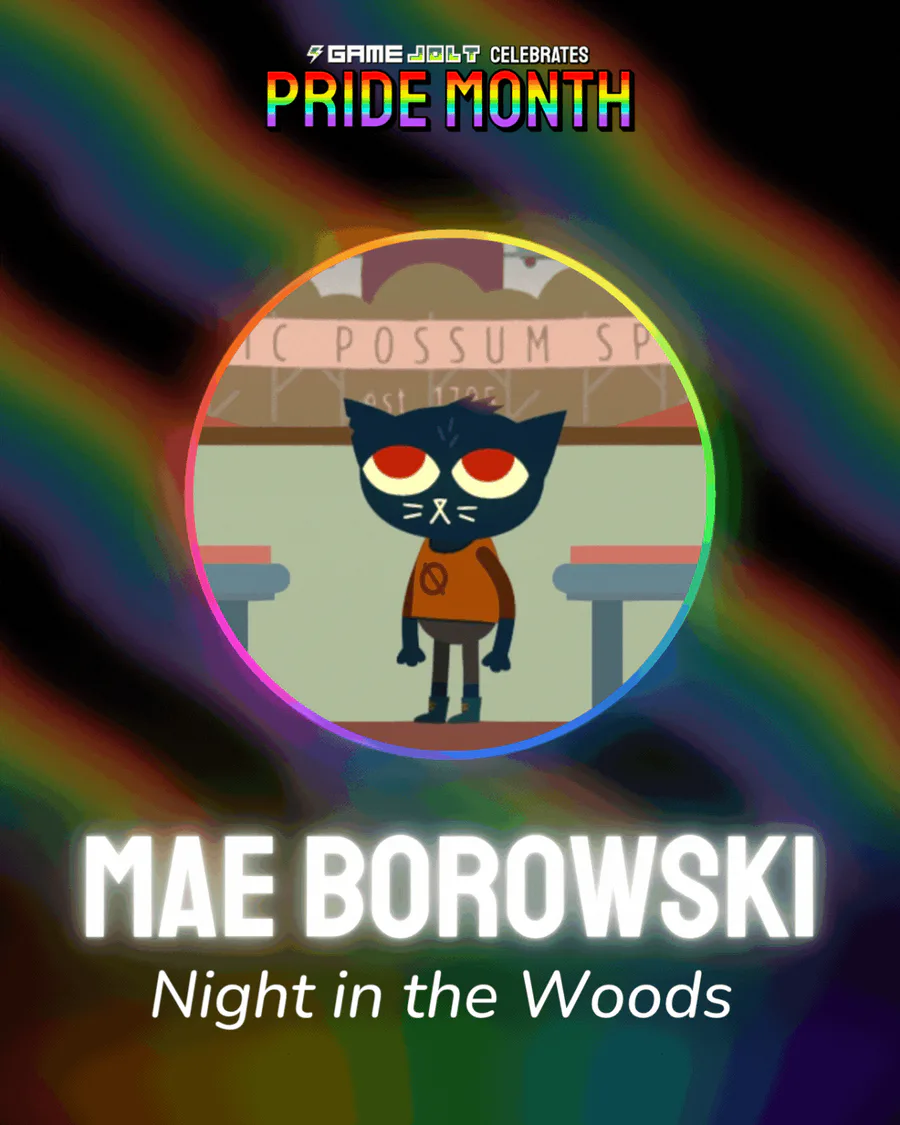
Mae Borowski is the main character of Night in the Woods! It's an adventure game that tells the story of her return to her hometown of Possum Springs. She was confirmed as canonically pan in a social media post by the game's creator Scott Benson.
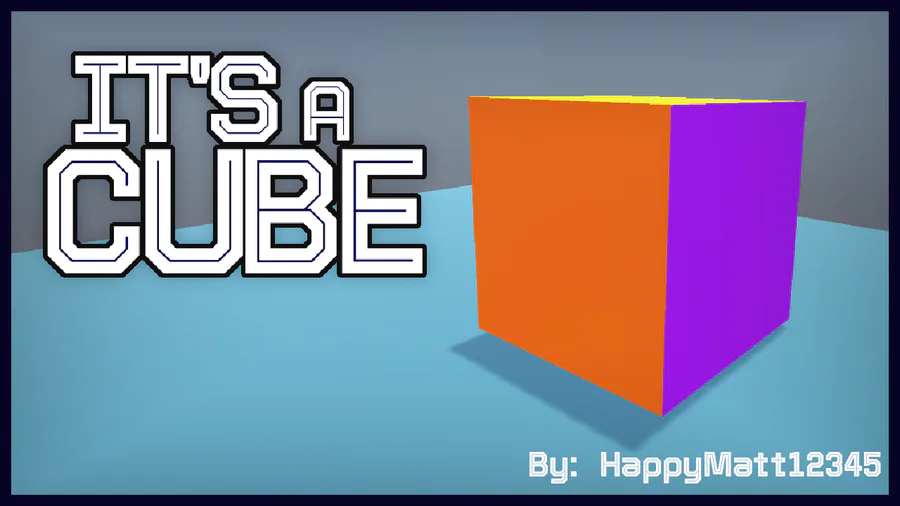
My next project! It's still in the early stages of development, but I have a tech demo available for download.
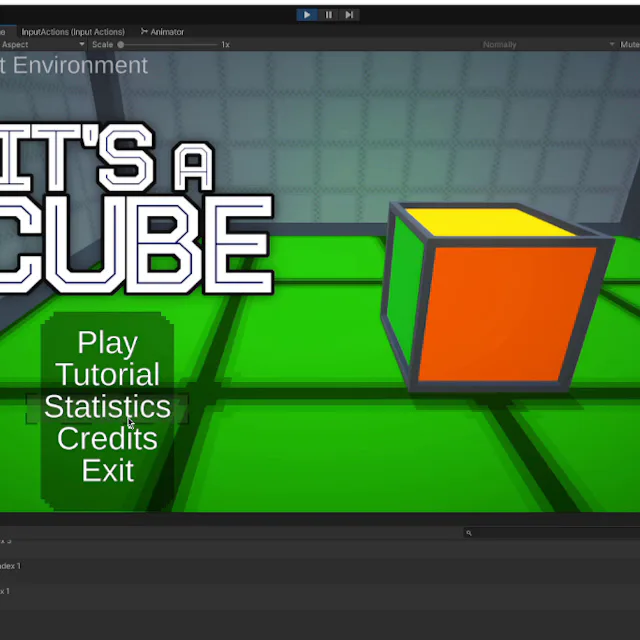
I'm working on adding in-game achievements for It's a Cube that correspond to the Game Jolt trophies. I also plan to make versions of the in-game art for these to use as trophy icons for the game's page on Game Jolt eventually.
The Knightling launches on August 28! Wishlist it now so you don't miss out: https://bit.ly/KnightlingSteam
To celebrate the game's impending release, we've added The Knightling Pack and The Knightling Community Pack back to the Shop!

I added push notifications that appear when you reach a new milestone! These milestones correspond to the Game Jolt trophies for It's a Cube.
0 comments