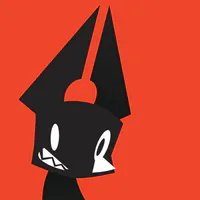
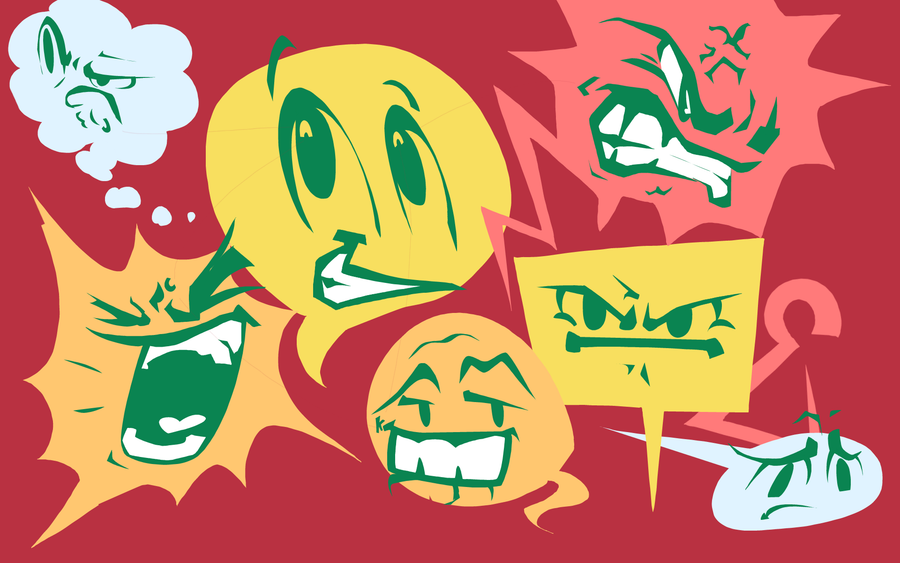
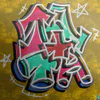
Lasso tool doodle!!!
Just goofing around with the lasso tool... I actually use it mainly on all of my art since its easy for me to form the shapes and then just paint inside the selection.
And I'm also experimenting on expressive facial expressions here.



Next up
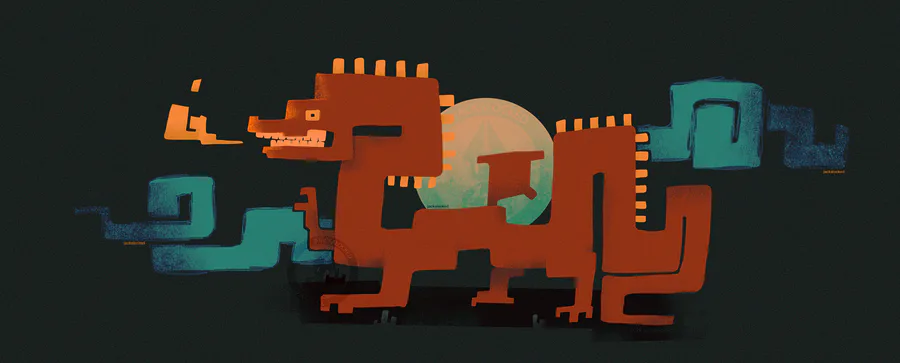
Red dragon of scoliosis
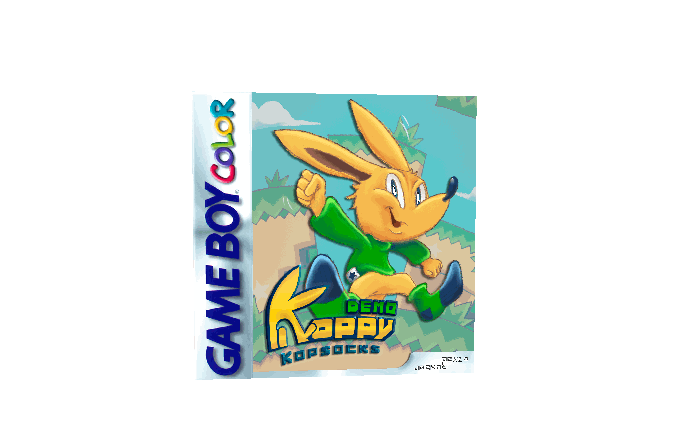
Koppy if he was cool and american and if he had a physical release
Programs used: - Procreate (to draw Koppy & the background) - Photoshop (to edit the box cover elements) - Blockbench (for the inaccurate 3D mockup)
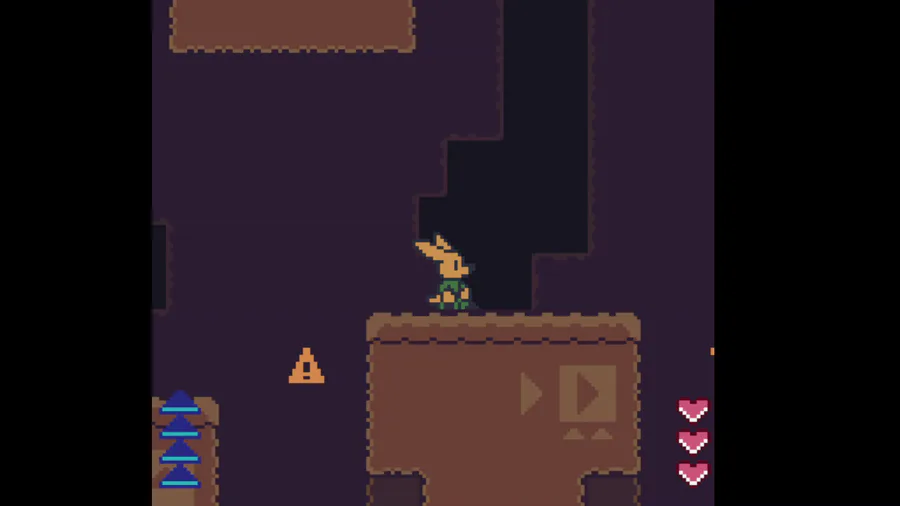
New update!
- New spawn & respawn effects to the enemies, now it's clearer when and where an enemy is about to spawn;
- Visual indicator to the spiders' movement! (String lines on the background) Now it's clearer to understand where the spiders appear.
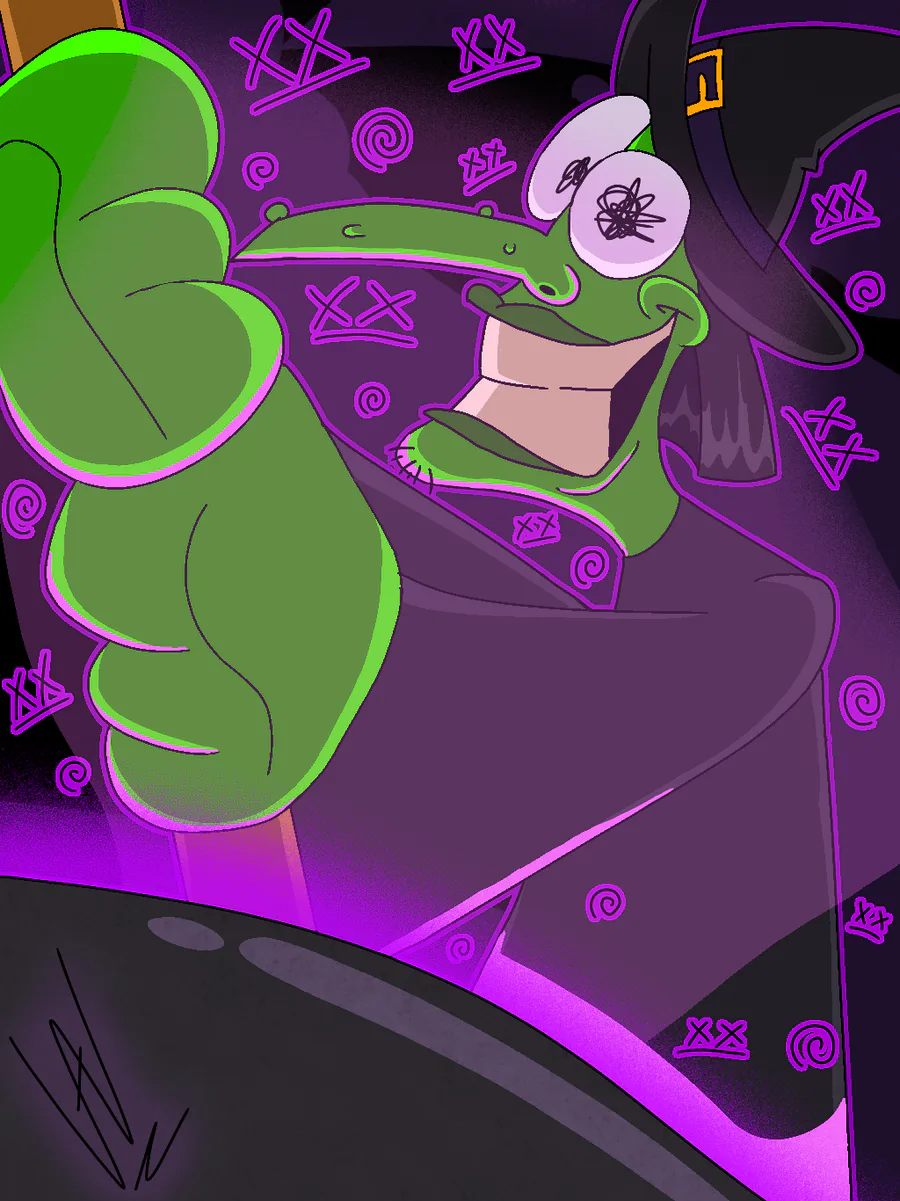
Joltober Day 30 - #Witch
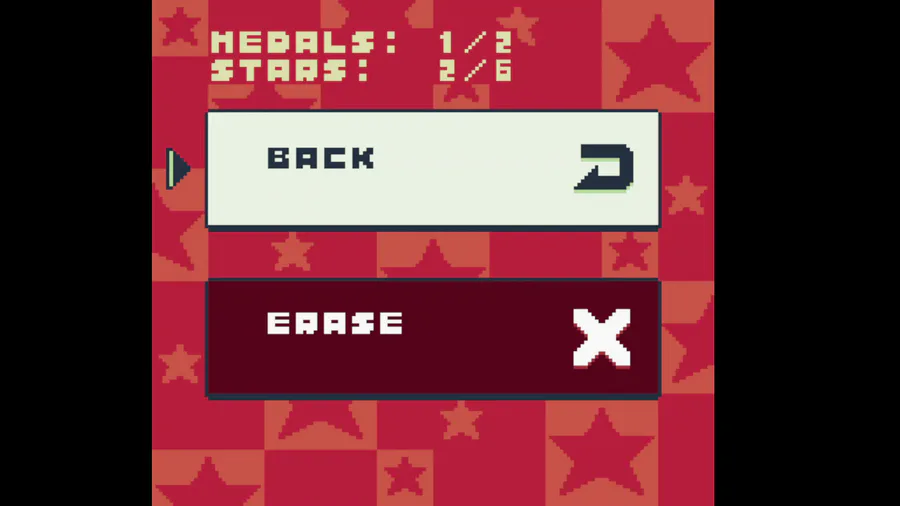
Deleting your data in style! (W.I.P)
Added a little cutscene for when you erase your data (kinda like in the Kirby games), I had this planned for a long time now and finally managed to pull it off
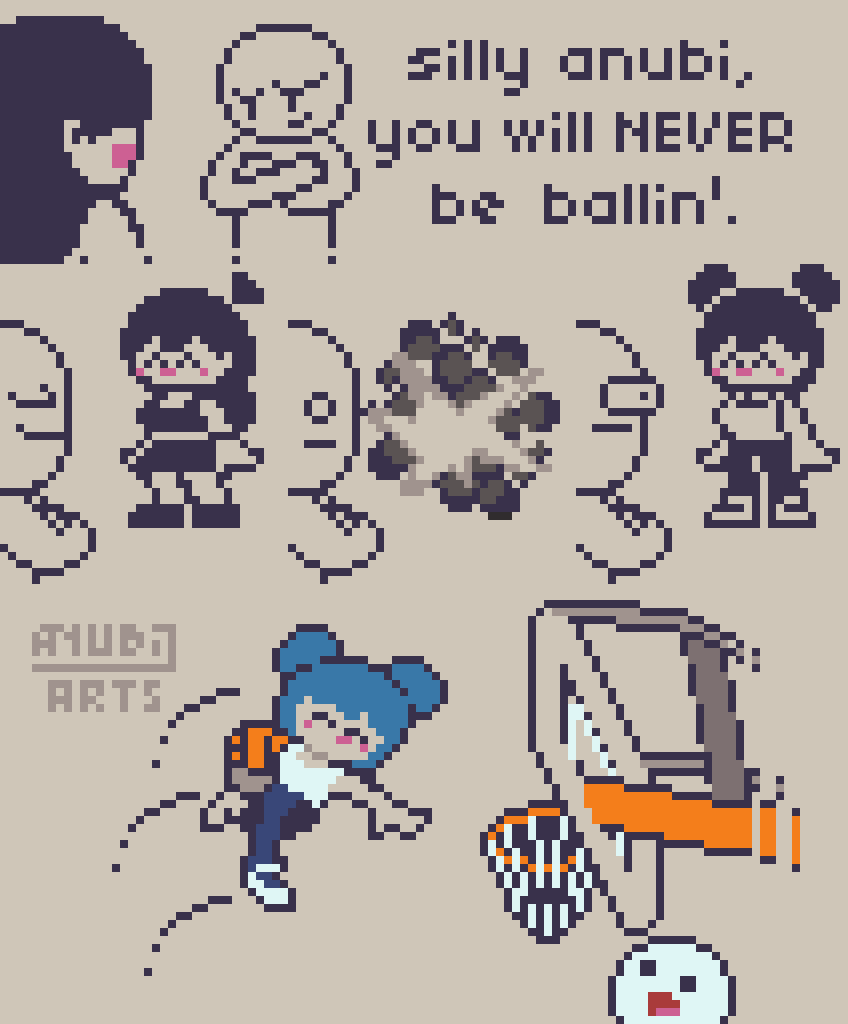

this one is dedicated to my haters
 : Aseprite
 : Zughy 32
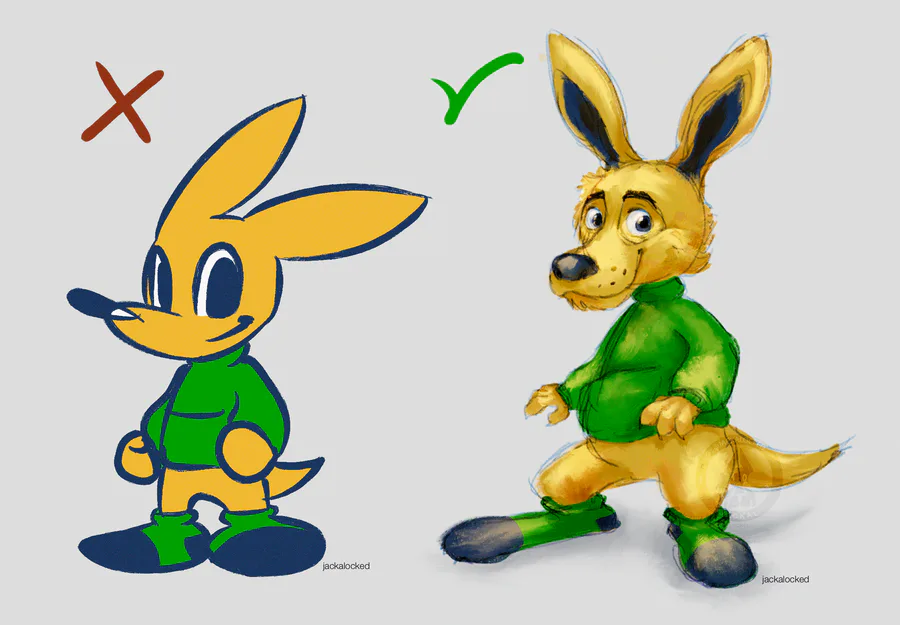
"STOP DRAWING FLAT ❌"
Art trend thing (read article for context)
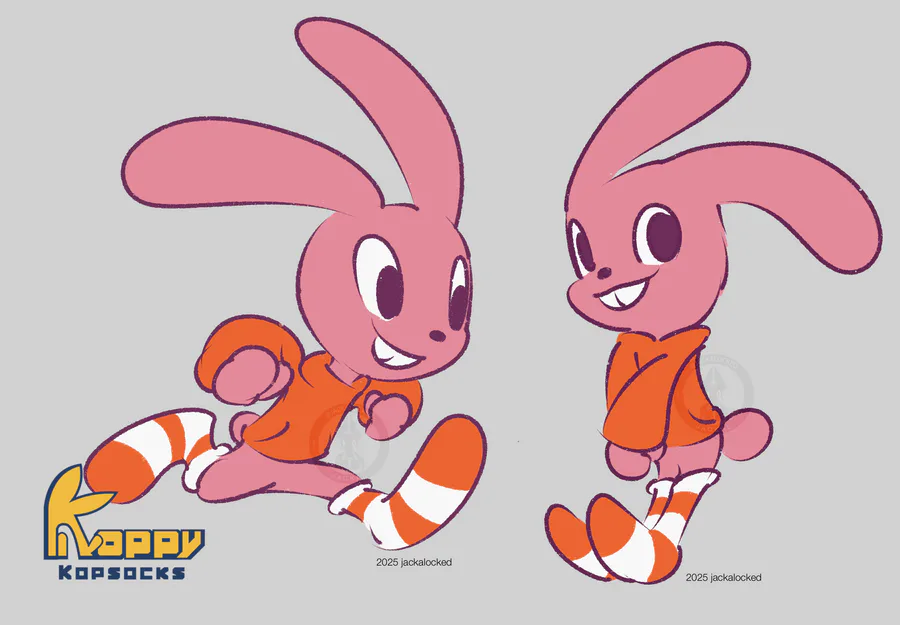
Happy Easter!
Here's some concepts (2025/26) of Hare & Rabbit characters I have in mind for my project "Kopsocks" (they won't appear in this game yet).
Their designs are still not final, but the concepts are already set.
Read more for development and etc
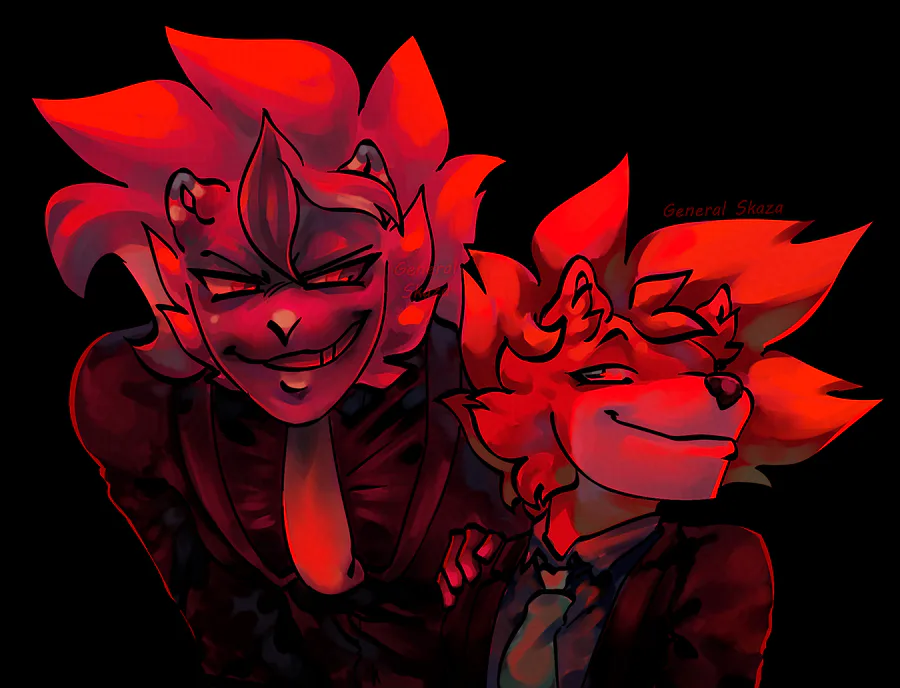
matching with @Kubachan 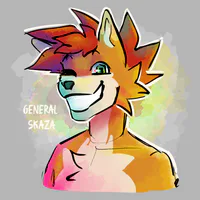 on discord :3
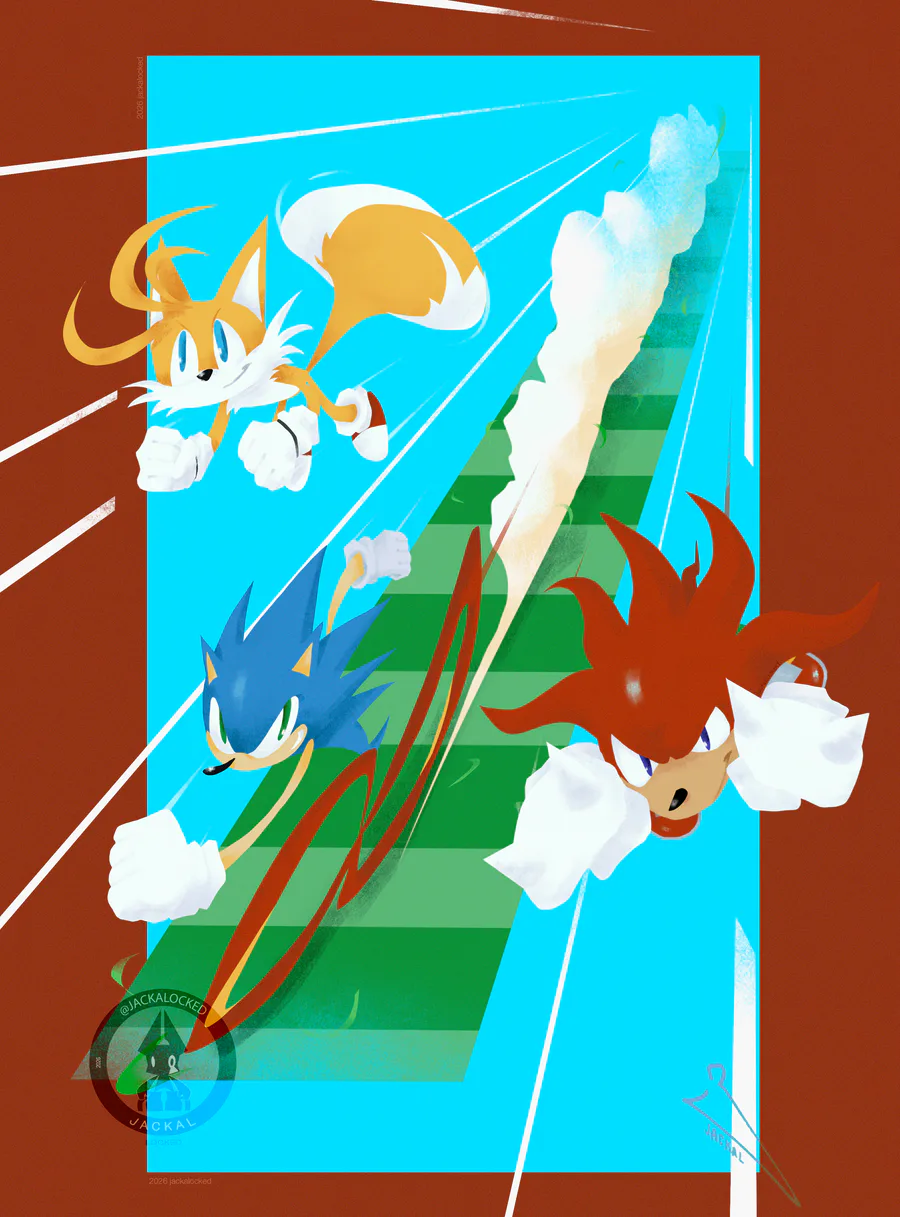
Team Sonic (& knuckles)
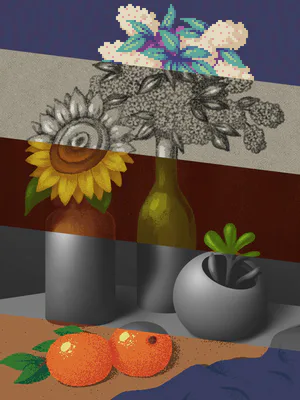
Figured out how to use clipping masks on procreate, this will be my artstyle of this month now
0 comments