 Loading...





Next up
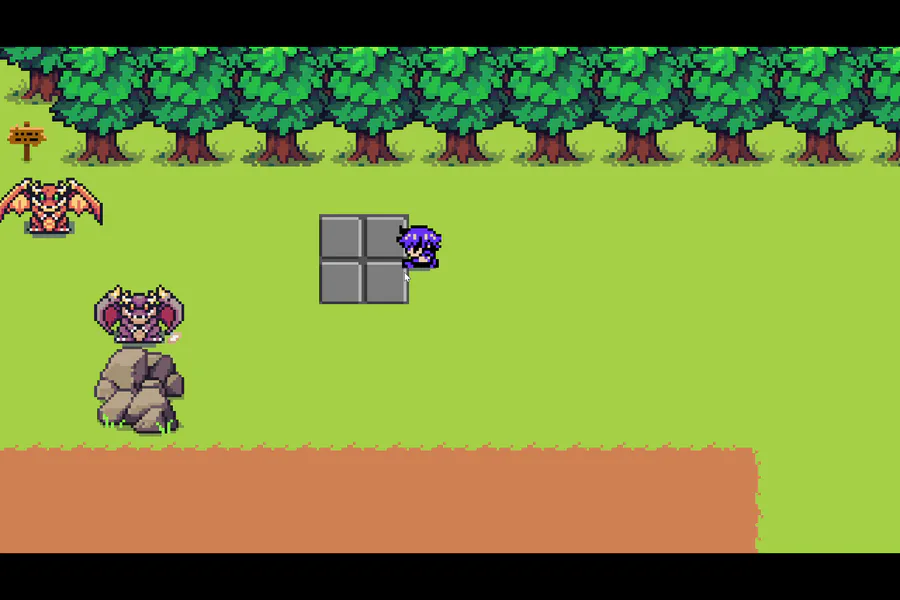
For day 1201 of coding; I tried having the speed change done elsewhere; but it didn't work so well
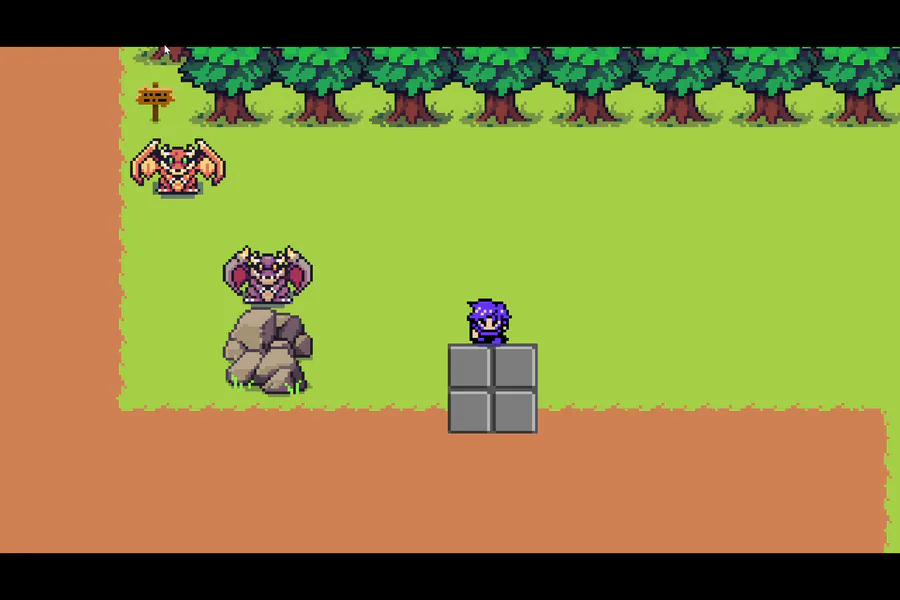
For day 1198 of coding, I think I've figured out how to make the pushing smoother
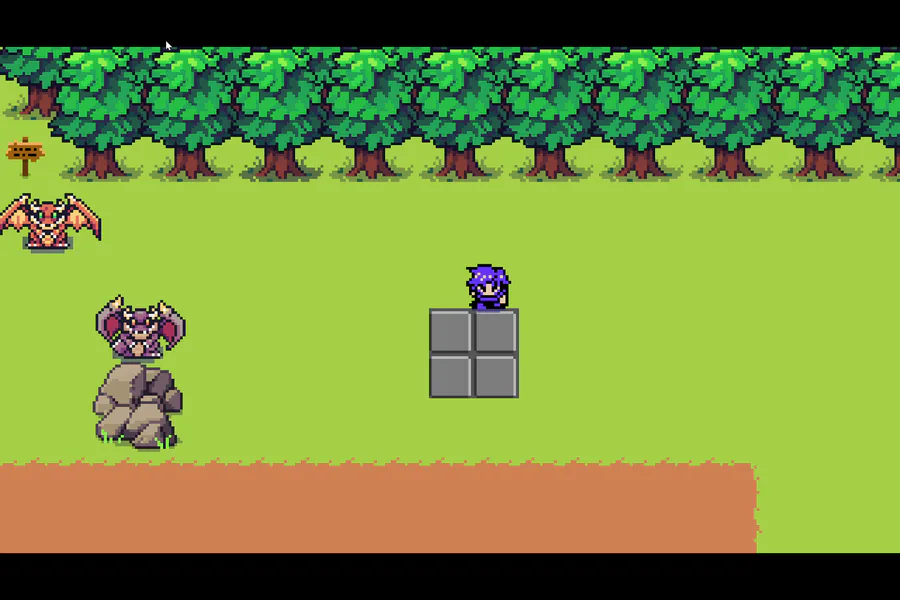
For day 1197 of coding, I'm working on having the block look less choppy when being pushed. I don't know if I'm making progress nor not
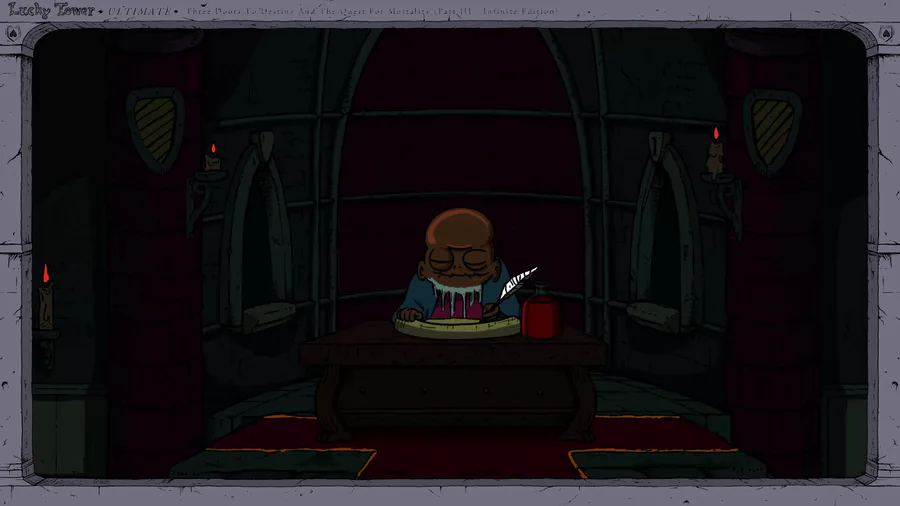

Lucky Tower Ultimate is a chaotic, comedy roguelite. Escape from an incredibly dangerous, randomly generated tower in a slapstick adventure that looks like a cartoon and feels like a joke. Slashy slashy!
Wishlist the game now: https://bit.ly/LuckyTowerUltimate

This is my piece for SproutFight2026 of ArtFight
The prompt is Sunshine with the Macarons palette
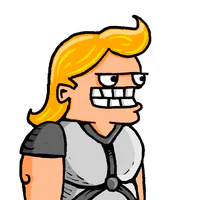
#LuckyTowerUltimate is OUT NOW on Steam and Nintendo Switch! It's your turn to become the Chosen One and rid the land of Evelius’s tower for good! https://store.steampowered.com/app/1700270/Lucky_Tower_Ultimate/
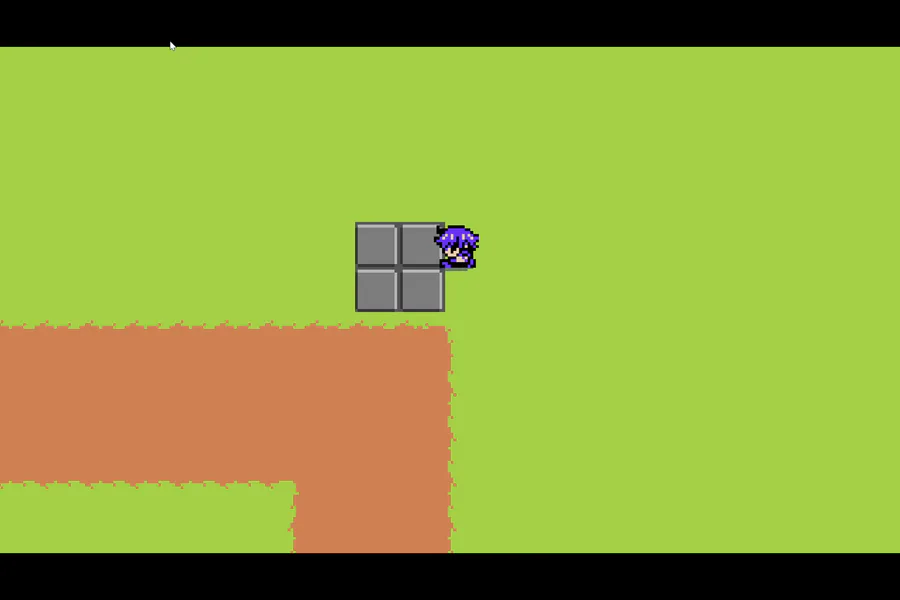
For day 1199 of coding, I've applied the code to the horizontal movement. I may have to adjust one of the timers due to this funny pushing bit
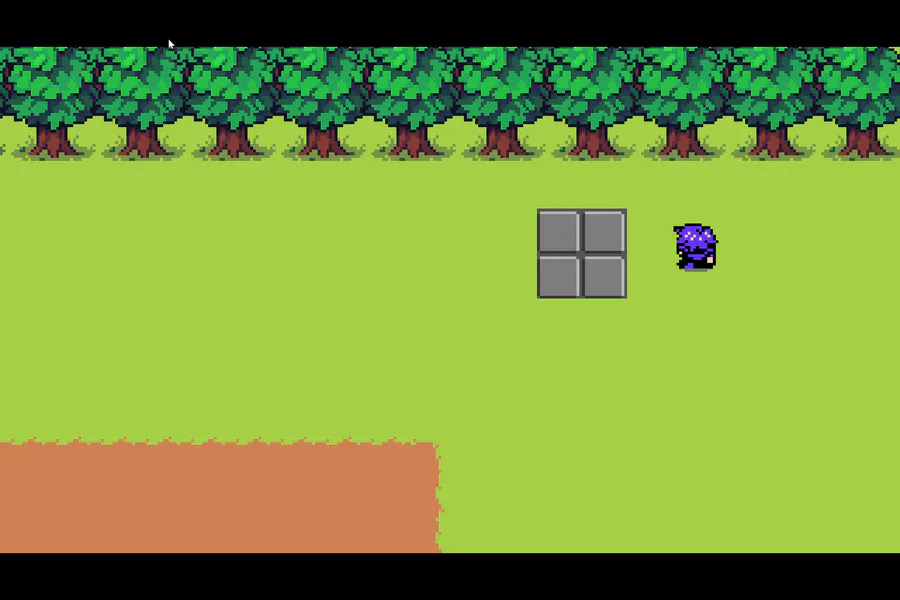
For day 1200 of coding, I'm working on a good method of having the push speed be slower. I think I'm on to something, but this looks pretty funny
Happy #WIPWednesday! Are you working on a game? Making some art? Practicing a song? Something else? Tell us in the comments!
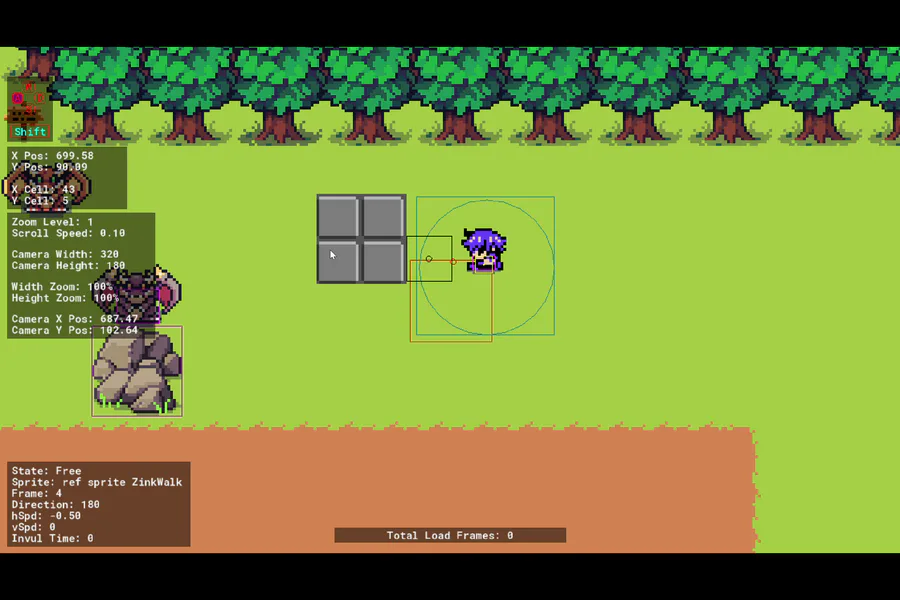
For day 1203 of coding, I managed to have the player's state to switch from "free" to "push", and back again. I just need to work on movement now
0 comments