Game
Hensen Hopper

5 months ago

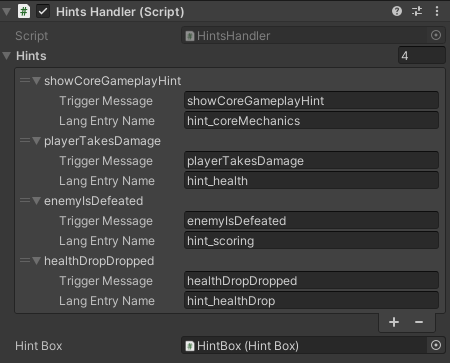
I made some updates to the hints system! Now it reads from the message hub to determine when to show hints and the hint texts now come from the lang system I wrote yesterday. This simplified my the hints handling algorithm A LOT from what it used to be!


Before I had a bunch of serialized strings with the text for each hint and it had been reading from multiple otherwise irrelevant scripts in order to know when to show each one. With the addition I made yesterday of the messages and lang systems, it dawned on me that I had given myself a way to simplify the hints system A LOT!
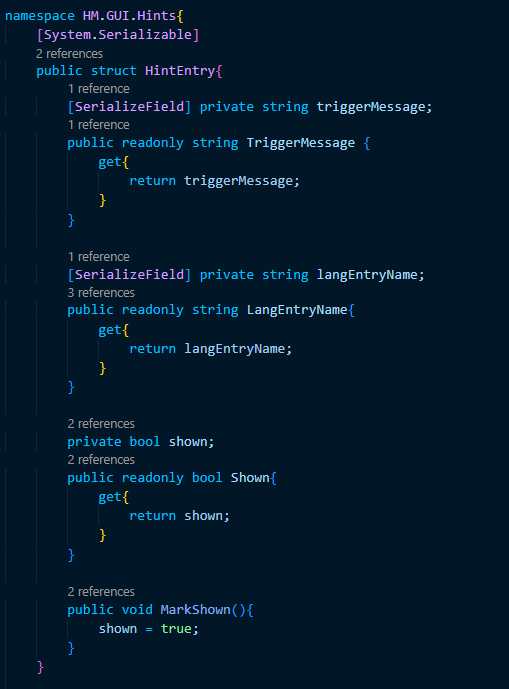
image.png

For starters, I wrote this struct so I can add and modify hints from the inspector window. My idea when writing this was that the handler algorithm would display the definition of langEntryName in the user's language in the hint box in the HUD whenever a message matching triggerMessage is recieved by the message hub. In order to stop hints from showing repeatedly, there's also a boolean that will be updated to true when the hint has been shown.

Side note: One of my favorite aspects of the C# language is the ability to use the get property for the purpose of writing public accessor fields in particular. They're a lot more concise to my brain than having to write "GetTriggerMessage()" or "GetShown()" in my code.
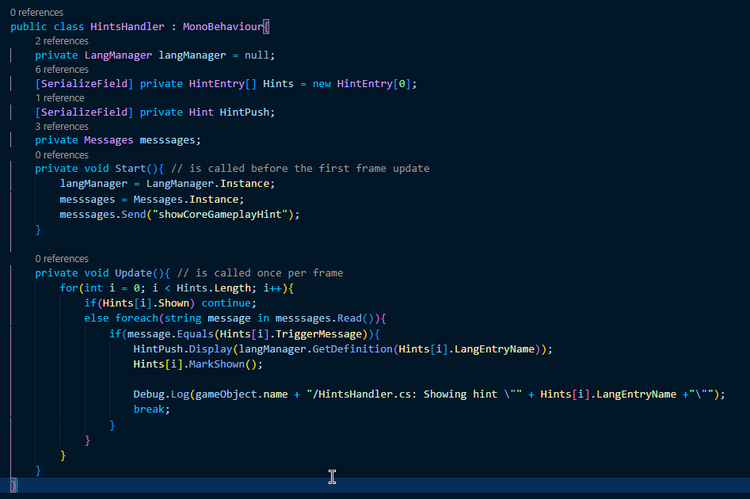
image.png

My favorite part is how the HintsHandler class itself is hilariously shorter and more concise than it was. The algorithm in the Update method loops through each hint entry (ignoring it if it has been shown) and reads through the messages recieved by the message hub to check for the trigger message, displaying the hint's text in the hint box if the message is found. In order to show the core gameplay mechanics hint immediately, I just send that message on start, simple as that.

The only drawback here is the small delay that comes with the way my message system has a 1 frame delay between when a message is sent and when it's been recieved (you can see this post I made yesterday if you're curious as to why this occurs). It's not particularly noticeable unless you're running at a low framerate, though.



0 comments

Loading...

Next up

Very unfinished but the backdrop image, as it is in this video, is already leagues better than what I had last weekend! I'm going to work on it incrementally over the coming weeks as I work on implementing the stages idea I talked about before!

This is a short video showing off the new procedurally generated enemy waves in Hensen! In theory, the game will become more and more unpredictable as I continue to build and implement new enemies!!!

I've been working on the backdrop today! Among other things I've done, I made a bush! I know, SOOOO impressive lol.

Doki Doki Literature Club is celebrating Monika's birthday and the 8th anniversary of DDLC with exclusive stickers, avatar frames and backgrounds on Game Jolt! 

Head over to the shop to collect yours 👉 https://gamejolt.com/#shop

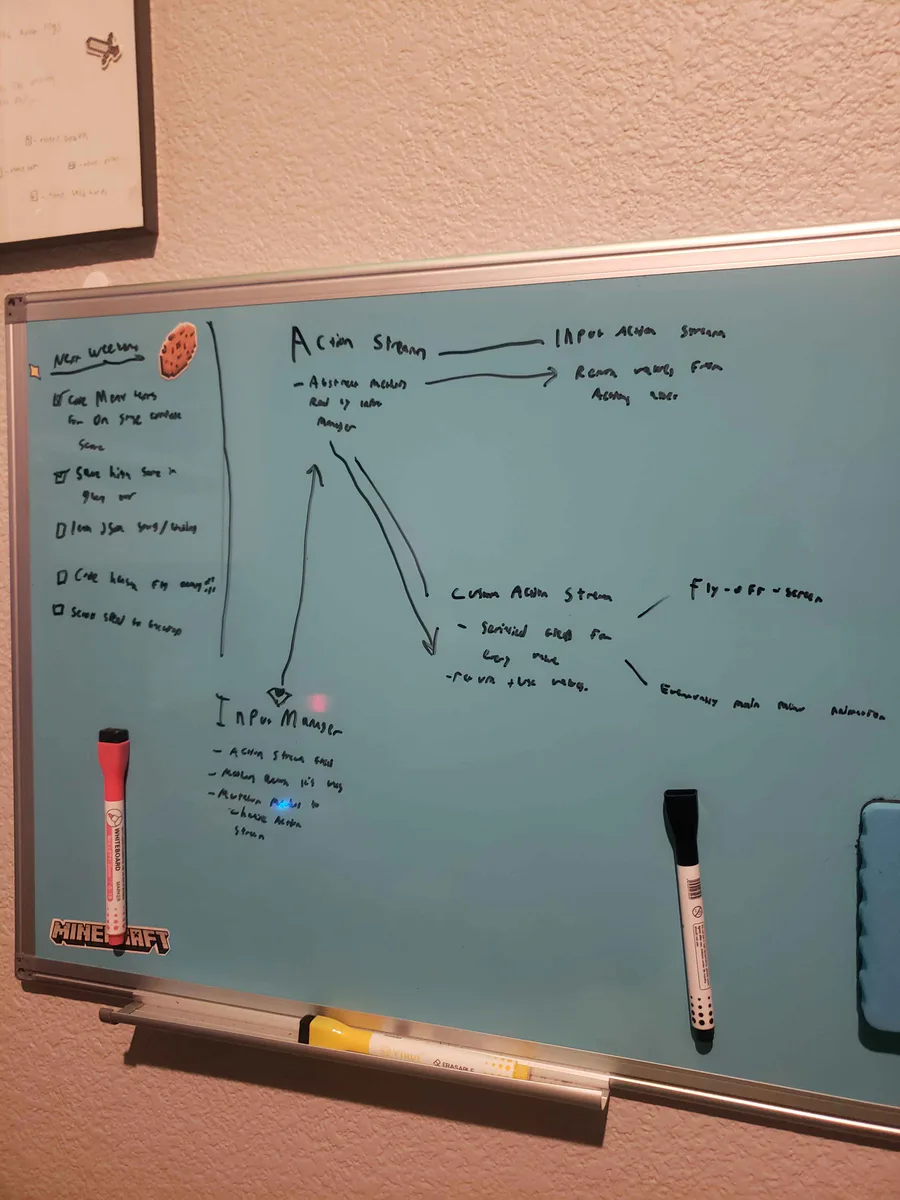
Alright, I've been thinking... I wanna do a fly-off-screen when you complete a stage in Hensen Hopper (classic shmup stuff) and I COULD just hardcode it into the character controller script but I came up with a more nuanced solution.

Play @pm-studios ' Bandit Trap Open Beta!

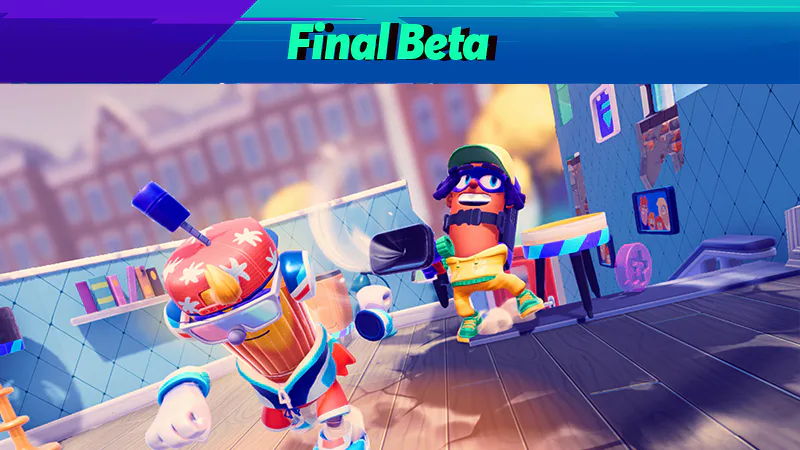
Grab your rocket chairs, vacuums, and toilet tornadoes! Report one more time for our final beta! Live through March 23rd 6 am CET.

Complete quests based on the game!

Play the beta: https://bit.ly/BanditTrapBeta

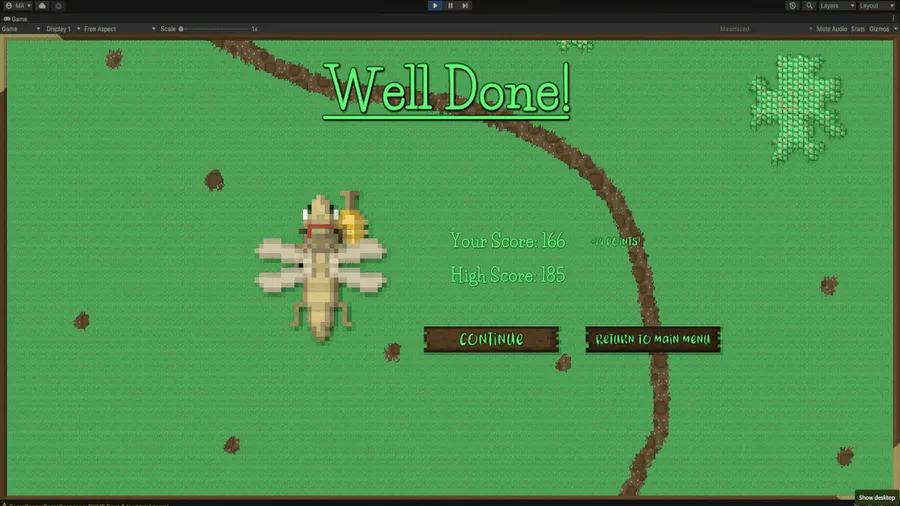
Okay, so the stages and score saving are both more or less working. Your score and high score will be saved throughout the lifetime of the application. Currently nothing saves when the game is closed, though, I'll be working on that next weekend.

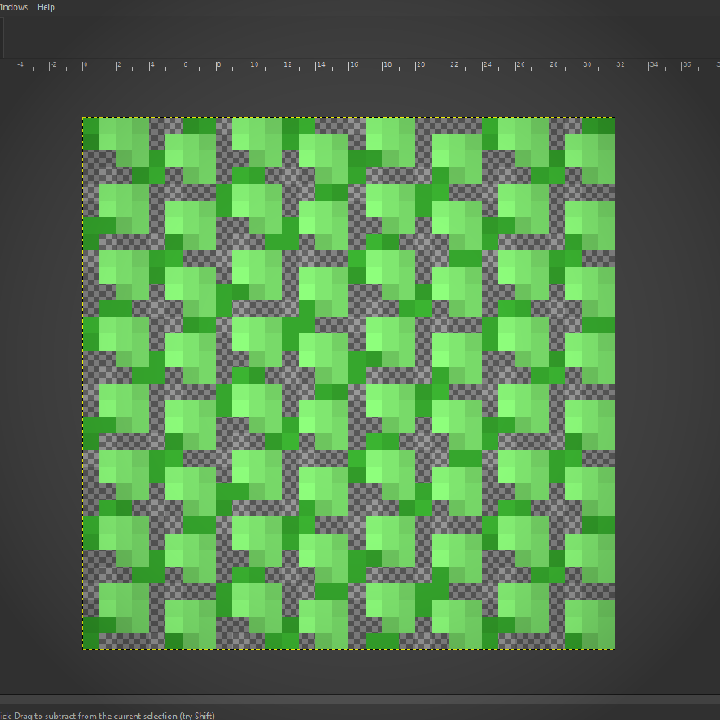
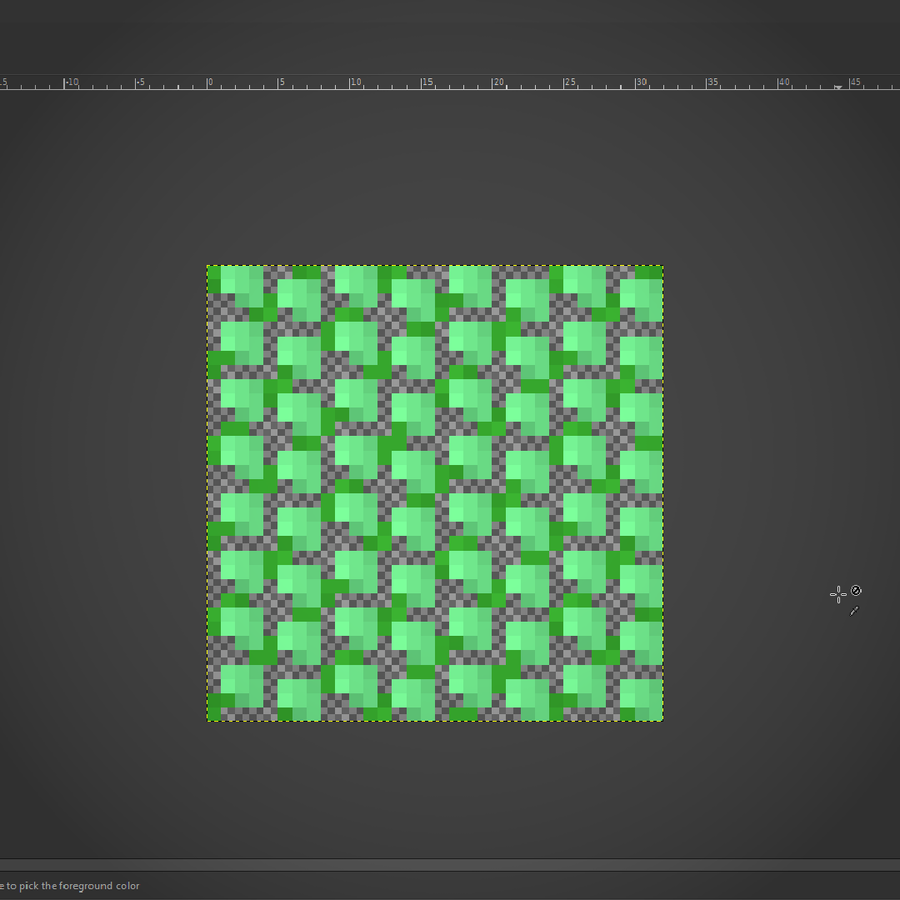
I've worked out a process for drawing bushes that I'm using for the backdrop! First I draw the branches, then "paint" where the bush texture will be, copy it's alpha to a new layer in white, then draw it's shadows in a layer over the bush layer.

This week's Fan Art Friday celebrates Bandit Trap! Accept the quest in your quest log to get started.

Defend your home or steal treasure in the open beta: https://bit.ly/BanditTrapBeta

This is just about the only situation in which I'll ever do this. I almost never put multiple calls to methods on the same line but here I've logged a warning to remind furure me to do something I didn't have time to do today in a glaringly obvious way.