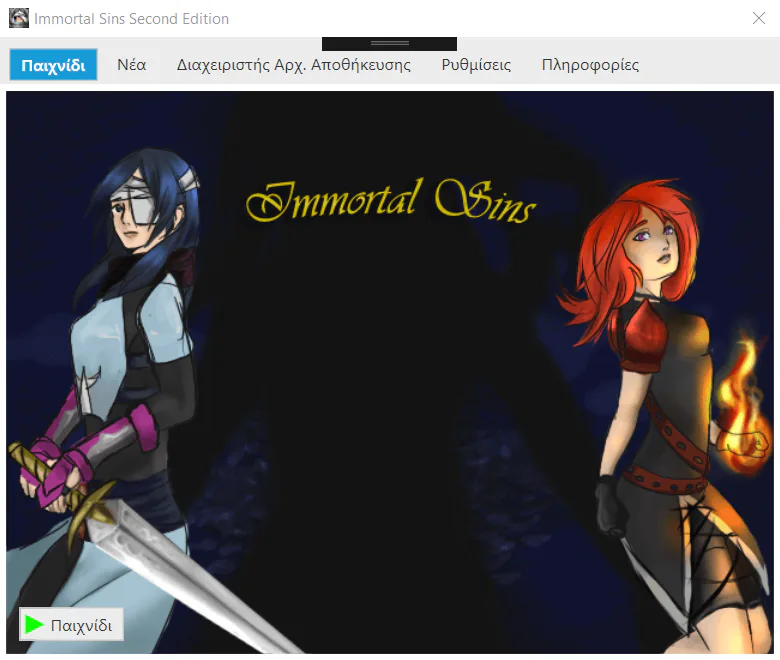
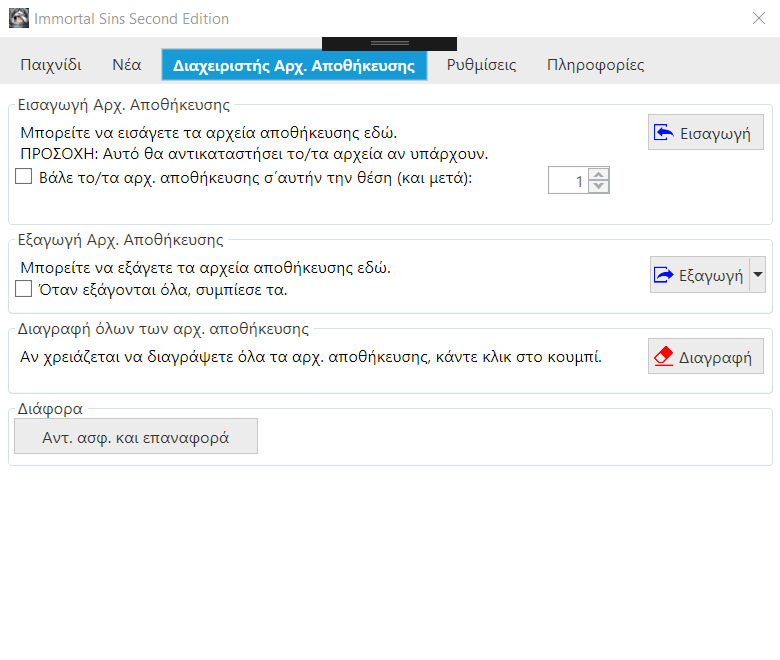
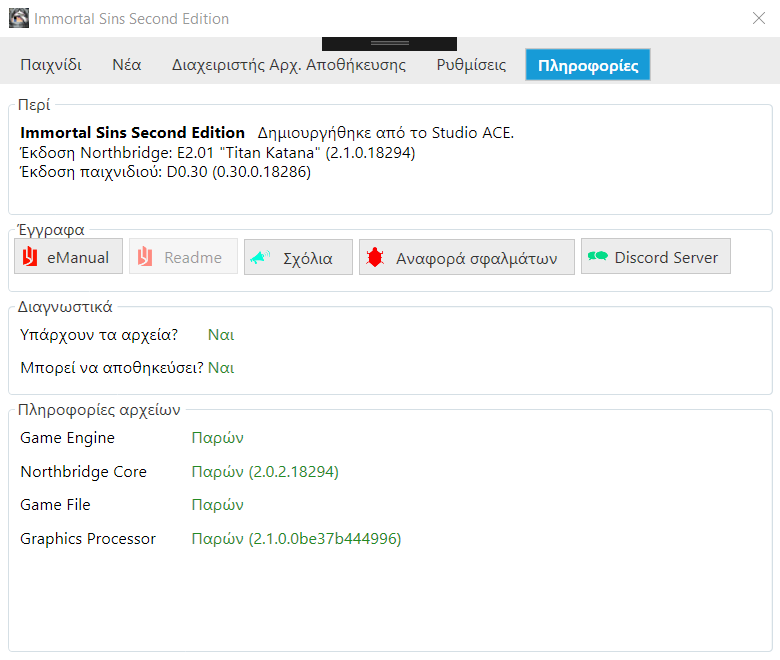
So, I figured out how to fix an issue with the buttons not applying the correct theme. Since unfortunately one button still persists showing a dumb icon, I decided to take the UI uniformity a step further and add icons to most of the buttons. Do you think that they look good or do they look bad? Feel free to comment in the comments below.
Next up

Done some improvements to the backup system. Even added an icon to let you know that it's working.
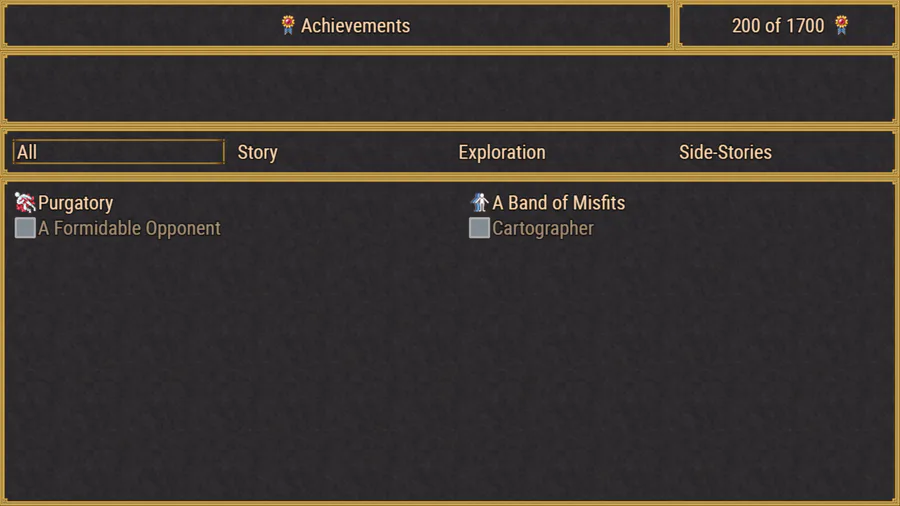
Added achievements. Because why not?

Time for a bit of shenanigans: RPG Maker MV running on top of Tauri! This more future proofed framework means better performace and smaller file sizes. It does require some re-work in the engine, but it could lead to true cross-platform games.

Waz zis? An overhauled map? Yes. Coming soon.
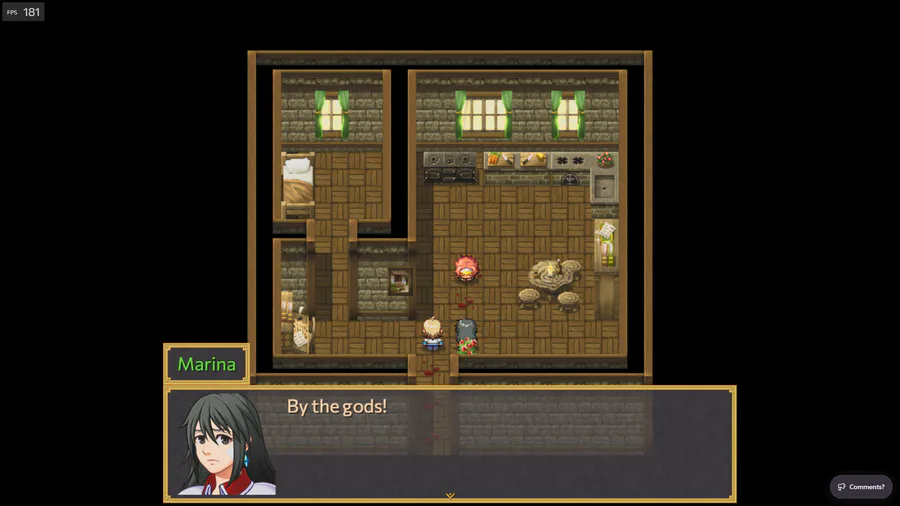
Who did this?
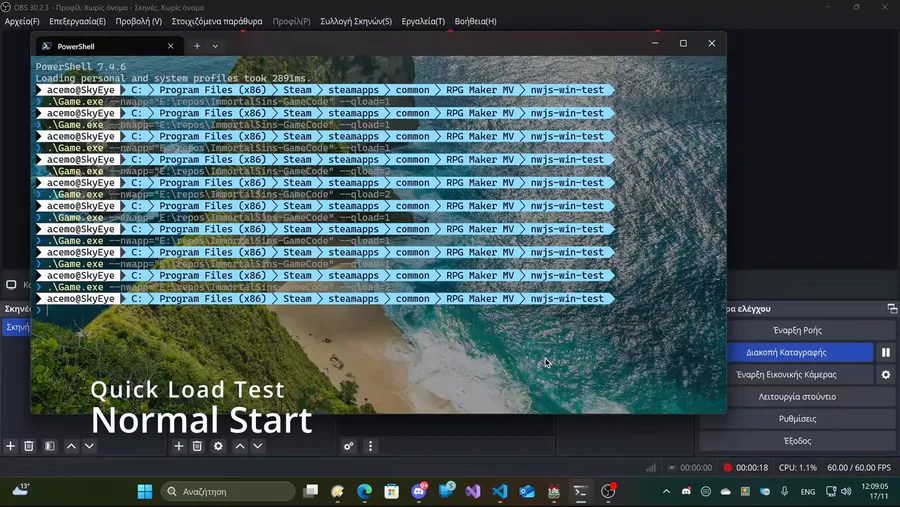
A bit of an old but goodie coming back: Quick Load! In an upcoming update, you can jump back to where you left off with a push of a button.
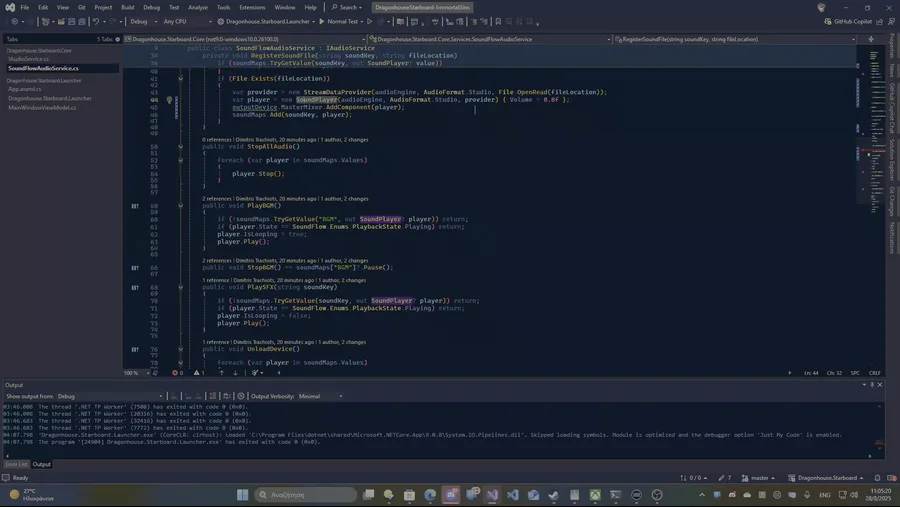
Added a simple audio system to the launcher.
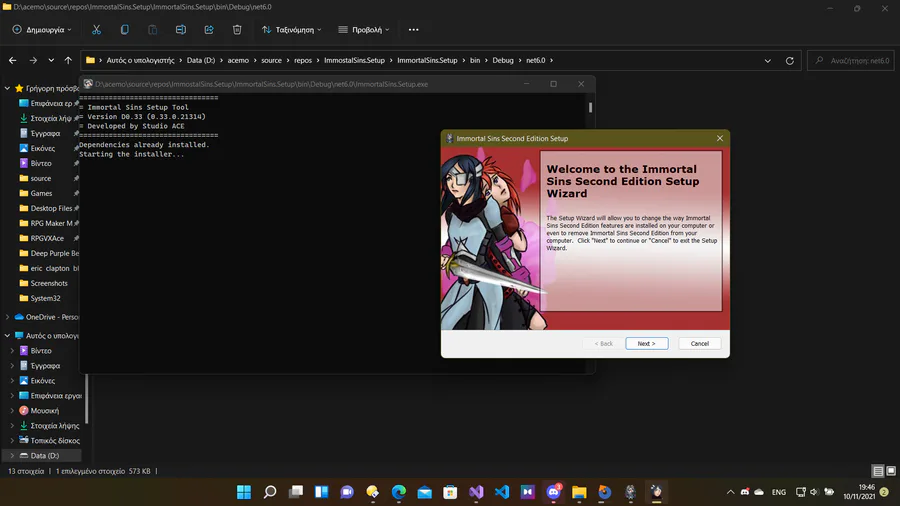
Wrote a tool that installs the game's dependencies. That means Northbridge will always use the latest version of the Microsoft Edge WebView2 Runtime.
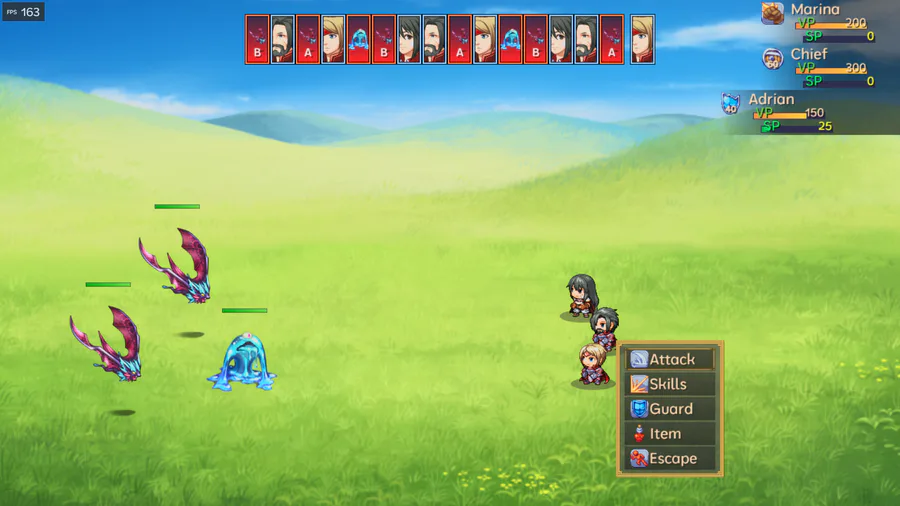
Overhauls on the way.
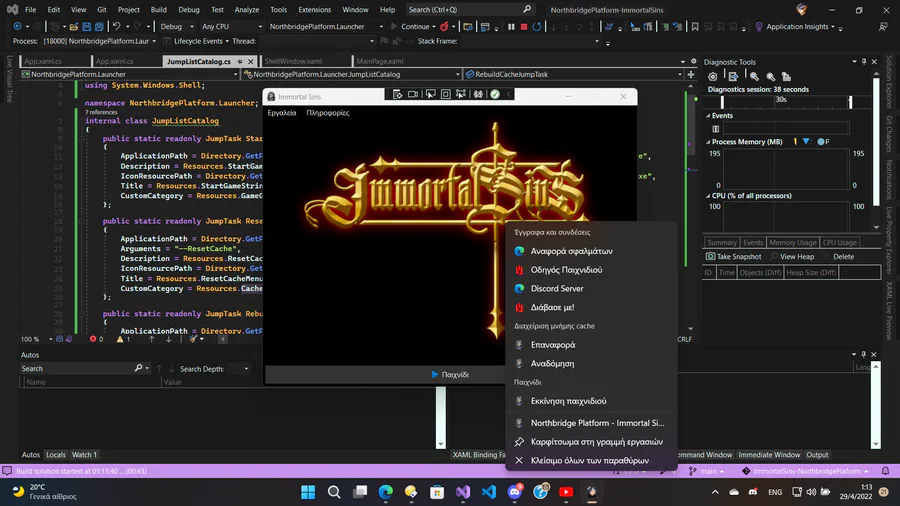
Jump List returns in the next update.
0 comments