
https://www.youtube.com/watch?v=Y4ScCVIpwi0
Refactored a bunch of UI code over the christmas vacation. Also added some new UI elements:
- Text/Number input
- Checkboxes
- Dropdown menus.
I now have everything I need to start working on some ingame editors. First up is an Item Editor.



Next up
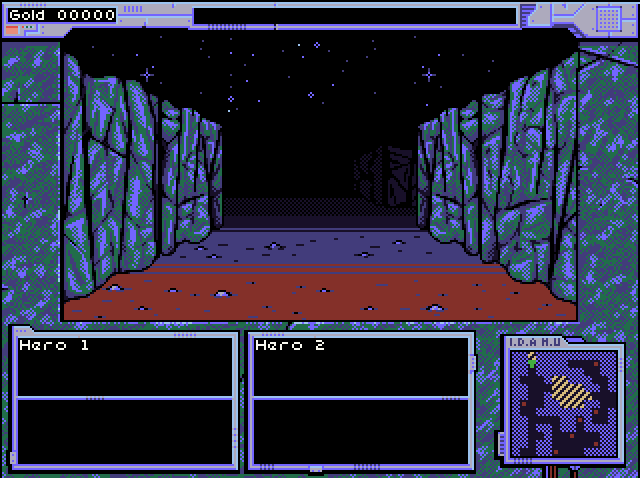
Dungeon crawling
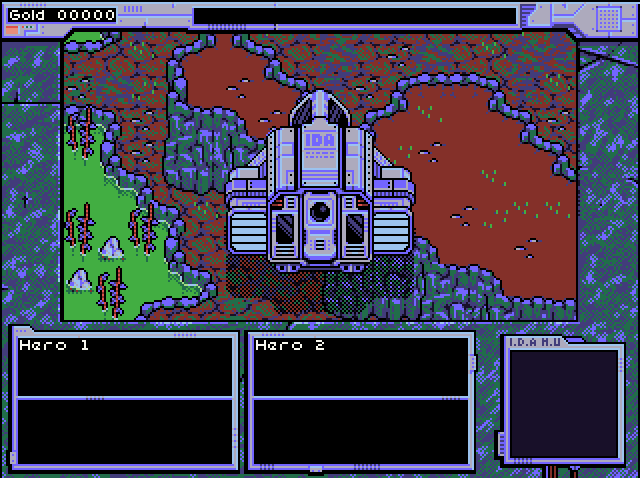
Coming in hot
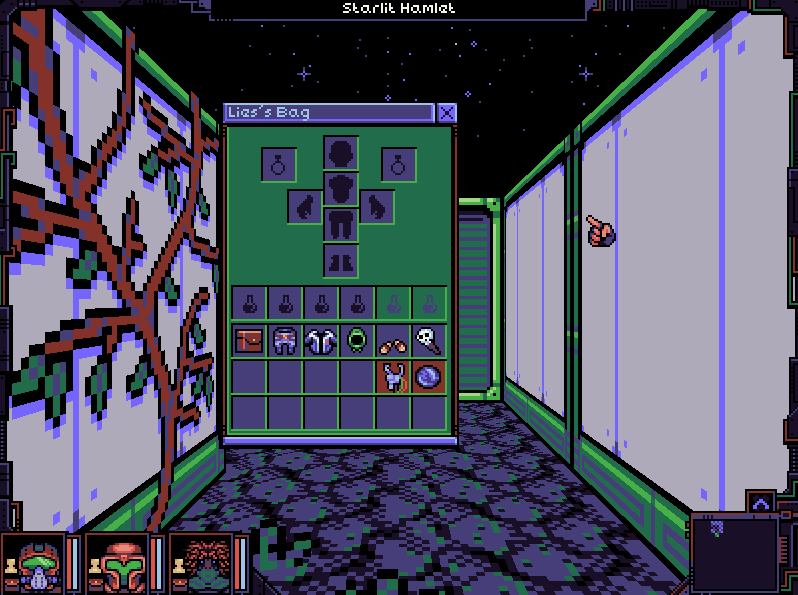
Did some quality of life stuff for the equipment window
- Marks what equipment slot the item uses
- Shift click to quick equip/remove item
- Mark items that can't be used & show what attribute is not met in the tooltip


Akatori is an epic metroidvania where you wield your staff to fight, jump, and explore diverse realms across different eras.
It's also one of the games that's part of Steam Next Fest!
Play the Steam Next Fest demo now: https://bit.ly/Akatori
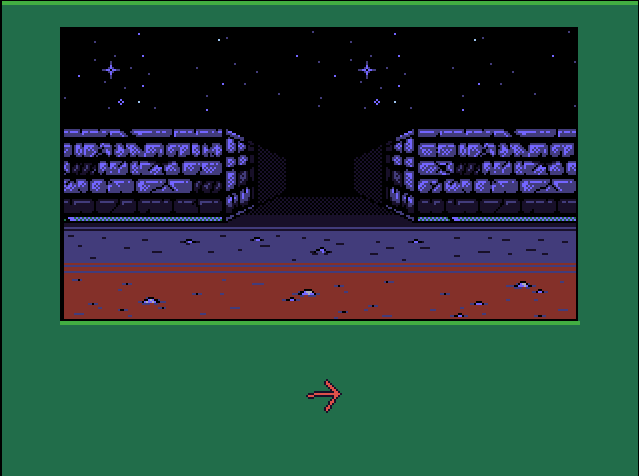
Been making a dungeon crawler fps render in rpgmaker 2003.

Did you miss out on any of the games we highlighted from Steam Next Fest? They're all listed in the article. Check out their demos before Next Fest ends!
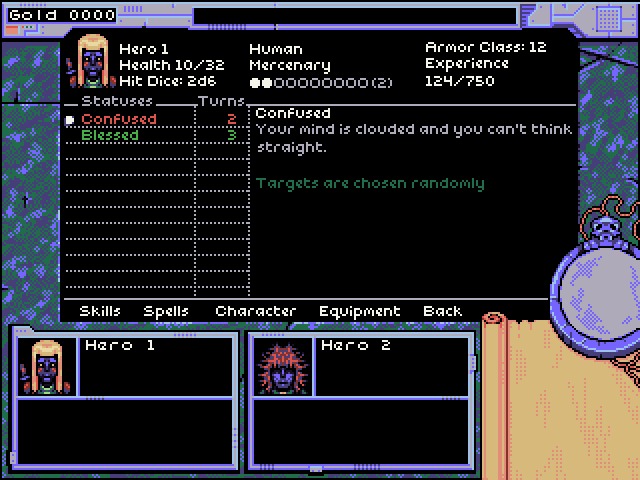
Working on some menu mock ups for a dungeon crawler
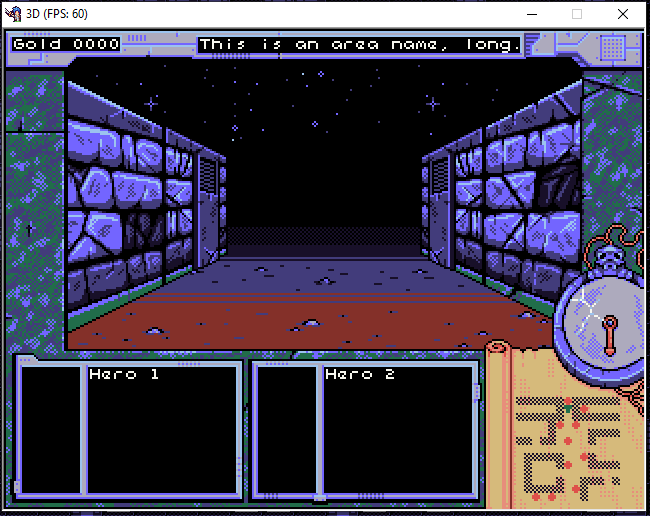
Update on the rpgmaker 2003 dungeon crawler. Worked a bit on the UI, added a compass and minimap. Also got object rendering working with the tree/bushes.
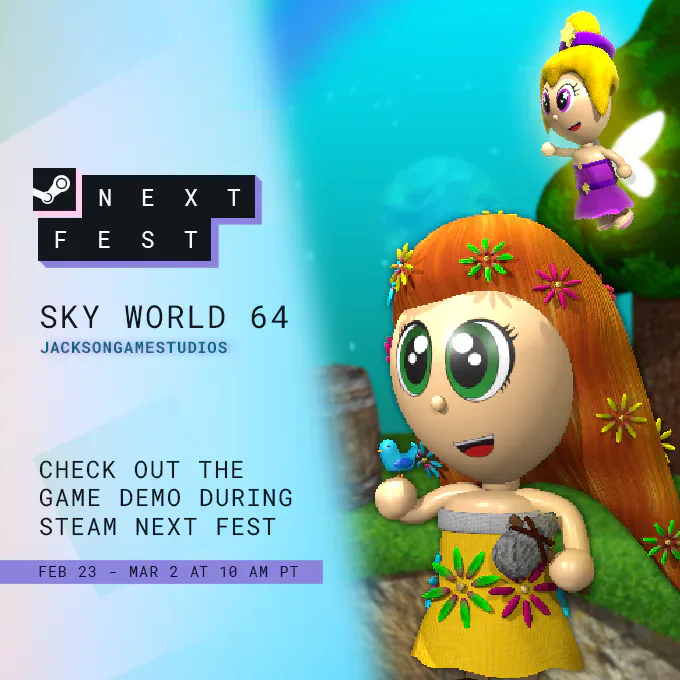
Take a trip to Nostalgia Land in @JacksonG13  's Sky World 64, a cozy sandbox game that harkens back to the 64-bit era.
This survival experience takes heavy inspiration from Minecraft’s Skyblock!
Play the Steam Next Fest demo now: https://bit.ly/SkyWorld64
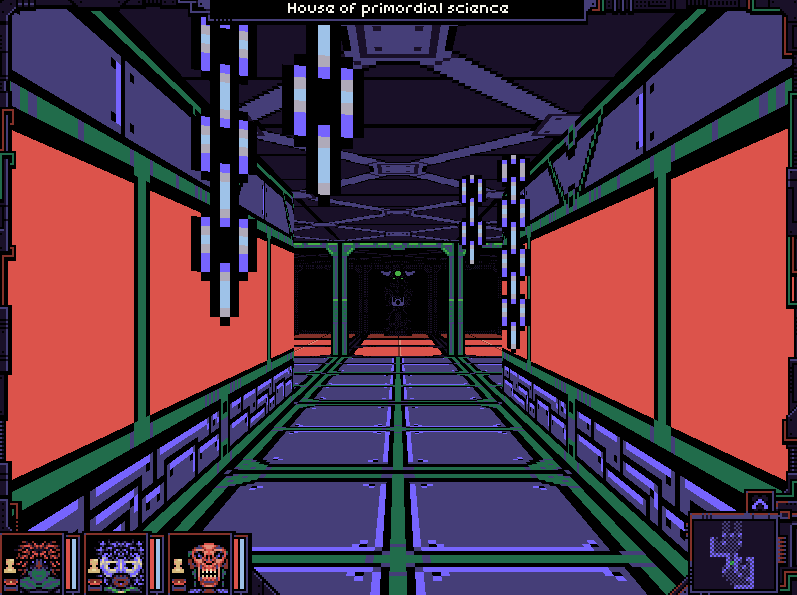
Lots of UI gifs lately, so here's one more. - You can now equip items and get all the stat bonuses. - Expanded the item tooltips - The tooltips avoids going outside the screen. Next up simple item editor, dropping items, and item containers.
0 comments