
 Loading...





Next up
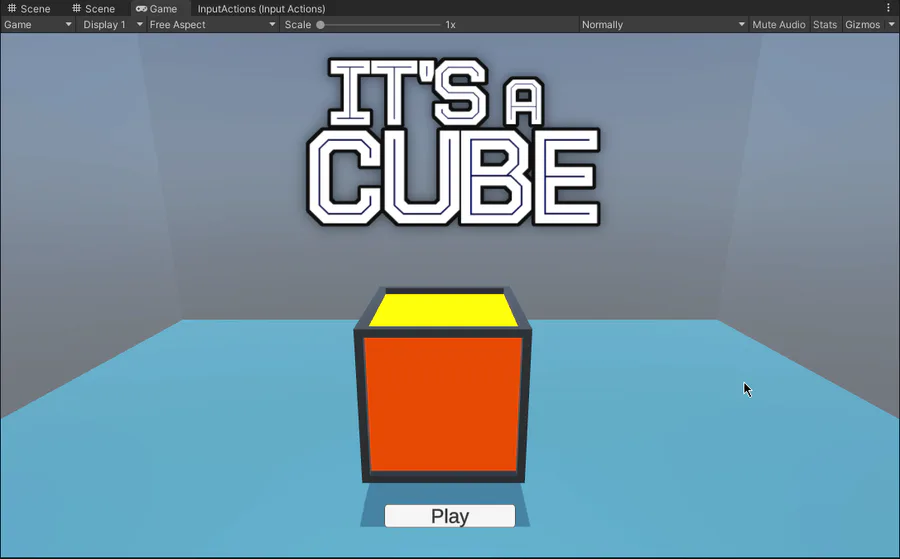
I'm working on a main menu now! I think it's coming along quite nicely so far. Oh and I've also improved the model for the cube as well.
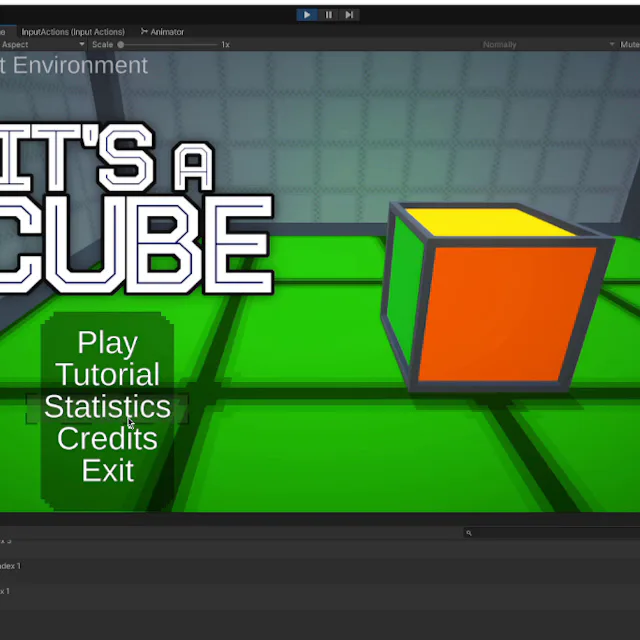
I'm working on adding in-game achievements for It's a Cube that correspond to the Game Jolt trophies. I also plan to make versions of the in-game art for these to use as trophy icons for the game's page on Game Jolt eventually.
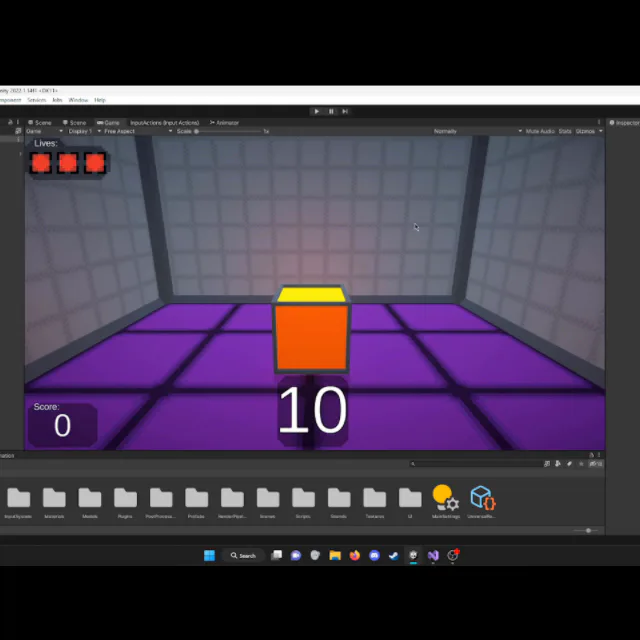
Today I added a glimmer effect on the ground that plays when you score! I think it looks really nice and I wanted to share!
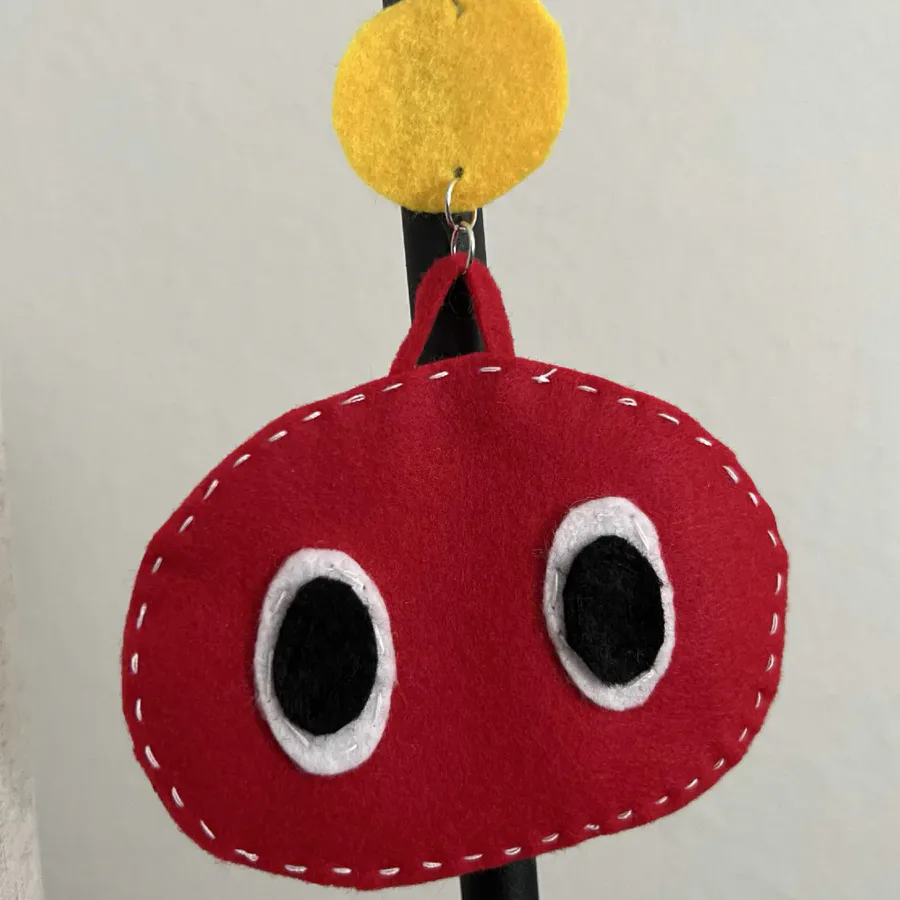

@SlimeboxGames  is a Jolter to Watch and the dev behind My Slime Garden! Follow @SlimeboxGames before the quest ends on June 9 and you'll get Coins!
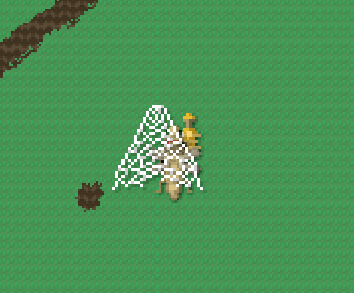
You ever find a bug so silly and ultimately unproblematic that you just decide to leave it in? I just discovered if Hensen gets webbed mid-fire, the animation will be stuck with the honey glob halfway out of the gun haha.

Slimes can adapt to their environment, where do you think this one lives?
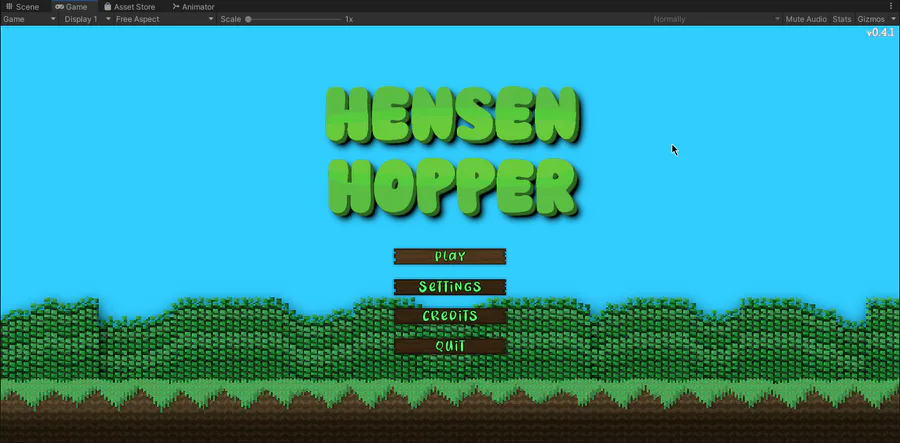
Here's a version with just the background bushes visible!
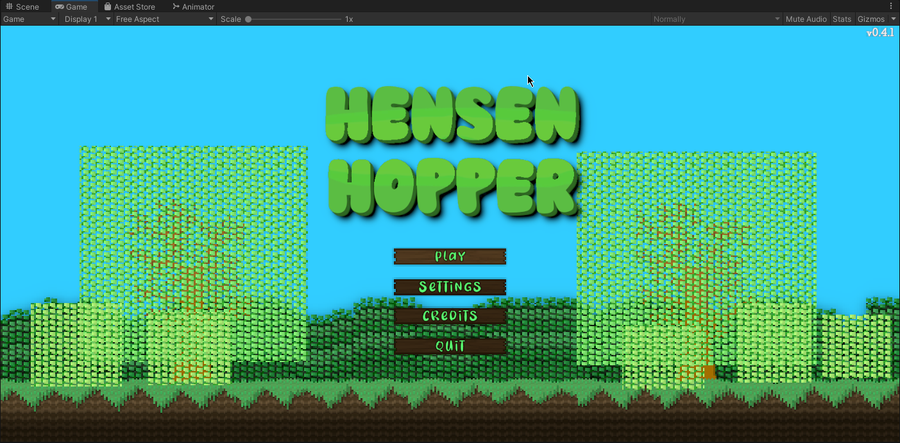
The new main menu backdrop is, slowly but surely, taking form! I'm pretty happy with the background bushes now, Might add white flowers to them to make them look like white azalea bushes. I think I'm gonna shape one bush a day until they're all done.
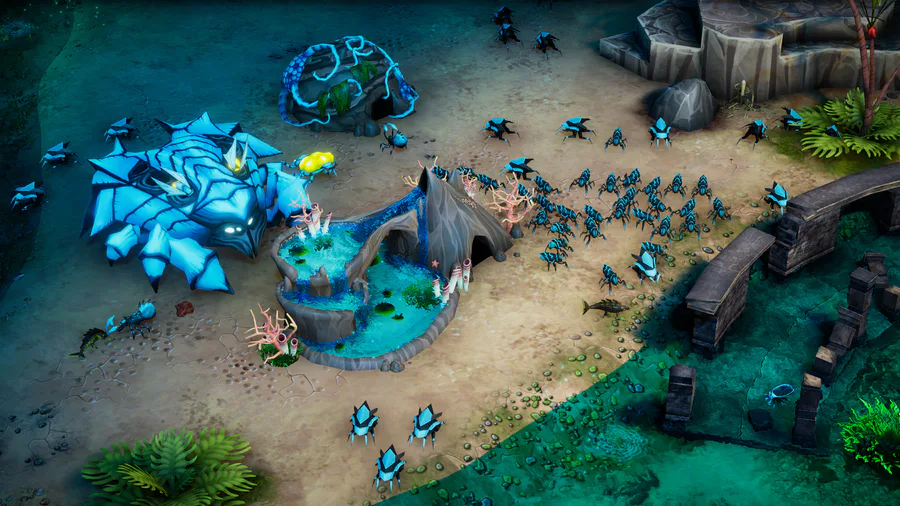

Join the insectoid swarm. We have fancy pools.

I added push notifications that appear when you reach a new milestone! These milestones correspond to the Game Jolt trophies for It's a Cube.
1 comment