4 years ago

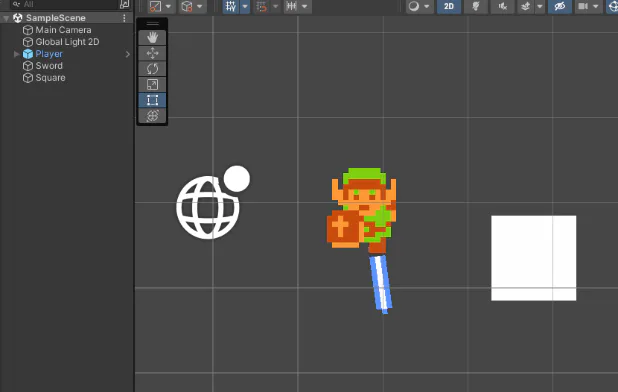
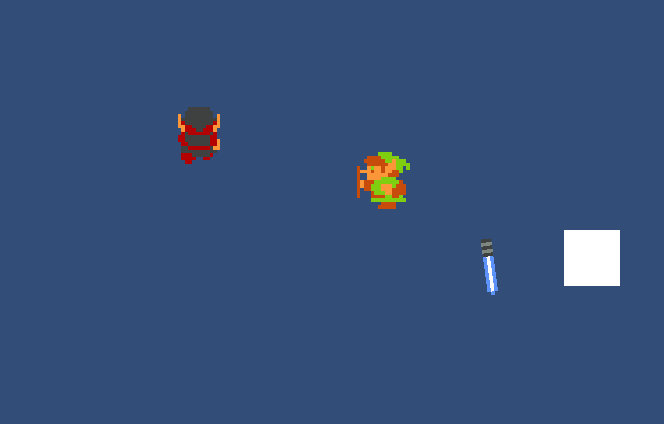
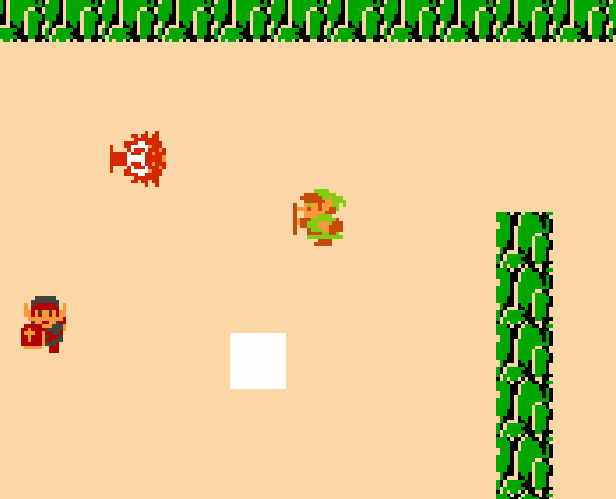
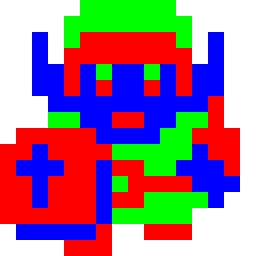
I wanted to make a pallete-swap system to replicate what the #NES does, so I made a simple shader on shaderGraph for that.

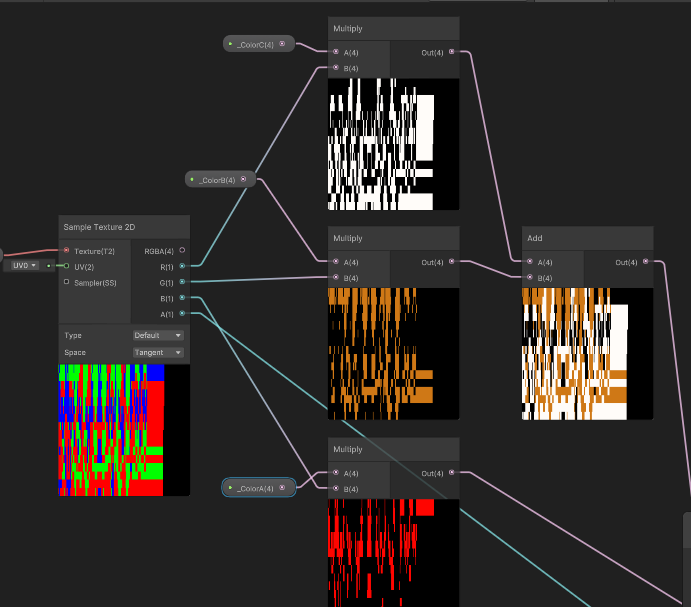
It samples each color channel and replaces it with the color defined on the material

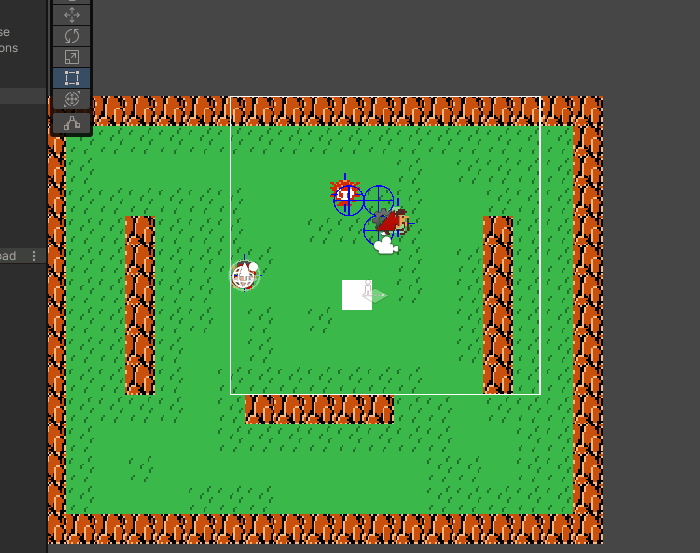
NES link looks good in blue!
#Unity #Gamedev


Initially I had 2 different textures for a "green link" and "red link", but I knew that wouldn't scale well.

So I started looking at shaderGraph. I have some experience using Unreal's shader editor, and turns out it was indeed really similar.

What I needed to do was have a texture with each area I wanted to color, what way I could set each area with the color I wanted.

My first solution was to have a different texture for each color, with all 3 sampled by the shader and composed into the final sprite.

It worked. But, again, that little voice of "this won't scale well" kept ringing. Imagine needing 3 or 4 different textures for each object.

So after a quick google search for possible solutions, I decided to make each different color be defined on a different color channel of a main texture.

That way I only need a single texture for everything and I get to color all the sprites however I want in runtime!

Since I usually work *with* artists I don't usually get to mess with shaders all that much. I've dabbled on writing shader code over the years, but this is my first time actually using shader graph. It's pretty good, I'm impressed!

Now I only need to learn how to organize shadergraphs properly. This little shader is already a mess.




5 comments

Loading...

Next up

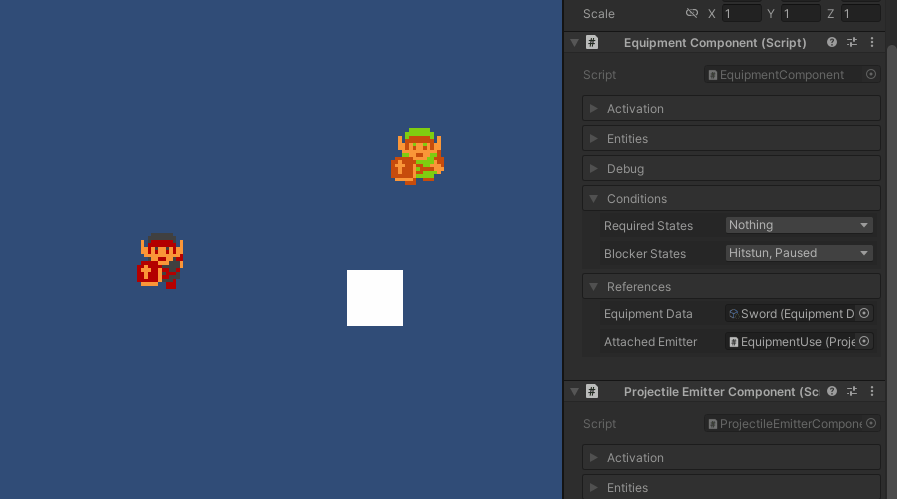
Generic component system is done... kinda. Activation is messy. You currently need to specifically setup the projectile separate from the equipment data. If I don't fix it it'll be a trap for myself later. Works fine though. No specific code required

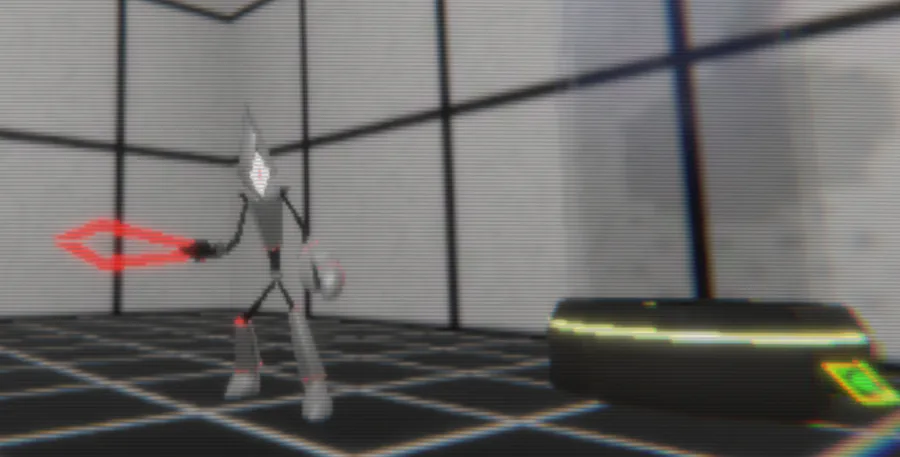
So...I'm trying to recreate something of an "Nintendo 64 as seen through CRT" effect in Unity #unity #retro #N64 #indieGame #indieDev

Starting a devlog: How to keep your Unity project from crumbling upon itself (from some nerd who's been using Unity for over a decade and one really hard burnout) #unity3d #gamedev #fangame

Play @pm-studios ' Bandit Trap Open Beta!

Grab your rocket chairs, vacuums, and toilet tornadoes! Report one more time for our final beta! Live through March 23rd 6 am CET.

Complete quests based on the game!

Play the beta: https://bit.ly/BanditTrapBeta

After implementing some of the structure I learned on #UE4 into #unity and some input juggling I've "accidentally" made multiplayer Every character has a "characterController" and these can have a separate input source. Every character should be playable

This week's Fan Art Friday celebrates Bandit Trap! Accept the quest in your quest log to get started.

Defend your home or steal treasure in the open beta: https://bit.ly/BanditTrapBeta

A cool thing about having all your entities work the same is that you can easily make anything playable and everything functions nicely. Gonna make a longer post about it later. I might also soon change the art to something original

Testing different pathfinding options+ Some advice on Plugin use on #Unity Initially I tried to use Unity's own system, but that didn't work out with a grid-based game. Eventually I went with something based on A* and Code Monkey's grid system (...)

Don't miss out on your chance to complete our #AetherAndIron quests and get trophies!

Complete the quests in your quest log.

Play the demo & wishlist now: https://bit.ly/AetherAndIron

Short intro of us 💕✌️

We're an eletro duo based in Seoul 🇰🇷 Heavily influenced by the 90s.

Our new album #Xennials is all about the nostalgia of that era 💽 CD listenin 📟 beeper beepin 💾 floppy disks floppin days 😎

Stream now! 🎧

https://open.spotify.com/album/3YwWhnHWVy5cA8XOpbaGRA?si=8E9awqU…