

Honestly this is one of the most basic things that I could have setup, and yet I am doing it at the last part.
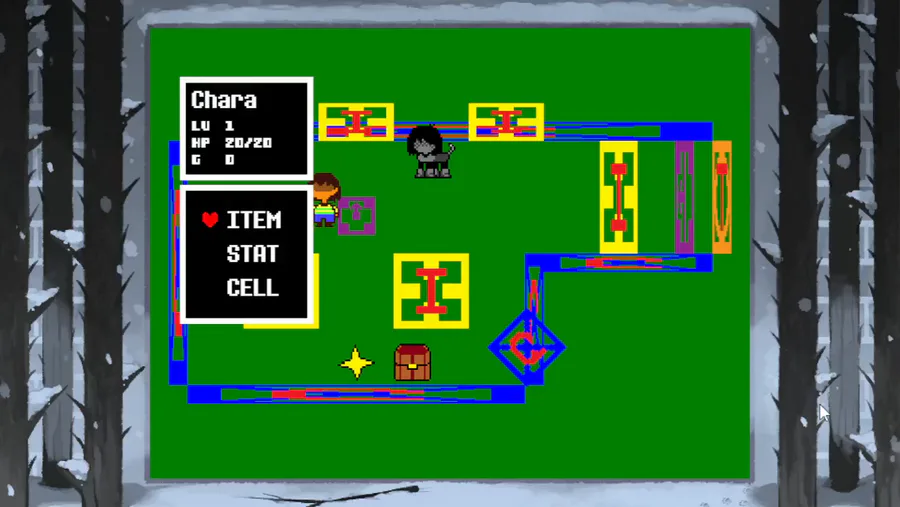
So the engine had controller support, I made it very simple with a generic controller that I had before, since it's generic it doesn't have a mapping really, so I had to come up with a configuration system which I did setup and it's similar to the current one shown in this video, however it was not very well crafted and had some bugs, mainly when you disconnected and reconnected in the middle of the mapping process.
Controllers or gamepads (I think this is the correct way to refer to them) that are DirectInput will go through the mapping process as I can't tell what buttons and stuff they have, but those that mimic Xbox input or are Xbox input are automatically mapped and don't go through this process.
Once a controller/gamepad is configured you don't have to reconfigure it again, I will make examples later on how to remap an already mapped controller/gamepad, will do a mock up menu to showcase basic configuration and the code you can look it up to configure aspects of the games you make with my engine.
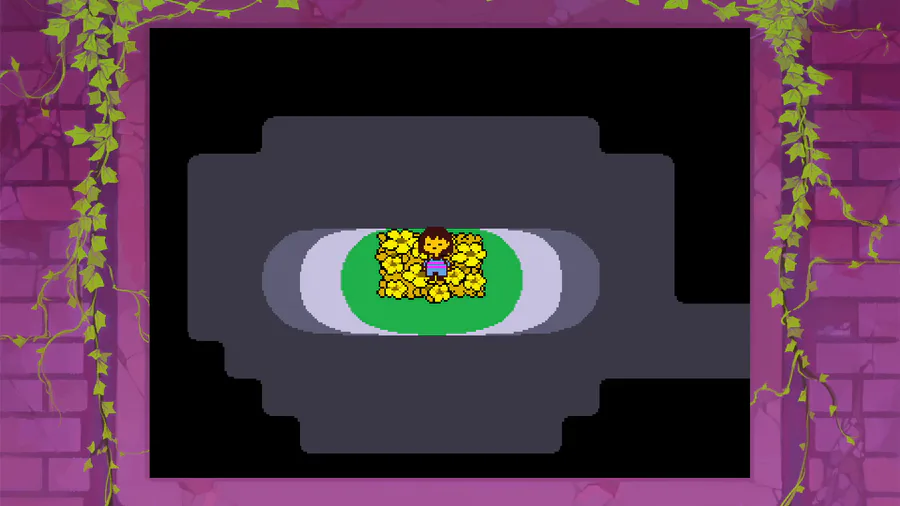
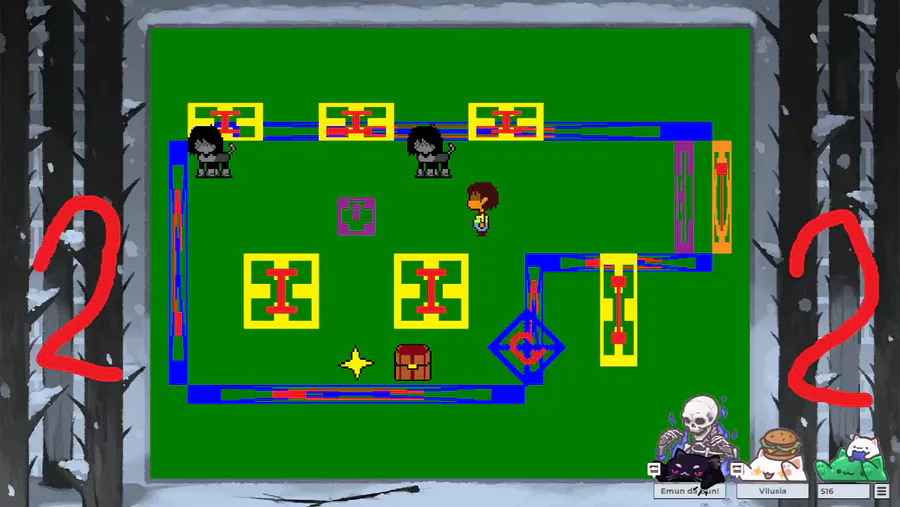
Also notice you have a border as well this time, that one was also made from long ago but I never showcased it or had a way to showcase it, right now if you press G on your keyboard you will toggle between having or not a decorative border, of course this is not ideal and a proper configuration menu should be done to toggle between these and the border you want to have in game or could be dynamic, which I have yet to make a system for that.
This article is a bit long now but there's also music control system, thing is... I don't have any music to really showcase it, so I will have to go and download some from Undertale.
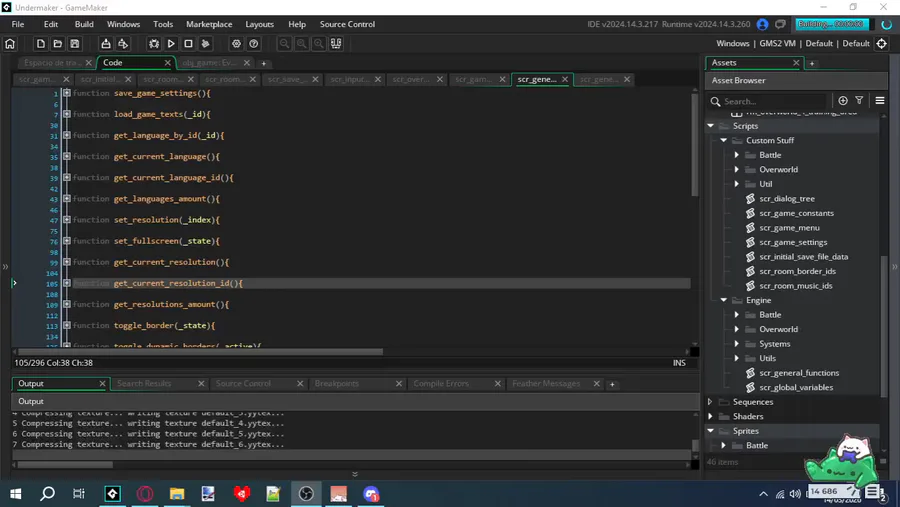
Lots of bugs fixing, lots of features I overlooked, the documentation is being done now, eventually I will have everything setup, thank you all for your patience, soon enough you will be able to use this engine for your Undertale creations if you wish to.














2 comments