
Next up
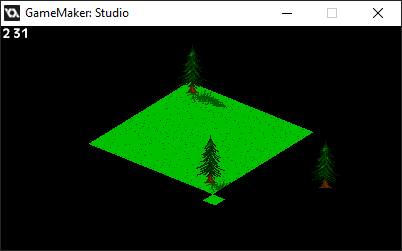
Okay, so I'm doing something either crafty or questionable: drawing the objects with Draw GUI.
It works, doesn't it?

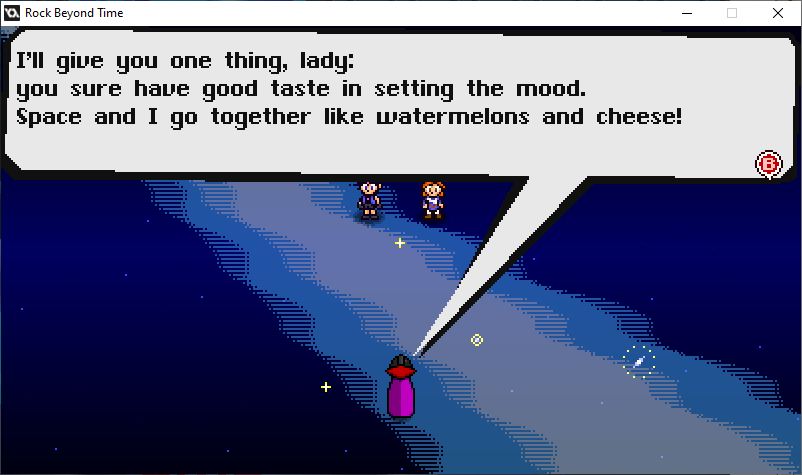
Part of the expansion involves a cute little fight right here. ...in space for no apparent reason.
...too bad it won't be as epic as the final boss, but still...
Just a reminder. It's coming on the 16th, assuming nothing goes wrong.
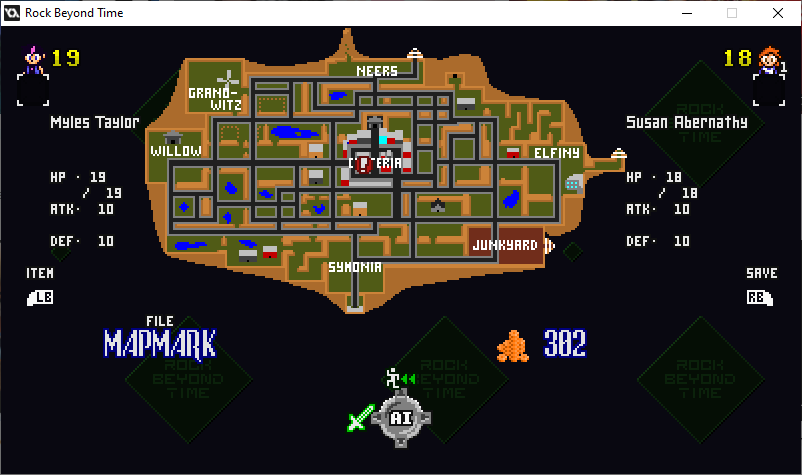
Coming soon to another update.
Lemme get some work done with it first, then we'll talk.
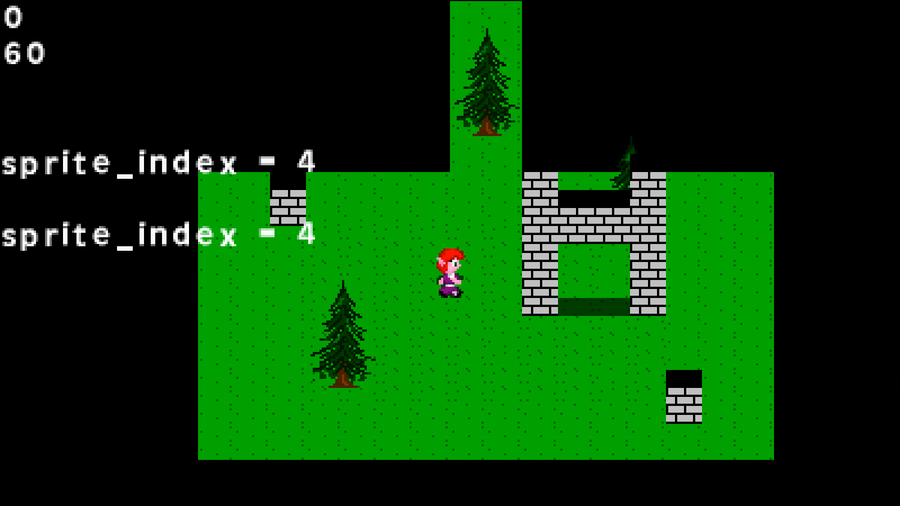
Here. Just to give you an idea as to what I'm going for.
The character and GFX are temporary, but they help me realize what I want to do with the engine.
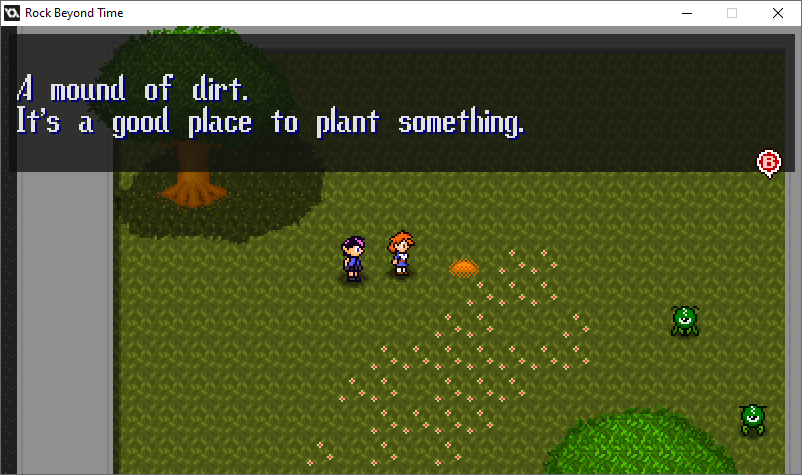
I felt some mechanics were underutilized, so I'm making an expansion.
...more or less just a side quest and extra dungeon. No more than that here.
Coming who-knows-when.
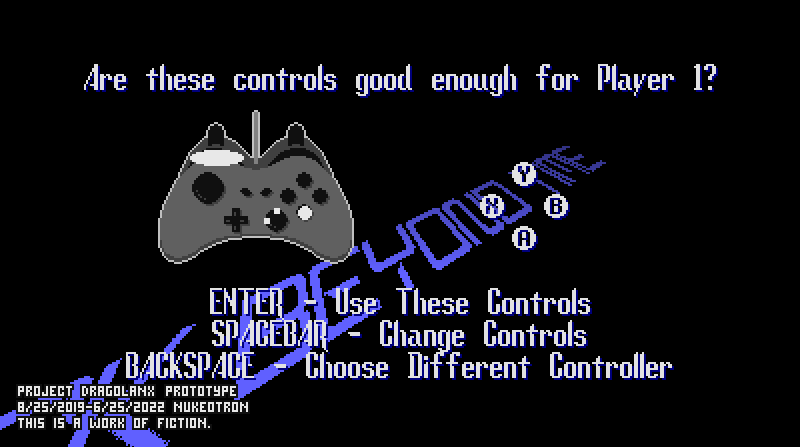
The best way to let everyone play with whatever controller they want is to let players test it out, reconfigure it, and let them test it again.
...it's a bit messy, since this is a game that should support two players.
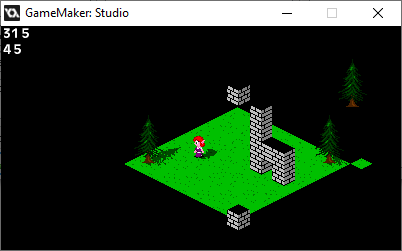
On the plus side, the tile layer ISN'T overlapping, and Draw draws objects.
On the other hand, NOW the tile layer lags during camera movement.
I guess I'd better let everything else lag for consistency (somehow), or fix the lag.

I was considering releasing the expansion today, but then I found a lot of bugs I should've spotted in the original build, and I made the minimap do extra stuff for said expansion.
Don't worry, it'll be out by tomorrow night.
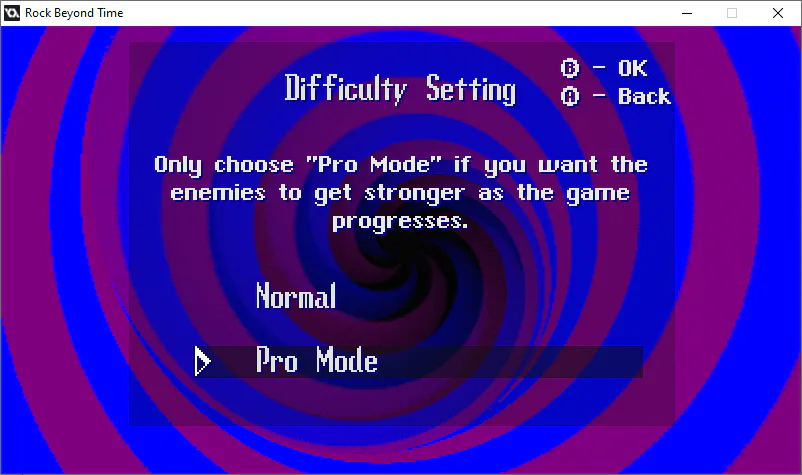
I realize some players just want to play the game and see the story, while others may actually want to use those revival items, so here's a little compromise for you all.
Also, yes, I NEED to put on that "Pro" flag everywhere.
0 comments