General in GameMaker

 Loading...

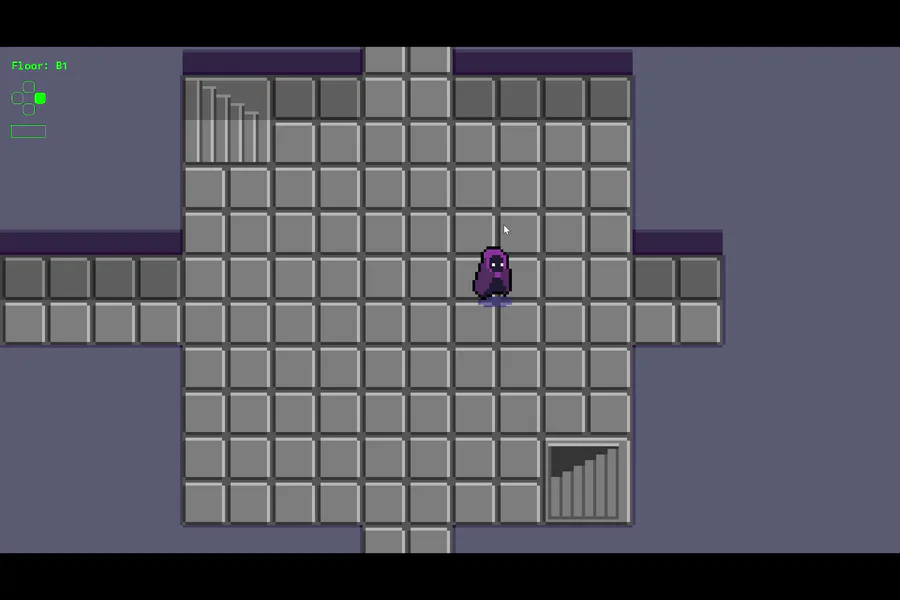
For day 569 of coding, I redesigned the button press indicators to be more readable and clear to which buttons are being pressed




 Loading...
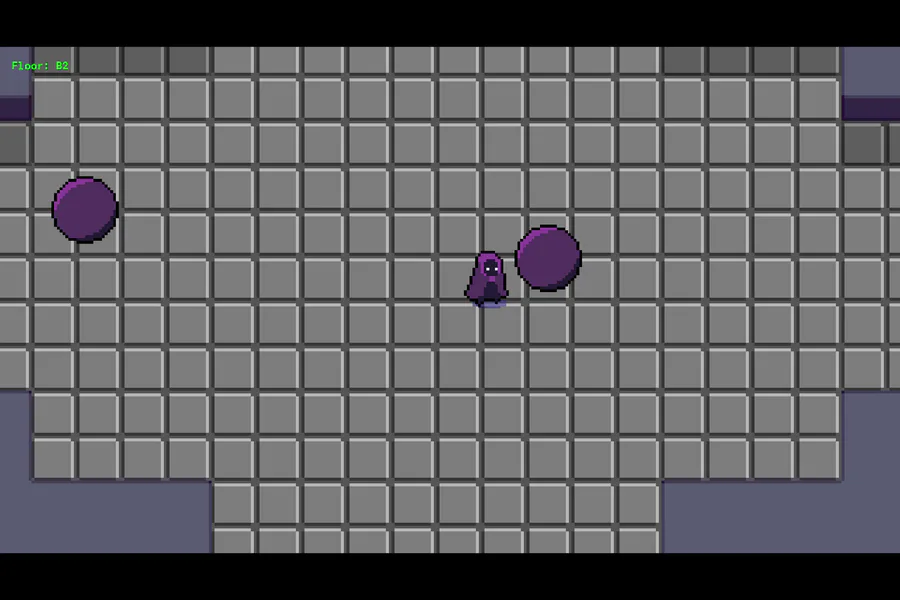
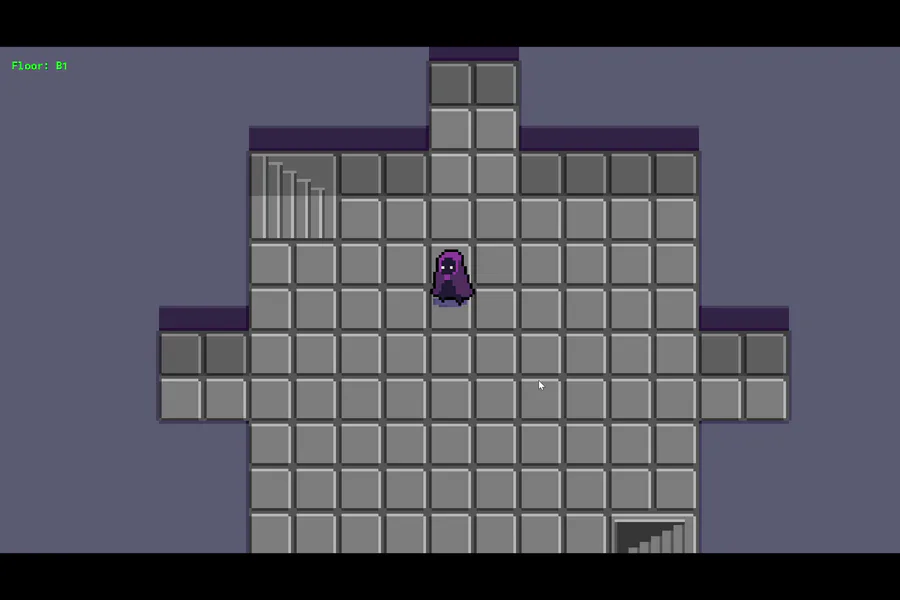
For day 568 of coding, I made text that will appear when any of the arrow or shift keys are pressed. For some reason; the shift key, up key, and either left or right doesn't work together
Shift works completely fine with the WASD keys
 Loading...
For day 567 of coding, I have set the player animation to a single frame whenever they are dashing

Not this meme here too !



 Loading...
For day 566 of coding, I have altered the black fade screen to fit the screen whether I'm zoomed out out or not
 Loading...
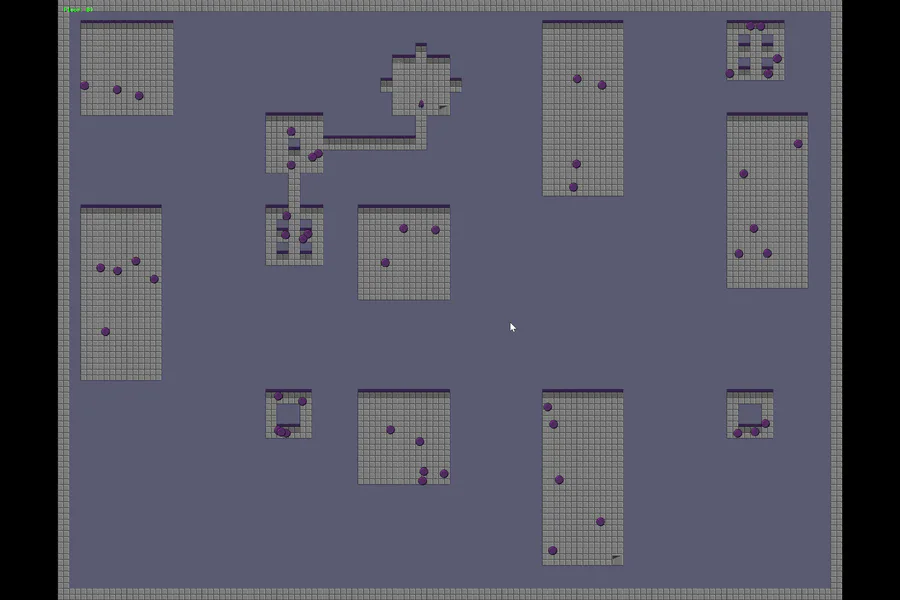
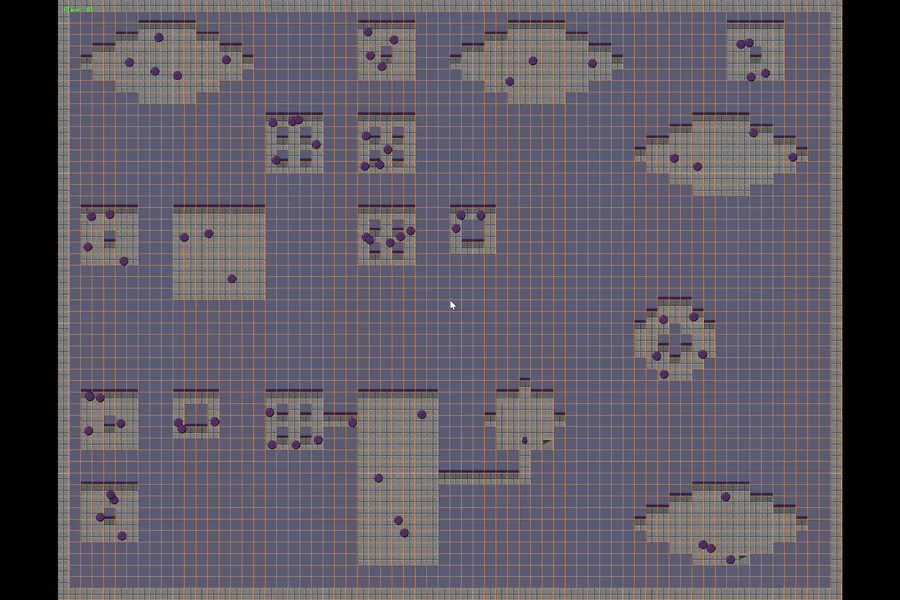
For day 565 of coding; I've noticed in previous days that when a new map is made, the objects from the previous remain present. I have made sure that they are destroyed once the new map is formed
 Loading...
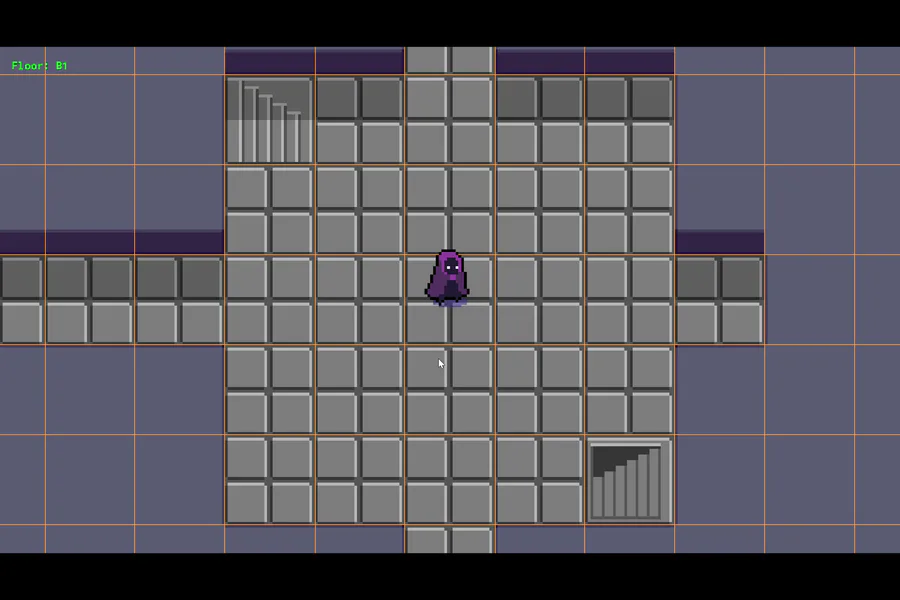
For day 564 of coding, the player's dash can now move based on the player's current direction
 Loading...
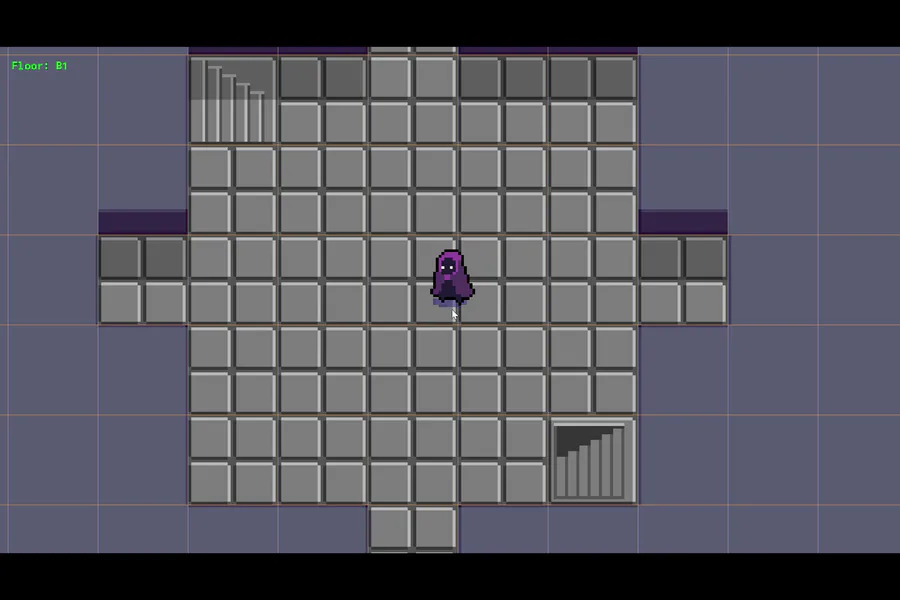
For day 563 of coding, the player no longer changes direction mid dash when they hit a wall. I have noticed however; that when trying to dash against the wall, the player will move in a different direction
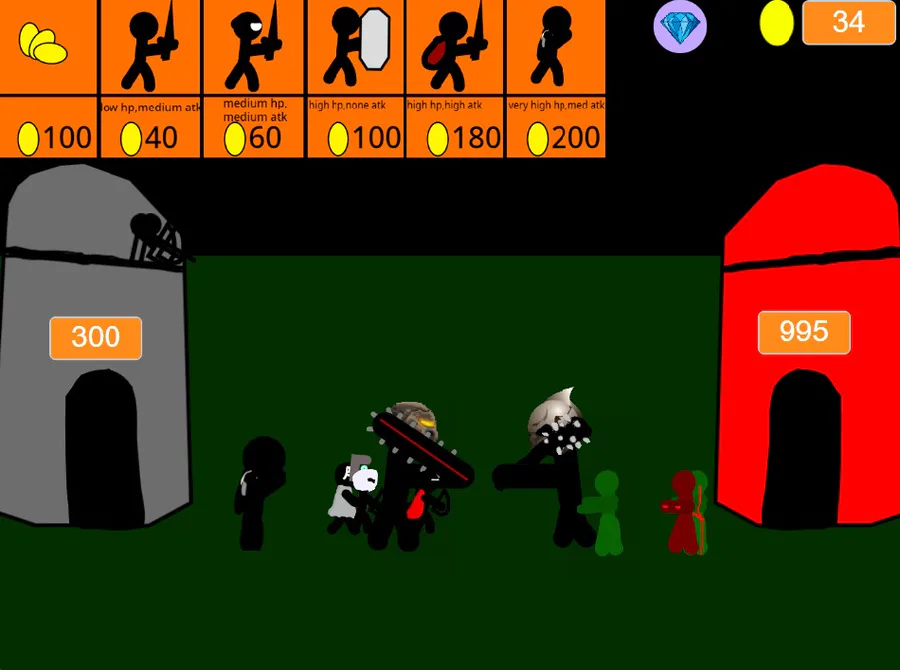
This is my game its smiliar to stick war legacy
it has 4 different types of chests
4 different rarities of cards
You choose your own desk and go into battle!
Win some games and gain new cards and gems!!!
https://gamejolt.com/games/stickman_tower/914770




 Loading...
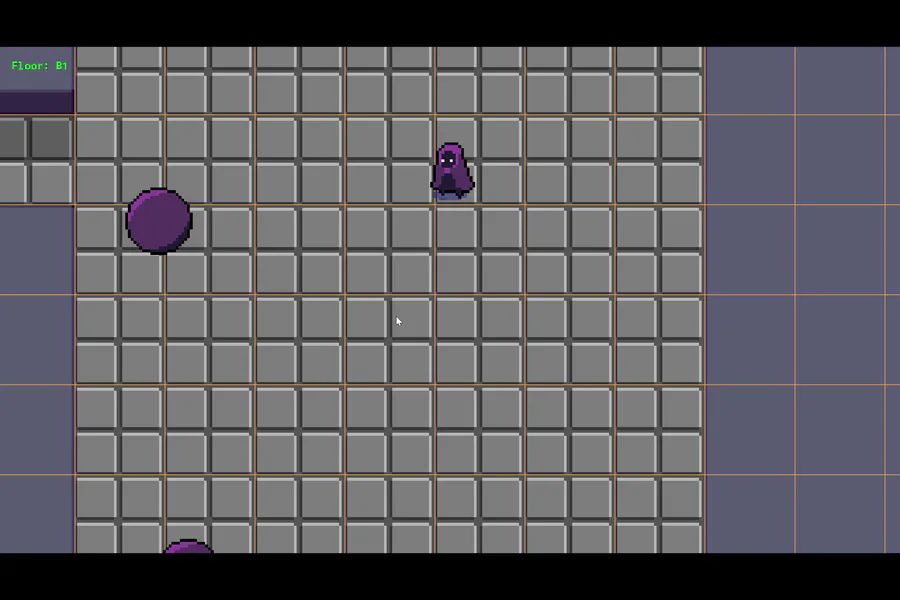
For day 562 of coding, I am working on the player's dash. I will need to find out why the player changes directions instead of stopping when they hit a wall